In this guide, you will see:
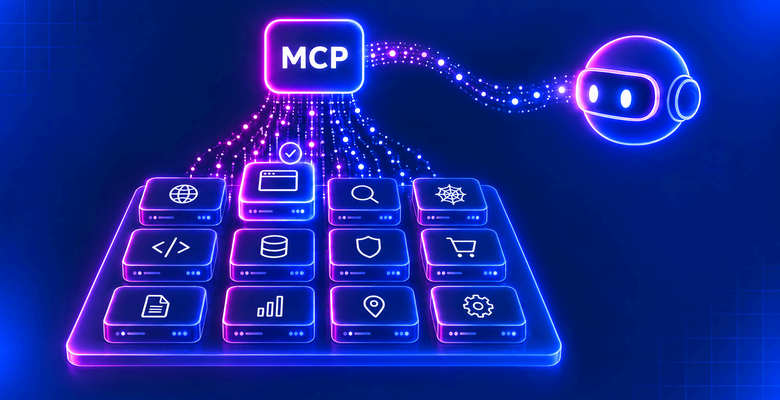
- Why AI agents need an MCP server exposing tools for web access in the first place.
- Which criteria to consider when evaluating the best MCP servers for web scraping.
- How the top 12 web scraping MCP servers compare.
Let’s dive in!
Why AI Agents Need a Web Scraping MCP Server
Most leading AI agent solutions, including Claude Code, OpenAI Codex, Gemini CLI, and Grok Build, offer built-in web search, URL fetching, or both. These capabilities allow AI agents to retrieve up-to-date information, but they cannot access every page reliably.
Protected websites may block automated requests, while JavaScript-rendered pages can return little or no content through basic fetching methods. For example, Anthropic’s Web Fetch tool does not support pages that rely on JavaScript rendering. See how Anthropic’s Web Fetch tool compares with Bright Data’s web fetch tools.
These limitations matter because LLMs have a knowledge cutoff: their training data only covers information available up to a certain point. Web search and extraction help overcome this constraint by supplying relevant, current information that models can use to produce more accurate answers. Browser automation goes further, allowing agents to interact with websites and handle dynamically loaded content.
As AI agents become increasingly useful in real-world applications, relying solely on built-in search and fetching capabilities can be insufficient. A dedicated web scraping MCP server provides an additional layer of data access, helping agents retrieve information from challenging websites, overcome extraction barriers, and process dynamic pages more reliably.
TL;DR: Summary Table With the Top Web Scraping MCP Servers
| MCP server | Best for | Supported protocols | Open-source MCP server | Tools | Infrastructure | Web scraping tools | Web search tools | Browser automation tools | Free plan | Pay-as-you-go plan | Concurrency / request limits |
|---|---|---|---|---|---|---|---|---|---|---|---|
| Bright Data MCP | All-in-one web search, scraping, and browser automation | stdio, SSE, Streamable HTTP | ✅ | 30 | Cloud (400M+ residential proxy IPs) | ✅ | ✅ | ✅ | ✅ 5,000 shared credits/mo | ✅ $1.50/1,000 requests, scraper records usage-based, browser traffic $8/GB | Unlimited concurrency, 1,000 RPM on free accounts |
| Firecrawl MCP | Website crawling and structured extraction | stdio, SSE, Streamable HTTP | ✅ | 33 | Cloud | ✅ | ✅ | ✅ | ✅ 1,000 credits/mo | ✅ | 2-100 concurrent requests by plan |
| Apify MCP | Running ready-made website-specific Actors | stdio, Streamable HTTP | ✅ | Thousands | Cloud | ✅ | ✅ | ✅ | ✅ $5 monthly platform usage | ✅ Actor usage billed per event or compute unit | 5-256 concurrent Actor runs by plan |
| Scrapling MCP | Self-hosted stealth scraping and browser actions | stdio, Streamable HTTP | ✅ | 17 | Local | ✅ | ❌ | ✅ | ✅ Free self-hosted server | N/A | Host-dependent |
| Browserbase MCP server | Persistent cloud browser automation | stdio, Streamable HTTP | ✅ | 6 | Cloud | ✅ | ❌ | ✅ | ✅ 1 browser hour/mo | ✅ Additional browser hours $0.12/hour on Developer and $0.10/hour on Startup | 3-250+ concurrent browsers by plan |
| Playwright MCP | Structured browser automation across browsers | stdio, SSE over HTTP, Streamable HTTP | ✅ | 70+ | Local | ✅ | ❌ | ✅ | ✅ Free self-hosted server | N/A | Host-dependent |
| Invisible Playwright MCP | Stealth automation with patched Firefox | stdio, Streamable HTTP | ✅ | 18 | Local | ✅ | ❌ | ✅ | ✅ Free self-hosted server | N/A | 2 browser instances per process, one page each |
| Selenium MCP | Cross-browser WebDriver workflows | stdio | ✅ | 18 | Local | ✅ | ❌ | ✅ | ✅ Free self-hosted server | N/A | Host-dependent |
| Chrome DevTools MCP | Chrome automation, debugging, and performance analysis | stdio, Streamable HTTP | ✅ | 63 | Local | ✅ | ❌ | ✅ | ✅ Free self-hosted server | N/A | Host-dependent |
| Fetch MCP | Lightweight page and transcript retrieval | stdio | ✅ | 6 | Local | ✅ | ❌ | ❌ | ✅ Free self-hosted server | N/A | Host-dependent |
| Tavily MCP | Web research with search, extraction, and crawling | stdio, Streamable HTTP, SSE bridge | ✅ | 5 | Cloud | ✅ | ✅ | ❌ | ✅ 1,000 credits/mo | ✅ $0.008/credit | 100-1,500 RPM by plan |
| Exa MCP | Semantic web search and multi-step research | stdio, Streamable HTTP | ✅ | 4 | Cloud | ✅ | ✅ | ❌ | ✅ $10 monthly API credits | ✅ $4-$7/1,000 search requests | 50 active Agent runs, 10-25 QPS |
Aspects to Consider When Evaluating MCP Servers for Web Scraping
A quick online search reveals a wide range of MCP servers offering web search, scraping, and browser automation tools.
To identify the best MCP server for web scraping, it is important to compare available solutions against a consistent set of criteria, such as:
- Type: Whether the MCP server is self-hosted, remotely hosted (SSE or Streamable HTTP), or cloud-based.
- Setup: How to configure the MCP server in Claude Code, including the required JSON configuration.
- Features: The main capabilities offered by the server, including configurable tools, available toolsets, OAuth and other authentication methods, scalability, concurrency, and more.
- Infrastructure: The technology and infrastructure powering the server, including the use of local or remote browsers, the browser automation library, available IP addresses, scalability, and concurrency limits.
- Main tools: The most relevant tools exposed by the MCP server for web scraping and data extraction.
- GitHub stars: The number of stars received by the project’s GitHub repository, providing an indication of its popularity and community interest.
- Pricing: How the pricing model works, including available plans, credit consumption, usage limits, and whether a free tier is available.
Best MCP Servers for Web Scraping
Discover the top MCP servers for web scraping, ranked according to the evaluation criteria outlined above. Unsurprisingly, most of the providers listed below also feature in our ranking of the best web access tools for AI agents.
Bright Data MCP
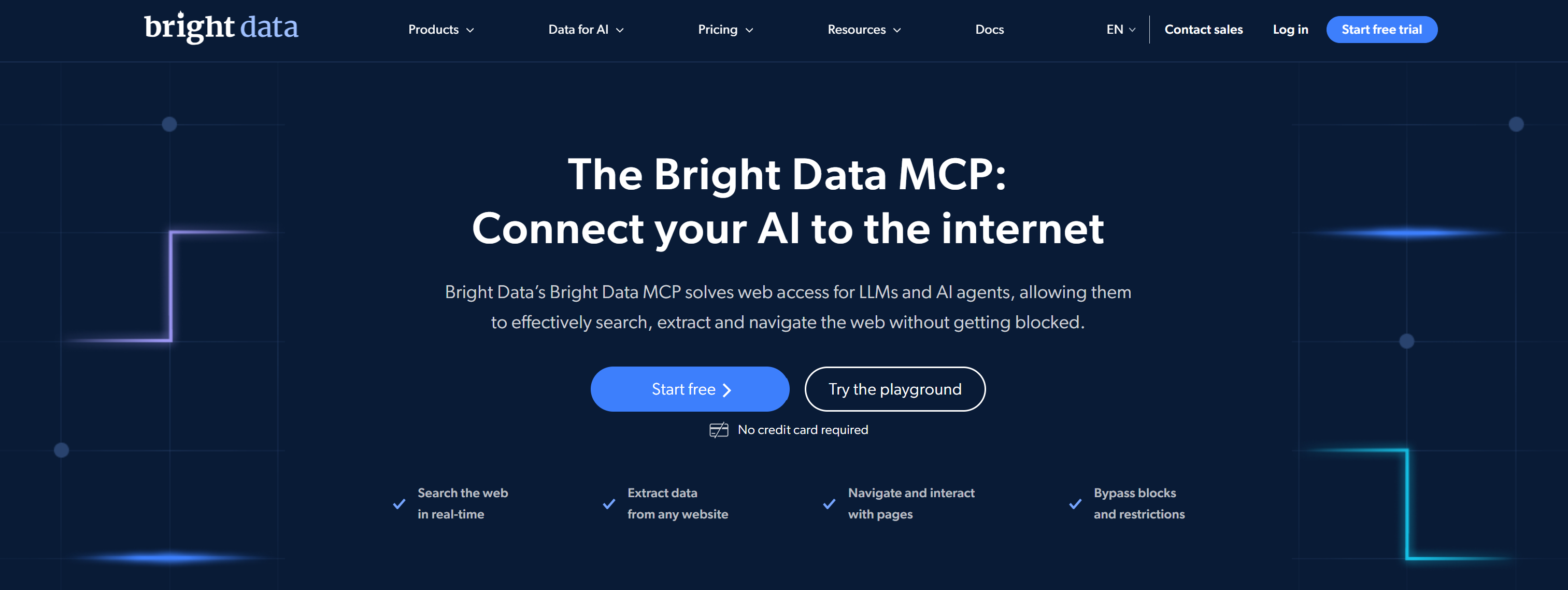
Bright Data MCP server provides AI agents with a unified interface for live web search, page retrieval, structured data extraction, access to protected websites, and remote browser automation.
More specifically, it exposes tools built around Bright Data’s most popular products:
- The SERP API searches Google, Bing, Yandex, and other search engines, returning structured results with geographic and time-range filters.
- The Web Unlocker API retrieves web pages as AI-ready Markdown or raw HTML, handling bot detection, CAPTCHA challenges, and proxy rotation.
- The Scraping Browser provides remote browser sessions for JavaScript rendering, page navigation, clicking, and screenshots.
- The Web Scraper API provides access to over 1,000 ready-made scrapers covering hundreds of websites and returns structured data records.
The server also includes ChatGPT and Perplexity insight tools for generating web-grounded responses.
Best for: Production-ready web search, scraping, and browser automation for individual developers, SMEs, and enterprises.
Type:
- Hosted remote server over SSE or Streamable HTTP, authenticated with an API token or via OAuth.
- Self-hosted Node.js package or Dockerfile-based container using stdio and an
API_TOKEN.
Setup:
For the hosted server, configure Streamable HTTP:
{
  "mcpServers": {
    "brightdata": {
      "type": "http",
      "url": "https://mcp.brightdata.com/mcp?token=YOUR_API_TOKEN"
    }
  }
}
For a local installation:
{
  "mcpServers": {
    "brightdata": {
      "command": "npx",
      "args": ["@brightdata/mcp"],
      "env": {
        "API_TOKEN": "YOUR_API_TOKEN"
      }
    }
  }
}
For more guidance, explore the documentation or read our dedicated blog post on configuring Bright Data MCP with Claude Code.
Features:
- Thirty tools cover search, extraction, scrapers, datasets, browser automation, and ChatGPT and Perplexity insights.
- Select tool groups or tools and set SERP/browser zones.
- Search Bing or Google with country, time-range, and result-page filters.
- Built-in batch tools for multiple requests from the same tool call.
- Fetch pages as Markdown, text, HTML, or JSON-LD.
- Choose from thousands of prebuilt scrapers to extract structured data from e-commerce, social media, and business websites.
- Query social and business datasets with field filters and cursor pagination.
- Use SSE or Streamable HTTP remotely, or local stdio authenticated with an API token.
Infrastructure: Bright Data’s enterprise network provides 400M+ monthly residential IPs across 195 countries and unlimited concurrent sessions. Its SLA guarantees 99.99% uptime, with a 99.95% proxy success rate. Free accounts get 1,000 requests per minute. Together, this infrastructure makes Bright Data MCP one of the best MCP servers for Claude Code.
Main tools:
| Tool | Description |
|---|---|
search_engine |
Searches Bing by default or Google, returning ten organic results per page with country, page, and time-range filters. |
scrape_as_markdown |
Fetches one page through Fetch API as Markdown, text, HTML, or JSON-LD, without JavaScript rendering. |
scrape_batch |
Fetches up to five pages concurrently and returns content or an error for each URL in input order. |
search_scrapers |
Finds prebuilt scrapers by website or data type, returning dataset IDs, domains, names, and collection methods. |
get_scraper_details |
Returns a selected scraper method’s required inputs, sample input, description, and main output fields. |
run_scraper |
Starts a scraper job for supplied inputs, returning records or a snapshot ID when processing continues. |
get_scraper_progress |
Reports scraper job status, including starting, running, ready, failed, or canceled. |
get_scraper_results |
Retrieves records from a completed scraper job, or reports that processing remains underway. |
search_dataset |
Filters searchable datasets and returns up to ten matching records directly, with cursor-based pagination. |
scraping_browser_navigate |
Opens or reuses a remote browser session, navigates to a URL, and resets tracked network requests. |
scraping_browser_snapshot |
Captures an ARIA snapshot of interactive page elements and their references for subsequent browser actions. |
scraping_browser_click_ref |
Clicks an element by its reference from the latest ARIA snapshot, with a human-readable description. |
GitHub stars: 2.7k+ stars.
Pricing:
| Plan | Price | Included usage | Concurrency | Browser traffic |
|---|---|---|---|---|
| Free | $0 | 5,000 requests per month | 1,000 requests per minute | 5 credits/MB |
| Pay as you go | $1.50 per 1,000 requests | Usage-based | Unlimited | $8/GB |
| Scale | $499/mo | 383,000 results | Unlimited | $6/GB |
| Enterprise | Custom | Custom | Unlimited | Custom |
Credit usage: New accounts receive 5,000 shared credits per month. Search and Fetch use one credit per request, Web Scraper API uses one credit per returned record, and Browser API uses five credits per MB. Credits renew monthly.
Firecrawl MCP
Firecrawl MCP connects AI agents to its web data API for search, scraping, crawling, browser interaction, file parsing, and structured research. It supports both known-URL extraction and site-wide discovery across multiple pages.
Discover how Firecrawl compares to Bright Data.
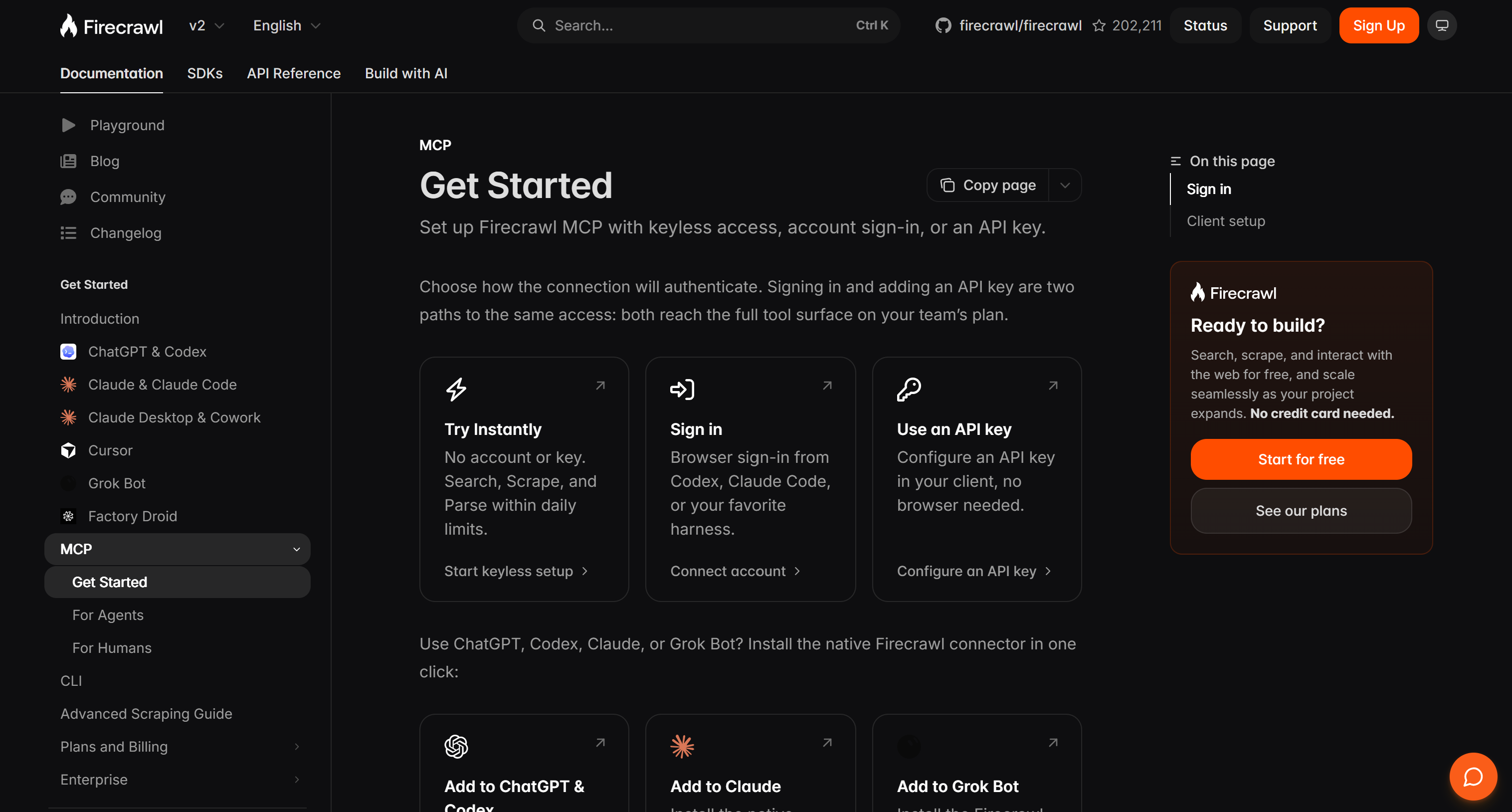
Best for: Crawling websites and turning page content into clean, structured data for AI workflows.
Type:
- Hosted remote server over Streamable HTTP, with keyless access or OAuth and API-key authentication.
- Self-hosted Node.js package using stdio by default, with local Streamable HTTP and SSE modes.
- Docker image
mcp/firecrawlsupports stdio and Streamable HTTP.
Setup:
The hosted endpoint allows keyless use of scrape, search, and parse within rate limits. Sign in with OAuth or use an API key for broader access.
{
  "mcpServers": {
    "firecrawl": {
      "type": "http",
      "url": "https://mcp.firecrawl.dev/v2/mcp"
    }
  }
}Features:
- Tools scrape specified URLs and return content as Markdown, HTML, screenshots, links, or structured JSON based on a defined schema.
- Search returns ranked results, with optional page scraping and filters for category, language, country, and date.
- Map discovers URLs across a website, while Crawl extracts content from multiple pages with configurable depth, path, and page limits.
- Parses PDFs and local or uploaded files into Markdown or structured JSON.
- Interact automates browser actions on dynamic pages, including clicking, typing, filling out forms, and navigating websites.
Infrastructure: The MCP server connects to Firecrawl’s hosted API, which performs scraping and browser actions. Concurrency limits vary by plan.
Main tools:
| Tool | Description |
|---|---|
firecrawl_scrape |
Scrapes a known URL and returns selected formats, with options for main-content extraction and structured output. |
firecrawl_search |
Searches for relevant web pages and can scrape result contents in the same call. |
firecrawl_crawl |
Crawls multi-page sites with depth and path controls, returning job status and page results. |
firecrawl_map |
Maps a domain to discover URLs without fetching all page content. |
firecrawl_parse |
Parses PDFs and other files, returning Markdown or structured JSON. |
firecrawl_interact |
Executes browser actions such as clicks, typing, form fills, and navigation. |
firecrawl_agent |
Runs multi-source research and returns structured output for open-ended questions. |
GitHub stars: 7.8k+ stars.
Pricing:
| Plan | Monthly price (monthly / annual billing) | Credits per month | Concurrent requests |
|---|---|---|---|
| Free | $0 | 1,000 | 2 |
| Hobby | $19 / $16 | 5,000 | 5 |
| Standard | $99 / $83 | 100,000 | 25 |
| Growth | $399 / $333 | 500,000 | 50 |
| Scale | $749 / $599 | 1,000,000 | 100 |
| Enterprise | Custom | Custom | Custom |
Credit usage: The Free plan refreshes 1,000 credits monthly without a credit card. A basic scrape or crawl costs 1 credit per page, Map costs 1 credit per call, Search costs 2 credits per 10 results, and Interact costs 2 credits per browser minute. Plan and credit details.
Apify MCP
Apify MCP connects AI clients to thousands of web-scraping Actors. Apify Actors are programs that run on the Apify cloud platform to perform web scraping, browser automation, data processing, and AI workflow tasks. Agents can find tools, inspect their inputs and output schemas, run scrapers, and retrieve structured results from websites and online services.
Learn more in our guide on Bright Data vs Apify.
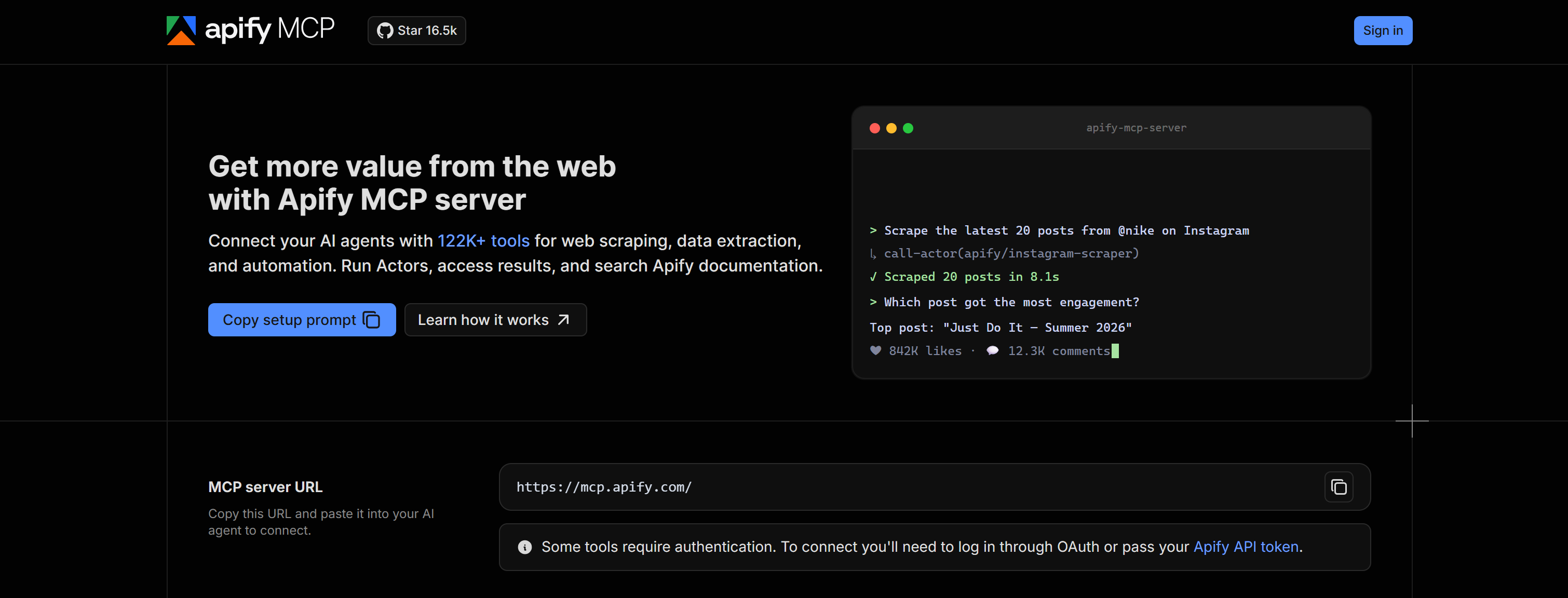
Best for: Running ready-made scrapers for specific websites and collecting their results in one workflow.
Type:
- Remote hosted endpoint using Streamable HTTP with OAuth or an Apify API token as a bearer token.
- Local Node.js package,
@apify/actors-mcp-server, using stdio and anAPIFY_TOKENor Apify CLI login. - Docker MCP catalog image
mcp/apify-mcp-server.
Setup:
{
  "mcpServers": {
    "apify": {
      "type": "http",
      "url": "https://mcp.apify.com"
    }
  }
}
Claude Code opens an Apify sign-in page the first time it connects. To use an API token instead, send it in an Authorization: Bearer header.
Features:
- Search Apify Store for Actors that scrape websites, search engines, maps, e-commerce, and social platforms.
- Inspect Actor inputs, output schemas, READMEs, and pricing before choosing a scraper.
- Run Actors with controls for timeout, memory, item count, wait time, and maximum spending.
- Retrieve structured results from datasets with field filters, offsets, and item limits.
- Hosted Actor calls infer output schemas.
Infrastructure: Apify runs selected Actors in its cloud and stores their output in datasets or key-value stores. The MCP server returns run and storage IDs, and local installations connect to the same platform over stdio. The service allows 20 requests per second per user.
Main tools:
| Tool | Description |
|---|---|
search-actors |
Searches Apify Store for Actors suited to a scraping or data-collection task. |
fetch-actor-details |
Returns an Actor’s input and output schema, README, and pricing before a run. |
call-actor |
Starts an Actor run and returns its status and storage IDs when it finishes or reaches its wait limit. |
get-dataset-items |
Reads an Actor’s stored results with item limits, offsets, and field filtering. |
get-actor-run |
Retrieves detailed status and metadata for a specific Actor run. |
apify/web-search |
Searches the web and returns a page of result titles, URLs, and snippets. |
apify/web-fetch |
Fetches a URL, renders JavaScript, and returns page content while handling anti-bot protection. |
GitHub stars: 16.5k+ stars.
Pricing:
| Plan | Monthly price | Included platform usage | Max concurrent Actor runs |
|---|---|---|---|
| Free | $0 | $5/mo | 5 |
| Starter | $19/mo | $19/mo | 32 |
| Scale | $199/mo | $199/mo | 128 |
| Business | $999/mo | $999/mo | 256 |
| Enterprise | Custom | Unlimited | Custom |
The Free plan includes $5 in monthly prepaid usage and requires no credit card. Paid plan fees are credited toward usage. Actor costs vary by per-event or compute-unit pricing, with storage, proxy, and data-transfer charges billed by use. Unused prepaid usage expires at the end of the billing cycle.
Scrapling MCP
Scrapling MCP is an open-source, self-hosted Python server for AI agents, combining HTTP fetching, stealth browser automation, structured extraction, and interactive workflows on dynamic or protected pages. See how to perform web scraping with Scrapling.
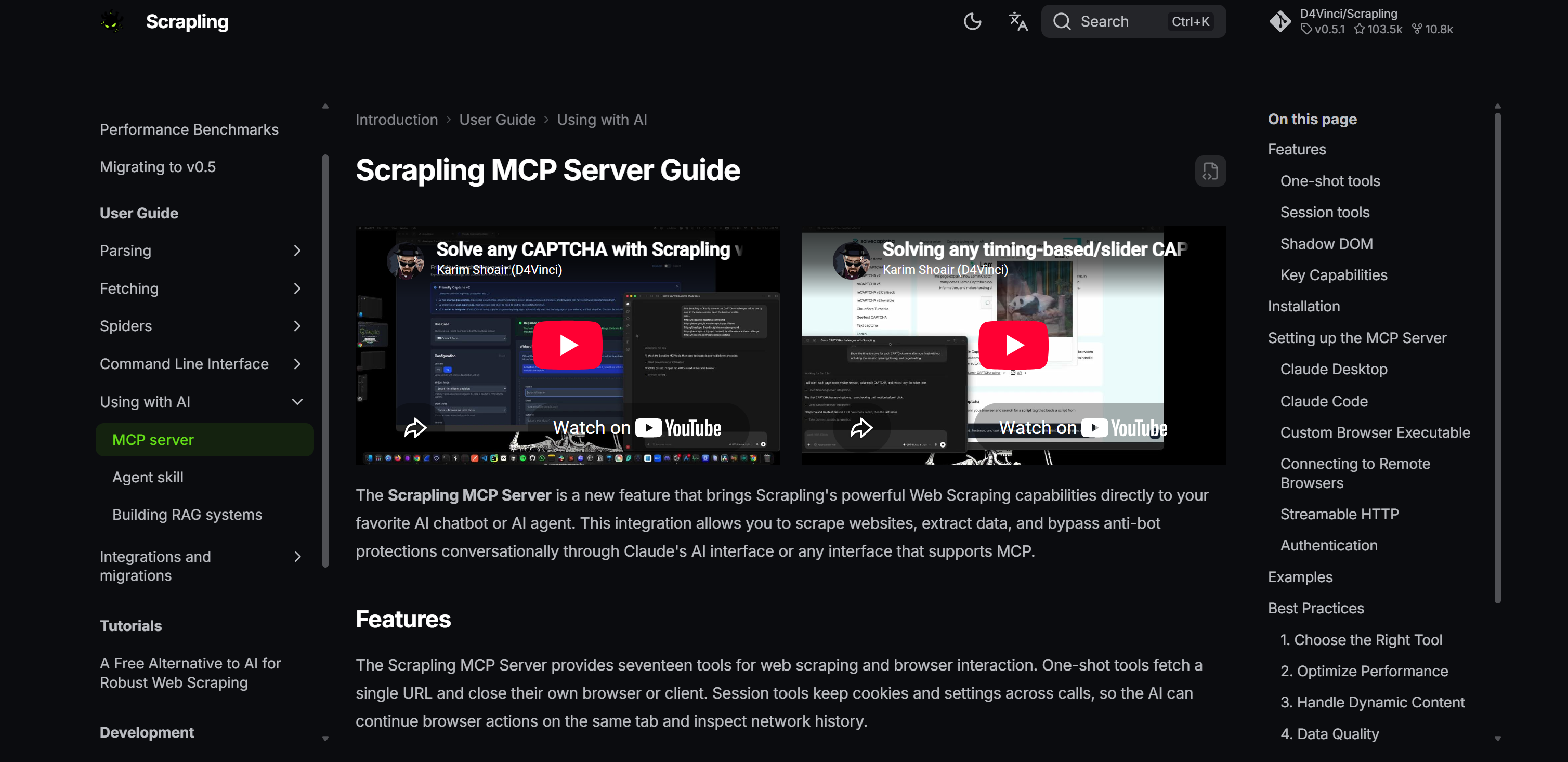
Best for: Self-hosted scraping of dynamic or protected pages using HTTP requests and browser automation.
Type:
- Self-hosted from the Python package or Docker images
pyd4vinci/scraplingandghcr.io/d4vinci/scrapling:latest, using stdio or Streamable HTTP. HTTP transport uses bearer-token authentication and configurable host and port settings. Both images include browser dependencies. - Browser sessions can connect to local or remote Chromium through CDP over WebSocket or HTTP.
Setup:
For a local Python installation, start with:
pip install "scrapling[ai]"
scrapling install
Then, add the MCP server to Claude Code:
claude mcp add ScraplingServer "/path/to/scrapling-mcp"Replace the path with the executable path from where scrapling-mcp on Windows or which scrapling-mcp on macOS or Linux.
For a Docker-based MCP client configuration:
{
  "mcpServers": {
    "ScraplingServer": {
      "command": "docker",
      "args": ["run", "-i", "--rm", "pyd4vinci/scrapling", "mcp"]
    }
  }
}Features:
- Seventeen tools cover one-shot fetches and persistent sessions, saved login state, browser actions, and network inspection.
- The stealth browser renders JavaScript and attempts to solve Cloudflare Turnstile and Interstitial challenges.
- HTTP tools support GET, POST, PUT, and DELETE requests, browser impersonation, matching browser headers, and HTTP/3.
- Configure proxies per fetch or session. Browser proxy settings accept server, username, and password.
- Browser actions support clicking, typing, scrolling, form filling, waiting, screenshots, and JavaScript evaluation.
Infrastructure: Scrapling MCP uses either HTTP fetchers with TLS impersonation and HTTP/3, or Playwright sessions in locally patched browsers with built-in CAPTCHA solving to handle JavaScript rendering on dynamic pages. The server supports user-supplied proxies and remote cloud browsers.
Main tools:
| Tool | Description |
|---|---|
make_request |
Fetches one URL over HTTP with configurable methods, browser impersonation, proxy, headers, and response extraction. |
browser_fetch_once |
Renders one URL in a stealth browser, with JavaScript, Cloudflare handling, and selectable output. |
browser_open |
Opens a reusable local or CDP-connected browser session with configurable proxy, locale, cookies, and browser settings. |
browser_fetch |
Renders a URL in an existing browser session and returns selected content or a structured snapshot. |
browser_actions |
Chains browser clicks, typing, scrolling, field filling, keyboard input, dialogs, and waits. |
browser_screenshot |
Captures the viewport, full page, or a chosen element without reloading the current page. |
browser_extract |
Extracts a page or element as snapshots, HTML, Markdown, text, or regex-matched snapshot lines. |
GitHub stars: 103.5k+ stars.
Pricing: Free.
Note: For scalability, you need to integrate proxies and potentially a remote browser service. Costs depend on the selected providers.
Browserbase MCP server
Browserbase MCP connects AI agents to cloud browsers through Stagehand for natural-language navigation, page interaction, and structured extraction. Persistent sessions let agents continue workflows with stored cookies and login state.
Best for: Automating interactive web tasks in persistent cloud browsers.
Type:
- Remote hosted endpoint using Streamable HTTP and a Browserbase API key.
- Docker setup using the
mcp/browserbaseimage.
Setup:
{
  "mcpServers": {
    "browserbase": {
      "type": "http",
      "url": "https://mcp.browserbase.com/mcp?browserbaseApiKey=YOUR_BROWSERBASE_API_KEY"
    }
  }
}Features:
- Stagehand interprets natural-language actions for page navigation, clicking, typing, and form workflows.
observelocates actionable elements, whileactcarries out instructed browser interactions.extractreturns structured page data from a natural-language instruction.- Start or reuse a session, close it, and pass its ID to reconnect.
- Sessions preserve cookies and login state, while endpoint parameters configure models and keep-alive behavior.
Infrastructure: Browserbase runs Stagehand sessions in its cloud browsers. Clients can reconnect with a session ID to continue using the same browser state, including cookies and login state.
Main tools:
| Tool | Description |
|---|---|
start |
Creates a Browserbase session or reuses a supplied session ID. |
navigate |
Opens a target URL in the active Browserbase session, preparing the page for later actions. |
observe |
Finds actionable elements on the current page from an instruction. |
act |
Performs a natural-language action such as clicking a button or filling a form. |
extract |
Extracts structured data from the current page using an optional instruction. |
end |
Closes the active Browserbase session and releases its browser resources. |
GitHub stars: 3.4k+ stars, yet the repository mcp-server-browserbase is now archived.
Pricing:
| Plan | Monthly price | Concurrent browsers | Included browser hours |
|---|---|---|---|
| Free | $0 | 3 | 1 |
| Developer | $20/mo | 25 | 100 |
| Startup | $99/mo | 100 | 500 |
| Scale | Custom | 250+ | 500+ |
The Free plan includes 3 Agent runs, 1,000 Search calls, 1,000 Fetch calls, and $5 in model tokens. Developer and Startup plans bill additional browser hours at $0.12 and $0.10 per hour. Search, Fetch, proxy, and model usage can also add usage charges.
Playwright MCP
Playwright MCP is a self-hosted browser automation server developed by Microsoft. It lets AI agents navigate and interact with websites through structured accessibility snapshots, persistent browser profiles, and configurable tool capabilities. It relies on Playwright-controlled browser sessions.
Best for: Browser automation that helps agents navigate pages and interact with structured page elements.
Type:
- Self-hosted MCP server using stdio by default.
- Standalone SSE transport over HTTP is available with
--port. Clients connect to the/mcpendpoint. - Docker image
mcr.microsoft.com/playwright/mcpsupports headless Chromium.
Setup:
{
  "mcpServers": {
    "playwright": {
      "command": "npx",
      "args": ["@playwright/mcp@latest"]
    }
  }
}
The browser downloads automatically on first use and opens in headed mode by default. Add --headless to run without a visible window.
As an alternative approach, for a Docker setup:
{
  "mcpServers": {
    "playwright": {
      "command": "docker",
      "args": [
        "run",
        "-i",
        "--rm",
        "--init",
        "--pull=always",
        "mcr.microsoft.com/playwright/mcp"
      ]
    }
  }
}Features:
- Accessibility snapshots give elements stable references for structured interaction without screenshot-based targeting.
- Configure optional tool groups with
--caps: network, storage, testing, vision, PDF, devtools, and config. - Browser options cover Chrome, Firefox, WebKit, Edge, headed or headless mode, device emulation, and viewport size.
- Persistent profiles retain cookies and local storage. Isolated mode starts fresh without saving state.
- Proxy options set a server and bypass domains, including authenticated HTTP or SOCKS5 proxy URLs.
Infrastructure: Playwright defaults to Chrome, with Firefox, WebKit, and Edge supported. The server uses stdio or HTTP/SSE. Profiles retain cookies and local storage. It also connects to Chrome or Edge tabs through the browser extension or to remote browsers through CDP.
Main tools:
| Tool | Description |
|---|---|
browser_navigate |
Navigates the active page to a URL and returns an accessibility snapshot for the next action. |
browser_snapshot |
Captures the accessibility tree with element references, giving the agent structured page state. |
browser_click |
Clicks a referenced element such as a button or link and reports updated page state. |
browser_fill_form |
Fills multiple form fields in one call using target element references and supplied values. |
browser_type |
Types text into a referenced field and can submit the form. |
browser_take_screenshot |
Captures the current page or selected element as PNG, JPEG, or WebP. |
browser_network_requests |
Lists requests made by the page so the agent can inspect network activity. |
GitHub stars: 39.7k+ stars.
Pricing: Free.
Invisible Playwright MCP
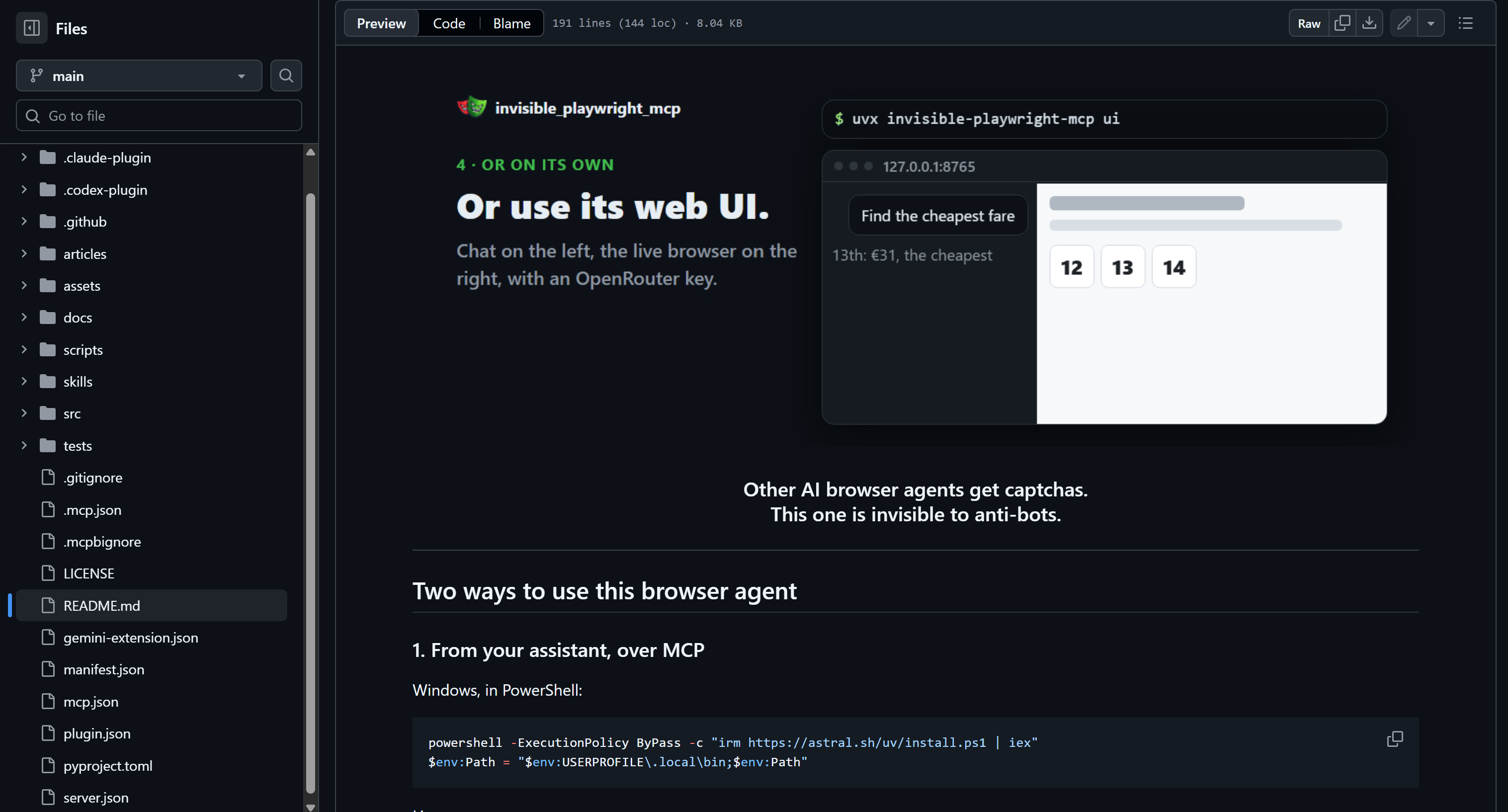
Invisible Playwright MCP, developed and maintained by Federico Elia, equips AI agents with a stealth Firefox browser for browsing, reading, and interacting with dynamic sites using a fingerprint implemented inside a patched browser engine.
Best for: Stealth browsing on dynamic websites where browser fingerprint control is important.
Type:
- Self-hosted Python MCP server using stdio by default, launched with
uvx. - Optional Streamable HTTP transport uses configurable host and port environment variables.
Setup:
Requires Python 3.11 or newer and uv.
{
  "mcpServers": {
    "stealth": {
      "command": "uvx",
      "args": ["invisible-playwright-mcp"]
    }
  }
}
The browser engine downloads when the server starts for the first time.
Features:
- A C++-patched Firefox engine creates the browser fingerprint inside the engine.
- Reads pages as visible text, selected HTML modes, interactive snapshots, or screenshots.
- Real pointer and keyboard actions (e.g., clicking, typing, selecting options, and uploading files).
- Browser evaluation reads page state and returns JSON without changing the page.
- Seeded fingerprints and persistent profiles keep browser identity, cookies, and logins across runs.
Infrastructure: The server starts a patched Firefox browser locally and stores its profiles on the host. Each process can run a main and support browser, one page per browser, and set proxy, timezone, and locale per session.
Main tools:
| Tool | Description |
|---|---|
browser_open |
Starts main or support Firefox with optional proxy, deterministic seed, or persistent profile settings. |
browser_navigate |
Loads a URL in the browser and returns the HTTP status and final destination URL. |
browser_read_text |
Returns visible text from the whole page or a selected CSS element. |
browser_snapshot |
Summarizes title, URL, and visible interactive elements with selectors or viewport coordinates. |
browser_read_html |
Returns form-focused, text-only, or full HTML after reducing irrelevant page markup. |
browser_click |
Clicks the first matching CSS selector after scrolling it into view and waiting until clickable. |
browser_type |
Types into a selected field with real keyboard events, replacing its existing content. |
GitHub stars: 865+ stars.
Pricing: Free.
Selenium MCP
Selenium MCP, developed by Angie Jones, provides AI agents with browser automation through Selenium WebDriver, covering navigation, element interaction, content extraction, session controls, and support for Chrome, Firefox, Edge, and Safari.
Best for: Cross-browser automation for workflows that navigate websites, interact with elements, and extract page content.
Type:
- Self-hosted Node.js MCP server using stdio.
Setup:
{
  "mcpServers": {
    "selenium": {
      "command": "npx",
      "args": ["-y", "@angiejones/mcp-selenium@latest"]
    }
  }
}Features:
- Eighteen tools launch and control Chrome, Firefox, Edge, or Safari sessions with browser options.
- Element locators support ID, CSS, XPath, name, tag, and class strategies.
- Mouse actions, text entry, keypresses, file uploads, and alerts automate page workflows.
- Reads element text and attributes, returns an accessibility tree, and captures screenshots.
- Manages cookies, browser windows, tabs, and frames across sessions.
- Runs JavaScript for advanced interactions, DOM manipulation, scrolling, and style inspection.
- WebDriver BiDi provides console, page-error, and network diagnostics when supported.
Infrastructure: The server uses Selenium WebDriver to launch and control browser sessions on the host. Its Dockerfile installs Chromium and ChromeDriver, and WebDriver BiDi exposes console, page-error, and network events in supported sessions.
Main tools:
| Tool | Description |
|---|---|
start_browser |
Launches a Chrome, Firefox, Edge, or Safari session with optional headless mode and browser arguments. |
navigate |
Loads a target URL in the current browser session and prepares the page for interaction. |
interact |
Clicks, double-clicks, right-clicks, or hovers over an element found by the selected locator. |
send_keys |
Clears a selected input and types supplied text, with a configurable wait timeout. |
get_element_text |
Returns text from an element selected by ID, CSS, XPath, name, tag, or class. |
get_element_attribute |
Reads an attribute such as href, value, or class from a located page element. |
take_screenshot |
Captures the current page as base64 image data or saves it to the supplied output path. |
GitHub stars: 431+ stars.
Pricing: Free.
Chrome DevTools MCP
Chrome DevTools MCP, maintained by the Chrome DevTools team at Google, gives AI agents access to a live Chrome browser for automation, inspection, debugging, and performance analysis.
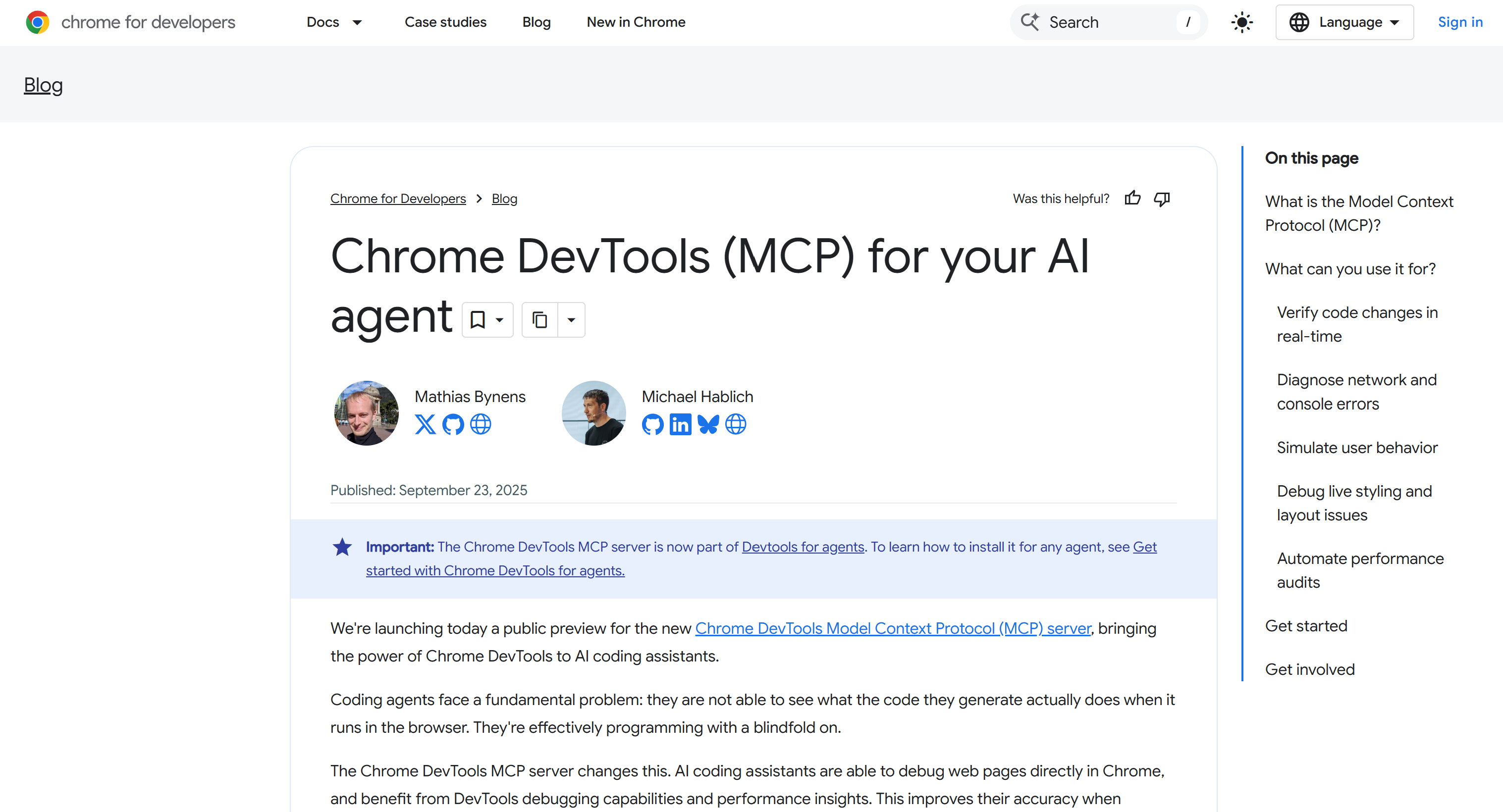
Best for: Automating Chrome while inspecting page behavior, network activity, and performance.
Type:
- Self-hosted Node.js MCP server using stdio, with options for Streamable HTTP.
Setup:
Requires Node.js LTS and current stable Chrome or newer.
{
  "mcpServers": {
    "chrome-devtools": {
      "command": "npx",
      "args": ["-y", "chrome-devtools-mcp@latest"]
    }
  }
}
Chrome starts when a browser tool is first used and opens in headed mode by default. Add --headless to run without a visible window.
Features:
- Accessibility snapshots assign element UIDs for structured interactions and element-specific actions.
- Network tools inspect requests, headers, and bodies, with filters by resource type and navigation history.
- Performance traces report Core Web Vitals. Lighthouse audits check accessibility, SEO, and best practices.
- 63 tools are grouped by configurable categories.
- Configure proxies, persistent or isolated profiles, WebSocket authentication headers, and page-ID routing for concurrent tabs.
Infrastructure: The server launches local Chrome through Puppeteer or connects to an existing browser over HTTP or WebSocket. It reuses a persistent profile by default, supports temporary isolated profiles, and routes concurrent page calls by page ID. The solution can also connect to remote, cloud, stealth browsers.
Main tools:
| Tool | Description |
|---|---|
navigate_page |
Navigates to a URL, reloads the page, or moves backward and forward in browser history. |
take_snapshot |
Returns an accessibility snapshot with element UIDs for subsequent browser interactions. |
click |
Clicks an element by UID, with an option to double-click or return an updated snapshot. |
fill_form |
Fills multiple input, select, checkbox, and radio fields in a single call. |
evaluate_script |
Runs JavaScript in a page or service worker and returns JSON-compatible data. |
list_network_requests |
Lists recent page requests, with resource-type filters and optional retained navigation history. |
performance_start_trace |
Records a performance trace to inspect page speed and Core Web Vitals. |
GitHub stars: 57.3k+ stars.
Pricing: Free.
Fetch MCP
Fetch MCP, created by Zach Caceres, is a self-hosted Node.js server for retrieving web pages as HTML, Markdown, text, or JSON, extracting readable articles, and fetching YouTube transcripts.
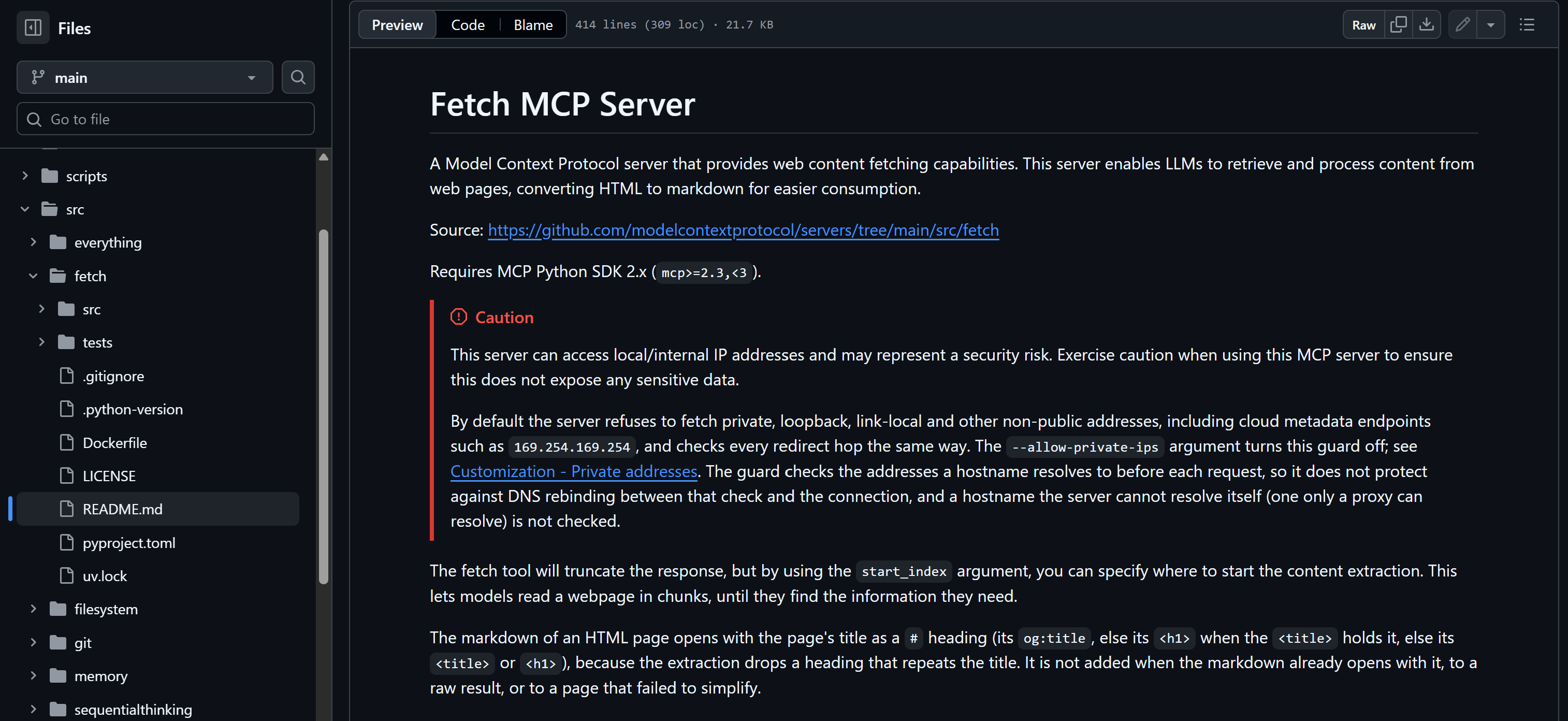
Best for: Retrieving page content and video transcripts without maintaining browser sessions.
Type:
- Self-hosted Node.js server using stdio for MCP communication.
- Also available as a local CLI for fetching web content and YouTube transcripts.
Setup:
{
  "mcpServers": {
    "fetch": {
      "command": "npx",
      "args": ["mcp-fetch-server"]
    }
  }
}Features:
- Multiple tools to retrieve web content in different formats, including raw HTML, Markdown, plain text, JSON, readable articles, and YouTube transcripts.
- Mozilla Readability extracts the main article content while removing navigation menus, advertisements, and other irrelevant elements.
- Custom headers,
max_length, andstart_indexoptions allow request customization and pagination through long results. - SSRF protection blocks requests to localhost, private IP addresses, and destinations vulnerable to DNS rebinding.
- Ability to retrieve YouTube transcripts.
Infrastructure: The MCP server uses Node.js fetch for HTTP requests, JSDOM and Mozilla Readability for article extraction, and Turndown for Markdown conversion. YouTube captions are handled via yt-dlp or direct page extraction. Responses default to a 10 MB cap, configurable with MAX_RESPONSE_BYTES.
Main tools:
| Tool | Description |
|---|---|
fetch_html |
Returns the target page’s raw HTML with optional headers, proxy, character limit, and start index. |
fetch_markdown |
Converts fetched HTML into Markdown with custom headers, output limits, and pagination. |
fetch_txt |
Removes script and style tags, then returns normalized body text from a fetched page. |
fetch_json |
Parses a JSON response and returns serialized content with a configurable length and start position. |
fetch_readable |
Extracts article content as Markdown without navigation, advertisements, or boilerplate. |
fetch_youtube_transcript |
Returns captions for a YouTube video in a selected language with transcript timestamps. |
GitHub stars: 836+ stars.
Pricing: Free.
Tavily MCP
Tavily MCP connects an AI client to Tavily’s web research APIs, with tools for live search, page extraction, site mapping, crawling, and multi-source research. It can connect through a hosted endpoint or a locally run Node.js package.
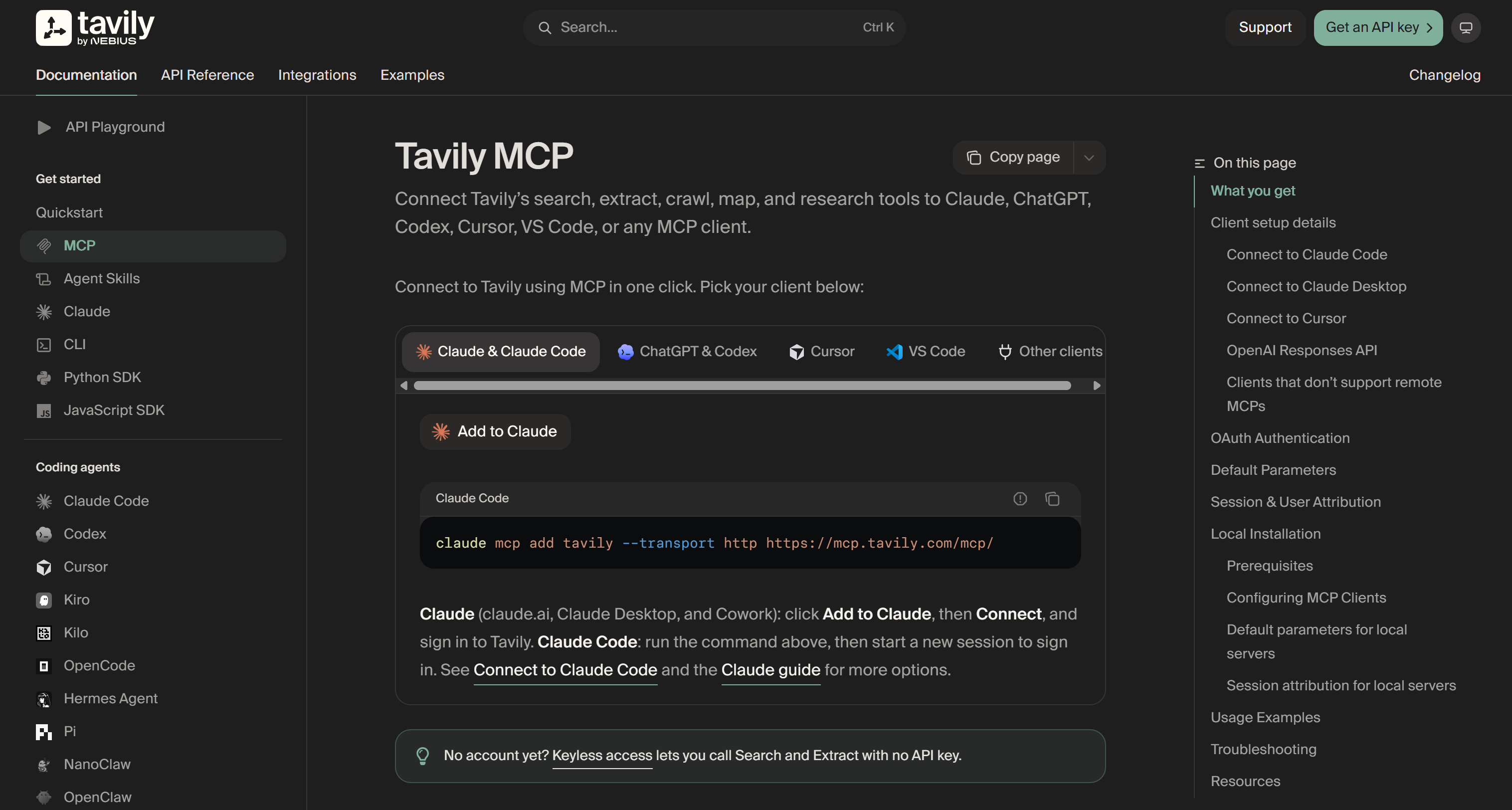
Best for: Web research combining current search results, targeted page extraction, and site crawling.
Type:
- Remote-hosted endpoint using the Streamable HTTP transport, with OAuth or API key authentication.
- Local
tavily-mcpNode.js package, which supports stdio clients. - Compatibility bridge available via
mcp-remoteto connect stdio-only clients to Tavily over HTTP + SSE. - Available as Docker image
mcp/tavily.
Setup:
{
  "mcpServers": {
    "tavily": {
      "type": "http",
      "url": "https://mcp.tavily.com/mcp/"
    }
  }
}
Start a Claude Code session to complete Tavily’s OAuth sign-in. API-key authentication is also supported.
Features:
- Results return up to 20 sources with optional answers, raw content, images, favicons, and snippets.
- Extract accepts multiple URLs, basic/advanced depth, query-ranked chunks, Markdown/text output, images, and timeout settings.
- Map and crawl support configurable depth, breadth, page limits, path and domain filters, external links, and natural-language instructions.
- Research supports model selection, streaming, citation formats, domain filters, and structured output schemas.
- Clients can select tools individually and set shared
DEFAULT_PARAMETERSlocally or through a remote header.
Infrastructure: Tavily’s hosted endpoint calls its web APIs. Its local Node.js package uses the same API. Request limits range from 100 to 1,500 RPM by plan. Crawl and Map cap at 100 RPM, while Research caps at 20 RPM.
Main tools:
| Tool | Description |
|---|---|
tavily_search |
Finds current web sources and returns results that can guide follow-up extraction. |
tavily_extract |
Retrieves clean page content from one or more specified URLs. |
tavily_map |
Discovers URLs across a website to reveal its page structure. |
tavily_crawl |
Maps a site and extracts content from multiple pages across it. |
tavily_research |
Runs multi-source web research and returns a detailed answer with supporting sources. |
GitHub stars: 2.5k+ stars.
Pricing:
| Plan | Monthly price | Included credits | Overall limit (RPM) |
|---|---|---|---|
| Researcher (Free) | $0 | 1,000/mo | 100 |
| Pay-As-You-Go | N/A | Billed per use ($0.008 per credit) | 1,000 |
| Project | $30 | 4,000/mo | 1,000 |
| Bootstrap | $100 | 15,000/mo | 1,000 |
| Startup | $220 | 38,000/mo | 1,000 |
| Growth | $500 | 100,000/mo | 1,500 |
| Scale | Custom | Custom | 1,500 |
| Enterprise | Custom | Custom | Custom |
Note: Credit consumption varies by operation and depth. For example, a basic search costs 1 credit, an advanced search costs 2, and crawl costs include mapping and extraction.
Exa MCP
Exa MCP connects AI clients to web search and page-content APIs, with controls for domain and date filtering, plus Exa Agent for multi-step research and structured result enrichment. For more info about Bright Data and Exa, read our blog post on Bright Data vs Exa.
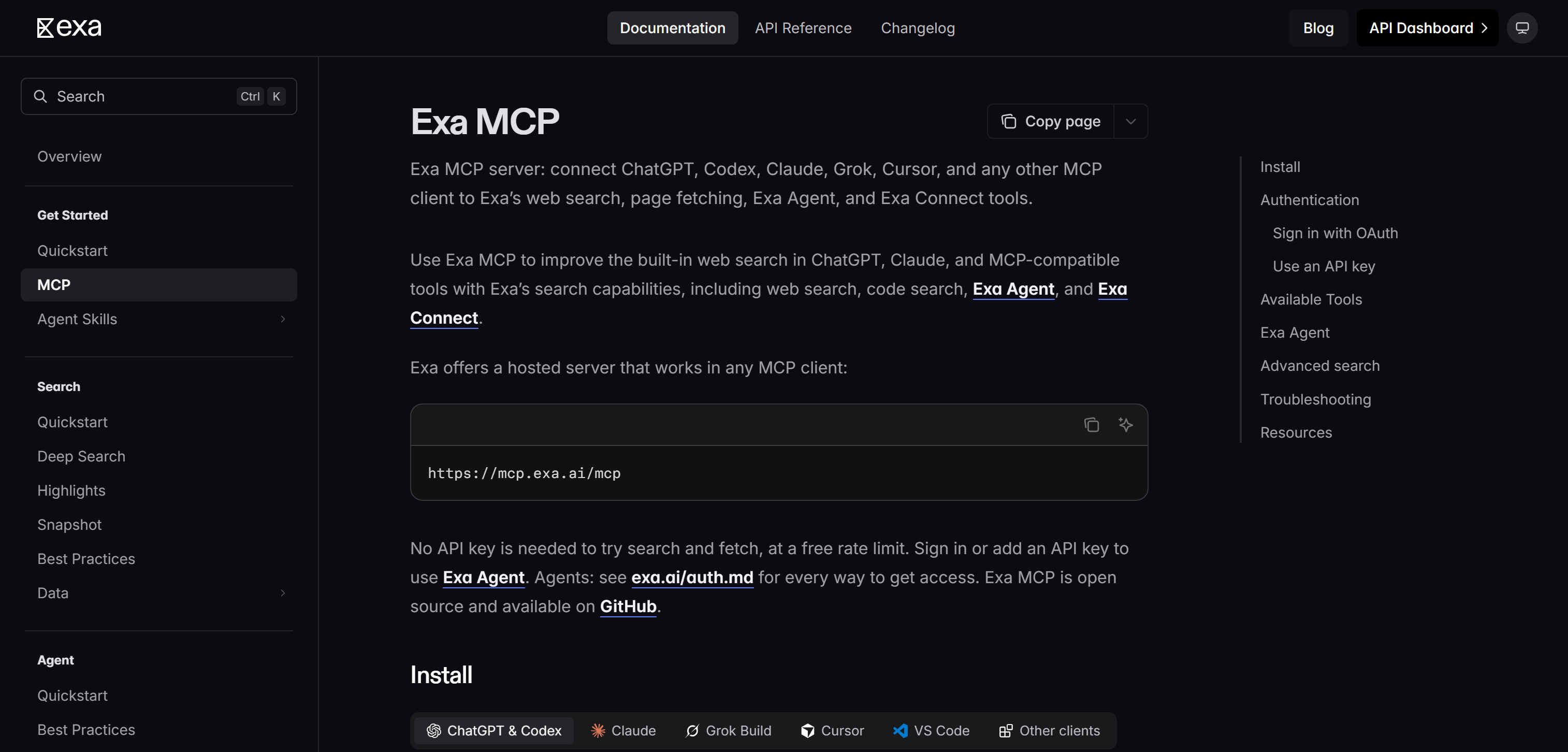
Best for: Finding relevant web sources and retrieving page content for research workflows.
Type:
- Hosted remote server over Streamable HTTP, with keyless access, OAuth, or API-key authentication.
- Self-hosted npm package
exa-mcp-serverusing stdio and an Exa API key.
Setup:
{
  "mcpServers": {
    "exa": {
      "type": "http",
      "url": "https://mcp.exa.ai/mcp"
    }
  }
}
The hosted endpoint supports search and fetch without a key at a limited rate. Sign in with OAuth or add an API key to use Exa Agent.
Features:
- Web search returns relevant results with ready-to-use content and configurable query parameters.
- Fetches one or more specified URLs and returns clean page content in Markdown.
- Advanced search supports filtering by domain, date, category, and result count, as well as highlights and subpage crawling.
- Exa Agent performs multi-step research and returns structured results for further enrichment and analysis.
- Possibility to control which MCP tools are exposed via the
toolsquery parameter.
Infrastructure: The hosted MCP endpoint routes searches and page fetches through Exa’s web index and Contents API. The local npm server sends the same requests over stdio using an Exa API key.
Main tools:
| Tool | Description |
|---|---|
web_search_exa |
Searches the web and returns relevant results with clean content for agent use. |
web_fetch_exa |
Fetches one or more specified URLs and returns their full page content as clean Markdown. |
web_search_advanced_exa |
Searches with filters for domains, dates, categories, highlights, summaries, and subpage crawling. |
agent_run |
Runs multi-step research with structured output, enrichment, and connected data providers. |
GitHub stars: 5.2k+ stars.
Pricing:
| Plan | Cost | Included credits and usage | Rate limits and concurrency |
|---|---|---|---|
| Free | $0 | $10 in monthly API credits, plus a one-time $10 onboarding bonus. | 10 QPS and 50 active Agent runs. |
| Pay as you go | No subscription or minimum spend | Prepaid credits. Search costs $4-$7 per 1,000 requests, depending on mode. | 10 QPS and 50 active Agent runs. Buying $1,000 in credits within 30 days raises QPS to 25 for 90 days. |
| Enterprise annual plan | $12,000/year | $12,000 in API credits. | 25 QPS, with custom concurrency available. |
Conclusion
In this comparison, you learned why AI agents need a web scraping MCP server, what these integrations offer, and how to evaluate the leading solutions.
The best MCP servers for web scraping are Bright Data MCP, Firecrawl MCP, Apify MCP, Scrapling MCP, Browserbase MCP, Playwright MCP, Invisible Playwright MCP, Selenium MCP, Chrome DevTools MCP, Fetch MCP, Tavily MCP, and Exa MCP.
Bright Data MCP stands out for its comprehensive toolkit covering web scraping, search, and browser automation, with a free tier offering up to 5,000 requests per month. Its key advantage is the enterprise-grade infrastructure behind it: over 400 million residential IPs, 99.99% uptime, support for unlimited concurrency, and a 99.95% success rate.
Create a Bright Data account today and integrate Bright Data MCP into your AI workflows for free!



Technical Writer
 5.5 years experience
Antonello Zanini is a technical writer, editor, and software engineer with 5M+ views. Expert in technical content strategy, web development, and project management.