This guide covers the ten MCP servers worth connecting to Claude Code. The first is the Bright Data MCP. It fixes a blind spot in the agent’s own toolkit. Claude Code’s built-in web tools are lossy by design, and capped per session.
Every server here is actively maintained. Servers that only duplicate a tool Claude Code already ships are excluded, because they cost context and add nothing.
TL;DR: the 10 MCP servers and what each one adds
| # | MCP server | What it adds to Claude Code | Transport |
|---|---|---|---|
| 1 | Bright Data MCP | Unblocked scraping, multi-engine search and structured JSON from 1,200+ pre-built scrapers | Remote HTTP |
| 2 | GitHub MCP Server | Issues, pull requests, Actions and code search across your repos | Remote HTTP |
| 3 | Context7 | Version-accurate library docs, so the agent stops inventing APIs | Remote HTTP |
| 4 | Sentry MCP | Production errors, stack traces and traces from the live app | Remote HTTP |
| 5 | Supabase MCP | Schema, SQL, branches and Supabase docs behind one OAuth login | Remote HTTP |
| 6 | Postgres MCP Pro | EXPLAIN plans, index tuning and health checks on your own Postgres | Local stdio |
| 7 | Linear MCP | Issues and project state, with a read-only endpoint | Remote HTTP |
| 8 | Figma MCP | Design context and code from Figma files | Remote HTTP or local |
| 9 | Notion MCP | Specs, RFCs and team docs the code is supposed to implement | Remote HTTP |
| 10 | Vercel MCP | Deployment status, build logs and docs search | Remote HTTP |
What makes an MCP server good for Claude Code specifically
Claude Code is a terminal agent with a large native toolkit and a finite context window. A server that duplicates a built-in tool is a net loss. A chatty server can cost more than it returns. Check a server against these five criteria before you connect it.
- It must add a capability, not duplicate one. Claude Code already ships
Read,Write,Edit,Grep,GlobandBash. A filesystem or shell server buys you nothing and spends tokens saying so. - It must let you narrow the tool surface. The best servers expose toolsets, feature groups or a read-only endpoint. Loading sixty tools when you need six is the most common way an MCP setup goes wrong.
- It must keep tool output small. Claude Code warns when any MCP tool output exceeds 10,000 tokens, and truncates at 25,000 by default. Servers that paginate and filter stay usable; servers that dump whole tables do not.
- It must authenticate cleanly. A remote HTTP server with OAuth needs no token in a config file. Run
/mcponce, approve in the browser, and nothing sensitive lands in version control. - It must be safe to point at production. Anything that can write to a database, a repository or a payment ledger should offer a read-only mode. Use it by default and widen access deliberately.
Claude Code now defers MCP tool definitions instead of loading them upfront. Only tool names and server instructions load at session start, and the full schemas arrive when Claude searches for them. Anthropic’s docs put it plainly: there is no fixed per-server tool cap, and the practical limit is your context budget. Tool search is on by default and needs Sonnet 4.5, Haiku 4.5, Opus 4.5 or later. Older advice about MCP servers eating your context window is now half true at most.
The gap no other list covers: Claude Code cannot read the open web properly
Claude Code ships two web tools. Both are weaker than they look. The tools reference calls WebFetch “lossy by design”. It fetches a page, converts it to Markdown, then runs a small fast model over it. Claude receives that model’s answer, not the page. The conversion step is not configurable. Large pages are truncated to a fixed character limit. A redirect to a different host is reported rather than followed. A result saying a page lacks something may only mean the extraction prompt never asked.
WebSearch has a harder ceiling. It returns titles and URLs only and never fetches the result pages. Every real read therefore falls back to WebFetch. The backend is not configurable. A session is capped at 200 WebSearch calls. That count covers the main conversation and every subagent it spawns, so one research fan-out can burn through it. Amazon Bedrock does not expose the tool at all, and Azure-hosted Microsoft Foundry deployments fail the call outright.
Then there is the part no configuration fixes. WebFetch sends a User-Agent header beginning with Claude-User. Any site with bot protection can see exactly what is knocking, and plenty of them refuse. Pricing pages, marketplaces, review sites, job boards and social platforms block most often. They are also the ones you most often need. Anthropic names the fix in its own documentation. To search with a different provider, add an MCP server that exposes a search tool.
1. Bright Data MCP: real web access, unblocked
The Bright Data MCP puts a full web-data stack behind one endpoint. It exposes 32 tools covering search, scraping, structured data from 1,200+ pre-built scrapers, browser automation and AI extraction. Every request routes through Bright Data’s unblocking infrastructure. Bot detection, CAPTCHAs, rate limits and geo-restrictions are handled per request. It is the one server here that changes what Claude Code can do. The rest change how well it does things it can already attempt.
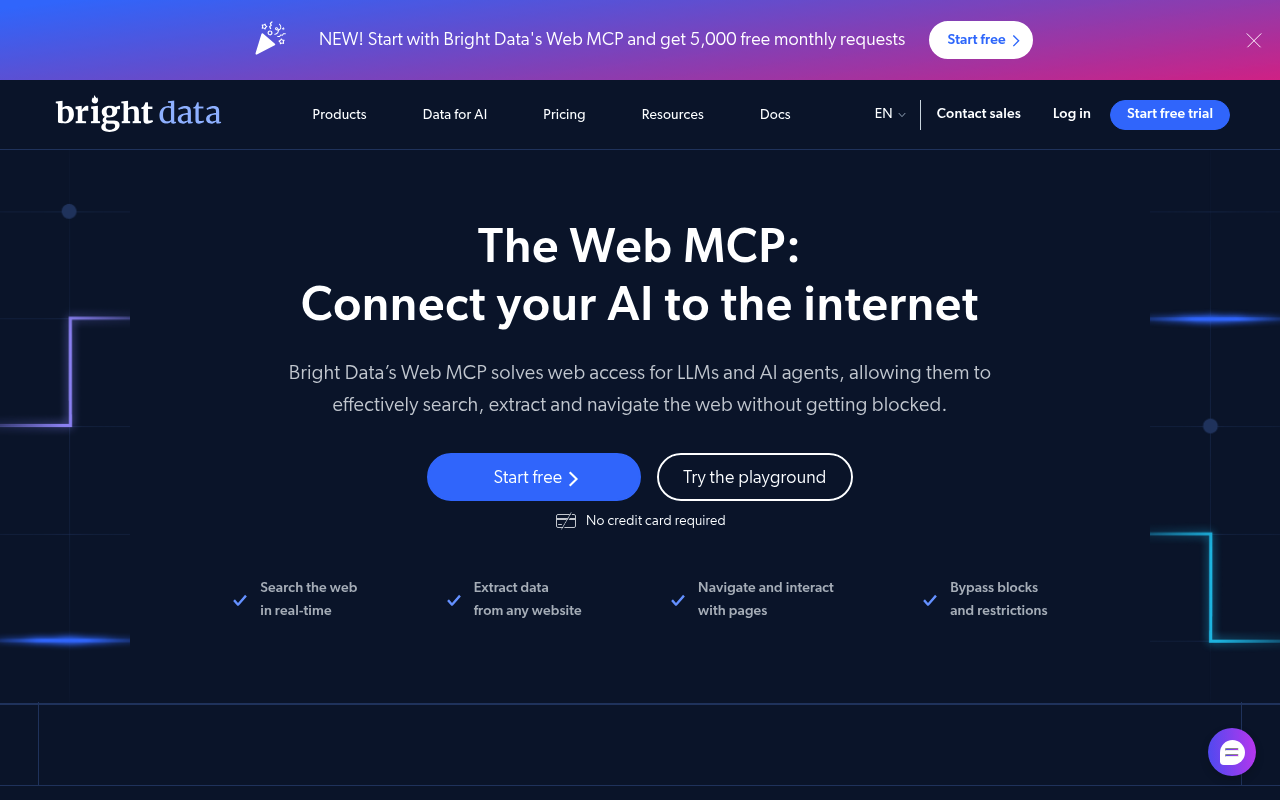
The hosted server needs no installation. Add the URL with your API token and Claude Code connects on the next start. Get the token from your Bright Data account settings. New accounts include the free tier described below.
claude mcp add --transport http brightdata "https://mcp.brightdata.com/mcp?token=YOUR_API_TOKEN"Scrape any URL, including protected pages. scrape_as_markdown is the drop-in replacement for WebFetch, and it returns the page rather than a summary of it. scrape_batch takes up to ten URLs in one call, which matters when the alternative is ten round trips. extract turns any page into the JSON fields you name, so the agent never writes a parser for a one-off page.
Search without the session cap. search_engine queries Google, Bing or Yandex through the SERP API. Google returns structured JSON with URL, title and description, and results paginate with a cursor. search_engine_batch runs up to ten queries at once.
Skip parsing entirely on known platforms. Six scraper tools find and run any of 1,200+ pre-built scrapers through the Web Scraper API, and each returns clean JSON. Covered sites include Amazon, LinkedIn, Instagram, TikTok, YouTube, X, Reddit, Facebook, Crunchbase and Zillow. The agent calls search_scrapers, checks the inputs with get_scraper_details, then calls run_scraper. You pay per record returned. For a coding agent, the npm and PyPI scrapers return the current version, README and dependencies of a package. The agent checks the real latest release before it pins a dependency.
Control the tool surface with groups. This is the part that keeps the server cheap. Append &groups= to the hosted URL, or set GROUPS on a local npx install, and only those tools load. Every group includes search_engine and scrape_as_markdown. Load scrapers for structured data, browser when a task needs clicks, advanced_scraping for batch calls and AI extraction, and geo for ChatGPT and Perplexity answers. Each group you skip is context the agent keeps.
# coding-agent setup: core tools plus the pre-built scrapers (npm, PyPI, GitHub)
claude mcp add --transport http brightdata \
  "https://mcp.brightdata.com/mcp?token=YOUR_API_TOKEN&groups=scrapers"

# research setup: add AI extraction and remote browser control
claude mcp add --transport http brightdata \
  "https://mcp.brightdata.com/mcp?token=YOUR_API_TOKEN&groups=browser,advanced_scraping"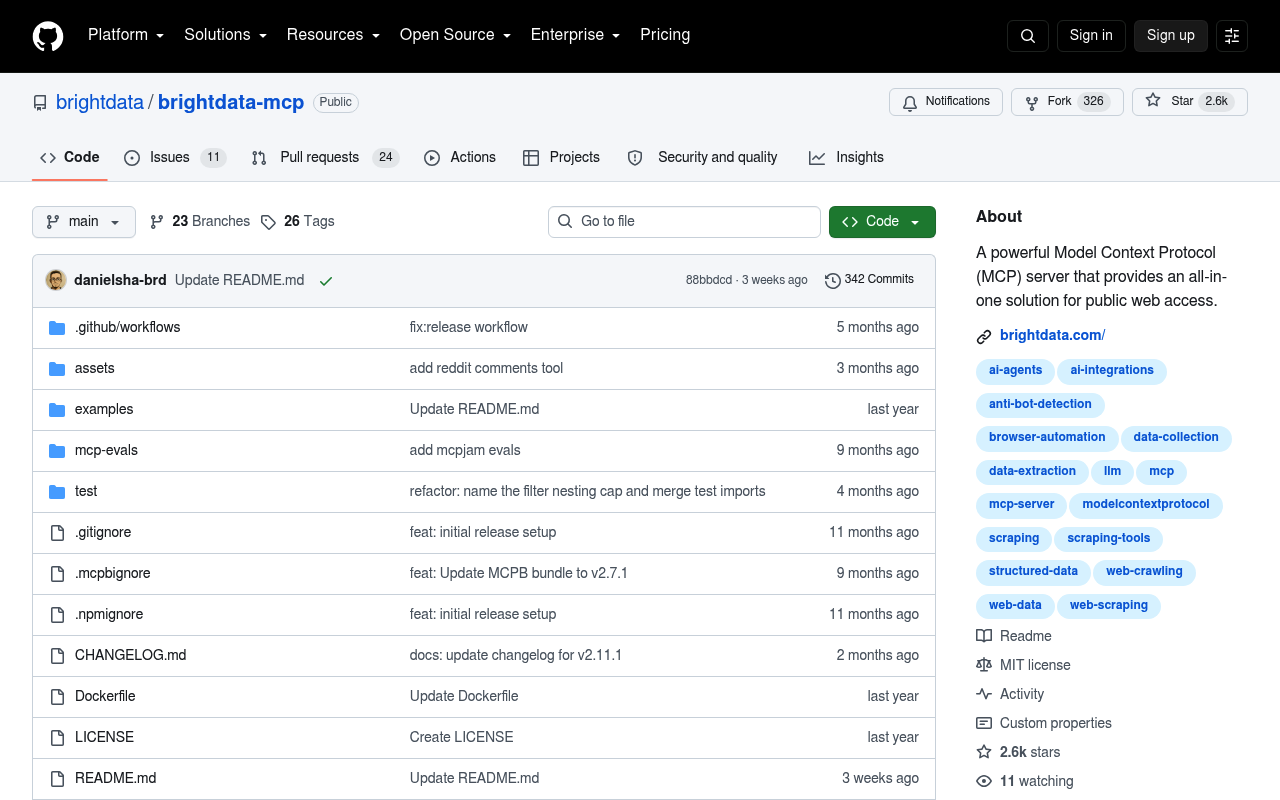
Drive a real browser when a page needs clicking. The fourteen scraping_browser_* tools open a remote session through the Browser API, then navigate, click, type, scroll and snapshot. No local Chrome, no driver to keep current. This covers login walls, infinite scroll and multi-step forms, which no single fetch reaches.
There is also an official Claude Code plugin. brightdata-plugin is listed in Anthropic’s claude-plugins-official marketplace. It installs the MCP server together with Bright Data’s agent skills. One of those skills tells Claude to prefer these tools over WebFetch and WebSearch. That instruction matters more than it sounds, and the last section explains why.
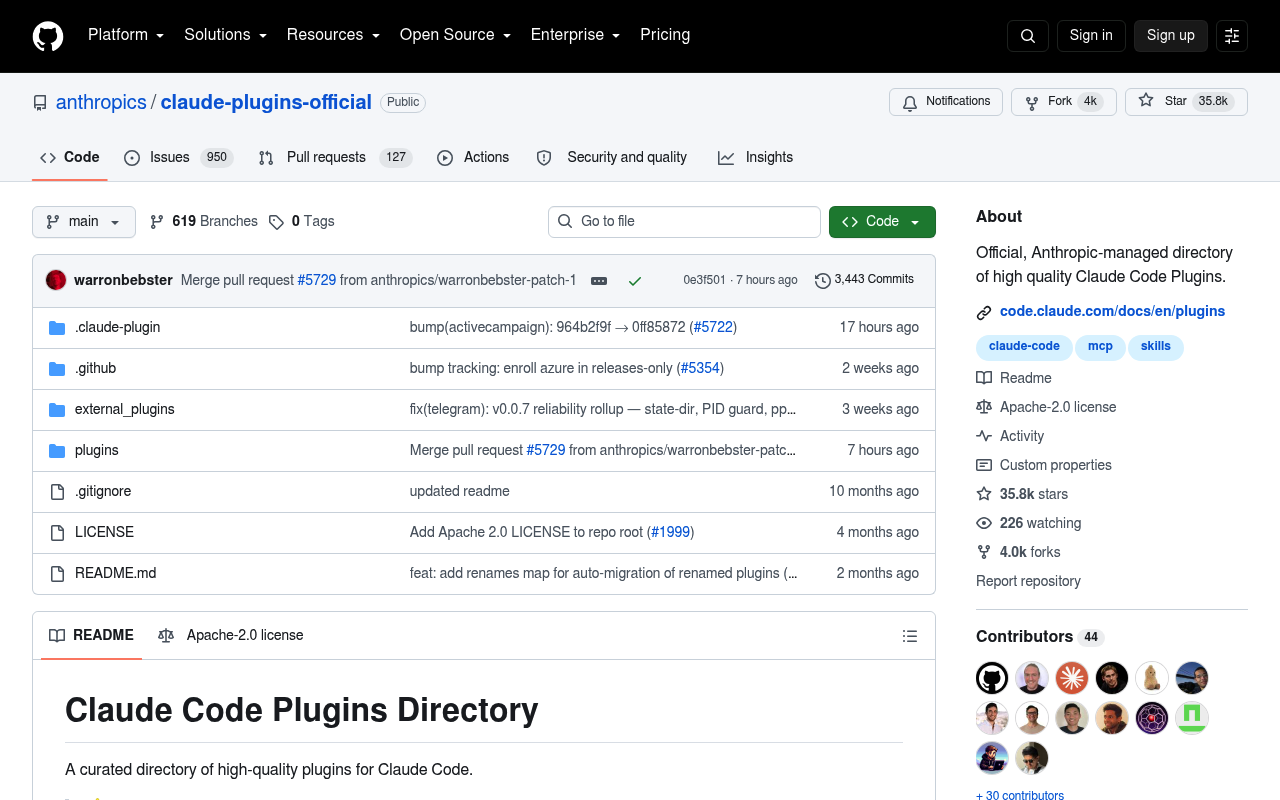
/plugin install brightdata-plugin@claude-plugins-officialPricing starts at a free tier of 5,000 requests per month, with no credit card required. After that, pay as you go at $1.50 per 1,000 requests. Requests stop at zero unless you add funds, so there are no surprise bills.
2. GitHub MCP Server: the other half of the job
Claude Code can already run git and, if you have it, gh. What it cannot do from the shell is reason over the parts of GitHub that live outside the repository. The official server covers issues, pull requests, reviews, Actions runs, code search, notifications and security alerts. Ask it to read a failing workflow run, find the commit that caused the regression, and open a pull request. The whole chain happens without you switching windows.
GitHub hosts a remote server, which is the easiest route. For Claude Code 2.1.1 and newer, GitHub’s own install guide uses add-json. The older --transport http form still works on earlier versions.
claude mcp add-json github \
  '{"type":"http","url":"https://api.githubcopilot.com/mcp","headers":{"Authorization":"Bearer YOUR_GITHUB_PAT"}}'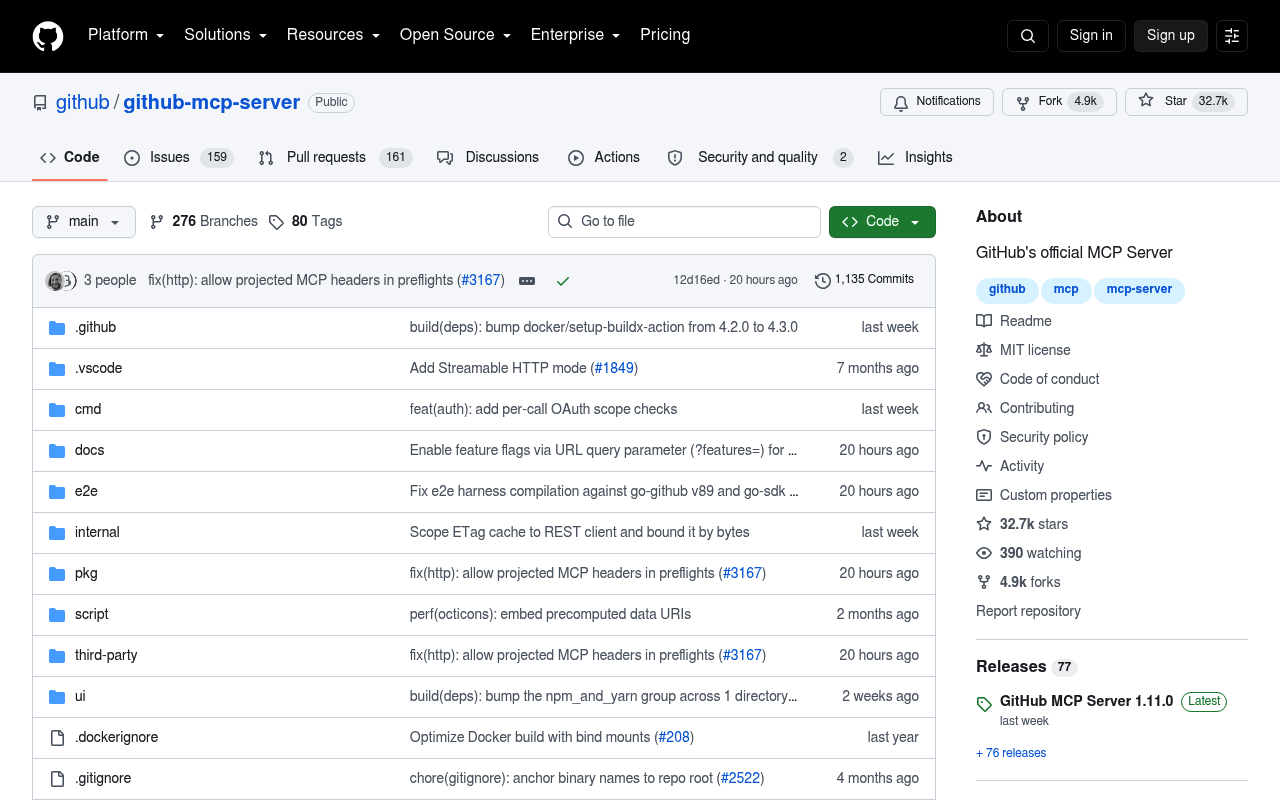
Two flags decide whether this server is pleasant or overwhelming. --toolsets takes an allow-list such as repos,issues,pull_requests,actions,code_security, and --tools names individual tools for finer control. --read-only takes priority over both, so write tools are skipped even when you request them explicitly. Start read-only against any repository you do not want an agent pushing to. The npm package @modelcontextprotocol/server-github has been deprecated since April 2025. Ignore any guide that still recommends it.
3. Context7: documentation that matches the version you installed
Every coding agent has the same failure mode. It writes an API call that was correct two major versions ago. The code looks plausible. You lose twenty minutes to a method that no longer exists. Context7 pulls version-specific documentation and code examples from source repositories into context on demand. It exposes two tools. resolve-library-id turns a library name into a Context7 ID. query-docs then retrieves docs for that ID against your question.
The setup command handles OAuth, generates a key and installs the right integration for your agent. It offers two modes, a CLI plus skill or a plain MCP server, and --claude targets Claude Code specifically. The hosted endpoint works anonymously; an API key raises your rate limits.
npx ctx7 setup --claude

# or connect the hosted server directly
claude mcp add --transport http context7 https://mcp.context7.com/mcp \
  --header "Authorization: Bearer YOUR_API_KEY"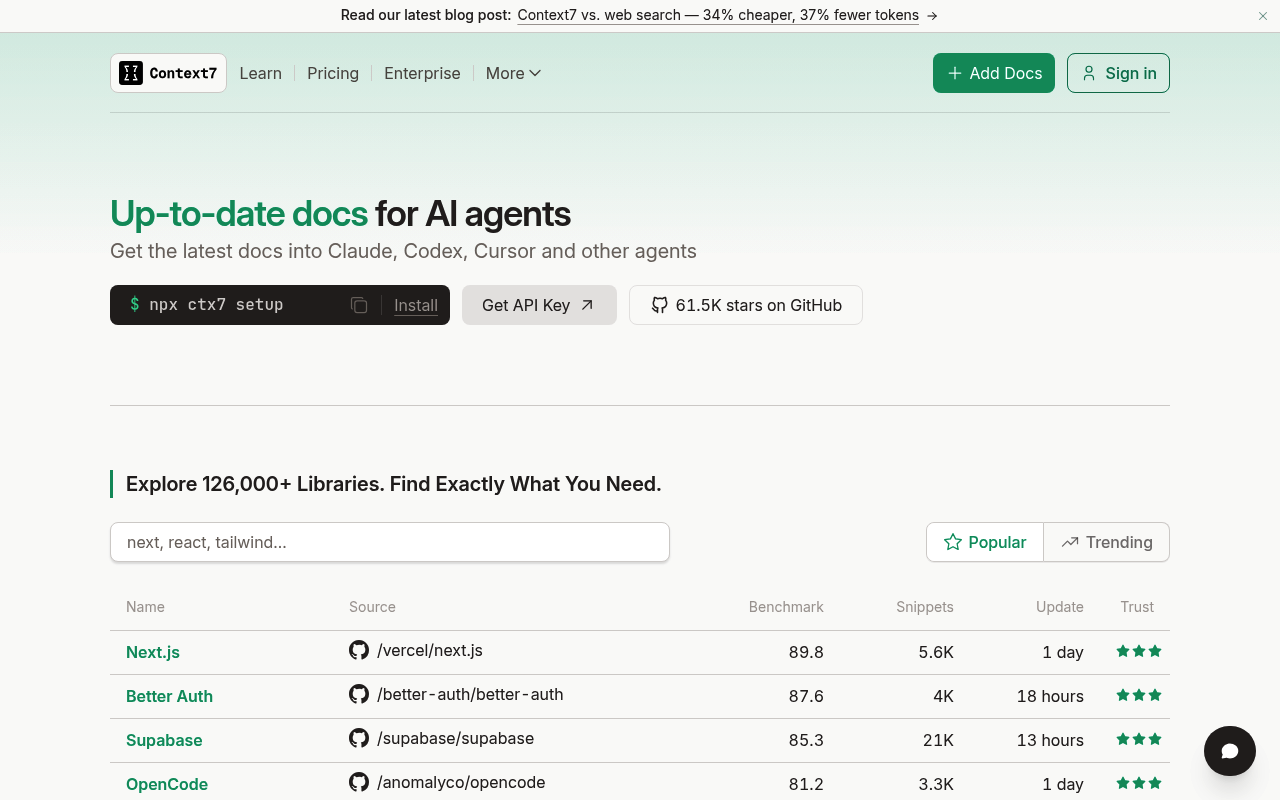
Two habits make it pay off. Add a line to CLAUDE.md telling Claude to reach for Context7 whenever it needs library documentation. You then stop typing “use context7” by hand. And when you already know the library, name its ID in the prompt, as in use library /vercel/next.js. That skips the resolution step and one round trip.
4. Sentry MCP: what actually broke, from the live app
A stack trace pasted into a terminal is a fossil. The Sentry MCP gives Claude Code the live issue instead. That means the error, its frequency, the affected release, the breadcrumbs and the trace. That turns “fix this bug” into a task the agent can start on rather than guess at. All connections use OAuth, so the first call opens a browser flow and no token goes into a config file.
The endpoint accepts optional path segments that scope the connection. Scoping to a project is the recommended form. Tools then default to that org and project, and the discovery tools drop off the tool list. That is a smaller tool surface and fewer wrong guesses.
claude mcp add --transport http sentry \
  https://mcp.sentry.dev/mcp/YOUR_ORG_SLUG/YOUR_PROJECT_SLUG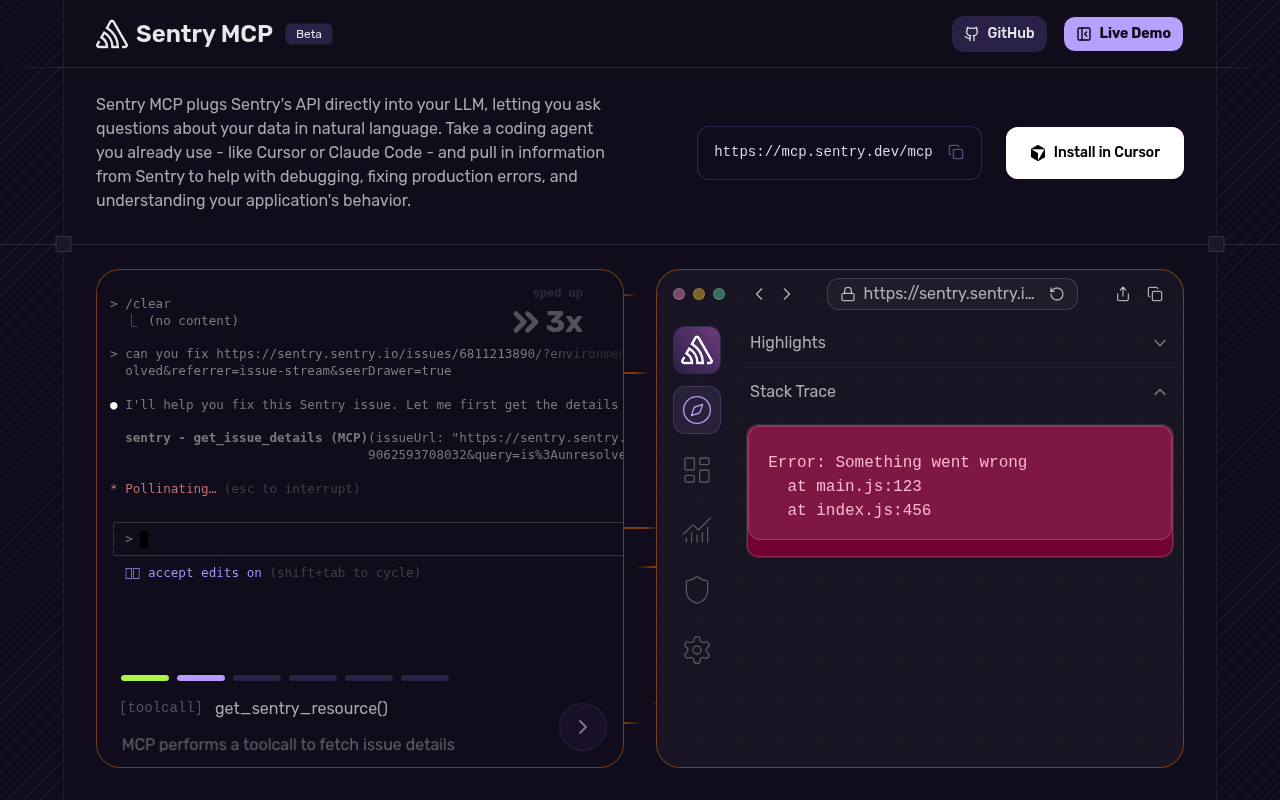
Sentry also ships a Claude Code plugin from its own marketplace, and it does something the bare server does not. The plugin provides a sentry-mcp subagent. Claude delegates to it automatically when you ask about errors, issues, traces or performance. The subagent has its own context window, so a noisy issue search never floods your main session.
claude plugin marketplace add getsentry/sentry-mcp
claude plugin install sentry-mcp@sentry-mcp
5. Supabase MCP: schema, SQL and docs behind one login
If your backend is Supabase, this server closes the loop between the code and the database it talks to. Claude Code can read the schema, run SQL, inspect logs, manage branches and search Supabase’s own documentation. The practical win is that it stops guessing your column names. Authentication is OAuth against your Supabase account, so no personal access token is needed.
The URL is where you do the safety work. features restricts which tool groups load, project_ref pins the server to one project, and read_only=true drops every mutating tool. Supabase’s docs show a project-scoped install, which writes to .mcp.json so the whole team gets the same configuration.
claude mcp add --scope project --transport http supabase \
  "https://mcp.supabase.com/mcp?features=docs,database,debugging,development"

# pin one project and drop every write tool
claude mcp add --transport http supabase \
  "https://mcp.supabase.com/mcp?project_ref=YOUR_REF&read_only=true&features=database,docs"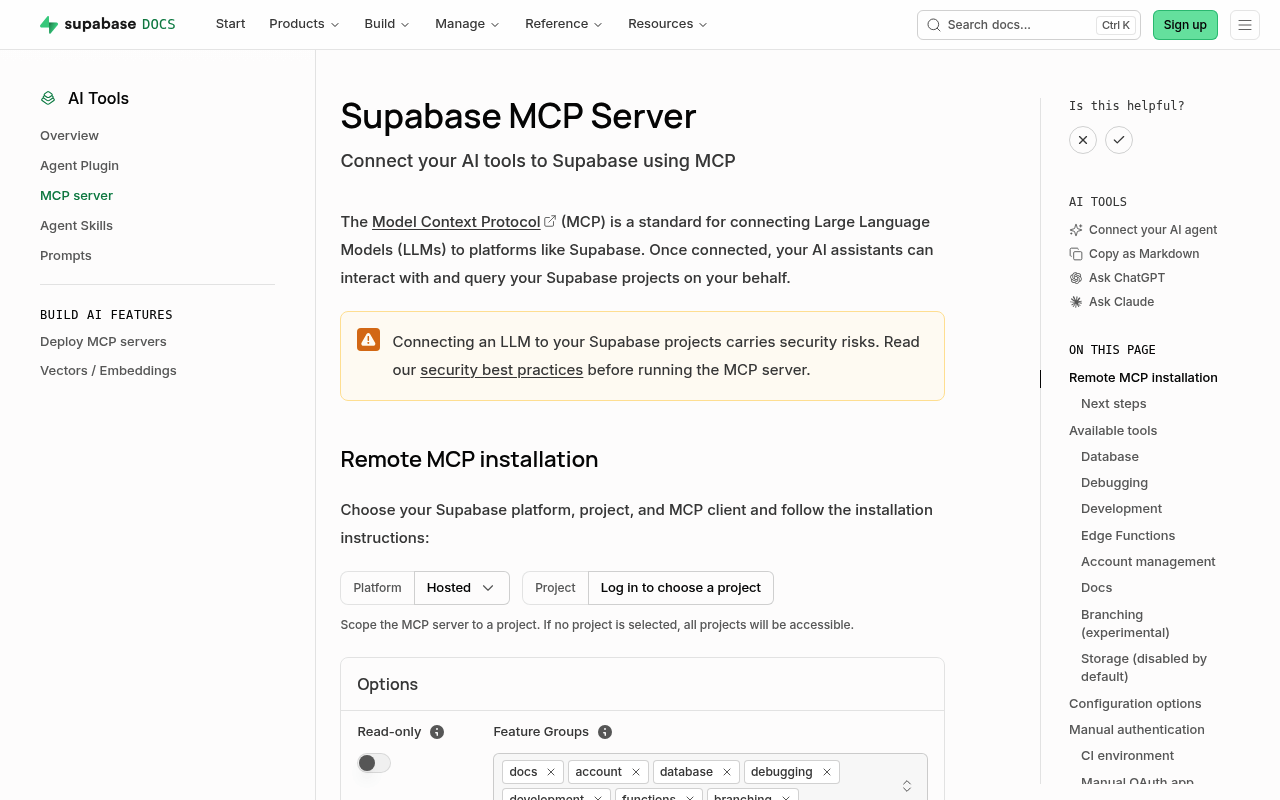
Run /mcp after adding it, pick the server and authenticate. Point it at a development project first. Read-only against production is a reasonable steady state. Widen it for the one session where you actually need a migration.
6. Postgres MCP Pro: query plans and index tuning, not just a connection
The PostgreSQL server in the reference collection is archived, and so is the reference GitHub server. Any 2026 list still recommending “PostgreSQL MCP Server” from modelcontextprotocol/servers is pointing at a repository that moved to servers-archived. Postgres MCP Pro is the maintained option, and it does considerably more than wrap a connection string.
It analyses index health, connection utilisation, buffer cache, vacuum health, sequence limits and replication lag. It reviews EXPLAIN plans and simulates hypothetical indexes before you create them. It explores candidate indexes across a workload rather than one query at a time. One agent writes SQL. The other tells you why the query is slow. That is the difference.
It runs as a local stdio server over Docker, uvx or pipx. The --access-mode flag is the one to think about. restricted enforces read-only transactions and safe SQL parsing; unrestricted lets the agent write. Use the first against anything you care about.
claude mcp add postgres -e DATABASE_URI="postgresql://user:pass@localhost:5432/dbname" \
  -- uvx postgres-mcp --access-mode=restricted
7. Linear MCP: the ticket, without the copy and paste
The gap this closes is small and constant. You describe a ticket in your own words and leave out the acceptance criteria. Back comes something adjacent to what was asked. With the Linear server connected, Claude Code reads the issue itself, along with its project, status, comments and links. It can also update state as work lands, which keeps the board honest without you tabbing over to it.
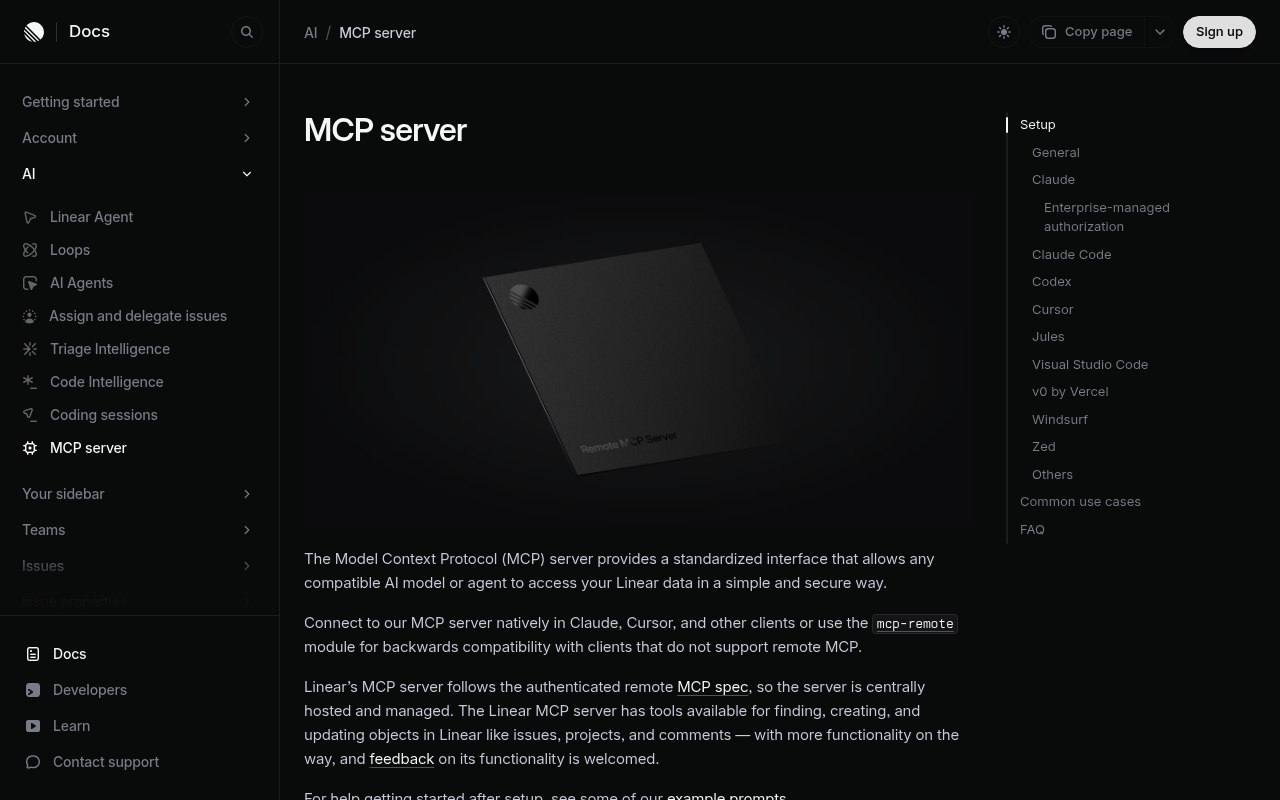
Linear runs a remote server with OAuth. Add it, then run /mcp to complete the browser flow. Two routes keep it read-only. Connect to the /mcp/readonly endpoint, which only ever exposes read tools. Or use the standard endpoint and request only the read OAuth scope. That scope issues a token which cannot reach write APIs.
claude mcp add --transport http linear-server https://mcp.linear.app/mcp

# read-only variant
claude mcp add --transport http linear-server https://mcp.linear.app/mcp/readonly
8. Figma MCP: design context instead of a screenshot
Handing an agent a screenshot of a design gets you an approximation. Handing it the file gets you the spacing, the component names, the design tokens and the variants. The Figma server provides that context to Claude Code. It can also write back to the canvas, capturing your live UI as design layers. The remote server is available on all seats and plans. The desktop server needs a Dev or Full seat on a paid plan.
Figma’s recommended route for Claude Code is the official plugin. It bundles the MCP server settings with agent skills for common design-to-code workflows. Install it, restart, then authorise from the /plugin menu. If you prefer the desktop server, it listens on a local port instead.
claude plugin install figma@claude-plugins-official

# desktop server alternative
claude mcp add --transport http figma-desktop http://127.0.0.1:3845/mcp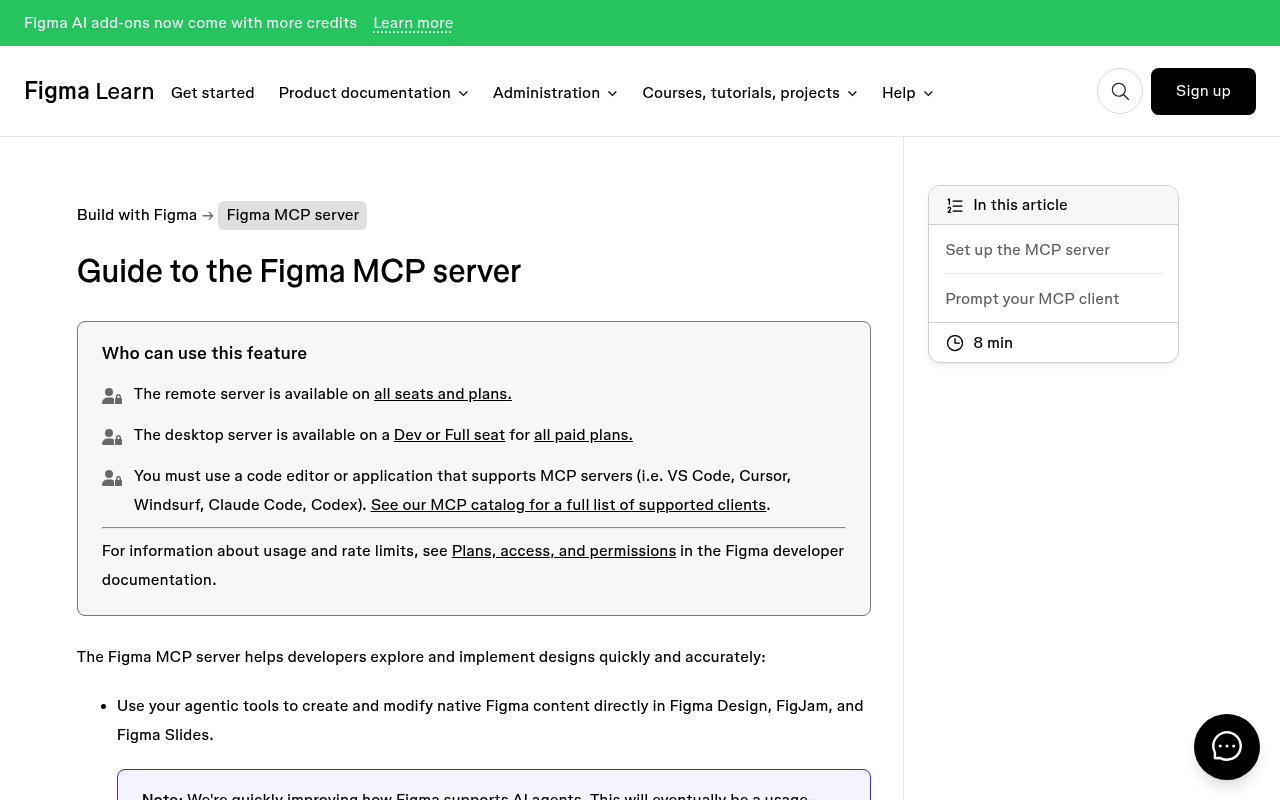
Figma says agent support is free during the beta and will become a usage-based paid feature.
9. Notion MCP: the spec the code is supposed to implement
Most requirements never reach the repository. They sit in a Notion page the agent cannot see. You end up paraphrasing a spec you half remember. This server lets Claude Code search your workspace, read pages, and create or update documents. Notion hosts the server itself and authorises it over OAuth. It can only reach content your own account can reach.
claude mcp add --transport http notion https://mcp.notion.com/mcpNotion’s docs call out the --scope flag here, and it is worth applying to every server on this list. local is the default and keeps the server to you in the current project. project writes to .mcp.json so the team shares it through version control. user makes it available across all your projects. Notion also publishes a Claude Code plugin that adds skills and slash commands alongside the server.
10. Vercel MCP: what happened after the push
The loop from code to production ends somewhere the agent normally cannot see. Vercel’s official remote server lets Claude Code check deployment status, read build logs, manage projects and query Web Analytics. A failed build becomes something the agent can diagnose from the actual log rather than from your description of it. The server implements the current MCP authorization and Streamable HTTP specifications.
claude mcp add --transport http vercel https://mcp.vercel.com
# then authenticate
claude
/mcp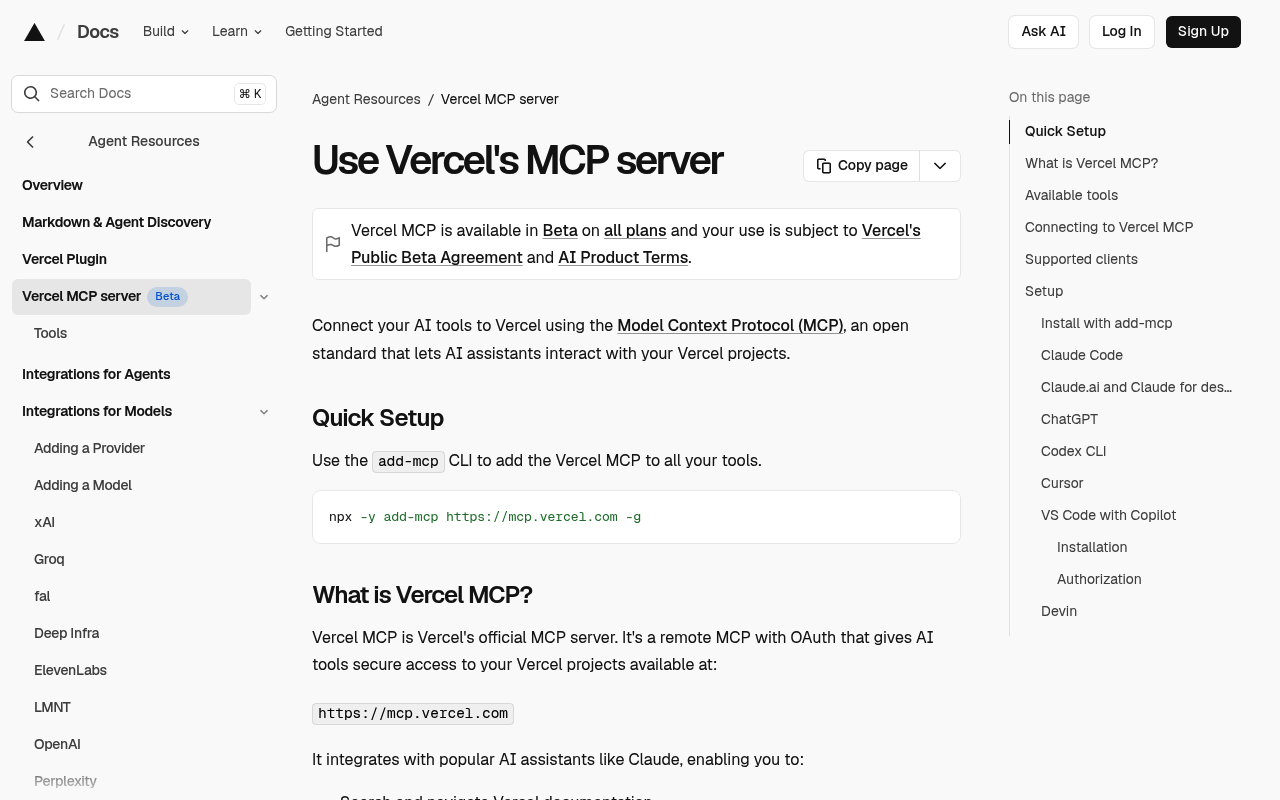
The tools split into two groups. Public tools work without authentication and cover documentation search, which is useful on its own. Authenticated tools reach your projects, deployments and analytics. If you only want the docs half, you can connect without signing in and still get value.
What not to install: servers that duplicate Claude Code
The most-shared Claude Code MCP lists recommend Filesystem, a terminal or shell server, and Sequential Thinking. All three are real servers, and all three are wrong for this agent. Filesystem duplicates Read, Write, Edit, Grep and Glob. Claude Code ships those natively, with permission rules and working-directory boundaries attached. A shell server duplicates Bash. It also loses the built-in read-only command allowlist and the sandbox. Sequential Thinking asks a reasoning model to route its reasoning through a tool call.
The reference Git server has the same problem. git is already on your PATH, and read-only git subcommands run without prompting. The reference Fetch server is a thin wrapper around an HTTP request. It inherits every blocking problem described earlier, and adds none of the infrastructure that solves it. Two more servers those lists name are gone. PostgreSQL and GitHub both moved to servers-archived. Numbers 2 and 6 above are the maintained replacements.
The rule underneath all of this is simple. An MCP server earns its slot by reaching a system the agent cannot otherwise touch. It does not earn a slot by wrapping something the agent already does well. Every tool you connect competes for the same context budget. So the question is never whether a server is good. It is what the server reaches that Bash and the built-in tools cannot.
Wiring servers up so Claude Code actually uses them
Connecting a server does not mean Claude will reach for it. The agent works from what it can infer, and an unadvertised tool often goes untouched while it hand-rolls something worse. Two things fix that. Tell it the servers exist, and check what they cost you.
The first is a short block in CLAUDE.md at the repository root. Keep it factual, because it loads into every session. Say which server to prefer for which job, not how each one works.
## MCP servers available
- `brightdata`: any URL or web search. Use instead of WebFetch and WebSearch, always.
- `context7`: library and API docs. Check before writing against an unfamiliar package.
- `sentry`: production errors. Read the live issue before proposing a fix.
- `supabase`: schema and SQL. Read the schema before writing a query.
The second is /context, which reports the token usage of your current session, broken down per enabled MCP server. Run it after adding a server and again after a real task. If one server dominates, narrow it with the toolset, feature-group or read-only options covered above rather than removing it. Use /mcp to check connection status, authenticate, and disable a server for a project without deleting the configuration.
MAX_MCP_OUTPUT_TOKENS raises the 25,000-token default cap on MCP tool output. That matters for servers returning schemas or large result sets. And ENABLE_TOOL_SEARCH controls tool deferral, which Claude Code turns off automatically when ANTHROPIC_BASE_URL points at a non-first-party host. If you run through a gateway and your context suddenly fills with tool definitions, that is why.
Servers that fetch external content expose you to prompt injection. The Bright Data MCP pauses and asks you before it returns a page that reads like instructions to change your MCP configuration. For the other servers, prefer read-only endpoints, scope OAuth tokens narrowly, and review project-scoped .mcp.json servers before approving them.
Frequently asked questions
What are the best MCP servers for Claude Code in 2026?
Three cover most real workflows. Bright Data MCP handles web access, the official GitHub server handles repository work, and Context7 supplies version-accurate library docs. Add Sentry when you debug production, plus a database server matching your stack. Everything else here is situational.
Do MCP servers slow Claude Code down or fill the context window?
Much less than they used to. Claude Code defers MCP tool definitions by default, so only tool names and server instructions load at session start. Full schemas arrive when Claude searches for them. Tool search needs Sonnet 4.5, Haiku 4.5, Opus 4.5 or later. Run /context to see the actual per-server cost in your session.
Why is the Bright Data MCP ranked first for Claude Code?
Because it is the only entry that adds a capability the agent lacks. Everything else improves something Claude Code can already attempt. WebFetch is lossy by design and identifies itself with a Claude-User user agent that protected sites block. WebSearch returns links only and is capped at 200 calls per session. The free tier is 5,000 requests per month with no card required.
Should I use MCP servers or CLI tools with Claude Code?
Use a CLI when the service has one and the command surface is large. A shell command costs nothing until it runs. Use MCP when you want typed tool calls, OAuth instead of a stored token, or when there is no CLI. With tool search deferring definitions, the old context argument against MCP is much weaker than it was.
How do I share MCP servers with my team?
Add the server with --scope project. Claude Code writes it to .mcp.json at the project root, which you commit. Teammates get an approval prompt on first use. Keep credentials out of the file with environment variable expansion. Use ${API_KEY} or ${API_KEY:-default} in the url, headers or env fields.
Do I need the Filesystem MCP server for Claude Code?
No. Claude Code ships Read, Write, Edit, Grep and Glob as built-in tools. Permission rules and a working-directory boundary already apply. The Filesystem server duplicates them and spends context doing it. The same reasoning rules out shell and Git servers.
Can I install these MCP servers as Claude Code plugins instead?
Several, yes. Anthropic maintains the claude-plugins-official marketplace, and a plugin can bundle an MCP server with skills, slash commands and subagents. Bright Data, GitHub, Context7, Sentry, Supabase, Figma, Linear, Notion and Vercel all have entries. Install one with /plugin install NAME@claude-plugins-official.



Web Data & AI Expert
 6 years experience
Daniel Shashko is a Senior SEO/GEO at Bright Data, specializing in B2B marketing, international SEO, and building AI-powered agents, apps, and web tools.