In this blog post, you will learn:
- What data extraction is, why it is more relevant than ever, the different types of processes, and the main obstacles involved.
- Why relying on a data extraction provider makes everything easier.
- The main considerations to keep in mind when evaluating such solutions.
- A complete comparison of more than 10 of the best data extraction tools.
Let’s dive in!
TL;DR: Quick Comparison Table of the Best Data Extraction Tools
For a quick overview, instantly discover and compare the top data extraction tools using this summary table:
| Tool | Type | Infrastructure | Supported documents | Scalability | AI Data Extraction Features | AI integrations | Pay-as-you-go | Free trial | Pricing |
|---|---|---|---|---|---|---|---|---|---|
| Bright Data | Cloud platform + APIs | Cloud-based, enterprise-grade | Web data, structured feeds, SERP, social media, e-commerce, online resources | Unlimited | ✅ | Tons | ✅ | ✅ | Starts $1.5/1k results |
| Apache Tika | Open-source library | Self-hosted | PDFs, Office docs, images, audio, video, archives | Depends on how you deploy it | ❌ | ❌ | ❌ | — | Free |
| Extracta LABS | Cloud AI platform | Cloud-based | PDFs, images, invoices, contracts, resumes | Limited | ✅ | Few | ✅ | ✅ | $0.069–$0.19 per page |
| Nanonets | Cloud AI platform | Cloud-based | Invoices, receipts, forms, ID cards, financial docs | Limited | ✅ | Few | ✅ | ✅ | Complex pay-as-you-go block-based pricing |
| Docparser | Cloud platform | Cloud-based | PDFs, Word, images, CSV, Excel, XML, TXT | Limited | ✅ (Optional) | Few | ❌ | ✅ | $39-$159/mo |
| DumplingAI | Cloud API | Cloud-based | Web pages, PDFs, Word, images, audio, video | Limited (30–120 requests per minute) | ✅ | Few | ❌ | ✅ | $49–$299/mo |
| Firecrawl | Cloud AI APIs + open-source server/SDKs | Cloud-based | Web pages, PDFs, DOCX | Limited (up to 150 concurrent requests) | ✅ | Many | ❌ | ✅ | $19–$749/mo |
| Apify | Serverless cloud platform | Cloud-based | Web pages, PDFs, images, documents | Limited | Supported | Many | ✅ (Subscription-based plan + pay-as-you-go) | ✅ | $39–$999/mo |
| ScraperAPI | Cloud API | Cloud-based | Web pages | Limited (20–200 concurrency) | ❌ | Some | ❌ | ✅ | $49–$475/mo |
| Import.io | Cloud AI platform | Cloud-based | Web pages | Limited | ✅ | Few | ❌ | ✅ | Custom pricing |
| Beautiful Soup | Open-source library | Self-hosted | HTML, XML | Depends on how you use it | ❌ | ❌ | ❌ | — | Free |
Getting Started With Data Extraction
First, get some context to better understand the actual need for a data extraction tool.
What Data Extraction Means and Why It Matters More Than Ever
Data extraction is the process of collecting data from various sources, typically from files and web pages. The goal is not just to retrieve data, but to convert it into a usable, structured, and consistent format so it can be easily analyzed, stored, or integrated into other systems.
For that reason, data extraction usually involves parsing, cleaning, normalizing, and similar operations to transform raw data into high-quality data.
Data extraction is more important than ever because it sits at the foundation of modern AI. The reason is that AI and machine learning models, workflows, and pipelines depend on large volumes of data.
Sure, raw data may be sufficient for some training scenarios. At the same time, advanced use cases like fine-tuning models and building RAG systems require high-quality, well-structured data. This is where a robust data extraction process, going beyond simple data sourcing, becomes essential!
Types of Data Extraction Tasks
At a high level, data extraction can be grouped into several subcategories, including:
- Web scraping: Extracting structured data from websites, including both static HTML pages and JavaScript-rendered content on dynamic sites.
- PDF extraction: Collecting text, tables, and metadata from PDF files.
- Document extraction: Parsing structured information from Word, Excel, emails, and other office document formats into machine-readable data.
- Log file extraction: Parsing application log files to gather events, metrics, errors, and operational insights for monitoring or analysis.
- Legacy system extraction: Gathering data from outdated systems, proprietary formats, or obsolete databases as part of migration or modernization efforts.
- Screen scraping: Capturing data directly from the user interface of desktop or browser-based applications.
- Multimedia data extraction: Converting audio, images, and video files into searchable text using OCR (Optical Character Recognition), speech-to-text, and related content recognition technologies.
Why Data Extraction Is So Complex
Data extraction faces multiple challenges depending on the input source. Web scraping often encounters dynamic content, JavaScript rendering, anti-bot measures, TLS fingerprinting, rate limits, frequently changing site structures, and other obstacles.
PDFs and other documents can be unstructured, poorly formatted, or involve text-based images requiring OCR. Logs, legacy systems, and multimedia files may contain inconsistencies, obsolete formats, or noisy data.
Increasingly, AI-powered parsing is used to handle unstructured or multimedia data, whether in local files or on web pages. While AI can improve accuracy and flexibility, it introduces other issues such as inconsistent outputs, latency, higher computational costs, and potential errors that require data validation and verification.
These are just some of the high-level reasons why data extraction is far from a simple task…
The Need for a Dedicated Data Extraction Tool
The difficulties of extracting data from diverse sources underscore the need for specialized tools that can handle those challenges. This is why data extraction tools come into play!
A data extraction tool is any solution, whether software, a library, or an online service, that automates the collection, parsing, and structuring of data from one or more specific sources.
These tools take many forms, such as online APIs, no-code platforms, open-source libraries, or proprietary software. Under the hood, they may use established parsing algorithms, machine learning models, AI-powered techniques, or a combination of methods.
Because data comes in many formats and from different sources, extraction tools vary widely. In some cases, combining multiple tools or approaches is recommended to achieve the best results.
Main Aspects to Consider When Comparing Data Extraction Solutions
There is a long list of data extraction tools online, but not all are worth exploring. To select the best ones, it is helpful to compare them across specific criteria:
- Type: Whether the tool is a cloud solution, desktop software, open-source library, etc.
- Supported scenarios: The kinds of data extraction it can handle, such as web scraping, PDF parsing, multimedia extraction, and others.
- Parsing methods: How the tool extracts data, whether through traditional parsing techniques, machine learning, or AI-powered approaches.
- Infrastructure: Scalability, uptime, success rates, and overall reliability for large-scale extraction projects.
- Technical requirements: Skills or other technical components needed to use the tool effectively.
- Compliance: Adherence to GDPR, CCPA, and other data privacy or security regulations.
- Pricing: Cost structure, subscription plans, billing models, and availability of free trials or evaluation options.
Top 10+ Data Extraction Tools
Let’s explore a curated list of over 10 of the best data extraction tools currently available. These tools have been hand-picked and ranked according to the criteria outlined earlier.
1. Bright Data
Bright Data started as a proxy provider and has evolved into a leading web data platform. Among top data extraction tools, it stands out with enterprise-grade, highly scalable, and AI-ready infrastructure.
When it comes to data extraction, Bright Data comes with several complementary solutions. These include:
- Scraper APIs: Extract fresh, structured web data from 120+ sites with compliance, automatic scaling, and pay-per-result pricing. Each API, specific to a site, is accessible via API or through a built-in no-code interface.
- Browser API: Runs Puppeteer, Selenium, or Playwright scripts on fully managed browsers with automatic proxy rotation, CAPTCHA solving, and full JavaScript rendering, enabling complex scraping, web automation, and data extraction workflows without any infrastructure setup.
- Unlocker API: Automates the bypassing of blocks, CAPTCHAs, and anti-bot protections for consistent data collection at scale, ensuring reliable access to any web page. It handles proxy management, anti-bot challenges, and JavaScript‑heavy pages, returning raw HTML, an AI‑extracted JSON version of the data, or an LLM‑ready Markdown output.
- SERP API: Delivers geo-targeted, real-time search engine results extracted from Google, Bing, Yandex, and others.
Note: If you are primarily interested in ready-to-use data, Bright Data’s datasets marketplace provides pre-collected, validated, and continuously updated data from 120+ popular domains. Datasets are available in JSON, CSV, and other formats for AI, ML, RAG systems, or business intelligence workflows.
All Bright Data solutions are built on a robust, fully cloud-hosted platform with 400M+ proxy IPs, advanced anti-bot technologies, and 99.99% uptime and success rate. Together, these aspects position Bright Data as arguably the best web data extraction tool.
➡️ Best for: Enterprise-grade data extraction and AI integrations.
Type:
- Cloud-based, enterprise-grade web data platform offering web unlocking capabilities, direct data feeds, AI-powered scrapers, no-code scraping solutions, and other services.
- Supports both no-code scraping solutions and scraping APIs.
- Also provides fully managed scraping services for enterprise use.
Supported scenarios:
- Web scraping and web crawling to extract data from any website.
- Structured data feeds for integration into data pipelines, AI agents, machine learning workflows, and RAG systems.
- Typical use cases include website content crawling, SERP data collection, social media scraping, e-commerce product and pricing data, real estate data, AI application data feeds, retail and market intelligence, lead generation, web performance monitoring, and many more.
Parsing methods:
- API-based scraping for automated and scheduled data collection from any website, including web unlocking to bypass anti-bot protections.
- Built-in parsing methods for structured data feeds from dozens of known platforms (Amazon, Yahoo Finance, LinkedIn, Instagram, etc.).
- Results can be returned in AI-ready JSON, raw HTML, or LLM-optimized Markdown.
- Options for AI-powered scraping, including support for self-healing scraping pipelines.
- Supports structured output formats such as JSON, NDJSON, CSV, and many others for a wide range of platforms.
Infrastructure:
- 99.99% uptime for reliable data extraction.
- Highly scalable with bulk scraping support (up to 5k URLs per request).
- Advanced anti-blocking mechanisms, including CAPTCHA solving, IP rotation, user-agent rotation, and custom headers.
- Access to 400M+ proxy IPs covering 195 countries.
- Standard SLAs for all users and custom SLAs for enterprises.
- 99.99% success rate on scraping APIs.
- Supports AI applications and CRM enrichment workflows.
- Integrates with hundreds of platforms, including AI solutions (LangChain, CrewAI, Dify, LlamaIndex, etc.) and automation platforms (Zapier, n8n, Make, etc.), as well as enterprise AI platforms like AWS Bedrock, Aur AI Foundry, IBM WatsonX, and others.
- 24/7 global support with a dedicated team of data professionals.
Technical requirements:
- API-based scraping with minimal coding required, supported by hundreds of events and code snippets in cURL, JavaScript, Python, C#, and other languages, with extensive documentation.
- Official SDKs available in Python, JavaScript, and other languages for easy integration.
- Simple, no-code interface for plug-and-play scraping directly via the web platform.
- MCP server available for simplified integration into AI agents and workflows.
Compliance:
- Fully GDPR compliant.
- Fully CCPA compliant.
- Data is ethically obtained from publicly available sources only.
- Certified with ISO 27001, SOC 2 Type II, and CSA STAR Level 1.
Pricing:
- Free tier available.
- Pricing depends on the chosen product, with each including a pay-as-you-go option as well as subscription plans:
- Unlocker API: Starts at $1.50 per 1k results.
- Browser API: Starts at $8/GB.
- SERP API: Starts at $1.50 per 1k results.
- Scraper APIs: Starts at $1.50 per 1k records.
2. Apache Tika
Apache Tika is an open-source Java toolkit for content analysis and data extraction. It can detect and extract text and metadata from over a thousand file types, including PDFs, Office documents, images, and more. Tika works as a Java library, command-line tool, or standalone server with a REST API, supporting OCR and complex document processing for indexing, analytics, and information management.
➡️ Best for: Building an open-source, self-hosted, multi-document, non-AI-based data extraction server.
Type:
- Open-source, Java-based content analysis toolkit.
- Also available as a command-line tool and as a standalone server with a REST API via
tika-server.
Supported scenarios:
- Text and metadata extraction from over 1k file formats, including PDFs, Word, Excel, PowerPoint, emails, images, audio, video, and archive files.
- Parsing embedded documents and attachments.
- OCR-based text extraction from scanned or image-based documents.
Parsing methods:
- Rule-based and format-specific parsers built on existing libraries (e.g., Apache PDFBox, POI, etc.).
- MIME type detection and metadata extraction.
- OCR via integration with the Tesseract engine.
- Optional (non-LLM-based) NLP and language detection modules.
Infrastructure:
- Deployment and scaling managed by you.
- Self-hosted API infrastructure, meaning scalability and reliability depend on your deployment and resource allocation.
Technical requirements:
- Intermediate to advanced technical skills required.
- Java knowledge recommended for library integration.
- REST API usage possible via
tika-server, but setup and operations remain developer-managed.
Compliance:
- Compliance depends on how Apache Tika is utilized.
Pricing:
- Free and open-source under the Apache 2.0 license.
3. Extracta LABS
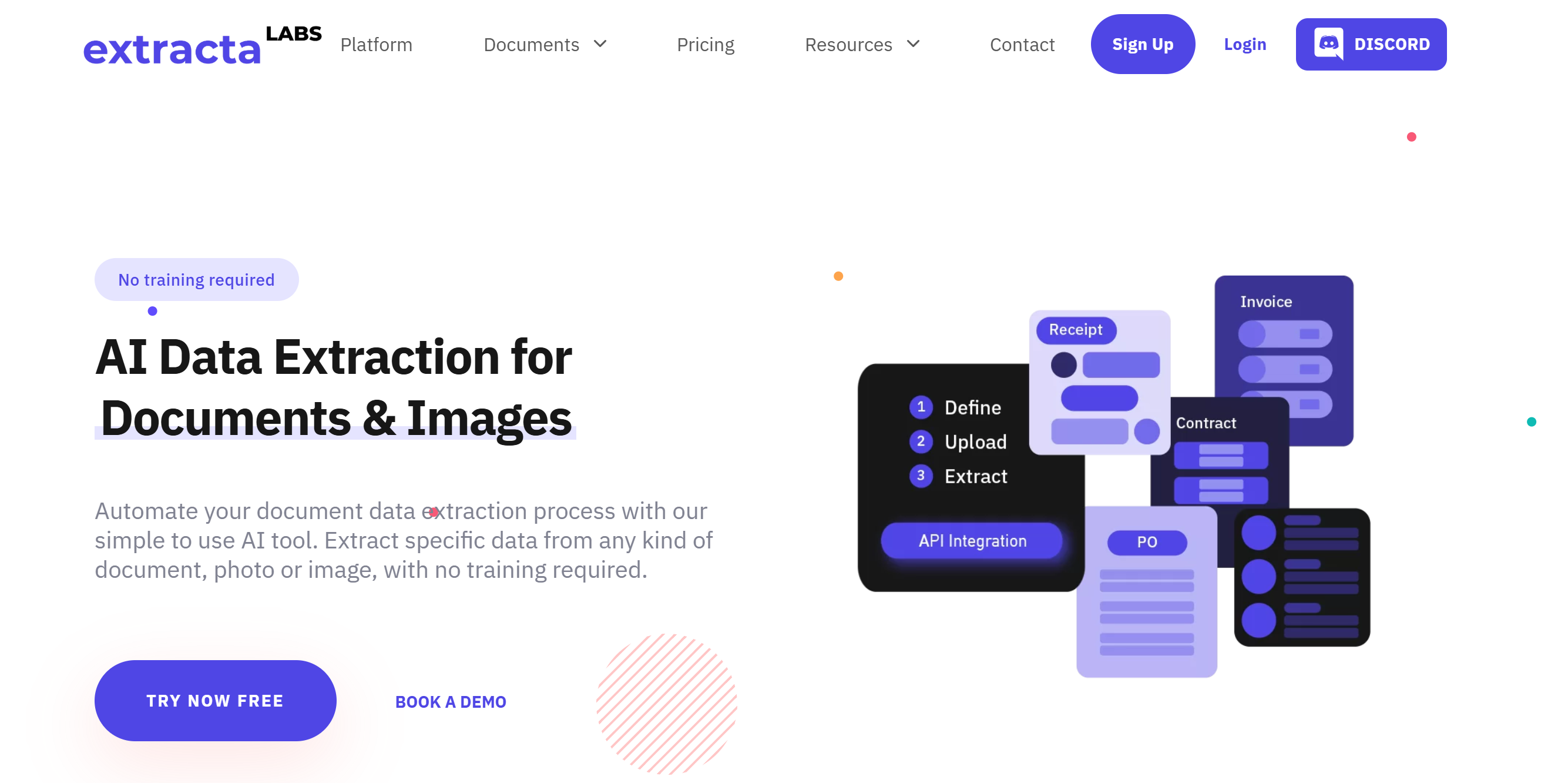
Extracta LABS is a cloud-based, AI-powered data extraction platform and API service to automate the extraction of structured data from unstructured documents. It supports PDFs, scanned documents, images, and common business files, such as invoices, contracts, and resumes.
➡️ Best for: AI-powered document data extraction from PDFs, images, and business files.
Type:
- Cloud-based AI platform with API access.
Supported scenarios:
- Extracting data from a wide range of document types, including invoices, resumes, contracts, business cards, receipts, bank statements, purchase orders, bills of lading, emails, scanned images, PDFs, text, and more.
Parsing methods:
- AI and machine learning
- OCR
Infrastructure:
- Fully hosted API infrastructure.
- Some APIs require a 2-second delay between consecutive calls.
- Options for batch processing multiple documents at the same time.
Technical requirements:
- Basic technical skills are required to make simple API calls.
- Extraction fields can be defined easily through a web interface or via the API.
Compliance:
- GDPR compliant.
- ISO 27001 certified.
- Extracted data is never used for training purposes.
Pricing:
- Free trial available for up to 50 pages.
- Depending on the number of pages to process:
- Subscription-based plans range from $0.19 per page to $0.069 per page.
- Pay-as-you-go plans range from $13.30 per month to $3,105 per month.
4. Nanonets
Nanonets is an AI-driven data extraction platform that converts unstructured documents (e.g., invoices, receipts, forms, and contracts) into structured data using OCR and AI. It comes with an API and also allows you to create automated workflows by chaining blocks for data extraction, matching, formatting, and exporting to systems such as ERP or Salesforce.
➡️ Best for: Automated extraction of structured data from invoices, receipts, and forms.
Type: Cloud-based AI platform with no-code interface and API access for document automation.
Supported scenarios:
- Extraction from invoices, receipts, purchase orders, bills of lading, passports, ID cards, bank statements, and other business documents.
- Workflow automation for accounts payable, financial reconciliation, claim processing, document approvals, and supply chain operations.
Parsing methods:
- AI-powered extraction.
- OCR for text recognition in scanned or image-based documents in 40+ languages.
Infrastructure:
- Fully hosted infrastructure that processed over 1 billion documents.
- Supports batch processing and integration with email, cloud storage, ERP, and CRM systems (Salesforce, HubSpot, and Airtable).
Technical requirements:
- Minimal technical skills required for setting up no-code workflows (predefined templates available).
- API access requires developer-level skills.
Compliance:
- GDPR compliant.
- SLAs, HIPAA compliance, and SOC 2 certifications guaranteed for enterprise customers only.
Pricing:
- Free trial with $200 worth of credits
- Block-based pay-as-you-go plans.
5. Docparser
Docparser is a cloud-based data extraction tool that converts PDFs, Word documents, images, and other files into structured formats such as Excel, CSV, or JSON. You define extraction rules through a no-code interface, supported by AI, to capture key information like tables, invoices, or contracts. The collected data can then be exported or integrated with applications like Google Sheets, Salesforce, or Zapier.
➡️ Best for: No-code extraction from PDFs, Word docs, and images for business workflows.
Type:
- Cloud-based, browser-based interface document parsing platform with API access.
Supported scenarios:
- Extraction from Word, PDF, CSV, XLS, TXT, XML, and image files.
- Supported document types: Invoices, purchase orders, sales orders, shipping & delivery notes, contracts & agreements, HR forms & applications, product catalogs, bank statements, and other custom forms.
- Export to Excel, CSV, JSON, XML, Google Sheets, or integrate with 100+ cloud apps via Zapier, Workato, or Microsoft Power Automate.
Parsing methods:
- Zonal OCR for selecting regions of interest.
- Advanced pattern recognition with anchor keywords.
- Custom rules creation (via a drag-and-drop visual rule builder).
- AI-powered engine for smarter extraction.
- Table extraction, checkbox/radio button recognition, barcode & QR code scanning, and scanned image preprocessing (deskew, artifact removal).
Infrastructure:
- Fully hosted, cloud-based platform.
- Supports batch processing and multi-layout documents.
- Document retention varies by plan (~90 days on basic plans, extended retention available on higher tiers).
Technical requirements:
- No coding required for most workflows, thanks to a visual rule builder.
- Basic technical skills required for API integration and automation.
- Ability to define custom parsing rules and templates.
Compliance:
- Data is automatically deleted after the retention period unless extended retention is purchased.
- Security features include SSO, 2FA, and controlled access for teams.
Pricing:
- Free trial of 14 days.
- Subscription-based plans:
- Starter: $39/mo for 100 parsing credits.
- Professional: $39/mo for 250 parsing credits.
- Business: $159/mo for 1k parsing credits.
- Customizable monthly subscription plans with increasing prices and corresponding credits.
- Custom plans for enterprises.
6. DumplingAI
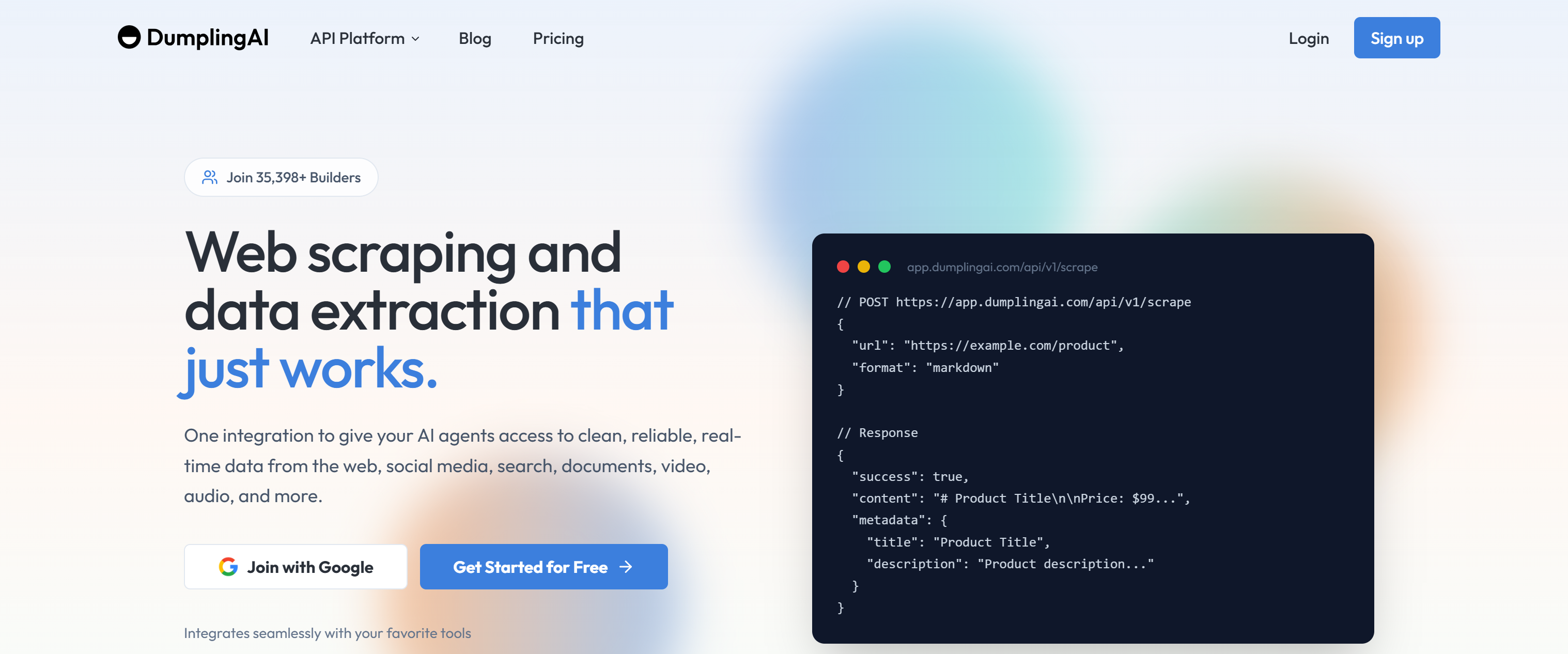
Dumpling AI is a data extraction and automation platform. It provides APIs and no-code tools for collecting structured data from web pages, social platforms, documents, and multimedia sources. It focuses on turning unstructured data into usable inputs for AI systems and automated workflows, with integrations for tools like Make and Zapier.
➡️ Best for: Multi-source data extraction from web, documents, images, audio, and video.
Type:
- Cloud-based, API-first data extraction platform built for external integrations, AI agents, and automations.
Supported scenarios:
- Web scraping and website crawling.
- Document extraction from PDFs, Word files, and other formats.
- Image OCR and image analysis.
- Audio transcription and video content extraction.
Parsing methods:
- Traditional web scraping and crawling techniques.
- AI-powered data extraction with custom schemas.
- OCR for images and scanned documents.
- Media-specific extraction for audio and video content.
Infrastructure:
- Fully managed, production-ready API infrastructure.
- Multi-provider waterfall redundancy to increase success rates.
- Built-in retries and support for structured outputs.
- Rate limits range from 30 to 120 requests per minute, depending on the plan.
- Native integrations with Make, Zapier, and n8n for automation workflows.
Technical requirements:
- Basic to intermediate technical skills required to integrate REST APIs.
- SDK support for Python and Node.js for quick setup.
- Native integrations with no-code and automation tools such as n8n, Make, and Zapier.
- An internal, intuitive, web-based AI agent builder + MCP support.
Compliance: Undisclosed.
Pricing:
- Free trial available with 250 free credits.
- Subscription-based pricing using a credit system:
- Starter: $49 per month for 100k credits.
- Pro: $149 per month for 300k credits.
- Business: $299 per month for 800k credits.
7. Firecrawl
Firecrawl is an AI-powered web data platform that exposes APIs to convert websites into structured, LLM-ready formats such as JSON or Markdown. It has an open-source core for self-deployment, while its premium cloud endpoints can be easily accessed via open-source SDKs. The APIs handle JavaScript-heavy and protected pages, media parsing, proxy management, and rate limits. That way, they enable the extraction of content from online documents and websites, including from protected resources.
➡️ Best for: Quick data extraction for different documents, with a focus on websites and documents that frequently change structure.
Type:
- Cloud-based AI web scraping and crawling API solution with an open-source nature.
Supported scenarios:
- Web scraping and crawling of public websites, including JavaScript-heavy and protected pages.
- Media and document parsing from online PDF and DOCX documents.
Parsing methods:
- Selective content extraction with structured output in JSON.
- Option to receive results in Markdown, screenshots, or raw HTML.
Infrastructure:
- Fully hosted API with concurrency limits based on the plan (up to 150 concurrent requests).
- Automatically handles rate limits, proxy rotation, and request orchestration.
- Covers approximately 96% of the web.
- Can provide fast responses (even under 1 second per page).
Technical requirements:
- Simplified integration via the official SDKs in Python and Node.js, with community-supported SDKs for Rust and Go.
- Integrations with AI frameworks such as LangChain, LlamaIndex, CrewAI, Dify, LangFlow, and others.
- Programming skills are required to integrate the SDKs.
- Advanced DevOps skills are needed to self-host and scale the open-source version of the solution.
Compliance:
- SOC 2 Type II compliant.
Pricing:
- Free plan with 500 credits (one-time), 2 concurrent requests.
- Subscription-based plans:
- Hobby: $19/mo for 3k credits per month and 5 concurrent requests.
- Standard: $99/mo for 100k credits per month and 50 concurrent requests.
- Growth: $399/mo for 500k credits per month and 100 concurrent requests.
- Paid plans available for high-volume usage:
- Scale: $749/mo for 1M credits and 150 concurrent requests.
- Enterprise: Custom pricing.
8. Apify
Apify is a full-stack platform for web scraping and automation, allowing you to build, run, and share tools called “Actors.” These serverless programs can collect data from websites via web scraping or from documents using AI. They also support automated workflows and integrations in AI applications.
➡️ Best for: Deployment and management of custom web data extraction solutions.
Type:
- Serverless web scraping and automation platform with API access and a large marketplace of pre‑built Actors.
Supported scenarios:
- Web scraping from any website or web app, including JavaScript‑heavy and protected sites.
- Document handling via specialized AI-powered Actors for PDFs, images, and other document types.
Parsing methods:
- Depending on the chosen Actor:
- Web content extraction using known HTML parsers or browser automation tools.
- AI‑optimized output data cleaning for downstream language models.
- OCR and PDF processing, along with other extraction mechanisms.
Infrastructure:
- Fully cloud‑hosted, with scalable execution of Actors and automatic scaling for high‑volume jobs.
- Built-in proxy rotation and anti‑bot detection bypassing (anti‑CAPTCHA, fingerprinting, etc.).
- Persistent storage of results, with easy export and API retrieval.
- Intuitive web‑based interface for running and managing Actors.
Technical requirements:
- Coding skills (JavaScript/TypeScript or Python) required to build custom Actors.
- Familiarity with APIs and scheduling to programmatically run the Actors.
- Pre‑built Actors lower the barrier for non‑developers.
Compliance:
- GDPR compliant.
Pricing:
- Pay-as-you-go compute units + subscription-based plans:
- Free Plan: $5 to spend in Apify Store or on your own Actors + $0.3 per compute unit.
- Starter: $39/mo + $0.3 per compute unit.
- Scale: $199/mo + $0.25 per compute unit.
- Business: $999/month + $0.2 per compute unit.
- Enterprise: Custom pricing.
9. ScraperAPI
ScraperAPI is a cloud-based data extraction tool that enables large-scale web scraping. Users send requests to its API, which manages anti-bot protections, executes JavaScript, and returns structured data in JSON format from public websites. It supports applications such as market research, price monitoring, and SEO analysis. These aspects also allow it to be included in lists of the most popular web scraping tools of the year.
➡️ Best for: Simple web data extraction.
Type:
- Cloud-based web scraping API with low-code workflow support.
- Supports API access for integration with custom applications or pipelines.
Supported scenarios:
- Web scraping across millions of public websites.
- Specialized endpoints for Amazon, Google, Walmart, eBay, Etsy, Home Depot, Target, etc.
- Data extraction for eCommerce, SERP tracking, market research, real estate listings, and online reputation monitoring.
Parsing methods:
- HTML parsing with structured JSON output.
Infrastructure:
- API-based scraping with automated proxy rotation (40M+ proxies across 50+ countries), CAPTCHA solving, and browser rendering.
- Supports asynchronous scraping for large-scale requests.
- Architecture designed for scalability and reliable infrastructure.
- Supports integrations with AI agent frameworks, such as building agents with LangChain.
- Concurrency limited from 20 to 200 threads, depending on the plan,
Technical requirements:
- Minimal technical skills needed for basic scraping API calls.
- Supports low-code workflows for automated scraping without programming.
Compliance:
- GDPR compliant.
- CCPA compliant.
Pricing:
- 7-day free trial with 5k API credits.
- Subscription-based plans:
- Hobby: $49/mo for 100k API credits.
- Startup: $149/mo for 1M API credits
- Business: $299/mo for 3M API credits.
- Scaling: $475/mo for 5M API credits.
- Enterprise: Custom pricing for 5M+ API credits and 200+ threads.
10. Import.io
Import.io is a web data extraction platform offering both a self-service solution supported by AI and managed data collection services. For the web platform, you can define scraping logic via a point-and-click interface, and AI transforms the extracted data into the desired output. The service provides scalable infrastructure with GDPR- and CCPA-compliant handling of sensitive information.
➡️ Best for: Web data extraction for non-technical users.
Type:
- AI-powered web data extraction and intelligence platform.
- Web scraping as a service with a fully managed experience.
Supported scenarios:
- Web scraping of public and protected websites, including e-commerce, marketplaces, news sites, and more.
Parsing methods:
- AI-native extraction with self-healing pipelines.
- Possibility to write custom CSS selectors and XPath rules.
- Structured output in JSON or other formats.
Infrastructure:
- Enterprise-grade uptime with proven reliability over 10+ years.
- Scalable pipelines for high-volume web data extraction.
- Continuous monitoring and automated handling of web changes, broken selectors, and dynamic pages.
Technical requirements:
- No-code, self-service interface available for users without technical skills, allowing them to define a web scraper directly via a point-and-click browser interface, powered by AI for self-healing scenarios.
- No technical skills required to use managed scraping services.
- Basic technical skills are needed to call APIs for accessing scraped data.
- Technical skills are recommended for integrating with internal systems and scaling data pipelines.
Compliance:
- GDPR compliant.
- CCPA compliant.
- Automated detection and filtering of sensitive or restricted data (including PII masking).
Pricing:
- Self-service solution testable for free.
- Custom pricing for managed service, based on volume needs.
11. Beautiful Soup
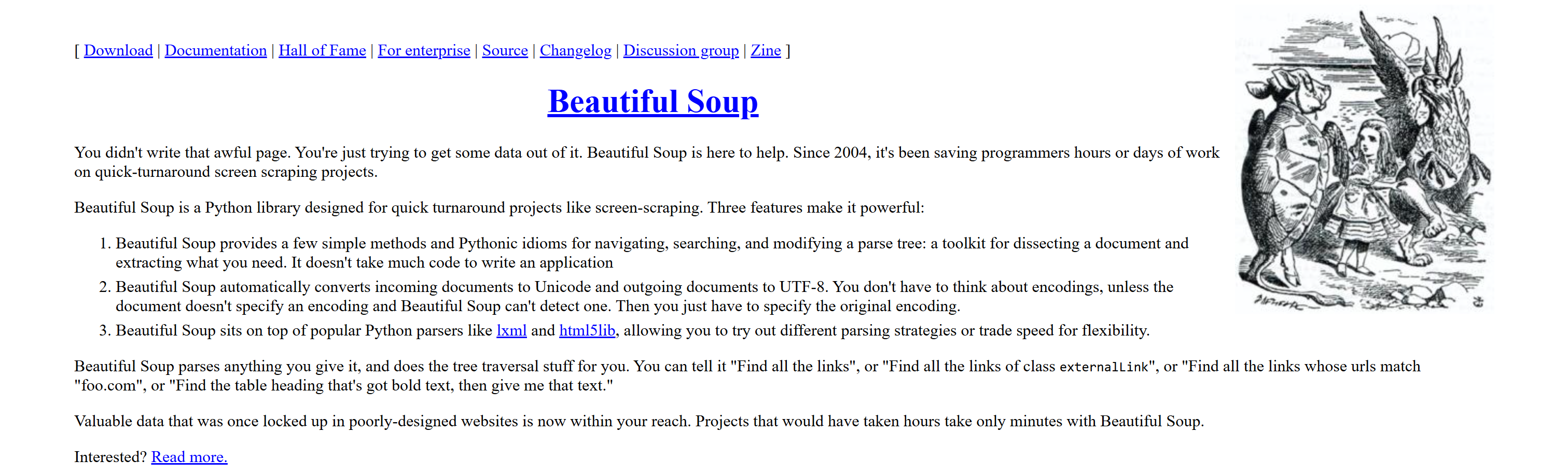
Beautiful Soup is a widely used Python library and one of the most powerful HTML parsers. It constructs a parse tree from HTML or XML documents, opening the door to easy navigation, searching, and extraction of data. It handles poorly formatted markup effectively, making it a key tool for web scraping and structured data extraction.
See it in action in our Beautiful Soup web scraping tutorial.
➡️ Best for: Data extraction from HTML/XML documents in Python.
Type:
- Open-source Python library for parsing HTML and XML.
Supported scenarios:
- Extracting structured data from HTML/XML documents.
- Web scraping for static websites.
Parsing methods:
- Traditional parsing using tree traversal and tag searching via underlying low-level HTML parsers like
lxml. - Supports CSS selectors and node selection using element names, attributes, and text content.
Infrastructure:
- Depends on how you integrate it into your Python web scraping script and how you deploy and scale it.
Technical requirements:
- Requires intermediate Python programming skills.
- For a complete web scraping setup, you also need to know how to handle HTTP requests using a client like Requests to retrieve the HTML documents first.
Compliance:
- Depends on how you manage the data you extract using it.
Pricing:
- Free and open-source.
Conclusion
In this article, you saw why data extraction has become pivotal with the rise of AI and how to approach it professionally. You discovered that the best way is to rely on specialized data extraction tools.
Among the available solutions, Bright Data has emerged as the top choice. This is due to its enterprise-grade data collection services, which allow you to extract data from web pages at scale while supporting robust AI integrations.
Bright Data stands out because it is backed by a proxy network of 150 million IPs, achieves 99.99% uptime, and delivers a 99.99% success rate. Combined with 24/7 priority support, options for custom JSON output, and flexible data delivery, extracting web data has never been easier.
Create a Bright Data account today and test our data extraction solutions!
FAQ
How does data extraction work?
At a high level, the process of data extraction involves:
- Accessing the source, such as a web page, PDF file, Word document, or other.
- Parsing the content via traditional parsing methods, pattern matching, or AI-powered techniques to identify relevant information.
- Cleaning and normalizing the data to transform it into a structured and consistent format.
Finally, you can apply quality checks to ensure the extracted data is true, accurate, and reliable.
Can data extraction tools be applied to websites?
Yes, and in this case, it is called web scraping. The idea is to have an automated tool navigate web pages, identify relevant DOM elements, and extract content from them. To be effective, web scraping tools must also handle anti-bot measures and integrate with proxies for IP rotation.
How to build a data extraction tool?
Building a data extraction tool largely depends on the target sources. In general, you can use programming languages like Python with libraries for web scraping, document parsing, or OCR. For more complex or unstructured sources, integration with local or online AI models and LLMs may be required.



Technical Writer
 5.5 years experience
Antonello Zanini is a technical writer, editor, and software engineer with 5M+ views. Expert in technical content strategy, web development, and project management.