In this guide, you will learn:
- What Capsolver is and how it works
- Supported CAPTCHA types and current pricing
- Performance benchmarks and success rates
- How to integrate Capsolver with Bright Data proxies
- Use cases for production scraping workflows
- How Capsolver compares to alternatives
Let’s dive in!
What is Capsolver?
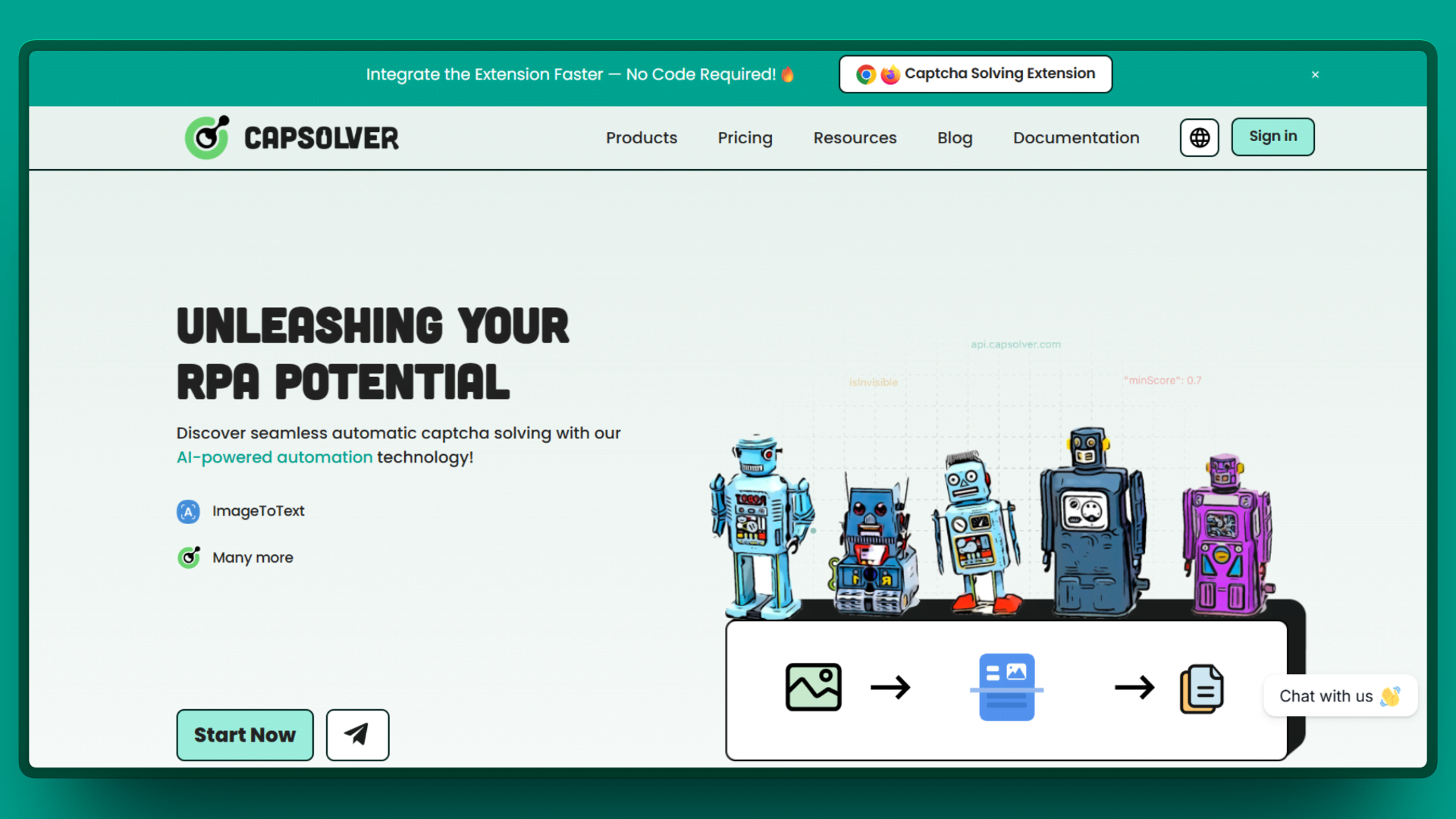
Capsolver is an automated CAPTCHA solving service that uses artificial intelligence and machine learning to solve CAPTCHAs without human intervention. Unlike traditional services like 2Captcha or Anti-Captcha that rely on human workers to manually solve challenges, Capsolver processes everything algorithmically.
This AI-first approach has two major implications for your scraping workflow. First, speed becomes a competitive advantage. AI solves are measured in seconds, not minutes. A typical reCAPTCHA v2 solve takes 3 to 9 seconds with Capsolver compared to 20 to 60 seconds with human-powered alternatives. Second, scalability is effectively unlimited. There is no workforce to manage or capacity constraints during peak hours.
With this foundation in place, let’s examine exactly which CAPTCHA types Capsolver can handle and what each costs.
Supported CAPTCHA Types
One of Capsolver’s strongest selling points is its comprehensive coverage of CAPTCHA types. The platform handles everything from legacy image CAPTCHAs to modern anti-bot challenges. Here is the complete breakdown as of early 2026.
reCAPTCHA Family
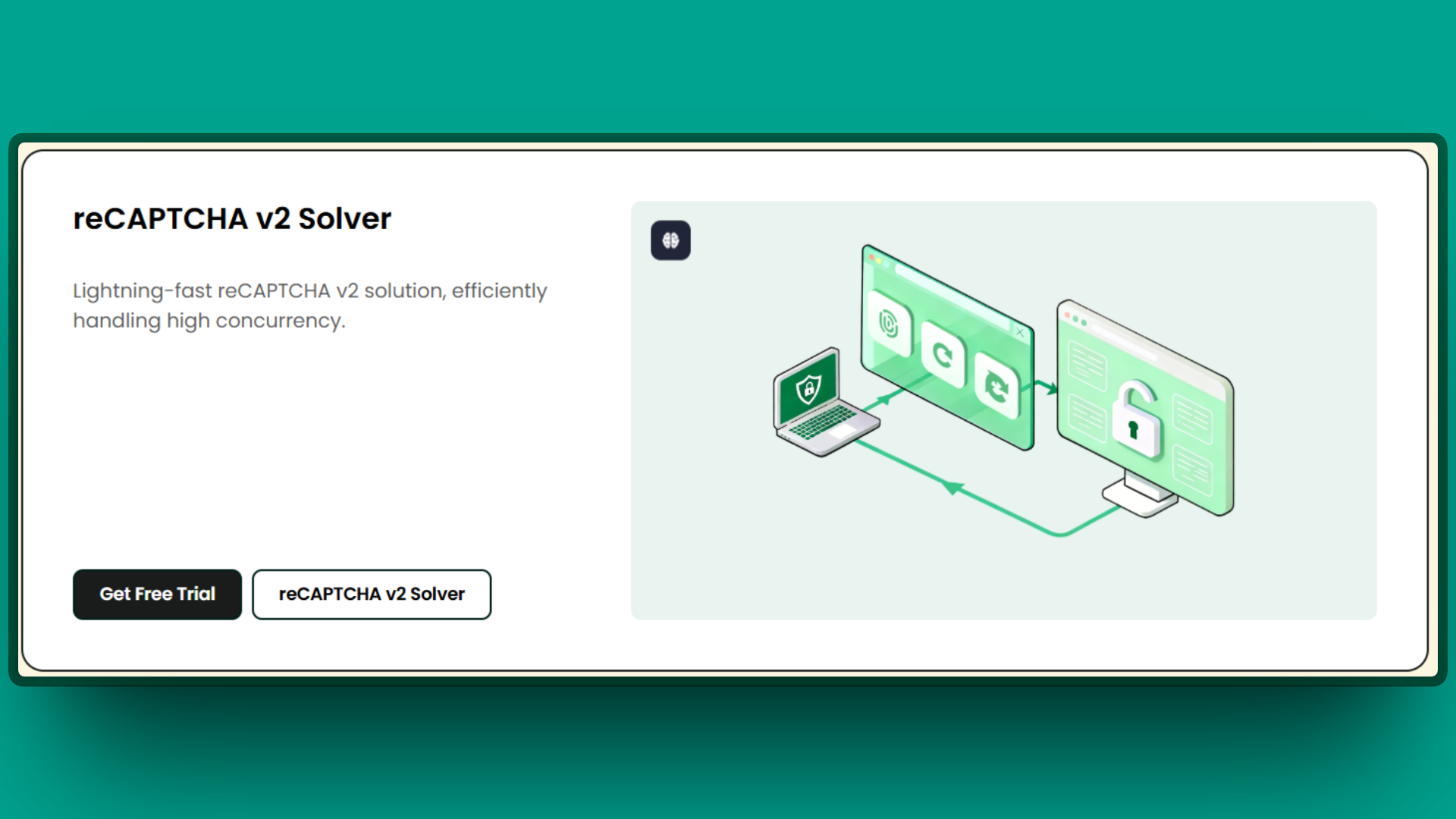
Google’s reCAPTCHA remains the most common system on the web, and Capsolver supports all versions.
| Type | Price per 1,000 | Solve Time | Notes |
|---|---|---|---|
| reCAPTCHA v2 | $0.80 | 3 to 9 seconds | Checkbox and image challenges |
| reCAPTCHA v2 Enterprise | $1.00 | Under 3 seconds | Higher quality tokens |
| reCAPTCHA v3 | $1.00 | Under 3 seconds | Score-based invisible |
| reCAPTCHA v3 Enterprise | $3.00 | Under 3 seconds | Best scores (0.7 to 0.9) |
For sites requiring high reCAPTCHA v3 scores, the enterprise task types combined with quality residential proxies typically achieve scores between 0.7 and 0.9. This matters because many sites set minimum score thresholds that reject lower-quality tokens.
Cloudflare Protection
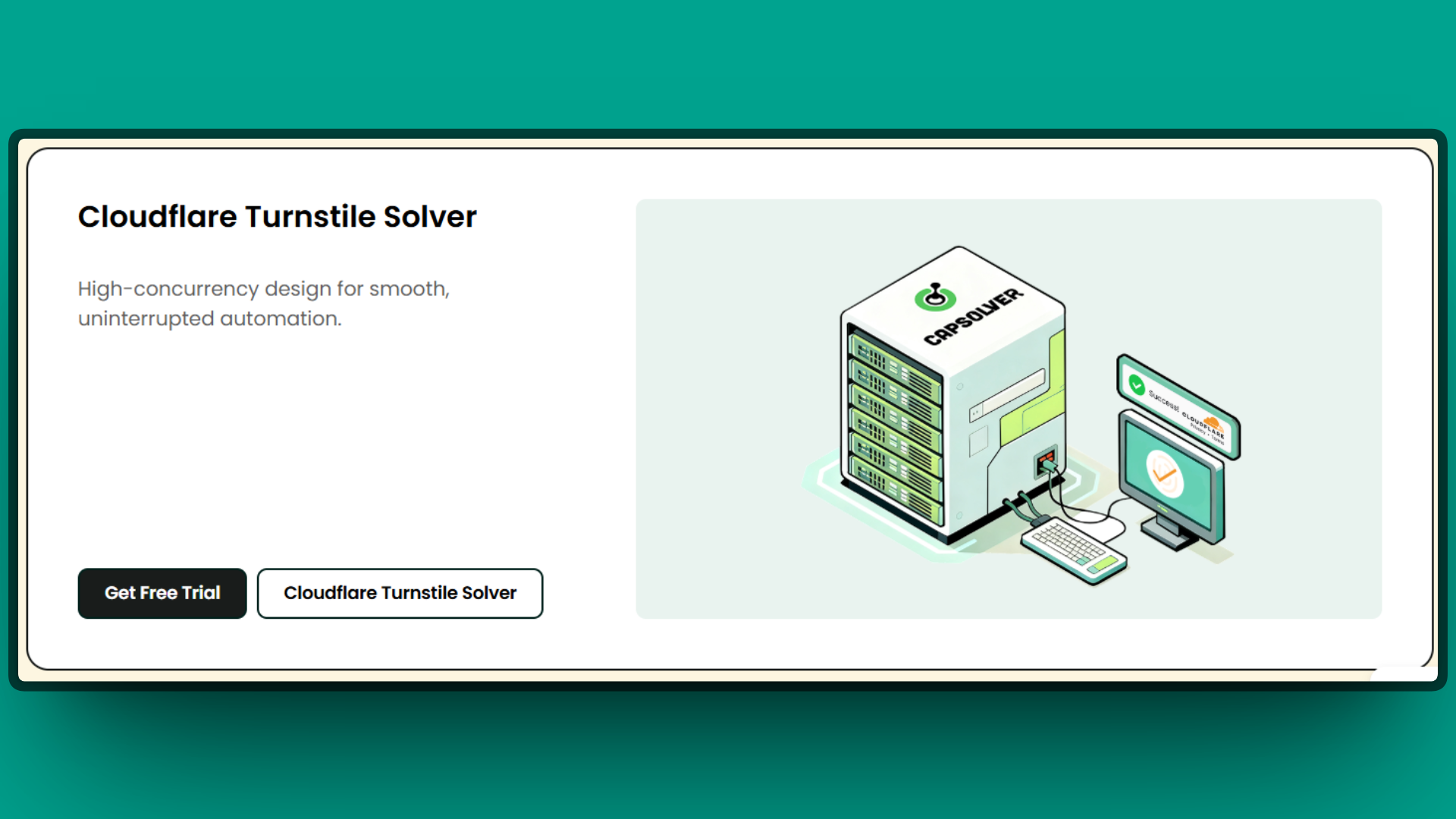
Cloudflare’s anti-bot systems protect a substantial portion of the web, making this coverage particularly valuable for scrapers.
| Type | Price per 1,000 | Average Solve Time | Notes |
|---|---|---|---|
| Cloudflare Turnstile | $1.20 | Under 3 seconds | Modern CAPTCHA replacement |
| Cloudflare Challenge (5s) | $1.20 | Under 10 seconds | JavaScript challenge page, requires proxy |
Note: Cloudflare Challenge is a special case that always requires a proxy. The resulting cf_clearance cookie is cryptographically bound to the IP address used during solving. You must pass your proxy to Capsolver and use the same proxy for all subsequent requests. We will cover the implementation details in the Python integration section below.
Other CAPTCHA Types and Anti-Bot Systems
Beyond the major CAPTCHA providers, Capsolver handles a wide range of additional challenge types.
| Type | Price per 1,000 | Average Solve Time |
|---|---|---|
| GeeTest v3 | $1.20 | Under 5 seconds |
| GeeTest v4 | $1.20 | Under 5 seconds |
| AWS WAF | $2.00 | Under 3 seconds |
| DataDome Slider | $2.50 | Under 5 seconds |
| ImageToText (OCR) | $0.40 | Under 1 second |
CapSolver is designed to help with most mainstream Captcha systems and anti-bot challenges commonly encountered in web scraping and browser automation. This broad coverage allows teams to standardize on a single captcha solving provider for the majority of automation scenarios, instead of integrating and maintaining multiple services across different targets, check the docs.
Dashboard and Developer Experience
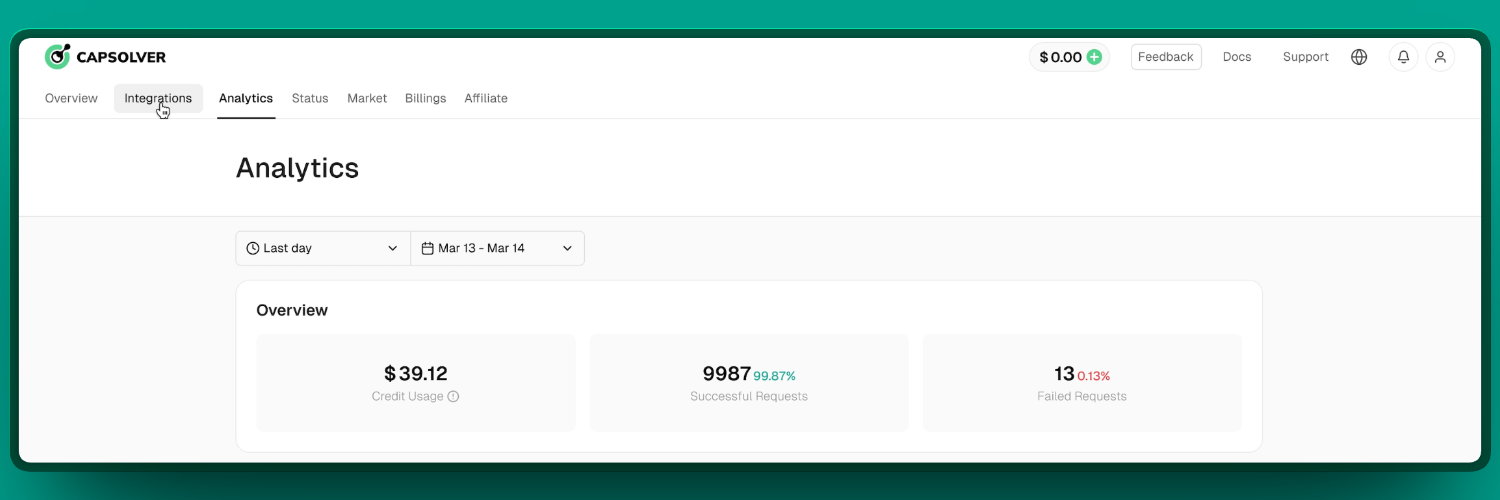
Capsolver provides a clean, functional dashboard that gives you visibility into your usage and spending. The Dashboard 3.0 update released in late 2025 includes:
- Real-time balance monitoring
- Usage analytics broken down by CAPTCHA type
- Success rate metrics across different task types
- API key management
- Complete transaction history
For testing and debugging, Capsolver offers browser extensions for Chrome (v1.17.0 as of this writing) and Firefox. The extension can automatically detect and solve CAPTCHAs on pages you visit, provide callback configuration options for different scenarios, and support manual solving triggers for edge cases.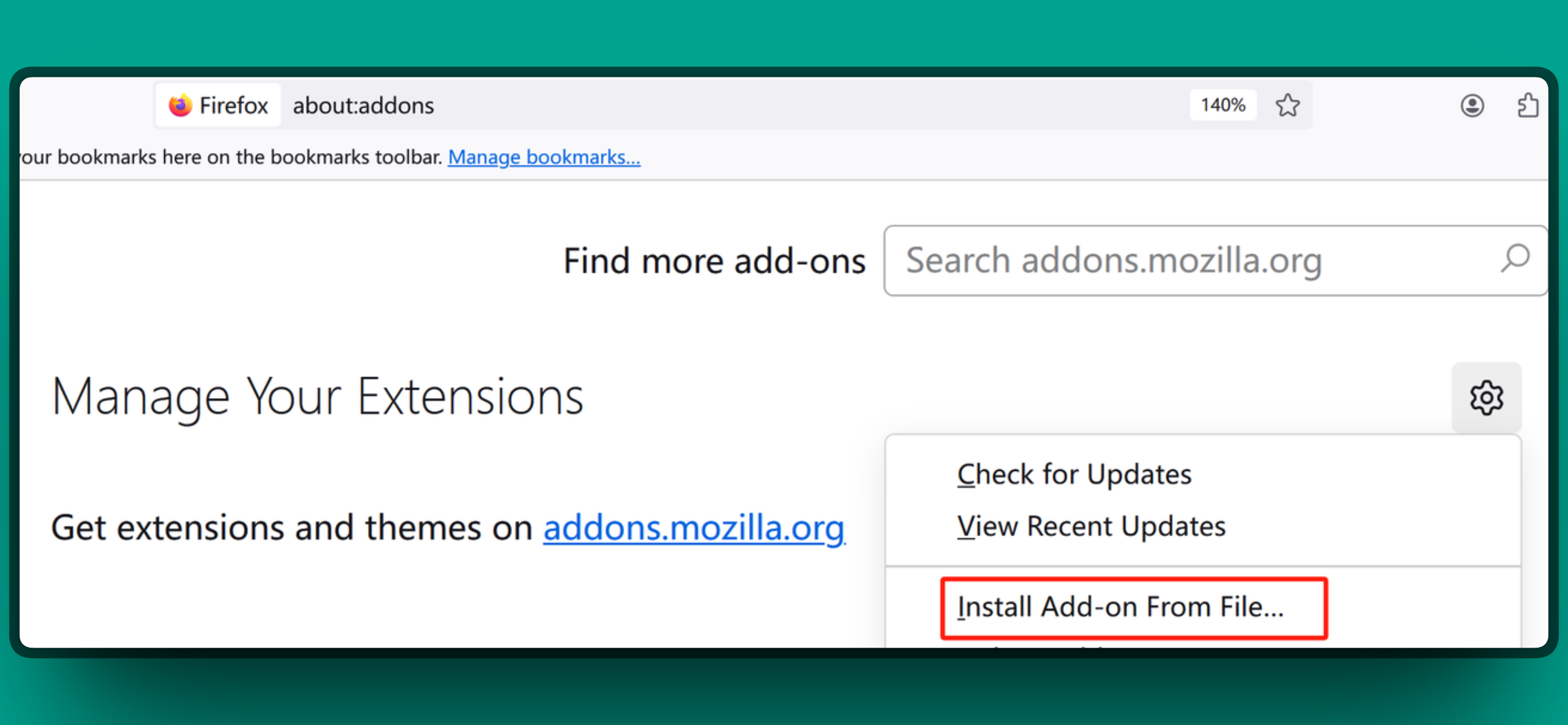
This proves useful during development when you want to manually verify that a target site’s CAPTCHAs can be solved before integrating into your automated workflow.
The developer experience extends to solid SDK support across multiple languages. Official and community SDKs are available for:
- Python (
pip install capsolver) - Node.js (
npm install capsolver) - Go
- C#
- PHP
- TypeScript
The API also maintains compatibility with the 2Captcha API format, making migration straightforward if you are switching from another service.
Performance and Integration
From a practical standpoint, performance involves more than raw speed. Consistency and reliability matter just as much.
CapSolver delivers fast solve times with high accuracy, reducing interruptions to your web scraping workflow. When your scripts frequently encounter CAPTCHAs, quick turnaround on solutions keeps your scraper moving rather than waiting.
Reliability rounds out the performance picture. With near-perfect uptime, CapSolver ensures that jobs running overnight or across different regions always have access to the solving service without unexpected outages.
Speed Comparison
| CAPTCHA Type | Capsolver | Human-Powered Services |
|---|---|---|
| reCAPTCHA v2 | 3 to 9 seconds | 20 to 60 seconds |
| reCAPTCHA v3 | Under 3 seconds | 10 to 30 seconds |
| Cloudflare Turnstile | Under 3 seconds | 10 to 30 seconds |
| ImageToText | Under 1 second | 5 to 15 seconds |
Integration is where many CAPTCHA solvers stumble, but CapSolver was built with developers in mind. Whether you prefer raw HTTP requests, a Python SDK, or browser automation tools, the service offers a smooth pathway for each approach. The API follows an intuitive design with clear endpoints like createTask and getTaskResult, so you can get started without reinventing the wheel.
Consider a practical example: if you are using Selenium to navigate pages and encounter a CAPTCHA, you can call CapSolver’s API in the background, retrieve a solution token, and inject it into the page, all within a few lines of Python. Comprehensive documentation with code examples significantly lowers the learning curve.
Integrating CapSolver with Bright Data Proxies (Python Example)
One of the most effective ways to maximize your web scraping success is to combine Bright Data’s proxy network with CapSolver’s CAPTCHA-solving capabilities. Bright Data’s residential and data center proxies help you avoid most blocks by rotating IPs and simulating real users.
However, on heavily protected sites, you may still encounter CAPTCHAs. In those cases, CapSolver serves as a reliable backup to overcome the challenge and keep your scraper moving forward.
Prerequisites
Before diving into code, ensure you have:
- A CapSolver account and your API key (client key) from the dashboard
- A Bright Data proxy zone configured, with your proxy host, port, username, and password available
- The target website’s CAPTCHA sitekey (usually obtainable from the page’s HTML or network calls)
Code Example
import requests
import time

# Configuration: CapSolver API key and Bright Data proxy details
CAPSOLVER_API_KEY = "YOUR_CAPSOLVER_API_KEY"  # Insert your CapSolver clientKey here
brightdata_host = "brd.superproxy.io"         # Bright Data proxy host
brightdata_port = "22225"                     # Bright Data proxy port (e.g., 22225 for residential proxies)
brightdata_user = "your_brdata_username"      # Bright Data username (or zone identifier)
brightdata_pass = "your_brdata_password"      # Bright Data password

# Target CAPTCHA parameters (example: Google's reCAPTCHA demo site)
site_url = "https://www.google.com/recaptcha/api2/demo"
site_key = "6Le-wvkSAAAAAPBMRTvw0Q4Muexq9bi0DJwx_mJ-"  # Public sitekey for the demo

# Set up the proxy for requests (Bright Data requires HTTP proxy format with auth)
proxy_url = f"http://{brightdata_user}:{brightdata_pass}@{brightdata_host}:{brightdata_port}"
proxies = {"http": proxy_url, "https": proxy_url}

# Step 1: Create a CapSolver task to solve the CAPTCHA
create_task_payload = {
    "clientKey": CAPSOLVER_API_KEY,
    "task": {
        "type": "ReCaptchaV2Task",         # Using a proxy-enabled task
        "websiteURL": site_url,
        "websiteKey": site_key,
        "proxy": f"http://{brightdata_user}:{brightdata_pass}@{brightdata_host}:{brightdata_port}"
    }
}
response = requests.post("https://api.capsolver.com/createTask", json=create_task_payload)
result = response.json()
if result.get("errorId") != 0:
    raise Exception(f"CapSolver error: {result.get('errorDescription')}")
task_id = result.get("taskId")
print(f"Created CapSolver task ID: {task_id}")

# Step 2: Poll CapSolver for the solution
solution_token = None
while True:
    time.sleep(3)  # Wait a few seconds between polls
    res = requests.post(
        "https://api.capsolver.com/getTaskResult",
        json={"clientKey": CAPSOLVER_API_KEY, "taskId": task_id}
    )
    data = res.json()
    if data.get("status") == "ready":
        # CAPTCHA solved; retrieve the token
        solution_token = data.get("solution", {}).get("gRecaptchaResponse")
        print("CAPTCHA solved!")
        break
    elif data.get("status") == "failed":
        raise Exception(f"CapSolver failed to solve CAPTCHA: {data}")
    # If not ready or failed, loop again after delay

# Step 3: Use the solved token to access the protected page (illustrative example)
if solution_token:
    # Normally, you would submit this token in a form or via an API request.
    # For demonstration, we append it as a query parameter.
    protected_url = site_url + "?g-recaptcha-response=" + solution_token
    final_resp = requests.get(protected_url, proxies=proxies)
    if final_resp.status_code == 200:
        print("Successfully accessed protected content!")
        # Process final_resp.content as needed
    else:
        print("Failed to bypass CAPTCHA, status code:", final_resp.status_code)
Code Breakdown
Proxy Setup: We configure proxy_url with Bright Data credentials. This proxy is passed to CapSolver and used for all outgoing requests. The proxies dictionary allows the requests library to route traffic through Bright Data’s proxy network.
Creating a CapSolver Task: We prepare a JSON payload specifying the task type (ReCaptchaV2Task for solving reCAPTCHA v2 with a proxy), the website URL and site key, and the proxy credentials in the format CapSolver expects. We then call CapSolver’s createTask endpoint. If the request is correctly formed and your account has sufficient balance, CapSolver responds immediately with a taskId.
Polling for the Result: Using the returned taskId, we repeatedly call getTaskResult every few seconds. CapSolver processes the CAPTCHA in the background using its AI solver or human workers. Once ready, it returns a solution token. The loop breaks when we receive "status": "ready" along with a gRecaptchaResponse token, which proves to the target site that the challenge was solved.
Using the Token: How you use the solution token depends on the target website. If the CAPTCHA is part of a form, you would typically submit the form with the token included. In our simplified demonstration, we appended it to a demo URL to illustrate the final step. We then issue a GET request via the Bright Data proxy using the solved token.
If everything works correctly, we gain access to the protected content (HTTP 200 and the page content in final_resp). In a real scenario, you might POST the token back to the site or use a browser automation tool like Selenium to inject it into the page’s JavaScript.
Key Takeaway: Bright Data’s proxy and CapSolver’s solution work hand in hand. The proxy makes it appear as if a real user from a chosen location is browsing, and when a CAPTCHA appears, CapSolver solves it using that same proxy IP. This combination significantly increases scraping success on websites that deploy aggressive anti-bot measures.
CapSolver as a Backup When Proxies Encounter Blocks
Even with industry-leading proxies like those from Bright Data, you may occasionally encounter CAPTCHA or JavaScript challenges (such as Cloudflare) on certain websites. Bright Data’s own tools, including Web Unlocker, attempt to handle many of these automatically. However, if you are using standard proxy rotations, a separate solver like CapSolver is invaluable as a backup.
The strategy is straightforward: use proxies as your first line of defense to avoid trivial blocks such as IP bans, geo-restrictions, and basic rate-limiting CAPTCHAs.
When a more persistent CAPTCHA or block appears, your code can detect it by checking whether the response contains known CAPTCHA page elements or returns a 403/429 status code.
At that point, trigger CapSolver to step in and solve the challenge in real time. Once the issue is resolved, you can continue data extraction without manual intervention.
How Capsolver compares to alternatives
| Criteria | Capsolver | 2Captcha | Anti-Captcha | CapMonster Cloud |
|---|---|---|---|---|
| Technology | AI/ML | Human | Human | AI |
| reCAPTCHA v2 | $0.80/1k | $1.00 to $2.99/1k | $1.00 to $2.00/1k | $0.50 to $0.80/1k |
| reCAPTCHA v3 | $1.00/1k | $1.45 to $2.99/1k | $1.45 to $2.99/1k | $0.50 to $2.00/1k |
| Solve time | 2 to 5 seconds | 20 to 60 seconds | 10 to 20 seconds | 10 to 20 seconds |
| Success rate | ~99% | ~99% | ~99% | ~99% |
| Pay for success only | ✔️ | ❌ | ❌ | ✔️ |
| Cloudflare support | Excellent | Basic | Basic | Good |
| 2Captcha API compatible | ✔️ | Native | ❌ | ✔️ |
When to choose Capsolver
- Speed is critical (2 to 5 second solves)
- High volume without capacity limits
- Modern anti-bot systems (Cloudflare, DataDome, AWS WAF)
- Cost optimization via pay-for-success
When to consider alternatives
- Extremely tight budget (CapMonster Cloud slightly cheaper)
- Rare or novel CAPTCHA types
- Audio CAPTCHA requirements
Choosing the right service is only part of the equation. To get the most out of Capsolver in production, follow these operational best practices.
Best Practices for Production
- Implement request delays. Even with solved CAPTCHAs, rapid requests trigger other anti-bot measures. Use 2 to 5 seconds between requests.
- Use exponential backoff. On failures, increase wait times progressively. Avoid immediate retries that waste credits and risk blocks.
- Monitor balance proactively. Set alerts before credits run out. The dashboard provides usage forecasting.
- Track success rates. Declining rates indicate updated protection. Adjust your approach accordingly.
- Use sticky sessions for CAPTCHA flows. Maintain IP consistency during solve and submit. Return to rotating proxies afterward.
Recommended Workflow
- Browse with rotating proxies
- Switch to sticky session when CAPTCHA detected
- Solve with Capsolver using same sticky IP
- Submit form with solved token
- Return to rotation for continued scraping
Following these practices will help you maintain high success rates and avoid unnecessary costs.
Conclusion
Capsolver has established itself as a leading CAPTCHA solving service for 2026, particularly for scrapers who prioritize speed and scalability. The AI-powered approach delivers solve times that human services cannot match while maintaining competitive pricing and high success rates.
Bright Data provides proxy infrastructure that pairs well with Capsolver to deliver complete scraping solutions. Choose from residential, datacenter, ISP, and mobile proxies with built-in rotation and geo-targeting.
For sites with heavy anti-bot protection, Web Unlocker handles CAPTCHAs, fingerprinting, and JavaScript challenges automatically.
Recommended Reading
For more technical guides on web scraping infrastructure:



Web Data & AI Expert
 6 years experience
Daniel Shashko is a Senior SEO/GEO at Bright Data, specializing in B2B marketing, international SEO, and building AI-powered agents, apps, and web tools.