In this guide, you’ll learn:
- What agentic browsers are and why they’re transforming web automation
- How we tested and ranked the top 10 options
- Which agentic browser is right for your specific use case
- How to avoid common pitfalls when getting started
TL;DR: Summary Table of the Best Agentic Browsers
| Browser | Best For | Autonomous Level | Technical Skills | CAPTCHA Solving | Scalability | Free Tier | Pricing |
|---|---|---|---|---|---|---|---|
| Bright Data Agent Browser | Enterprise/Scale | High | Medium | ✅ Built-in | Unlimited concurrent sessions | Trial | $5-8/GB |
| Perplexity Comet | Research/Consumer | High | Low | ❌ | Limited | ✅ | Free |
| ChatGPT Atlas | ChatGPT Users | Medium | Low | ❌ | Limited | ✅ | $0-20/mo |
| Browser Use | Developers (OSS + cloud) | High | Medium | ✅ Built-in (cloud) | Managed cloud or self-hosted | ✅ OSS + signup credits | Free OSS; cloud from $0.02/hr |
| Vercel Agent Browser | AI Coding Assistants | Medium | High | ❌ | Self-managed | ✅ | Free (OSS) |
| Fellou | Deep Research | High | Low | ⚠️ Limited | Medium | Limited | $20-297/mo |
| Microsoft Edge Copilot | Everyday Use | Medium | Low | ❌ | Limited | ✅ | Free |
| Dia Browser | Privacy-First | Medium | Low | ❌ | Limited | Waitlist | TBD |
| Browserbase | Infrastructure | Medium | High | ⚠️ Limited | High | Trial | Usage-based |
| Skyvern | No-Code Automation | High | Low | ⚠️ Limited | Medium | Trial | Usage-based |
Quick Recommendation:
- Enterprise teams: Bright Data Agent Browser for production-ready infrastructure with built-in unlocking
- Developers: Browser Use or Vercel Agent Browser for open-source flexibility
- Consumers: Perplexity Comet or ChatGPT Atlas for AI-enhanced daily browsing
The agentic browser market is exploding, growing from $4.5 billion in 2024 to a projected $76.8 billion by 2034. But choosing the wrong tool could cost you months of development time and thousands in wasted API calls. This guide cuts through the noise to help you find the right solution for your specific needs.
What Are Agentic Browsers? (And Why They Matter in 2026)
An agentic browser is an AI-powered browser that can autonomously navigate websites, fill forms, extract data, and complete multi-step tasks on your behalf. Unlike traditional automation that relies on brittle scripts, agentic browsers understand context and adapt when websites change.
Think of it this way: a traditional scraping script is like giving someone step-by-step directions to your house. If one road is closed, they’re stuck. An agentic browser is like giving someone your address and letting them figure out the best route, construction, traffic, and all.
How Agentic Browsers Differ from Traditional Browsers
| Feature | Traditional Browser | Agentic Browser |
|---|---|---|
| Task Execution | Manual or scripted | Autonomous AI-driven |
| Website Changes | Scripts break | Adapts automatically |
| CAPTCHA Handling | Requires third-party tools | Often built-in |
| Learning | None | Context-aware, learns patterns |
| Scale | Limited by infrastructure | Serverless, concurrent sessions |
Key Statistics: The AI Browser Revolution
The numbers tell a compelling story:
- Market Growth: The AI browser market is projected to grow from $4.5 billion (2024) to $76.8 billion by 2034, a staggering 32.8% CAGR (Market.us)
- AI Agents Market: Expected to reach $48.3 billion by 2030, growing at 43.3% annually (Yahoo Finance)
- Search Traffic Shift: 5.6% of US desktop search traffic now goes to AI-powered tools like ChatGPT and Perplexity (Wall Street Journal)
- Automation Testing: The market is valued at $24.25 billion in 2026, projected to reach $84.22 billion by 2034 (Fortune Business Insights)
Our Testing Methodology
We didn’t just compile a list. We tested these browsers against real-world scenarios that matter for enterprise and developer use cases.
Real-World Scenarios We Tested
- Multi-site data extraction across e-commerce platforms
- Form automation with dynamic fields
- CAPTCHA-protected sites and anti-bot bypass
- Concurrent session handling at scale
- Cross-browser compatibility with existing automation frameworks
Evaluation Criteria
Each browser was scored across eight key factors:
- Autonomous Capabilities: Level of task automation and multi-step workflow handling
- Technical Requirements: Coding skills needed and integration complexity
- Unlocking & Anti-Detection: CAPTCHA solving and bot detection bypass
- Scalability: Concurrent sessions and performance at scale
- Privacy & Security: Data handling and compliance certifications
- Pricing Model: Transparency and value at different scales
- Developer Experience: API/SDK quality and documentation
- Browser Compatibility: Support for Puppeteer, Playwright, Selenium
Top 10 Best Agentic Browsers (Ranked)
1. Bright Data Agent Browser: Best Enterprise Solution
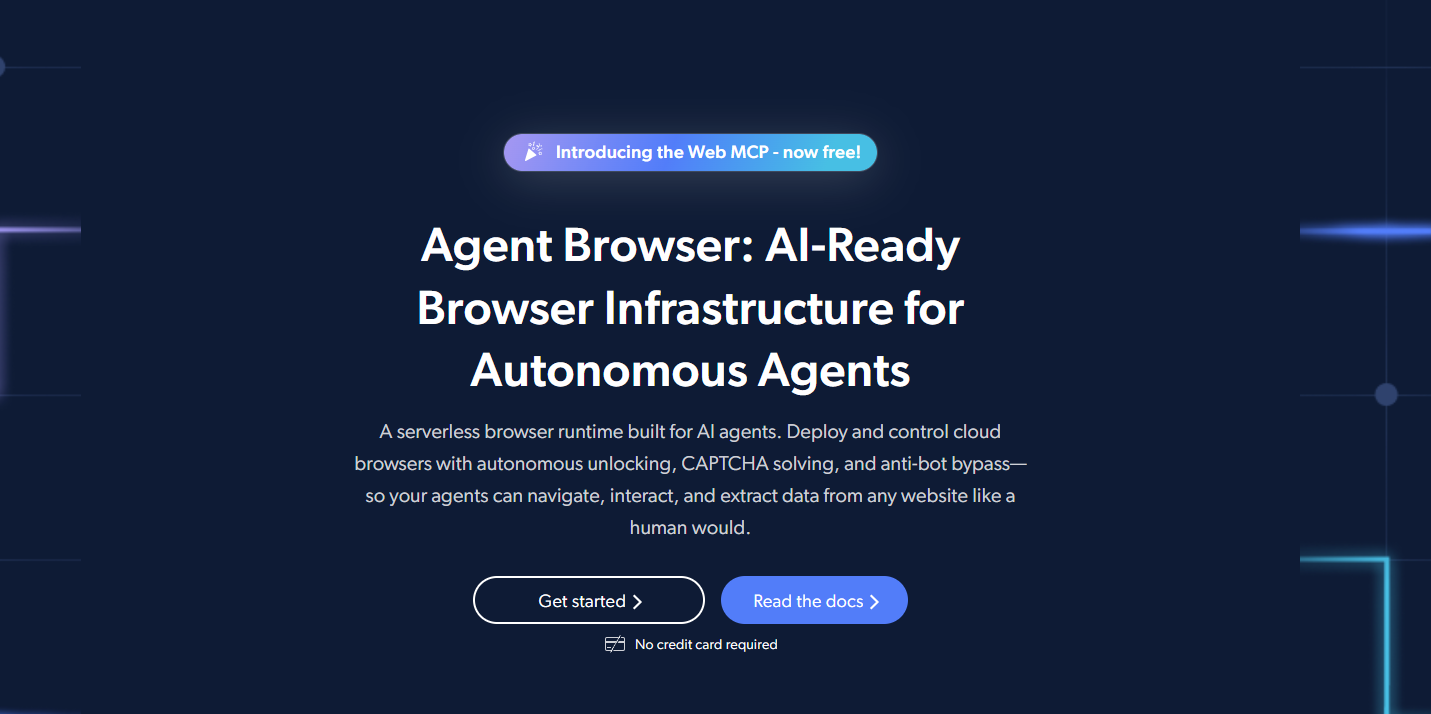
Bright Data’s Agent Browser stands out as the most complete solution for teams deploying AI agents in production. Unlike consumer-focused tools, it’s purpose-built for scale, supporting 1M+ concurrent sessions without performance degradation.
Key Strengths:
- Autonomous unlocking: Built-in CAPTCHA solving and anti-bot bypass across 3M+ domains
- Global coverage: 400M+ IPs across 195 countries with city/state/ASN targeting
- Enterprise security: SOC 2 Type II certified, HIPAA compliant
- Full framework support: Works with Puppeteer, Playwright, and Selenium
Pricing: Starts at $5/GB with volume discounts and transparent pay-as-you-go model
Best For: Enterprise teams, large-scale web scraping, AI agent development requiring production reliability
The key differentiator isn’t just scale. It’s that Bright Data handles the hard parts (unlocking, proxies, fingerprint management) so your team can focus on building workflows rather than fighting blocks.
Pro Tip: For developers building AI agents with web access, Bright Data’s MCP server integration provides a streamlined way to connect agents to web data.
2. Perplexity Comet: Best for Conversational Browsing
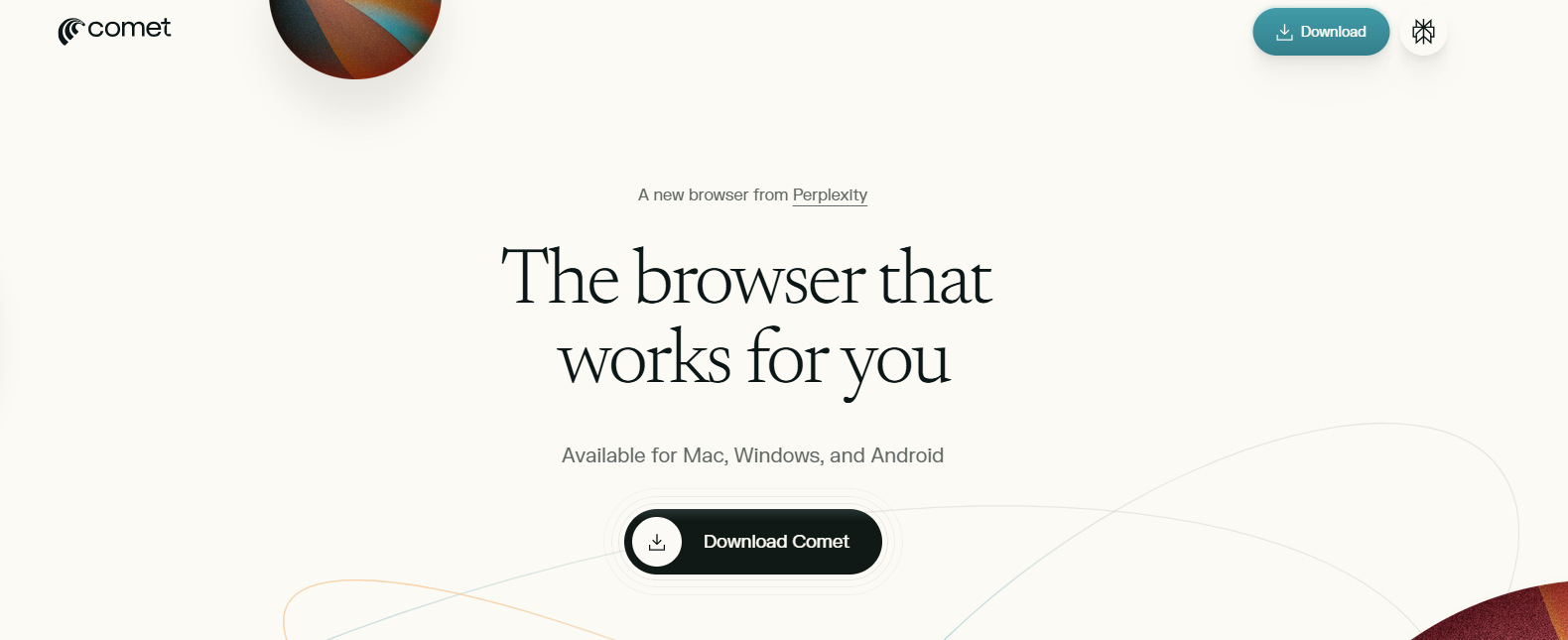
Perplexity’s Comet browser, launched in July 2025, brings AI-native browsing to consumers. It acts as a digital assistant that connects with enterprise tools like Slack and lets users ask complex questions using voice or text.
Key Strengths:
- Free to use with no subscription required
- Built-in Comet Assistant for multi-step actions
- Integrates with email, calendar, and web content
- Voice mode for hands-free control
Limitations:
- Limited concurrent sessions (consumer-focused)
- Not designed for enterprise automation
- Unclear data policies compared to enterprise options
Best For: Individual researchers, consumers wanting AI-enhanced daily browsing
3. ChatGPT Atlas: Best for ChatGPT Users

OpenAI’s ChatGPT Atlas browser, launched in October 2025, puts ChatGPT directly into every tab. It’s ideal for users already invested in the ChatGPT ecosystem.
Key Strengths:
- ChatGPT integration in every tab
- Context-aware AI assistant
- Built-in memory for personalized experience
- Agent mode for task automation
Pricing: Free tier available; Plus subscription at $20/month unlocks advanced features
Benchmark Performance: OpenAI’s Computer-Using Agent achieved 87% success rate on WebVoyager and 58.1% on WebArena (OpenAI)
Best For: ChatGPT subscribers, content creators, everyday productivity
4. Browser Use: Best Open Source Framework
Browser Use started as the leading open-source framework for AI browser agents and now runs a full cloud platform on top of it. The MIT-licensed library has over 117k GitHub stars. Browser Use Cloud adds hosted agents that take a plain-English task and return structured JSON. It also offers managed stealth browsers that Playwright and Puppeteer reach over CDP. Its December 2024 technical report recorded an 89.1% success rate on the WebVoyager benchmark across 586 web tasks (Browser Use).
Key Strengths:
- Open-source agent library (MIT) with an active community
- Hosted agents and managed stealth browsers with built-in CAPTCHA solving
- Supports multiple LLMs (OpenAI, Anthropic, Google, local models via Ollama)
- Puppeteer/Playwright connect to cloud browsers over CDP
Limitations:
- Custom integrations require coding expertise
- Self-hosting leaves model and infrastructure costs to you; hosted agents bill model usage plus a 20% fee, browser time, and traffic
- CAPTCHA solving and site access are not guaranteed
Best For: Developers building custom AI agents, teams that want hosted agents or managed browsers, cost-conscious teams
Pricing: Open-source library is free. Cloud browsers cost $0.02/hour plus traffic, and hosted agents cost model usage plus 20% on top of browser time
Learn more about integrating Browser Use with Bright Data’s infrastructure for enhanced unlocking capabilities.
5. Vercel Agent Browser: Best CLI for AI Coding Assistants
Vercel’s Agent Browser is a headless browser automation CLI specifically designed for AI agents. With 12.1k GitHub stars and backing from Vercel Labs, it’s become a go-to tool for developers integrating browser automation into AI coding workflows.
Key Strengths:
- Fast Rust CLI with Node.js fallback for cross-platform support
- Snapshot-based workflow: Get accessibility tree with refs (@e1, @e2) for deterministic element selection
- AI-optimized output: JSON mode designed for LLM parsing
- Session management: Multiple isolated browser instances with persistent profiles
- Cloud provider integrations: Works with Browserbase, Browser Use Cloud, and Kernel out of the box
Installation:
npm install -g agent-browser
agent-browser install  # Download Chromium
Core Workflow:
agent-browser open example.com
agent-browser snapshot -i              # Get interactive elements with refs
agent-browser click @e2                # Click by ref
agent-browser fill @e3 "[email protected]"
agent-browser screenshot page.png
Limitations:
- No built-in CAPTCHA solving or anti-bot bypass
- Requires external proxy configuration for geo-targeting
- Command-line focused (less suitable for non-technical users)
Best For: Developers building AI agents, AI coding assistants (Claude Code, Cursor, Codex, Windsurf), automated testing workflows
Pro Tip: Pair Vercel Agent Browser with Bright Data’s proxy infrastructure for enhanced unlocking and geographic coverage when scraping protected sites.
6. Fellou: Best for Deep Research
Fellou positions itself as the world’s first spatial agentic AI browser, launched in 2025. It automates deep research across the entire internet, including logged-in accounts on platforms like Quora and X.
Key Strengths:
- Deep search across multiple sources simultaneously
- Automated research report generation
- Works with login-required platforms
- Spatial interface for visual workflows
Pricing: $20-$297/month across tiers
Best For: Researchers, competitive intelligence, multi-source data gathering
7. Microsoft Edge Copilot: Best for Everyday Use
Microsoft transformed Edge into an “AI browser” with Copilot Mode in October 2025. It’s free, built into Windows, and doesn’t require additional setup.
Key Strengths:
- Free and pre-installed on Windows
- Copilot integration in every new tab
- Tab summarization and comparison tools
- Enterprise security features
Limitations:
- Limited autonomous capabilities compared to specialized tools
- Not designed for large-scale automation
- Tied to Microsoft ecosystem
Best For: Business professionals, Windows users, everyday AI-assisted browsing
8. Dia Browser: Best Privacy-First Option
Dia, from The Browser Company (creators of Arc), launched as an AI-native browser focused on contextual awareness while attempting to address privacy concerns.
Key Strengths:
- Persistent, context-aware AI assistant
- Tab-level AI understanding
- Writing assistance in your own voice
- Local processing options
Considerations:
- Privacy policy allows AI model training on user data
- Still evolving privacy controls
- Waitlist for new users
Best For: Privacy-conscious users comfortable with trade-offs, creative professionals
9. Browserbase: Best Infrastructure Platform
Browserbase provides serverless browser infrastructure specifically designed for AI agents and developers. They raised $40M in Series B funding in June 2025, valued at $300 million (Upstarts Media).
Key Strengths:
- Serverless browser infrastructure
- Designed for AI agent integrations
- Puppeteer/Playwright compatible
- Growing enterprise customer base (1000+ customers)
Pricing: Usage-based with free trial
Best For: Developers building AI agents who want infrastructure without managing servers
10. Skyvern: Best for No-Code Automation
Skyvern uses LLMs and computer vision to automate browser tasks without requiring custom code for each website.
Key Strengths:
- Natural language commands
- Adapts to website changes
- API-based automation
- No custom selectors required
Best For: Non-technical users, rapid prototyping, form automation
Agentic Browser Comparison Table
| Browser | Best For | Pricing | Autonomous Level | Technical Skills | Free Tier |
|---|---|---|---|---|---|
| Bright Data Agent Browser | Enterprise/Scale | $5-8/GB | High | Medium | Trial |
| Perplexity Comet | Research/Consumer | Free | High | Low | Yes |
| ChatGPT Atlas | ChatGPT Users | $0-20/mo | Medium | Low | Yes |
| Browser Use | Developers/Infrastructure | Free OSS; cloud from $0.02/hr | High | Medium | Yes |
| Vercel Agent Browser | AI Coding Assistants | Free (OSS) | Medium | High | Yes |
| Fellou | Deep Research | $20-297/mo | High | Low | Limited |
| Microsoft Edge | Everyday Use | Free | Medium | Low | Yes |
| Dia Browser | Privacy-First | TBD | Medium | Low | Waitlist |
| Browserbase | Infrastructure | Usage-based | Medium | High | Trial |
| Skyvern | No-Code | Usage-based | High | Low | Trial |
Use Cases: Which Agentic Browser Is Right for You?
There is no one for all solution when it comes to agentic browsers. Below, we listed the best options based on persona and use case.
For Developers & Technical Users
Choose: Browser Use, Vercel Agent Browser, or Bright Data Agent Browser
Why: You need full programmatic control, framework compatibility (Puppeteer/Playwright/Selenium), and the ability to customize workflows. Browser Use and Vercel Agent Browser offer excellent open-source foundations, while Bright Data provides the infrastructure to scale without managing proxies and unlocking yourself. Browser Use also offers managed stealth browsers for Playwright/Puppeteer over CDP, plus hosted agents.
Explore our guide to building AI agents with web access for detailed implementation examples.
For AI Coding Assistants
Choose: Vercel Agent Browser
Why: Purpose-built for AI coding workflows with Claude Code, Cursor, Codex, and similar tools. The snapshot-based workflow with refs (@e1, @e2) provides deterministic element selection that LLMs can reliably parse and act on.
For Business Professionals
Choose: Microsoft Edge Copilot or ChatGPT Atlas
Why: No setup required, integrated into tools you already use, and free or low-cost options available. Edge works best for Windows-heavy environments; Atlas for ChatGPT subscribers.
For Data Scientists & Researchers
Choose: Fellou or Perplexity Comet
Why: Multi-source research capabilities, automated report generation, and the ability to work across logged-in platforms. Fellou excels at structured research; Comet at conversational exploration.
For E-commerce & Price Monitoring
Choose: Bright Data Agent Browser
Why: Geographic coverage across 195 countries, dynamic pricing handling, and the scale to monitor competitors continuously. Check out our e-commerce data solutions for pre-built scrapers.
Agentic Browsers vs Traditional Browsers vs Anti-Detect Browsers
Understanding the differences helps you choose the right tool:
| Feature | Traditional Browsers | Anti-Detect Browsers | Agentic Browsers |
|---|---|---|---|
| Primary Purpose | Web browsing | Fingerprint management | Autonomous task execution |
| AI Capabilities | None/Limited | None | Core functionality |
| CAPTCHA Handling | Manual | Manual | Often built-in |
| Scale | Single user | Hundreds of profiles | Millions of sessions |
| Use Case | Manual work | Multi-account management | AI-powered automation |
Key Insight: Some modern tools like Bright Data’s Agent Browser combine the benefits of all three: autonomous AI capabilities, anti-detection features, and enterprise scale.
For a deeper dive into anti-detect options, see our best antidetect browsers guide.
How to Get Started with Agentic Browsers
Step 1: Define Your Use Case
Are you building AI agents, automating research, or enhancing daily browsing? This determines whether you need enterprise infrastructure or a consumer tool.
Step 2: Assess Technical Requirements
- High technical skill: Browser Use, Vercel Agent Browser, Browserbase, Bright Data Agent Browser
- Medium technical skill: Skyvern
- Low technical skill: Comet, Atlas, Edge, Fellou, Dia
Step 3: Consider Scale and Compliance
Enterprise deployments require:
- SOC 2 compliance (Bright Data ✓)
- Concurrent session support
- Transparent data handling policies
Step 4: Start Small, Scale Fast
Most platforms offer trials. Test with your specific use cases before committing to paid plans.
Quick Start Resource: Check out our MCP server quickstart guide for integrating Bright Data with AI applications.
Frequently Asked Questions
What is an agentic browser?
An agentic browser is an AI-powered browser that can autonomously navigate websites, fill forms, extract data, and complete multi-step tasks on your behalf. It goes beyond simple web scraping by understanding and interacting with dynamic web pages like a human would.
How do agentic browsers differ from traditional browsers?
Traditional browsers require manual interaction and fixed scripts that break when websites change. Agentic browsers use AI vision models and language understanding to adapt to changes, reason through tasks, and automate complex workflows without manual intervention.
Are agentic browsers safe?
Enterprise-grade agentic browsers like Bright Data offer SOC 2 Type II and HIPAA compliance with strong data protection. Safety depends on the specific tool. Look for certifications, read privacy policies, and start with non-critical tasks before automating sensitive workflows.
Which is the best agentic browser for developers?
Browser Use (open-source agents plus hosted agents and managed stealth browsers), Vercel Agent Browser (CLI-focused, 12k+ GitHub stars), and Bright Data Agent Browser (enterprise infrastructure) are top picks. Browser Use and Vercel offer flexibility and cost control; Bright Data provides production-ready infrastructure with built-in unlocking.
What’s the difference between agentic browsers and anti-detect browsers?
Agentic browsers focus on autonomous AI-powered task execution and workflow automation. Anti-detect browsers focus on fingerprint management and multi-account operations. Some modern tools like Bright Data Agent Browser combine both capabilities.
How much do agentic browsers cost?
Pricing varies widely:
- Free: Browser Use’s open-source library, Vercel Agent Browser, Perplexity Comet, Microsoft Edge
- Pay-as-you-go: $5-8/GB for Bright Data Agent Browser; Browser Use cloud browsers cost $0.02/hour plus traffic, with model charges and a 20% fee for hosted agents
- Subscriptions: $20-300+/month for Fellou, ChatGPT Plus
- Enterprise: Custom pricing for high-volume users
The Future of Agentic Browsers
The shift from traditional browsing to agent-based interaction is accelerating. By 2034, the market will have grown 17x from today’s levels. Several trends are shaping this evolution:
- Agentic AI becomes mainstream: Browsers that set their own goals and perform multi-step tasks autonomously
- Enterprise adoption accelerates: 76.8% of the AI browser market is already enterprise-focused
- CLI and developer tools mature: Tools like Vercel Agent Browser signal growing demand for programmatic browser control in AI workflows
- Privacy and regulation evolve: EU AI Act and similar frameworks will shape development
- Integration deepens: Agent browsers will connect with more enterprise tools (CRM, ERP, communication platforms)
For teams building AI agents today, the choice of infrastructure matters. Investing in a scalable, compliant solution now positions you to take advantage of this growth rather than scrambling to migrate later.
Conclusion: Choosing Your Agentic Browser
The agentic browser you choose depends on your specific needs:
- For enterprise scale and production reliability: Bright Data Agent Browser offers the most complete solution with autonomous unlocking, global coverage, and enterprise security.
- For AI coding assistants and developer workflows: Vercel Agent Browser provides a fast, well-designed CLI with snapshot-based element selection optimized for LLMs.
- For individual research and daily use: Perplexity Comet or ChatGPT Atlas provide AI-enhanced browsing without technical setup.
- For developers building custom solutions: Browser Use offers open-source flexibility, its own managed stealth browsers, and hosted agents.
The agentic browser market is still early but growing at 32.8% annually. The tools you adopt now will shape your competitive advantage as AI-powered automation becomes the standard for web interaction.
Ready to get started? Explore Bright Data’s Agent Browser for enterprise-grade browser automation, or check out our AI solutions hub for the complete suite of web data tools for AI.
Additional resources:



Web Data & AI Expert
 6 years experience
Daniel Shashko is a Senior SEO/GEO at Bright Data, specializing in B2B marketing, international SEO, and building AI-powered agents, apps, and web tools.