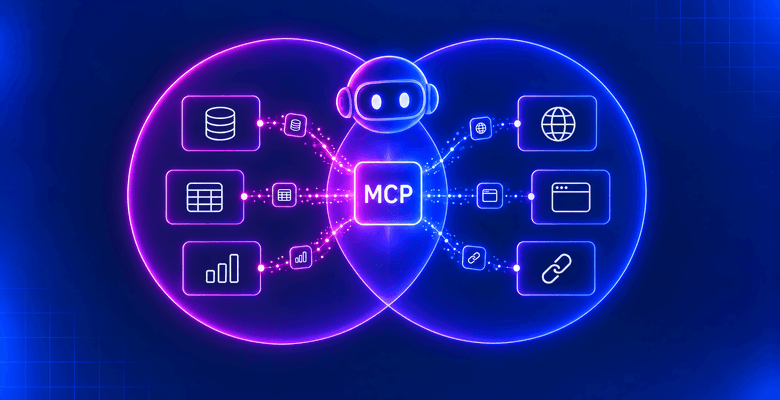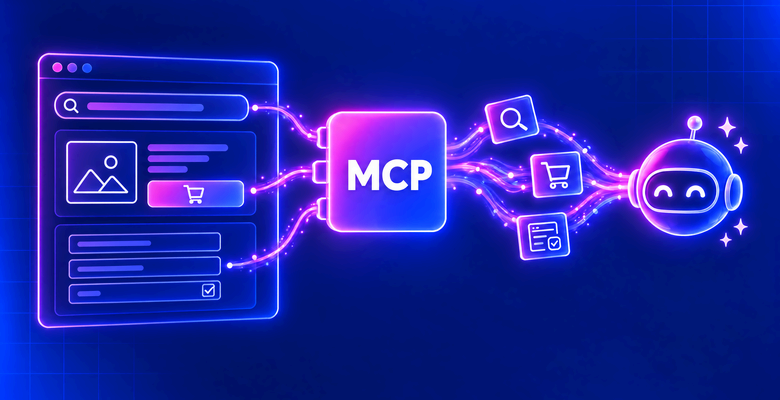
This guide covers the 10 best MCP gateways in 2026. First is Composio, which puts every agent behind one governed MCP endpoint. It pairs 1,700+ managed toolkits with your own MCP servers, action-level access rules, and one audit trail. It also lists Bright Data as a ready-made toolkit, so agents reach live web data through the same endpoint. The Bright Data MCP server also works behind any other gateway on this list.
An MCP gateway sits between AI agents and the MCP servers they call. It handles identity, credentials, tool access, and logging in one place, instead of in every client config. The list mixes managed platforms, cloud-provider services, and open-source projects you run yourself. Each entry covers what the gateway does, how it handles auth, where it runs, and what it costs. A hands-on section near the end shows two ways to put Bright Data behind Composio.
The Best MCP Gateways at a Glance
| Gateway | Best for | Deployment | Free option | Paid from |
|---|---|---|---|---|
| 1. Composio | Best overall MCP gateway | Managed SaaS, private VPC, or self-hosted | Free plan, 10,000 tool calls/mo | $18 per seat/mo |
| 2. TrueFoundry | Best for LLM and MCP governance in one product | Managed SaaS, VPC or on-prem on Enterprise | Free plan, 3 users, 5 MCP servers | $25 per user/mo |
| 3. Docker MCP Gateway | Best for container-isolated MCP servers | Open source (MIT) plus enterprise edition | Open-source gateway | Enterprise: contact sales |
| 4. agentgateway | Best open-source data plane for Kubernetes | Open source (Apache-2.0), self-hosted | Fully free | Enterprise support via Solo.io |
| 5. Amazon Bedrock AgentCore Gateway | Best for AWS-native teams | Fully managed on AWS | AWS Free Tier credits for new customers | $0.005 per 1,000 tool invocations |
| 6. Kong AI Gateway | Best for teams already on Kong | API gateway add-on | 30-day trial | From $25/mo plus usage; MCP proxy on Enterprise |
| 7. Arcade | Best for per-user delegated authorization | Managed SaaS, VPC, on-prem, air-gapped | 2,000 tool calls/mo | $25/mo plus $0.01 per tool call |
| 8. ContextForge | Best for federating MCP, A2A, and REST APIs | Open source (Apache-2.0), self-hosted | Fully free | No paid tier |
| 9. Microsoft Azure API Management | Best for Azure and Entra ID shops | Managed on Azure, plus an open-source gateway | Consumption tier: first 1M operations | Basic v2 from $150.01/mo |
| 10. Airia | Best inside a broader AI security platform | Managed SaaS or your VPC | None listed | Contact sales |
What Is an MCP Gateway?
The Model Context Protocol (MCP) is the open standard agents use to find and call tools. Each tool lives on an MCP server, such as a GitHub, Slack, or web access server. Connecting agents straight to each server works for one developer. It breaks down once a company runs dozens of servers across many teams. Every server brings its own tokens, permissions, and logs, and nobody sees the whole picture.
An MCP gateway fixes that with one control point. Agents connect to a single endpoint, and the gateway routes each call to the right server. On the way, it checks who the user is and which tools they may call. It injects stored credentials, so tokens never sit in agent configs. It also records every call for audit. Many gateways go further, with tool search, virtual servers that bundle tools, and guardrails on tool output.
A gateway is not the same as an API gateway, although several API gateways now speak MCP. An API gateway routes HTTP requests to services. An MCP gateway understands MCP sessions, tool lists, and tool calls, so its rules can target a single tool. It is also not an MCP server. It sits in front of servers like those in our best MCP servers for Claude Code list.
Why Teams Need an MCP Gateway in 2026
MCP adoption moved faster than MCP security. Anthropic counted more than 10,000 active public MCP servers in December 2025, with 97M+ monthly SDK downloads. Astrix analyzed over 5,200 open-source MCP servers and found that 53% rely on static API keys or personal access tokens. Only 8.5% use OAuth. Knostic found 1,862 MCP servers exposed to the internet. All 119 it checked by hand listed their tools without authentication.
The current MCP specification (version 2026-07-28) requires OAuth 2.1 for authorization servers on HTTP transports. Few teams want to build that into every server they run. A gateway terminates OAuth once, maps users to tools, and keeps provider tokens in a vault. It also gives security teams one audit log to review. That is why most enterprise MCP rollouts now start with a gateway, not with individual servers.
How to Choose an MCP Gateway
Six factors separate the gateways on this list:
- Deployment: managed SaaS, your own VPC, or a self-hosted open-source binary. Regulated teams often need the last two.
- Identity and auth: SSO through your identity provider, OAuth 2.1 for clients, and stored upstream credentials. Check whether agents can act as each signed-in user.
- Tool-level access control: rules that allow or block single tools or actions, per team or role, not just whole servers.
- Context control: tool search or virtual servers, so agents load only the tools a task needs.
- Audit and observability: per-call logs with user, tool, and outcome, plus export to a SIEM.
- Catalog and pricing: managed integrations save build time. Pricing ranges from free open source to per-seat and per-call plans.
The 10 Best MCP Gateways in 2026
1. Composio
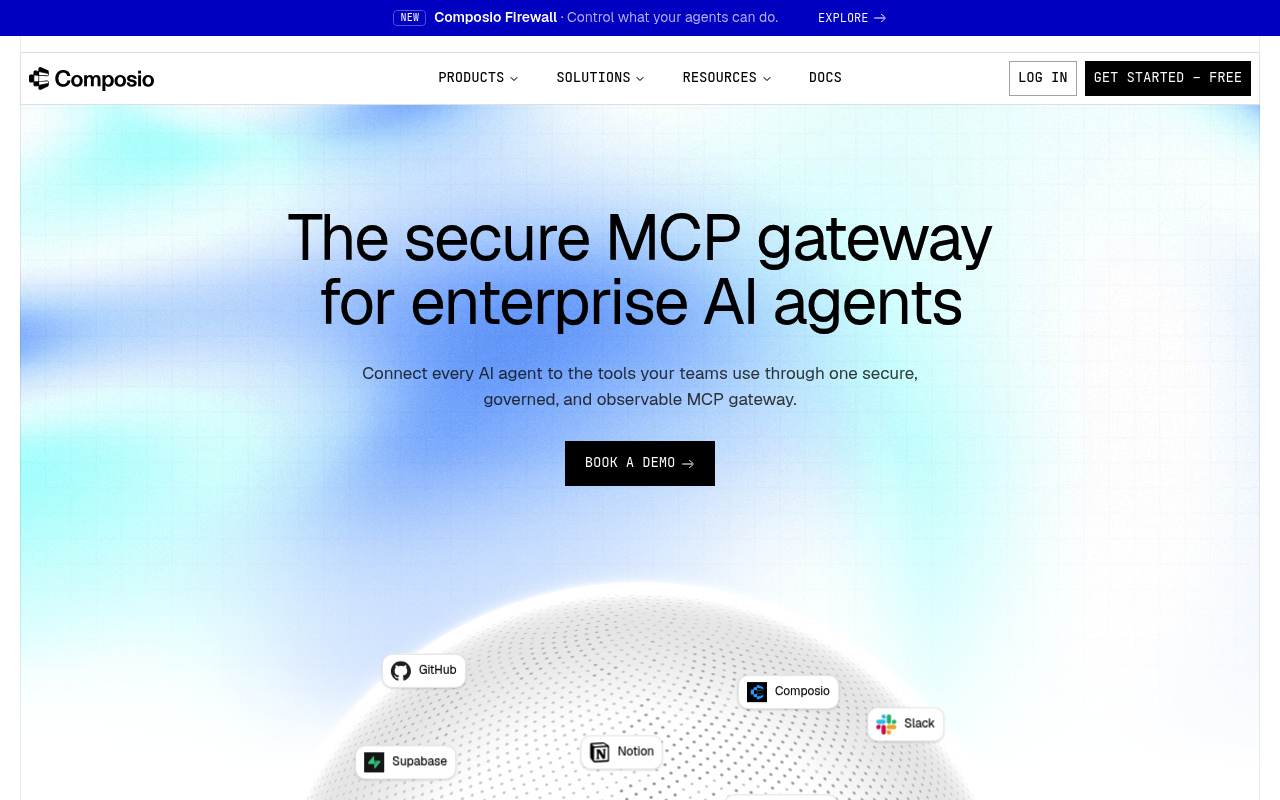
Composio MCP Gateway puts one governed endpoint between your agents and every tool they call. It ships 1,700+ managed toolkits with auth already built, and your own MCP servers sit behind the same gateway. Agents describe what they need, and Composio returns only the matching tools. Context stays small even with thousands of tools available. Heavy responses run in an isolated sandbox, so the agent reads a short summary instead of a large JSON dump.
Governance is where Composio pulls ahead. Access rules go down to a single action, such as allowing Slack posts while blocking channel deletes. Credentials stay in Composio’s vault and never reach the agent. Token refresh and offboarding are handled centrally, with SCIM 2.0 mapping directory groups to teams. Every call is logged with the user, team, tool, action, and outcome. Composio Firewall also screens tool responses for hidden instructions before they reach the model.
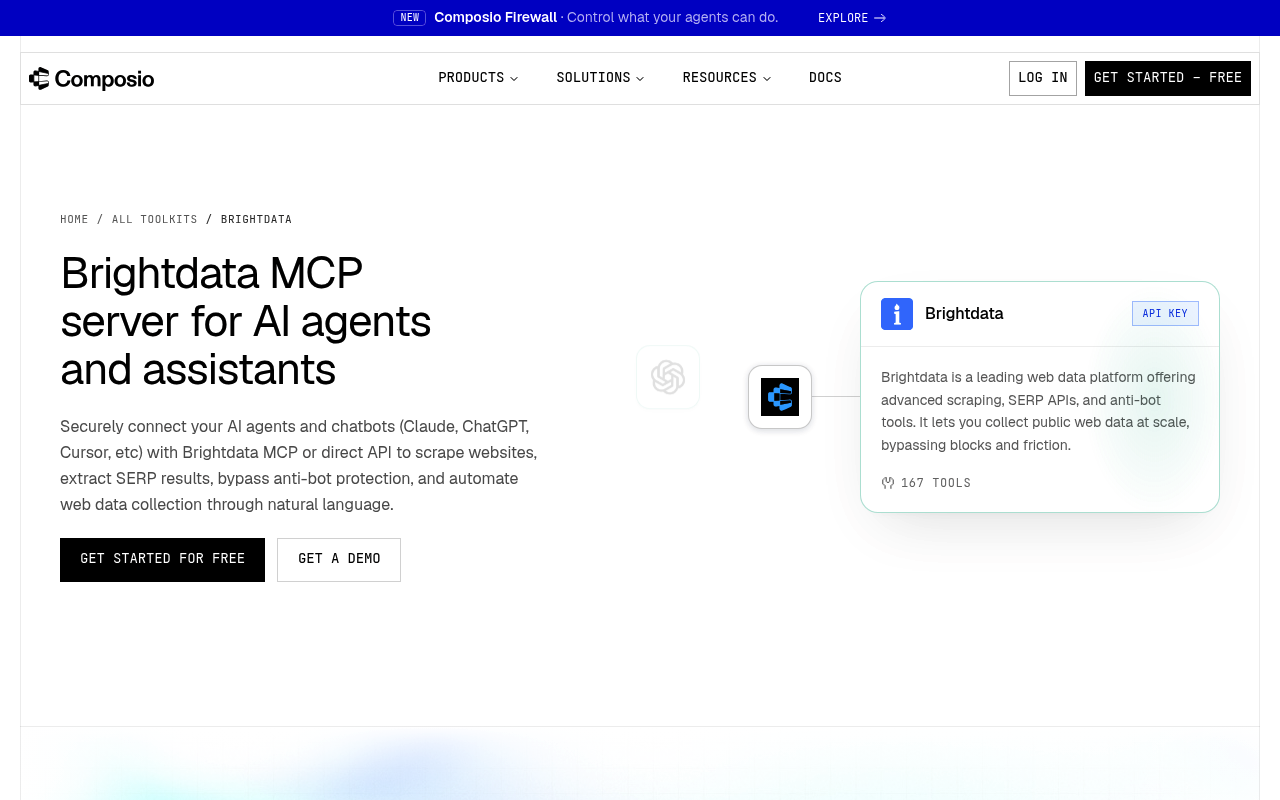
Composio also lists Bright Data as a managed toolkit with 167 tools. They range from SERP search and the Web Unlocker to ready-made scrapers for Amazon, Zillow, and TikTok. Agents can use them straight from a Composio account, with no separate Bright Data signup. Our tutorial on Bright Data’s Composio connection builds a full agent on top of it.
Key details:
- Deployment: Composio Cloud by default; private VPC and self-hosted (with Helm) on Enterprise
- Catalog: 1,700+ managed apps, plus any remote MCP server you add
- Identity: SSO over SAML or OIDC (Okta, Microsoft Entra ID, Google Workspace) and SCIM 2.0
- Audit: every tool call recorded, retention from 7 days to 1 year, CSV export
- Security: SOC 2 Type II and ISO 27001:2022; paid plans do not store tool-call inputs or outputs
- Pricing: Free plan with up to 3 members, 10,000 tool calls a month, and 3 custom MCP servers. Standard is $18 per seat a month and adds SSO and Firewall. Enterprise is custom
Pros:
- Managed toolkits and your own MCP servers behind one endpoint
- Access control down to a single blocked action, with one audit trail
- Intent-based tool search keeps agent context small
Cons:
- Custom MCP server support is still marked experimental in the docs
- VPC, self-hosting, and SCIM require the Enterprise plan
2. TrueFoundry
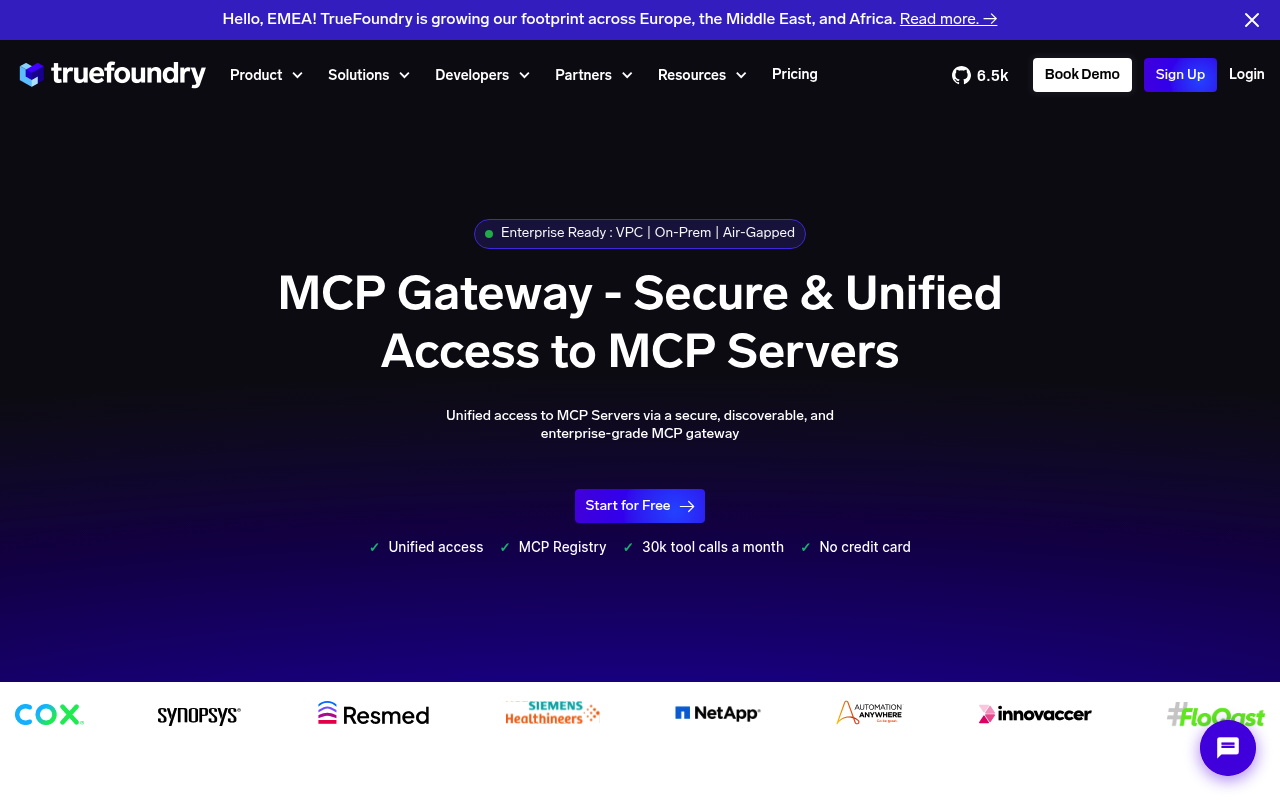
TrueFoundry runs its MCP gateway inside the same AI Gateway that handles LLM traffic. Agents and IDEs such as Cursor, Claude Code, and VS Code connect to one endpoint. Behind it sit remote servers, virtual servers that curate tools from several servers, OpenAPI-generated servers, and hosted stdio servers. The gateway signs users in through Okta, Azure AD, or another identity provider. It stores and refreshes upstream OAuth tokens per user. Our guide to observability for Bright Data MCP via TrueFoundry shows the setup.
Key details:
- Deployment: SaaS; VPC, on-prem, and air-gapped on Enterprise
- Access control: per-server RBAC, tool enable or disable, and approval flows by role
- Guardrails: checks before and after each tool call
- Protocol: streamable HTTP first, with legacy HTTP+SSE fallback for remote servers
- Pricing: Developer plan free (3 users, 5 MCP servers, 7-day logs); Pro $25 per user a month; Enterprise custom. Tool calls count like LLM requests
Pros:
- Public pricing with a usable free tier
- One product governs both LLM and MCP traffic with shared RBAC and budgets
- Per-user OAuth token handling for upstream servers
Cons:
- Free tier caps the MCP gateway at 5 servers and 3 users
- VPC, on-prem, and audit exports are Enterprise-only
3. Docker MCP Gateway
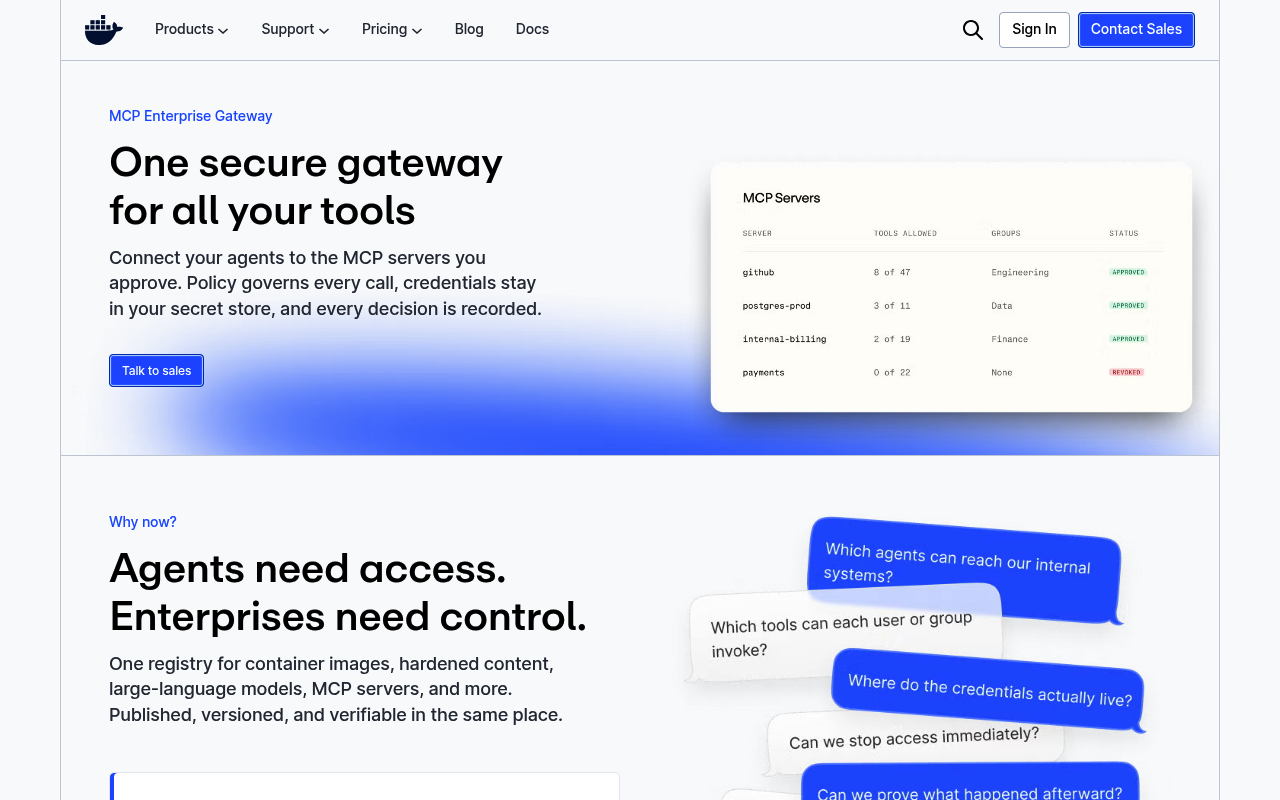
Docker’s open-source MCP Gateway is a proxy that runs each MCP server in its own isolated container. Containers get restricted privileges, network access, and resources. Profiles group servers and set per-profile tool allowlists, and you can share profiles through OCI registries. The gateway handles OAuth for upstream servers and keeps secrets out of environment variables. Docker also sells an MCP Enterprise Gateway with identity-provider sign-in, per-call policy, and SIEM audit. It runs in your cloud or as an air-gapped appliance.
Key details:
- Deployment: local through Docker Desktop, or the enterprise gateway in your cloud
- Transports: stdio, SSE, and streaming; network transports require Bearer-token auth by default
- Access control: tool allowlists per profile; enterprise adds allow or deny per server, tool, transport, and call
- License: MIT, about 1,600 GitHub stars
- Pricing: open-source gateway free; Enterprise Gateway through Docker sales (invite-only)
Pros:
- Container isolation for every MCP server
- One gateway config shared by VS Code, Cursor, and Claude Desktop
- Free core with an enterprise upgrade path
Cons:
- Needs Docker Desktop with the MCP Toolkit, which Docker labels Beta
- Enterprise governance is invite-only and sales-led
4. agentgateway
agentgateway is an open-source proxy written in Rust and hosted by the Linux Foundation. Solo.io created it and sells an enterprise distribution. One data plane handles regular HTTP and gRPC traffic, LLM calls, MCP, and agent-to-agent (A2A) traffic. Its MCP layer federates tools across many servers and scopes which tools each identity may call. It runs as a single binary or on Kubernetes through a built-in Gateway API controller.
Key details:
- Deployment: self-hosted binary or Kubernetes
- Auth: JWT, API keys, OAuth, and OIDC, with RBAC written in the CEL policy language
- Guardrails: regex, OpenAI moderation, AWS Bedrock Guardrails, Google Model Armor, and webhooks
- Observability: OpenTelemetry metrics, logs, and traces, plus tamper-evident audit logs
- License: Apache-2.0, 6,000+ GitHub stars
Pros:
- Vendor-neutral governance under the Linux Foundation
- One proxy for MCP, A2A, LLM, and API traffic
- Fine-grained policy with per-tool scoping and guardrails
Cons:
- The project describes itself as in active development
- No hosted option; you run it, with paid support only through Solo.io
5. Amazon Bedrock AgentCore Gateway
Amazon Bedrock AgentCore Gateway is a fully managed, serverless gateway for agent traffic on AWS. It turns OpenAPI specs, Smithy models, and Lambda functions into MCP tools without writing a server. It also connects to existing MCP servers. Inbound requests use OAuth or IAM, and AgentCore Identity injects outbound credentials. A built-in semantic search tool helps agents find the right tool among thousands. Cedar policies can allow or deny each tool call.
Key details:
- Deployment: managed on AWS only
- Targets: OpenAPI, Smithy, Lambda, existing MCP servers, and A2A or HTTP passthrough
- Protocol: MCP sessions, SSE streaming, elicitation, sampling, and tasks on spec 2026-07-28
- Limits: customer-defined rate limits at no extra charge; custom KMS keys
- Pricing: $0.005 per 1,000 tool invocations, $0.025 per 1,000 searches, $0.02 per 100 indexed tools a month
Pros:
- No infrastructure to run
- Converts existing APIs and Lambda functions into MCP tools
- Semantic tool search keeps prompts short
Cons:
- No self-hosted option outside AWS
- Every list, call, ping, and search is metered, plus data transfer
6. Kong AI Gateway
Kong AI Gateway governs LLM, MCP, and A2A traffic on top of Kong Gateway. Its AI MCP Proxy plugin can front an existing MCP server or turn Kong-managed APIs into MCP tools. It can also aggregate tools from many services into one MCP endpoint. Kong’s standard plugins then add auth, ACLs, rate limits, and logging. Since version 3.12, Kong logs MCP sessions, methods, payloads, latencies, and errors.
Key details:
- Deployment: Konnect SaaS control plane, hybrid, or self-hosted Kong Gateway Enterprise
- Access control: per-tool and default ACLs by consumer or consumer group
- Auth: a dedicated MCP OAuth2 plugin, or Key Auth and OIDC plugins
- Catalog: MCP servers can be listed in the Konnect Catalog; the Dev Portal can generate an MCP server from published APIs
- Pricing: Plus from $25 a month plus usage, with a 30-day trial. The AI MCP Proxy plugin is part of AI Gateway Enterprise (custom pricing)
Pros:
- Reuses Kong’s mature plugin ecosystem
- Turns existing APIs into MCP tools without code
- One gateway for LLM, MCP, and A2A traffic
Cons:
- The MCP proxy plugin, SSO, and audit logs need Enterprise
- Best value only if you already run Kong
7. Arcade
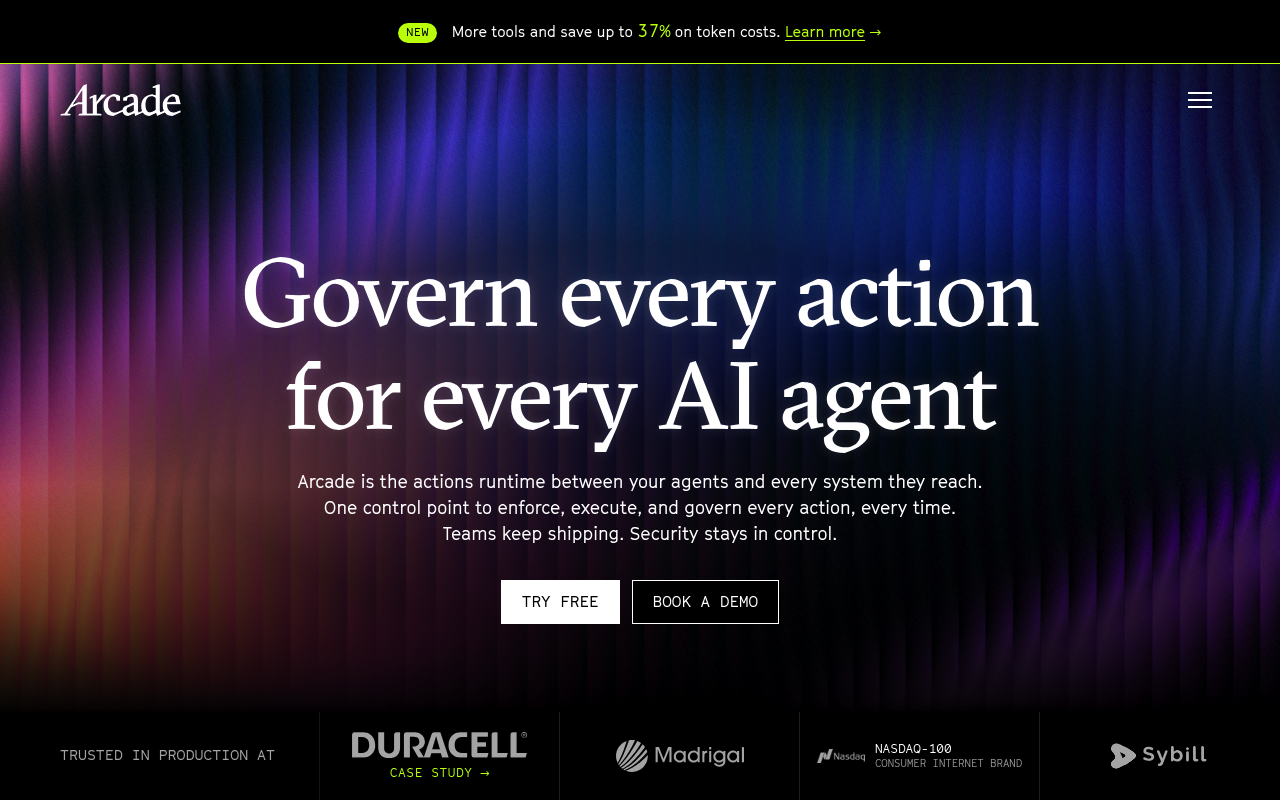
Arcade calls itself an actions runtime, and its MCP Gateways federate tools from several MCP servers into one endpoint. That includes remote servers Arcade does not host. You choose exactly which tools each gateway exposes. For production, Arcade signs users in through your OIDC identity provider and authorizes each tool call as that user. Hooks before and after each call can block actions or redact PII. Our tutorial on Bright Data web tools through Arcade walks through a production agent.
Key details:
- Deployment: Arcade Cloud, VPC, on-prem, or air-gapped
- Auth: Arcade Auth, your own OIDC identity provider, or header-based API keys
- Context control: tool recommendation searches the 8,000+ tool catalog instead of loading every definition
- Transport: Streamable HTTP
- Pricing: Free with 2,000 tool calls a month; Team $25 a month plus $0.01 per tool call; Enterprise custom
Pros:
- Per-user delegated authorization through your identity provider
- Large prebuilt catalog plus your own MCP servers
- Usage-based pricing with a free tier
Cons:
- The header-based mode gives clients a project-wide key that can run any tool
- SSO, RBAC, audit logs, and VPC deployment are listed under Enterprise
8. ContextForge
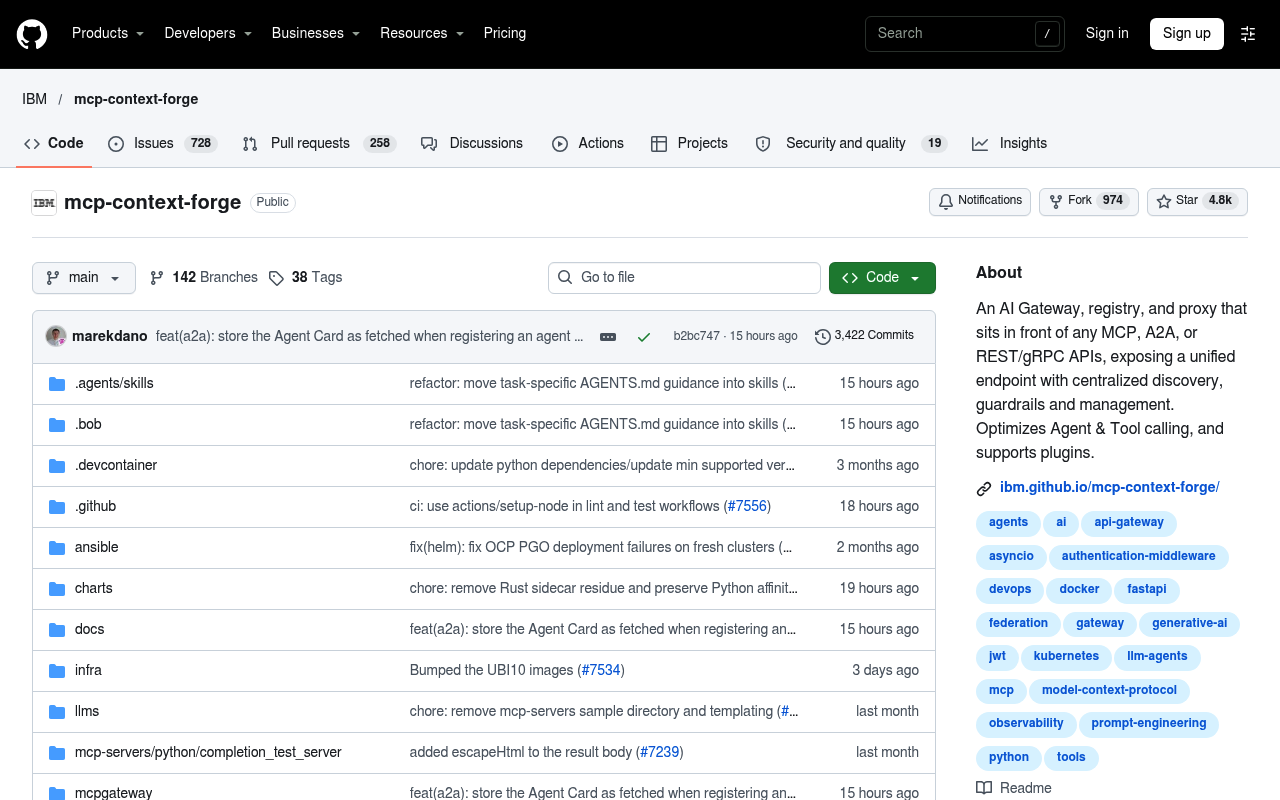
ContextForge started as IBM’s MCP Context Forge and is fully open source. It is a registry and proxy that federates MCP servers, A2A agents, and REST or gRPC APIs behind one endpoint. Virtual servers bundle selected tools from many backends into a single MCP endpoint per team. It can wrap REST and gRPC services as MCP servers without code. It installs from PyPI or Docker and scales to multi-cluster Kubernetes with Redis-backed federation.
Key details:
- Deployment: self-hosted, including air-gapped
- Transports: HTTP, JSON-RPC, WebSocket, SSE, and Streamable HTTP; stdio for server-side use
- Auth: Basic, JWT, or custom; SSO through Google, GitHub, Entra ID, or Keycloak; RBAC
- Observability: OpenTelemetry tracing to Phoenix, Jaeger, Zipkin, Datadog, or New Relic
- License: Apache-2.0, 4,800+ GitHub stars, no paid tier
Pros:
- Widest protocol coverage among the open-source options
- Virtual servers give per-team tool curation
- Built-in rate limiting, retries, and 40+ plugins
Cons:
- You run PostgreSQL, Redis, and Nginx yourself in production
- No arm64 support in production yet
9. Microsoft Azure API Management
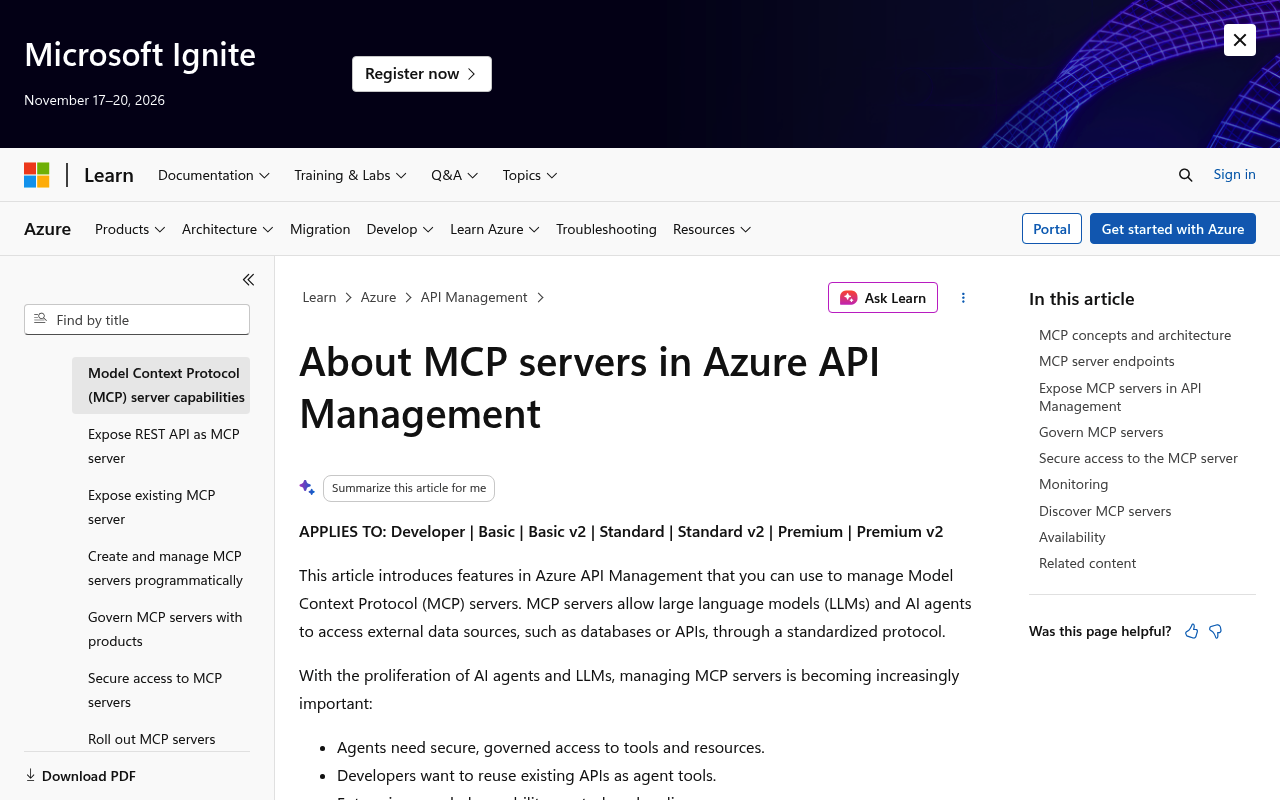
Azure API Management can expose any managed REST API as an MCP server, or front an existing MCP server. Standard APIM policies then apply rate limits, quotas, JWT validation through Entra ID, IP filtering, and caching. Azure Monitor and Application Insights cover monitoring, and Azure API Center handles discovery. Microsoft also maintains an open-source MCP Gateway for Kubernetes. It routes MCP traffic and manages server lifecycles with Entra ID auth.
Key details:
- Deployment: managed APIM, a self-hosted APIM gateway, or the open-source gateway on Kubernetes
- Auth: key-based or OAuth, with Entra ID or another identity provider
- Scope: supports MCP tools, but not MCP resources or prompts
- Open-source gateway: MIT license; the latest release requires MCP 2026-07-28 clients
- Pricing: Consumption tier includes the first 1M operations; Basic v2 is $150.01 a month; the open-source gateway is free
Pros:
- Reuses existing APIM policies, quotas, and Entra ID
- Turns REST APIs into MCP tools without server code
- Managed and self-hosted options
Cons:
- No support for MCP resources or prompts in APIM
- The open-source gateway needs Kubernetes and the newest MCP clients
10. Airia
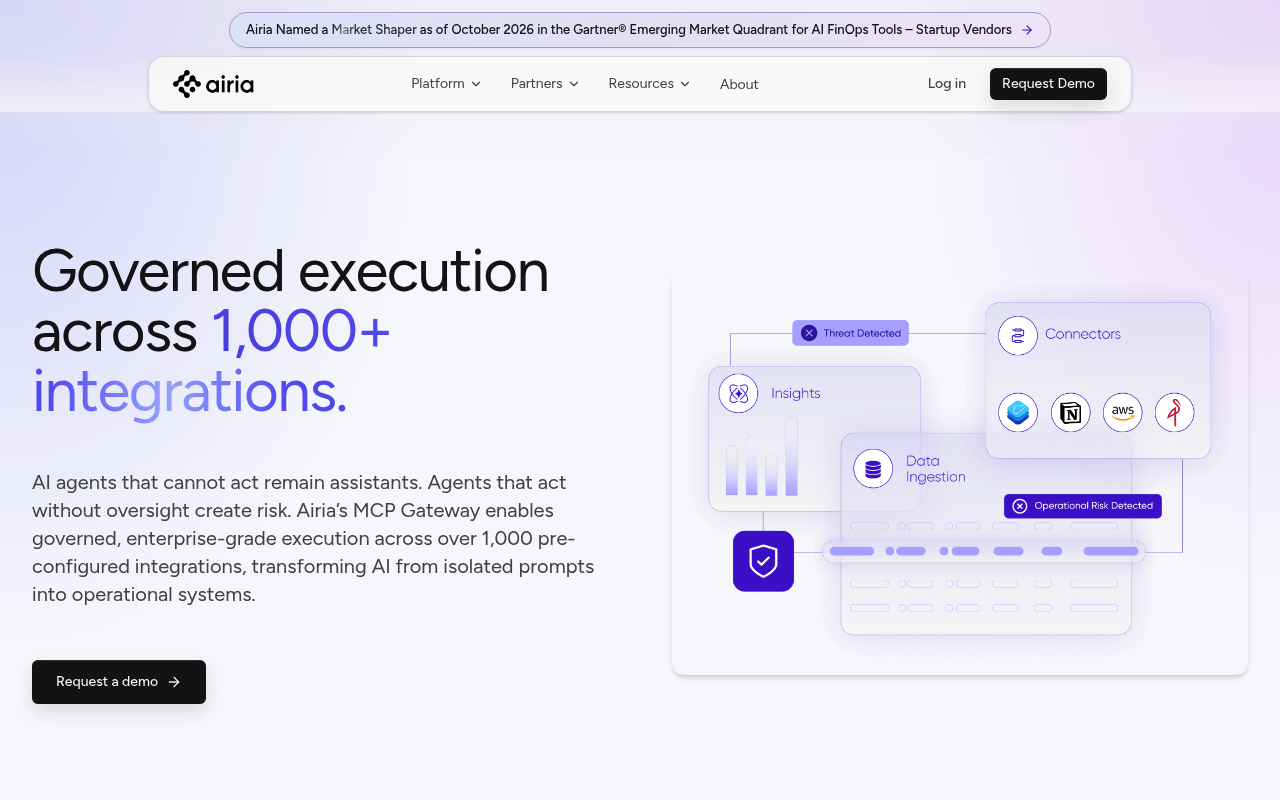
Airia’s MCP Gateway is one module of its enterprise AI security and governance platform. Third-party clients such as Cursor, Copilot, ChatGPT, and Claude connect through one gateway URL. Behind it sit 1,000+ pre-configured integrations, custom MCP servers, and REST APIs. Admins approve apps for the whole tenant, a group, or one person, and scope single tools inside an app. A tool scanner checks tools for prompt-injection risks at deploy time. Our guide to web AI agents in Airia with Bright Data MCP covers the integration.
Key details:
- Deployment: Airia’s cloud or your VPC
- Access control: per-tenant, per-group, and per-user app approval with tool-level scoping
- Credentials: tenant or personal credential store, AES-256 at rest
- Extras: OpenAPI-to-MCP conversion and meta-tools that search the catalog on demand
- Pricing: not published; sold through demos
Pros:
- Large prebuilt integration catalog
- Tool approval and scoping per user or group
- Deploy-time scanning for prompt injection
Cons:
- No public pricing
- Best value only if you adopt the wider Airia platform
A few more gateways are worth a look if you already run that vendor’s stack. Cloudflare offers MCP server portals, Obot ships an open-source gateway, and MuleSoft adds MCP policies to its API gateway. Our tutorial on Bright Data MCP with MuleSoft Anypoint covers the MuleSoft route.
How to Put Bright Data Behind Composio’s MCP Gateway
A gateway is only as useful as the tools behind it. Most agent tasks need fresh web data at some point: a search, a protected page, or a product listing. Composio gives you two ways to add Bright Data. The managed toolkit is the fastest route. The Custom MCP route connects the full Bright Data MCP, including its remote browser tools.
Option 1: The managed Bright Data toolkit
The brightdata toolkit wraps our SERP API, Web Unlocker, and Web Scraper API as Composio tools. The snippet below creates a session that exposes only two of them. Composio’s direct-tools preset turns that session into one MCP URL with no search or meta tools in front. Any MCP client pointed at the URL sees exactly those two tools and nothing else.
  from composio import Composio, SESSION_PRESET_DIRECT_TOOLS

composio = Composio()

session = composio.sessions.create(
    user_id="research-agent",
    toolkits=["brightdata"],
    tools={"brightdata": {"enable": ["BRIGHTDATA_SERP_SEARCH", "BRIGHTDATA_WEB_UNLOCKER"]}},
    session_preset=SESSION_PRESET_DIRECT_TOOLS,
    mcp=True,
)

print(session.mcp.url)  # pass session.mcp.headers along with it
Option 2: The Bright Data MCP as a custom server
Composio Custom MCP adds any remote MCP server to the gateway, next to the managed toolkits. The hosted Bright Data MCP runs at a public HTTPS endpoint and accepts a Bearer token. Composio fills in each user’s API key at call time through the {{generic_api_key}} placeholder. That keeps keys out of the URL, as Composio recommends. Custom MCP is marked experimental, and the Free plan allows up to three custom servers.
  from composio import Composio

composio = Composio()

toolkit = composio.experimental.custom_toolkits.create(
    name="Bright Data MCP",
    mcp_url="https://mcp.brightdata.com/mcp",
    auth_schemes=[{
        "mode": "API_KEY",
        "headers": {"Authorization": "Bearer {{generic_api_key}}"},
    }],
    user_id="all",
)

print(toolkit.slug)  # use this slug in a session like any other toolkit
Composio syncs the server’s tools automatically. They cover live search, Markdown scraping, 1,200+ structured scrapers, and 14 remote browser tools for interactive pages. Browser sessions run on the Browser API, so JavaScript-heavy sites render without extra setup. Your gateway policies then decide which teams and agents may call each tool.
MCP Gateway Comparison
| Gateway | Self-hosted | Managed catalog | Tool-level rules | SSO | Open source |
|---|---|---|---|---|---|
| Composio | Enterprise | Yes, 1,700+ apps | Yes, per action | Yes | SDK only (MIT) |
| TrueFoundry | Enterprise | No | Yes | Pro and up | No |
| Docker MCP Gateway | Yes | Yes, Docker MCP Catalog | Yes, per profile | Enterprise | Yes (MIT) |
| agentgateway | Yes | No | Yes, CEL policies | Yes, OIDC | Yes (Apache-2.0) |
| AWS AgentCore Gateway | No | No | Yes, Cedar | Yes, OAuth/IAM | No |
| Kong AI Gateway | Enterprise | No | Yes, ACLs | Enterprise | Core only |
| Arcade | Enterprise | Yes, 8,000+ tools | Yes | Enterprise | Framework only (MIT) |
| ContextForge | Yes | No | Yes, virtual servers | Yes | Yes (Apache-2.0) |
| Azure API Management | Yes, self-hosted gateway | No | Yes, APIM policies | Yes, Entra ID | Separate OSS gateway |
| Airia | Your VPC | Yes, 1,000+ integrations | Yes | Unlisted | No |
Conclusion
Composio is the best MCP gateway for most teams in 2026. It combines a large managed catalog, your own MCP servers, action-level rules, and one audit trail behind a single endpoint. TrueFoundry suits teams that want LLM and MCP governance in one product. Docker, agentgateway, and ContextForge are the strongest open-source picks. AWS and Azure users get native options in AgentCore Gateway and API Management, and Kong fits existing Kong shops.
Whichever gateway you choose, your agents still need reliable web data behind it. Add Bright Data through its Composio toolkit, or connect the Bright Data MCP to any gateway on this list. Every account includes 5,000 free requests a month.
Frequently Asked Questions
What is an MCP gateway?
An MCP gateway is a control layer between AI agents and the MCP servers they call. Agents connect to one endpoint, and the gateway routes each tool call to the right server. It enforces identity and tool-level access rules, injects stored credentials, and logs every call for audit.
What is the best MCP gateway in 2026?
Composio is the best MCP gateway for most teams. It offers 1,700+ managed toolkits, support for your own MCP servers, action-level access control, and one audit trail. TrueFoundry, Docker MCP Gateway, and agentgateway are strong alternatives for LLM governance, container isolation, and open-source Kubernetes setups.
Is there a free or open-source MCP gateway?
Yes. Docker MCP Gateway (MIT), agentgateway (Apache-2.0), and ContextForge (Apache-2.0) are open source. Microsoft also publishes an open-source MCP Gateway for Kubernetes. Composio, TrueFoundry, and Arcade offer free managed plans with usage limits.
What is the difference between an MCP gateway and an API gateway?
An API gateway routes HTTP requests to backend services. An MCP gateway understands MCP sessions and tool calls, so it can allow or block one tool per user. Some API gateways, such as Kong and Azure API Management, now add MCP features on top.
Do I need an MCP gateway for a single MCP server?
Usually not for one developer and one server. A gateway pays off once several teams share many servers. At that point you need central credentials, per-tool permissions, and one audit log instead of separate configs in every client.
Can I connect Bright Data to an MCP gateway?
Yes. Composio lists Bright Data as a managed toolkit with 167 tools, including SERP search, the Web Unlocker, and ready-made scrapers. You can also add the hosted Bright Data MCP as a custom server in Composio or another gateway. The Bright Data MCP includes 5,000 free requests a month.



Technical Writer
Arindam Majumder is a developer advocate, YouTuber, and technical writer who simplifies LLMs, agent workflows, and AI content for 5,000+ followers.