This guide compares 7 LinkedIn data providers and explains how to evaluate them based on practical criteria. It focuses on data quality, delivery models, compliance considerations, and real-world use cases, so you can decide which option fits your needs.
TL;DR: top LinkedIn data providers compared
The table below compares commonly used LinkedIn data platforms across data access, enrichment, and prospecting use cases.
Some providers focus on large-scale data infrastructure and Linkedin datasets, while others are built as sales intelligence or enrichment tools that operate around LinkedIn workflows.
| Provider | Category | Typical Use Case | Delivery Model | Pricing Model |
|---|---|---|---|---|
| Bright Data | Web data infrastructure & datasets | Large-scale data collection, analytics, and AI training | APIs, curated datasets, managed collection | Usage-based |
| Coresignal | Public web data provider | Workforce, company, and market analysis | Pre-collected datasets and APIs | Subscription |
| Cognism | Sales intelligence platform | GDPR-compliant outbound sales (EU-focused) | CRM-integrated sales platform | Annual contracts |
| People Data Labs | Data enrichment API | Identity resolution and profile enrichment | APIs and structured databases | Usage-based |
| Kaspr | Prospecting tool | Individual sales and recruiting workflows | Browser extension | Monthly subscription |
| Lusha | Contact data platform | Contact discovery and enrichment | Browser extension and APIs | Freemium / subscription |
| LeadIQ | Sales workflow tool | Sales Navigator-based prospecting | CRM-integrated prospecting tool | Per-user licensing |
Why LinkedIn data matters for B2B teams
LinkedIn isn’t just another social network. It’s one of the largest sources of professional identity data available, built and maintained directly by the people it represents.
Profiles capture job titles, skills, work history, and career progression, and they’re updated continuously as roles change, teams grow, and companies evolve. Unlike inferred or behavior-based datasets, this information is self-reported, which gives it a level of accuracy and relevance that’s difficult to replicate elsewhere.
At scale, LinkedIn reflects real-world organizational change in near real time, from promotions and team expansions to shifts in hiring focus and skill demand. This makes it a valuable source of insight into how companies and labor markets actually operate, not just how they’re described externally.
As organizations expand their use of analytics and AI, this kind of structured professional context becomes increasingly important. Data tied to roles, skills, and company structure provides a foundation for understanding how work gets done inside organizations.
The challenge is access. While much of this information is publicly visible, collecting and maintaining it reliably at scale for structured analysis is not straightforward.
Common use cases for LinkedIn data
Below are the most common ways teams use LinkedIn data at scale.
- Lead generation and sales intelligence. Sales teams use LinkedIn data to identify decision makers and track changes within target accounts. Signals such as role changes, promotions, and team growth help teams refine targeting and adjust outreach based on how accounts are currently structured.
- Recruitment and talent acquisition. Recruitment teams rely on LinkedIn data to source candidates, assess talent availability, and monitor workforce movement across roles and locations. Up-to-date employment history and skills data are essential for building talent pipelines and identifying qualified candidates efficiently.
- Market research and competitive intelligence. Organizations analyze workforce and hiring activity to understand how companies and markets are changing. Headcount trends, hiring patterns, and department growth help teams assess competitive movement and organizational direction over time.
- AI training and data science. Data science and ML teams use LinkedIn data as structured input for models that depend on professional attributes. Job titles, skills, company associations, and career paths support tasks such as classification, matching, recommendation, and personalization.
Across these use cases, understanding how LinkedIn data is maintained and updated at scale helps teams evaluate data providers more effectively. For a practical technical overview, see this LinkedIn scraping guide.
LinkedIn data falls into three main categories: profiles (individual professional records), companies (firm-level attributes and workforce signals), and job postings (open roles and requirements), each serving different analytical and operational workflows.
Why accessing LinkedIn data at scale is challenging
Although much of LinkedIn’s information is publicly visible, collecting it reliably at scale presents real technical and operational challenges. Approaches that work for small experiments often degrade as volume, frequency, and coverage increase.
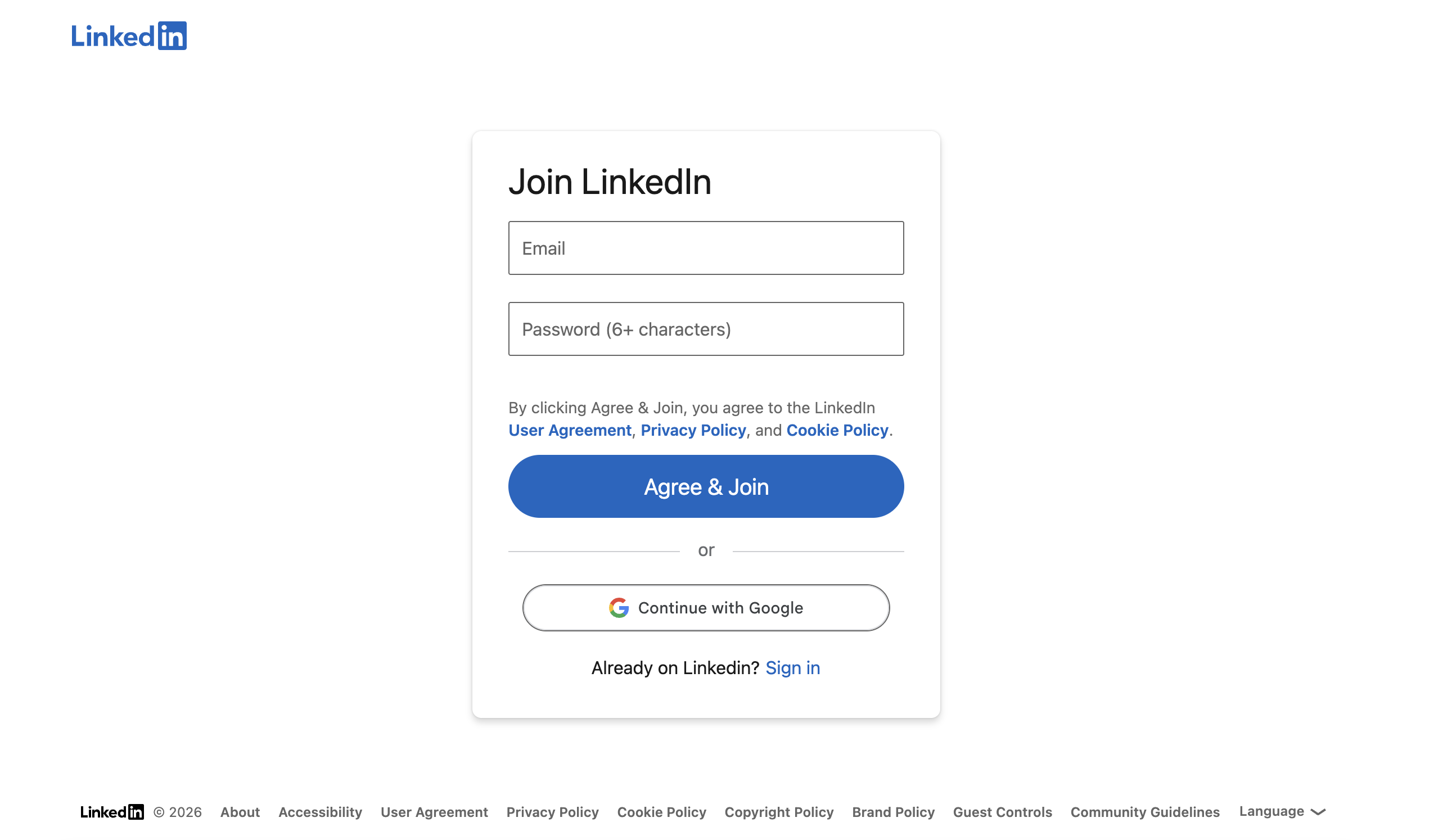
Authentication walls and access limits
LinkedIn aggressively restricts anonymous browsing. After a limited number of profile or page views, users are prompted to log in, which makes sustained unauthenticated access impractical.
Authenticated sessions introduce additional constraints. Session behavior, navigation patterns, and request rates are monitored, and abnormal usage can trigger temporary restrictions or account limitations.
Dynamic interfaces and behavioral detection at scale
LinkedIn’s interface and underlying delivery patterns change frequently. Page layouts, element identifiers, and rendering logic are updated on a regular basis, which can break extraction logic that relies on static selectors.
As collection scales, behavioral signals become a bigger source of failure than individual requests. High request volumes, repetitive navigation patterns, and non-human interaction timing increase the likelihood of interruptions, degraded success rates, or session invalidation.
At production scale, these issues compound. Without continuous adaptation, monitoring, and recovery mechanisms, teams often encounter instability, partial data coverage, and rising maintenance costs over time.
Build vs buy: accessing LinkedIn data at scale
As teams expand their use of LinkedIn data, a core decision is whether to build and maintain internal collection pipelines or rely on a third-party provider. The trade-offs become clearer as requirements around volume, reliability, and long-term ownership increase.
Building in-house
Building an internal LinkedIn data pipeline involves more than initial scraping logic. Teams must continuously adapt to platform changes, manage access constraints, and respond to failures caused by authentication controls, rate limits, and interface updates. If you go this route, first compare the best LinkedIn scrapers.
In practice, in-house solutions require:
- Continuous engineering maintenance and monitoring
- Infrastructure ownership, retries, and data quality controls
- Direct responsibility for compliance and operational risk
This approach is typically viable only for teams with dedicated data engineering capacity and long-term ownership of the system.
Using a data provider
Third-party data providers offer managed access to LinkedIn data through structured datasets, APIs, or collection workflows. Providers assume responsibility for:
- Infrastructure management and scaling
- Handling platform changes and maintaining data continuity
- Data normalization and delivery
- Compliance controls and access governance
How teams decide
Most teams weigh a small set of strategic factors:
- Ongoing maintenance cost, including engineering effort
- Scale requirements, from occasional access to continuous usage
- Operational risk, particularly around account stability and compliance
For a technical view of how managed services differ from API-based collection, see this comparison of managed vs API web data collection approaches.
How to evaluate LinkedIn data providers
When evaluating providers, focus on three critical factors: (1) refresh cadence that matches your workflow: sales teams need daily updates for job change signals, while analytics teams can work with weekly or monthly data; (2) delivery model that fits your stack: APIs for engineering teams, browser extensions for sales reps, pre-built datasets for analysts; and (3) scale economics: usage-based pricing works for variable loads, while subscriptions suit predictable usage. Also verify the provider handles schema consistency, data quality validation, and compliance requirements relevant to your region and use case.
Ready to explore LinkedIn datasets? Start with a free sample to evaluate data quality and coverage for your specific use case.
Best LinkedIn data providers
With use cases, data types, and evaluation criteria established, the next step is comparing providers based on how they approach LinkedIn data access.
Infrastructure platforms vs prospecting tools
Most LinkedIn data providers can be grouped by their primary focus.
Infrastructure-oriented platforms (such as Bright Data and Coresignal) are designed for analytics, research, and AI workflows. They emphasize bulk data access through datasets, APIs, or managed collection pipelines, and are typically used by technical teams operating at production scale.
Prospecting and sales tools (such as Cognism, Kaspr, Lusha, and LeadIQ) are built around outbound sales and recruiting workflows. They prioritize browser-based prospecting, CRM integrations, and per-user access rather than bulk data delivery.
Understanding this distinction helps narrow the field before comparing providers in detail.
What to watch for when comparing providers:
Setup time varies dramatically: browser-based tools (Kaspr, Lusha, LeadIQ) work in minutes, while infrastructure platforms (Bright Data, Coresignal) typically require procurement and technical integration. Data “freshness” is poorly defined across the industry; some providers refresh weekly and call it “real-time,” others update hourly. Coverage geography matters: tools emphasizing GDPR compliance (Cognism, Kaspr) tend to be stronger in Europe, while US-focused providers may have limited international data. Finally, watch for vague pricing: “contact sales” often signals five-figure minimums, while “freemium” plans hit credit limits quickly.
1. Bright Data
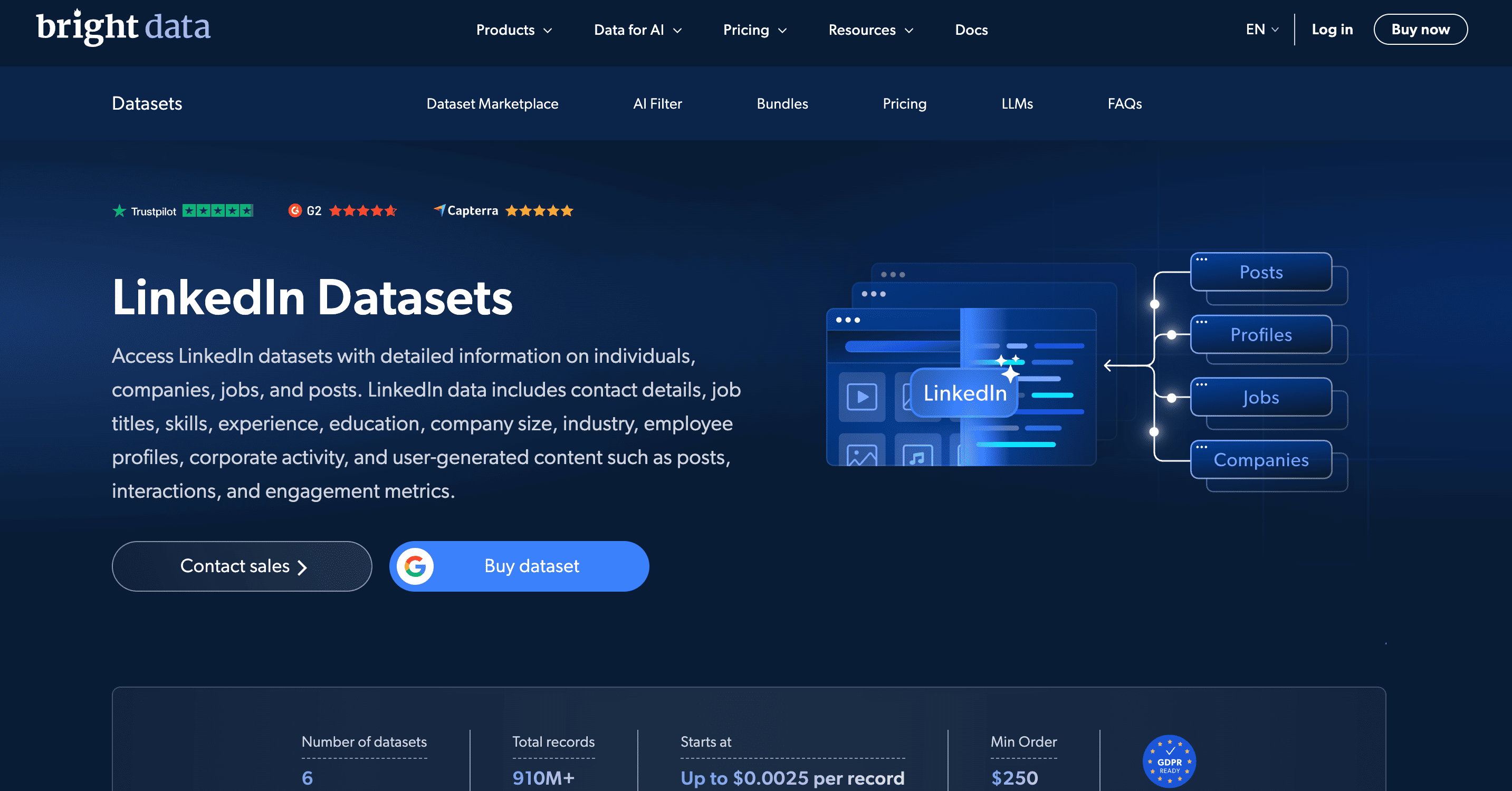
Bright Data is a web data infrastructure provider offering access to LinkedIn datasets, APIs, and managed collection workflows for analytics, research, and AI use cases.
It’s built for data teams that need reliable, large-scale data delivery, rather than browser-based tools for individual sales prospecting.
Data coverage and delivery
Bright Data supports publicly available LinkedIn data across core entities:
- Profiles: role history, experience, education, skills
- Companies: firmographics, employee counts, growth indicators
- Job postings: titles, descriptions, locations, seniority (dataset | scraper)
- Posts: public post content and engagement signals (dataset | scraper)
Data is delivered via pre-collected datasets or programmatic access using APIs and managed collection workflows. Datasets can be purchased as one-time exports or refreshed on recurring schedules, depending on how the data is used.
Output is provided in structured formats (JSON, CSV, NDJSON, Parquet) and can be delivered to AWS S3, Google Cloud, Azure, Snowflake, and SFTP.
When Bright Data fits best
Bright Data fits teams that:
- Use LinkedIn data for analytics, research, or AI pipelines
- Need continuous or high-volume access rather than ad-hoc enrichment
- Require recurring refreshes and consistent data quality
- Require raw, unaggregated LinkedIn data rather than pre-normalized datasets
- Need custom collection workflows alongside pre-built datasets
- Want maximum flexibility in data formats, delivery methods, and integration options
Teams focused on browser-based prospecting or individual sales workflows may find tools like Kaspr, Lusha, or LeadIQ more appropriate.
2. Coresignal
Coresignal provides pre-aggregated, structured datasets and APIs covering company, employee, and job-posting data, optimized for historical trend analysis. It’s primarily used for workforce intelligence, market research, longitudinal analysis, and sales intelligence, not browser-based prospecting or real-time operational workflows.
Data coverage and delivery
Coresignal offers pre-collected datasets and programmatic APIs for:
- Employee data. Roles, employment history, and company associations
- Company data. Industry, size, headcount, and organizational attributes
- Job postings. Roles, requirements, and related metadata
The data emphasizes historical depth, schema consistency, and analytics-ready structure. APIs and feeds are refreshed regularly for programmatic ingestion, while datasets support large-scale research and modeling.
When Coresignal fits best
Coresignal is a strong fit for teams that:
- Analyze workforce trends, hiring patterns, or company growth over time
- Need structured, longitudinal data for research or analytics
- Prioritize consistency and historical coverage over low-latency access
It’s less suitable for browser-based prospecting or sub-second, real-time operational lookups.
3. Cognism
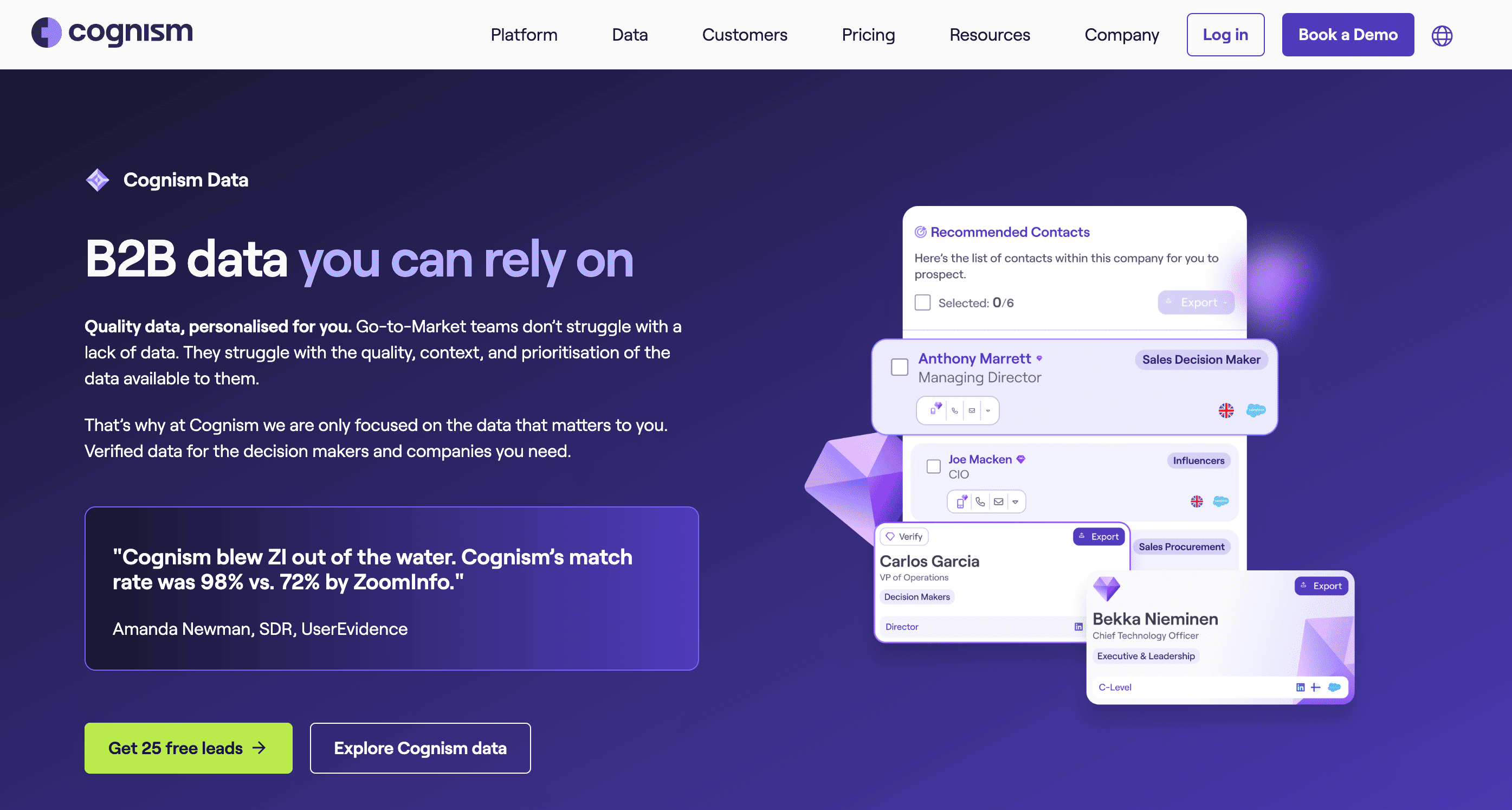
Cognism is a B2B sales intelligence platform used by revenue teams to discover and enrich prospects with compliant contact and company data, with a strong focus on GDPR-aligned workflows for regulated markets.
It’s built for outbound sales and SDR use cases, not for analytics or large-scale data extraction.
Data coverage and delivery
Cognism enriches contacts and companies that teams identify through LinkedIn and CRM workflows.
Coverage includes:
- Professional role and company associations
- Business email addresses and phone numbers
- Company-level firmographic attributes
Access is provided through a web-based sales platform, CRM integrations, a browser extension, and programmatic enrichment APIs/DaaS. Cognism does not offer raw LinkedIn profile datasets or analytics-ready bulk data.
When Cognism fits best
Cognism is a strong fit for teams that:
- Run outbound sales or SDR prospecting workflows
- Need compliant contact enrichment, especially for EU markets
- Work primarily through CRM and browser-based tools
It’s not intended for data engineering, analytics, AI training, or use cases that require bulk or historical LinkedIn datasets.
4. People Data Labs (PDL)
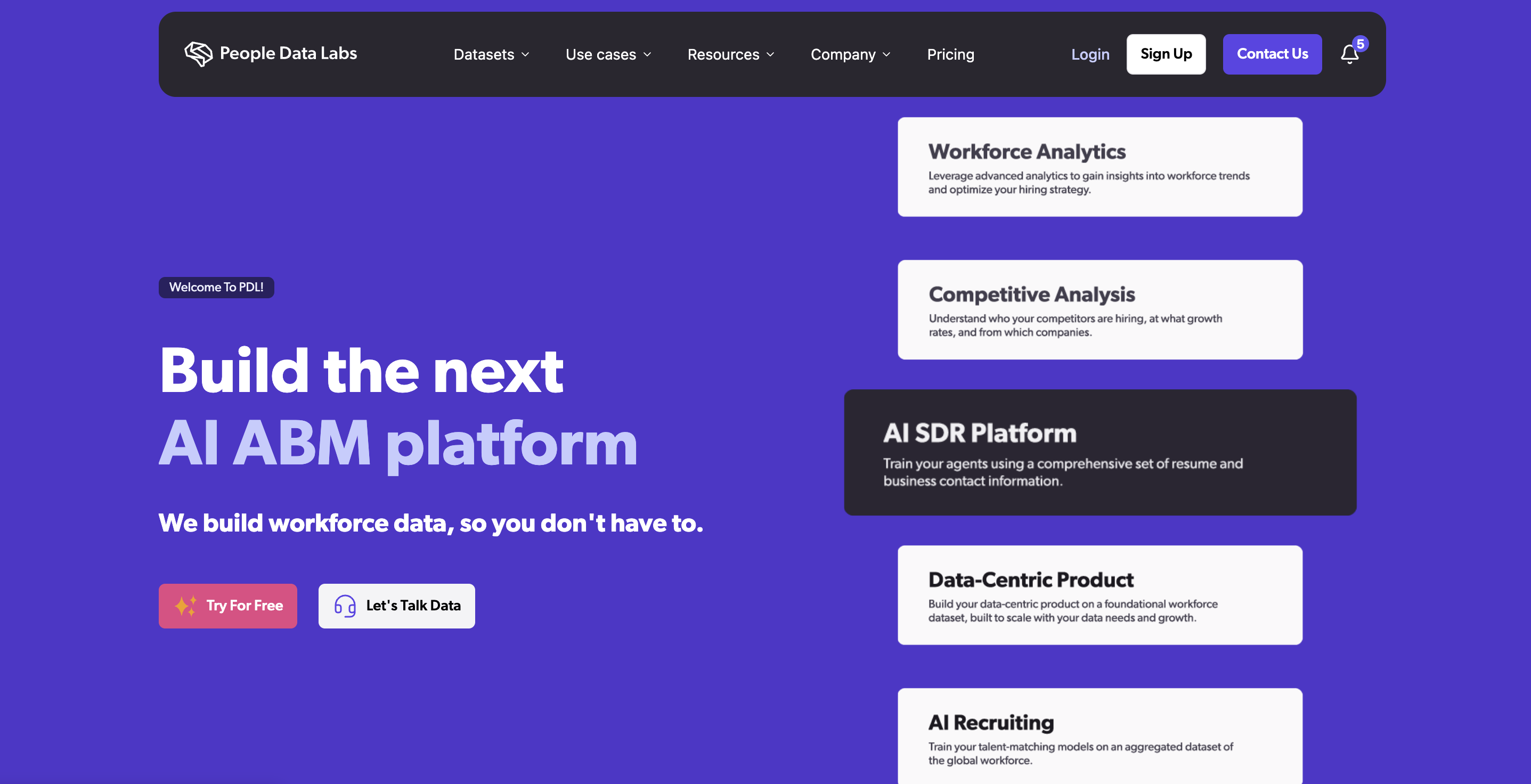
People Data Labs (PDL) provides programmatic person, company, and job-posting data through enrichment and search APIs, along with bulk dataset exports. It’s built for engineering and analytics teams that need normalized B2B identity data at scale.
Data coverage and delivery
PDL’s catalog includes person profiles (employment history, roles, professional attributes), company firmographics, and job-posting records. Access is provided via enrichment and search APIs, bulk exports, and licensed feeds for cloud-based ingestion.
PDL does not supply raw LinkedIn profile datasets or direct LinkedIn scraping. Its data is aggregated, normalized, and optimized for identity resolution and enrichment workflows where existing records need augmentation.
When PDL fits best
PDL is a strong fit for teams that:
- Build enrichment, matching, or identity resolution pipelines
- Need analytics-ready person and company data at scale
- Prefer API-driven access over sales or prospecting interfaces
It’s not designed as an interactive sales tool or a direct source of LinkedIn platform data.
5. Kaspr
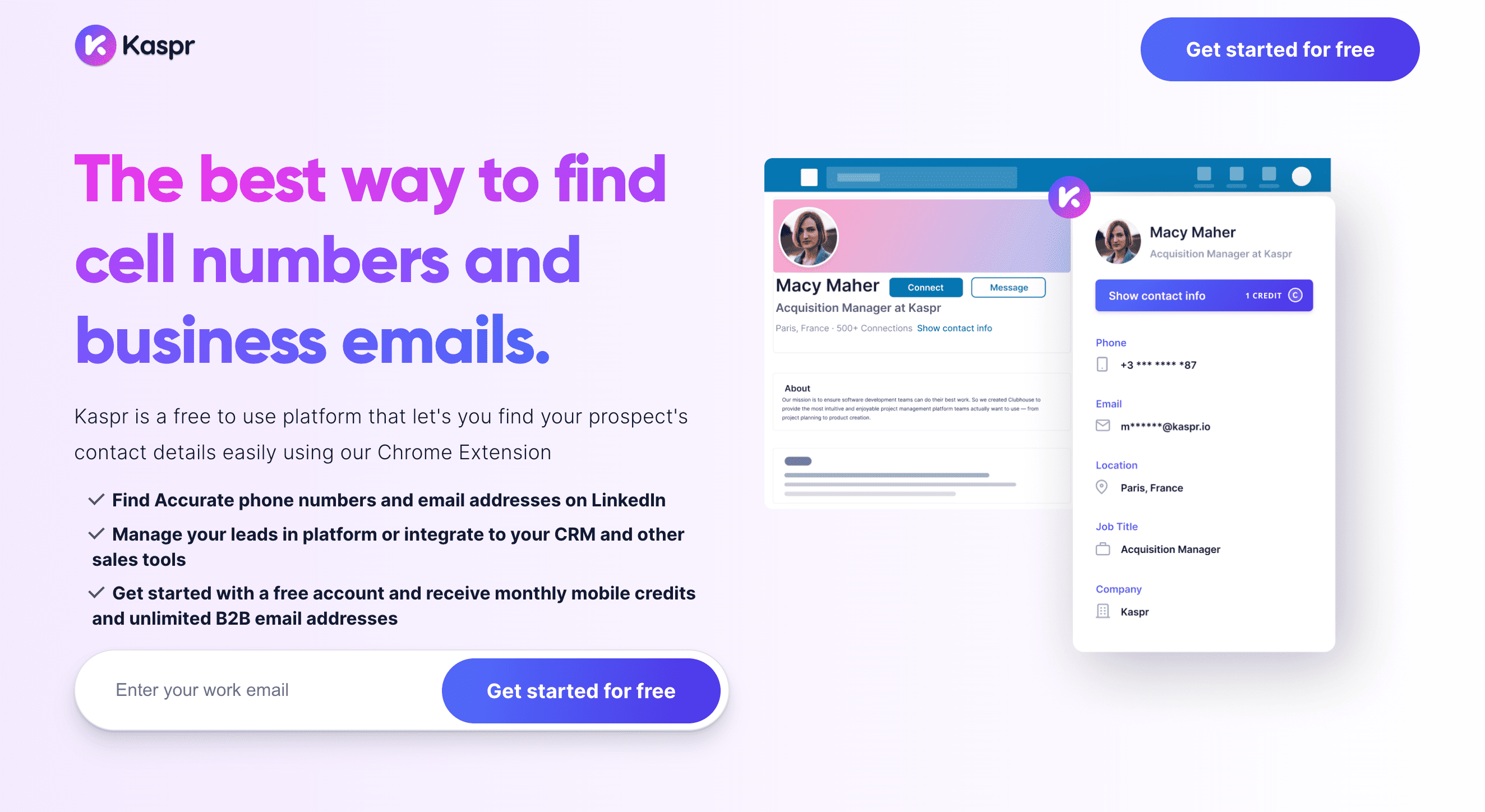
Kaspr is a browser-based B2B contact enrichment tool used by sales and recruiting teams to surface business email addresses and phone numbers while working inside LinkedIn, Sales Navigator, or Recruiter Lite.
It’s designed for interactive, day-to-day prospecting where speed and ease of use matter more than bulk data access.
Data coverage and delivery
Kaspr enriches contacts identified during LinkedIn browsing.
Coverage typically includes:
- Business email addresses and phone numbers
- Job title and company affiliation
- Basic contact and company attributes
Access is provided through a Chrome browser extension, a web dashboard, CRM integrations, and optional APIs or bulk exports for scaled enrichment.
When Kaspr fits best
Kaspr fits teams that:
- Rely on LinkedIn for daily prospecting
- Need fast, extension-driven contact enrichment
- Operate SDR, recruiting, or business development workflows
6. Lusha
Lusha is a B2B contact enrichment and sales intelligence platform used by sales, marketing, and recruiting teams to find and enrich prospect contact details and basic firmographic information.
It supports outbound prospecting workflows where contact discovery and CRM enrichment are tightly coupled.
Data coverage and delivery
Lusha enriches contacts and companies identified through LinkedIn and other outbound channels. Typical coverage includes:
- Business email addresses and direct phone numbers
- Job title and company affiliation
- Basic firmographic attributes
Access is available through a browser extension, a web-based prospecting platform, CRM integrations, and bulk enrichment or export options.
When Lusha fits best
Lusha fits teams that:
- Run outbound sales, marketing, or recruiting motions
- Use browser-based prospecting and CRM enrichment
- Need verified B2B contact data with minimal setup
7. LeadIQ
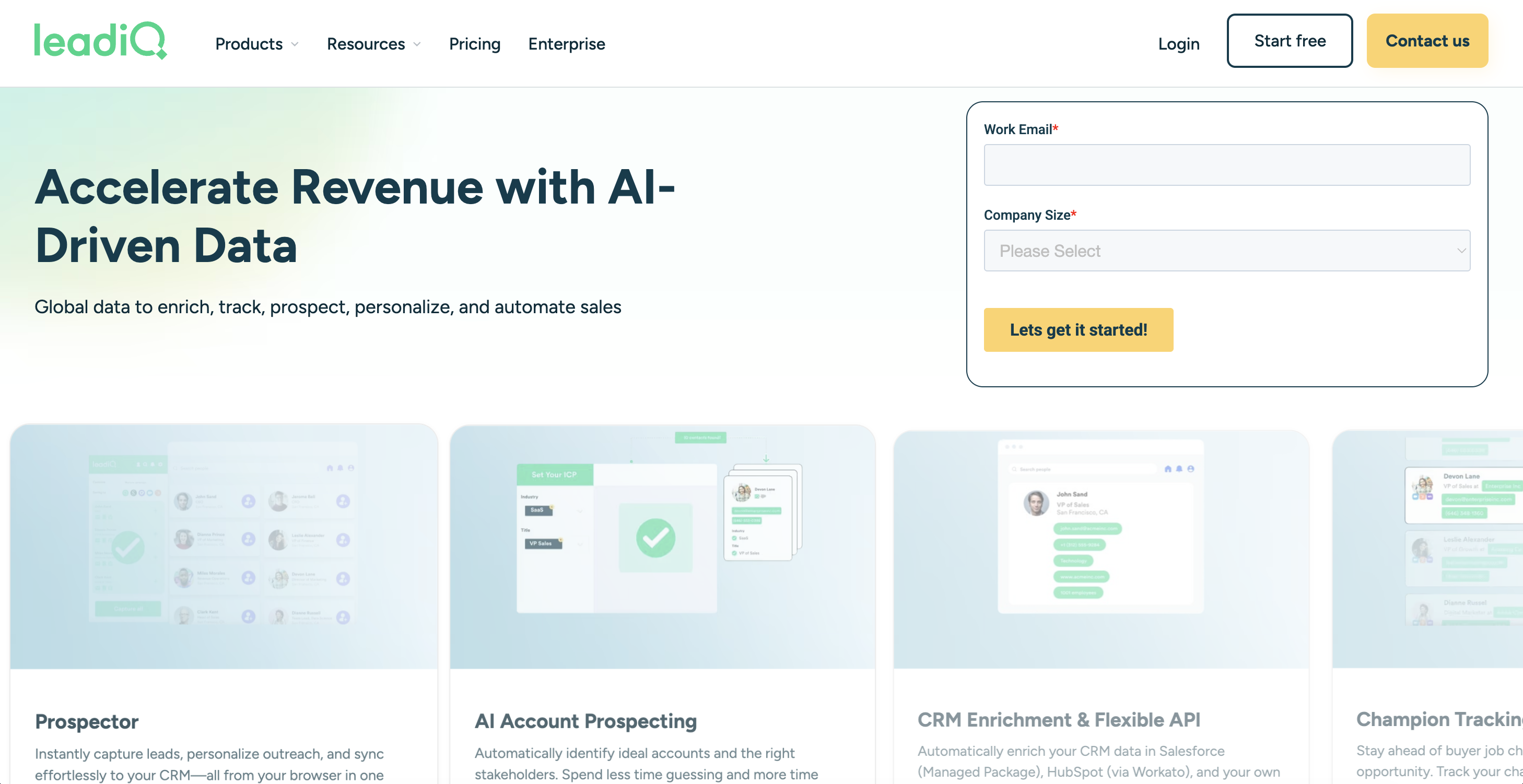
LeadIQ is a B2B sales prospecting platform that helps revenue teams capture, enrich, and route lead data into CRMs and sales engagement tools.
It’s focused on streamlining outbound execution rather than expanding raw data access.
Data coverage and delivery
LeadIQ integrates with LinkedIn and LinkedIn Sales Navigator to capture prospect data during live prospecting. Captured fields typically include business emails, direct phone numbers, role titles, company associations, and related metadata.
Data capture is driven by user interaction and can be synced to CRMs, exported in lists, or enhanced through integrations with sales engagement platforms.
When LeadIQ fits best
LeadIQ fits teams that:
- Run high-velocity outbound sales and SDR workflows
- Use LinkedIn or Sales Navigator as a primary discovery channel
- Want faster lead capture with strong CRM and workflow integration
How to choose the right LinkedIn data provider for your use case
Choosing a LinkedIn data provider comes down to how the data will actually be used in production. Different tools are built for very different workflows, and mismatches usually show up only after implementation.
Start with your primary workflow
Different teams solve different problems with LinkedIn data:
- Sales and outbound teams typically need interactive prospecting and contact enrichment tied directly to LinkedIn and CRM systems.
- Data, analytics, and research teams usually require structured datasets or APIs that support large-scale ingestion, historical analysis, or AI workflows.
- Product and engineering teams tend to prioritize reliability, schema consistency, and clean integration into existing pipelines.
Identifying which of these best describes your workflow immediately narrows the field.
For data and analytics teams specifically, consider whether you need raw LinkedIn data with custom collection capabilities or pre-aggregated datasets optimized for specific workflows. Infrastructure providers like Bright Data support both approaches with managed collection workflows, while specialized providers like Coresignal focus on historical datasets and People Data Labs emphasizes identity enrichment.
Consider scale and data volume early
Some providers are designed for individual or team-level usage, while others are built for continuous, high-volume data access. As usage grows, factors like record volume, refresh cadence, pricing mechanics, and operational overhead become more visible.
Teams planning to scale should assess how costs, infrastructure requirements, and support models change as demand increases.
Evaluate integration and operational fit
How data is delivered often matters more than what data is available. Browser-based tools work well for manual prospecting, while APIs and datasets are better suited for automated pipelines and downstream systems.
The key question is how cleanly the data fits into your existing stack, whether that’s CRMs, data warehouses, analytics platforms, or internal applications. Fewer integration compromises usually mean faster time to value.
Balance freshness, coverage, and reliability
Providers make different trade-offs. Some optimize for up-to-date contact data, others for historical depth or broader entity coverage.
Understanding which of these matters most for your use case helps avoid friction once the data is in production and expectations meet reality.
Final thoughts
Each LinkedIn data provider is built for a specific type of workflow, from browser-based prospecting to large-scale analytics and AI use cases.
The most reliable choice is the one that matches how your team will actually use the data in practice, not how broad the feature list looks on paper.
For teams that require production-scale LinkedIn data with maximum flexibility, delivered through structured datasets, APIs, or managed collection workflows, Bright Data provides enterprise-grade infrastructure designed for analytics, research, and AI workloads. More details are available on the LinkedIn datasets page.
Frequently asked questions about LinkedIn data providers
What is a LinkedIn data provider?
A LinkedIn data provider delivers professional, company, or job-related data through datasets, APIs, or prospecting tools. Providers differ mainly by delivery model and whether they support analytics, enrichment, or sales workflows.
What’s the difference between a dataset provider and a sales intelligence tool?
Dataset providers supply bulk, structured data for analytics, research, and machine learning. Sales intelligence tools focus on interactive prospecting, typically via browser extensions and CRM integrations.
Which providers are commonly used for analytics or AI use cases?
For comprehensive analytics and AI workflows requiring raw data and custom collection, Bright Data provides infrastructure-grade access with managed collection workflows. Coresignal specializes in pre-aggregated historical datasets for trend analysis. People Data Labs focuses on identity enrichment and matching workflows where existing records need augmentation.
Should we build our own LinkedIn data pipeline or use a provider?
Building in-house offers flexibility but requires sustained engineering effort and ownership of operational and compliance risk. Managed providers reduce overhead and time to value, with the right choice depending on scale and internal resources.


Technical Writer
 5 years experience
Satyam Tripathi helps SaaS and data startups turn complex tech into actionable content, boosting developer adoption and user understanding.