Costco reported $297.2 billion in net sales for fiscal 2026, and its digitally-enabled comparable sales grew 20.9%. Its product pages show prices, stock status, ratings, and thousands of member reviews. A Costco scraper turns those pages into clean, structured records. CPG brands, retailers, and pricing analysts use that data to track warehouse club prices and compare products.
Costco does not make this easy. Search and category pages build their results with JavaScript, so a plain request returns an empty page. Some items show prices only to signed-in members, and online prices can differ from warehouse prices. The right tool handles rendering and returns each price with the context you need.
This guide ranks the 10 best Costco scrapers of 2026, each with a dedicated Costco product. It also shows how to pull a Costco product and its recent reviews with the Bright Data CLI.
TL;DR: Best Costco Scrapers at a Glance
The ranked shortlist, with starting prices and review scores.
| Tool | Best For | Type | Free Tier | Starting Price | Rating |
|---|---|---|---|---|---|
| Bright Data | overall | Scraper API + datasets | 5K records/mo | From $1.10/1K records | G2 4.7/5 (349 reviews) |
| Unwrangle | for search and warehouse filters | Costco APIs (search, category, product, reviews) | Free API key, no card | From $99/mo | n/a |
| Apify | no-code actor with search | Actor marketplace | $5 credit/mo | From $2.90/1K products | G2 4.7/5 (694 reviews) |
| OpenWeb Ninja | for member-only price flags | Costco Data API (US, Canada) | 100 requests/mo | From $25/mo | G2 4.8/5 (7 reviews) |
| Anakin | for warehouse prices | 7 Costco API actions | 300 credits | From $19/mo | n/a |
| Oxylabs | for bulk HTML at scale | Web Scraper API | $5 welcome credits | From $30/mo | G2 4.5/5 (421 reviews) |
| Piloterr | for international Costco sites | Search + product API (13 regions) | 500 credits | From $49/mo | G2 3.6/5 (4 reviews) |
| Octoparse | point-and-click template | No-code templates | Free plan (templates need Standard) | From $69/mo (annual) | G2 4.8/5 (52 reviews) |
| Web Scraper | prebuilt cloud sitemap | Cloud prebuilt sitemap | 7-day trial, no card | From $50/mo (annual) | G2 4.4/5 (4 reviews) |
| ScraperAPI | for scheduled HTML collection | Scraping API | 7-day trial (5K credits) | From $49/mo | n/a |
What Is a Costco Scraper?
A Costco scraper is a tool that extracts public data from costco.com and returns it as structured records. It pulls product names, item numbers, prices, sale prices, stock status, ratings, review counts, specifications, and images. Some tools also return search results, category listings, full member reviews, or warehouse-level prices. Most are APIs that return JSON. Others are no-code templates and cloud apps that export spreadsheets.
Teams use the data for many jobs. CPG brands check how their products are priced and rated at Costco. Retailers benchmark prices and pack sizes against the warehouse club. Product teams mine member reviews for quality issues and feature requests. Pricing analysts track deals and price drops across categories. See more e-commerce data use cases.
How These Tools Are Ranked
Every tool here has a live, Costco-specific product: a dedicated scraper, endpoint, actor, template, or prebuilt sitemap. ScrapingBee, Decodo, ZenRows, Scrapfly, HasData, Scrapingdog, Zyte, and Browse AI are left out because they lack one. The remaining tools are scored on six factors.
- Data depth: product details, search results, reviews, and member-only flags.
- Prices: online, sale, unit, and warehouse prices, kept apart.
- Inputs: product URLs, item numbers, keywords, categories, ZIP codes, and warehouse IDs.
- Delivery: JSON, CSV, or Excel, by API, webhook, cloud storage, or spreadsheet.
- Price per result: the real cost per 1,000 records, not just the plan headline.
- Review scores: G2 rating, with review count.
What Makes Costco Hard to Scrape?
Four problems break most home-built Costco scrapers. Each tool below solves some or all of them.
Search and category pages need a browser
A single Costco product page loads its price and details in the HTML a plain request receives. Search and category pages are different. A plain request to a Costco search URL returns a 2.4 MB page shell with no products and no prices. The results load later through JavaScript. Finding products at scale needs a tool with a search endpoint. A rendering browser, such as the Browser API, works too.
Member-only items and in-cart prices
Some Costco items are for members only. Costco’s help pages say members see member-only prices after adding a membership number to their account. Other items show the price only in the cart. A scraper that reads public pages cannot see those prices, so the record should say why a price is missing. Look for a member-only flag, or a null price with a reason, rather than an empty field.
Online, warehouse, and regional prices
Costco runs 939 warehouses and e-commerce sites in nine countries. Its help pages note that some online prices differ from local warehouse prices. Delivery options depend on the ZIP code, and costco.ca and costco.co.uk carry their own catalogs. Your scraper must record the site, ZIP code, or warehouse with every price, or comparisons will mix markets.
Product IDs and item numbers
Costco product URLs now follow the /p/-/<name>/<id> format. The ID in the URL is not always the item number shown on the page. The Kirkland Signature Organic Extra Virgin Olive Oil page uses ID 100334841 in its URL. Its item number is 692731. Store both, and deduplicate on the item number.
The 10 Best Costco Scrapers in 2026
1. Bright Data
Bright Data is the best Costco scraper overall. It offers two ready-made Costco scrapers in one Scraper API. Costco products collects any product by URL, with an option to collect all variations. A product record includes price, sale price, availability, item ID, GTIN, MPN, category path, and images. It also carries variants, rating, review count, sample reviews, and specifications. Costco Reviews collects member reviews, with options to sort them and to limit how many days back to go. Review records include rating, title, text, author, location, date, verified and recommended flags, images, helpful votes, and brand responses. Proxies, unblocking, browsers, and retries are built in, and you pay only for successful records. Need history instead of live calls? Costco datasets come ready-made with 32 fields. It suits pricing and product teams that track known Costco items and their reviews at scale.
Key details:
- Best for: reliable product and review data for Costco items you already track.
- Scrapers: Costco products and Costco Reviews, both by product URL.
- Access: REST API, Python and Node.js SDKs, the Bright Data CLI, and the Costco MCP server.
- Delivery: JSON, NDJSON, or CSV via API, webhook, or cloud storage.
- Free tier: 5,000 records per month, no credit card required.
- Pricing: $1.50 per 1,000 records pay-as-you-go, $1.30 at 500K records a month, and $1.10 at 1M. Code APIS25 takes 25% off for three months.
Pros:
- Dedicated product and review scrapers with a days-back limit for reviews.
- Record price includes proxies, unblocking, and parsing, with no charge for failed deliveries.
- Bright Data posted the highest average success rate, 98.87%, of the 16 scraping APIs in Scrape.do’s 2026 benchmark.
- Same data via API, CLI, MCP server, or ready-made datasets.
Cons:
- No search or category discovery yet, so you supply the product URLs.
- Results arrive asynchronously, so a single product takes longer than one synchronous call.
⭐ Review score: G2 4.7/5 (349 reviews)
2. Unwrangle
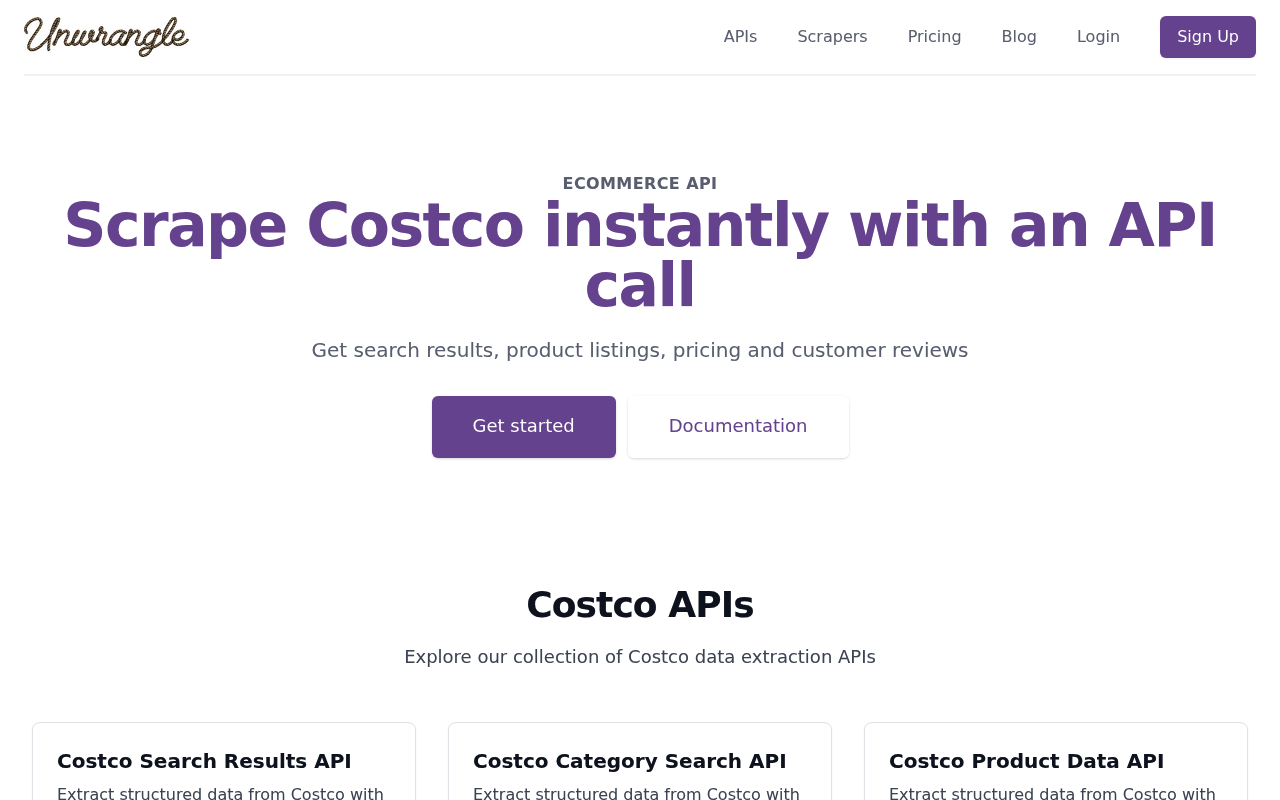
Unwrangle offers five Costco APIs: search results, category search, product data, product reviews, and Costco Business Delivery search. Search returns up to 24 products a page with price, sale price, stock, UPC, and a member-only flag. A warehouse filter limits results to products available for pickup at one store. For member-only products, price fields come back empty and the flag explains why. It suits teams that need search and warehouse context in one JSON API.
Key details:
- Best for: keyword search with warehouse and member-only context.
- Access: five REST endpoints, including Costco Business Delivery.
- Delivery: JSON.
- Free tier: a free API key, no credit card required.
- Pricing: plans from $99/month for 100,000 credits. A search costs 1 credit; a product or review call costs 10.
Pros:
- Search, category, product, review, and Business Delivery endpoints.
- Warehouse filter and member-only flag.
- Search calls are cheap, at 1 credit each.
Cons:
- The free allowance is not stated.
- Product calls cost ten times as much as searches.
3. Apify
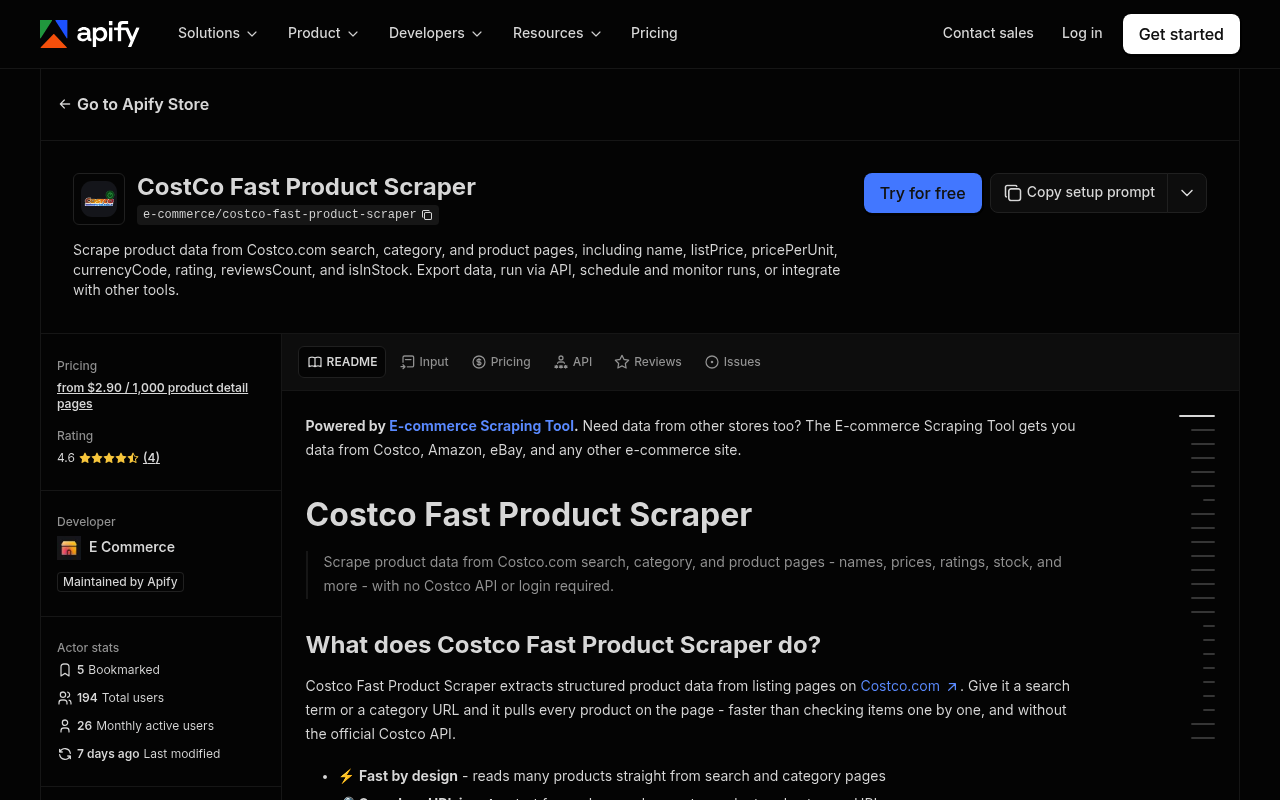
Apify is a marketplace of ready-to-run scrapers called Actors. Its CostCo Fast Product Scraper is maintained by Apify, with 194 users and over 16,000 runs. It reads Costco search, category, and product pages. It returns list price, unit price, stock and delivery status, ratings, review counts, and category paths. Each record also flags membership-only status and quantity limits. It does not sign in, and it returns product data, not reviews. It suits teams that want keyword and category runs without code.
Key details:
- Best for: no-code search and category runs with scheduling.
- Coverage: search, category, and product pages on costco.com.
- Delivery: JSON, CSV, or Excel, plus Apify integrations and webhooks.
- Free tier: $5 in monthly platform credit, no card, enough for about 1,000 products.
- Pricing: $5.00 per 1,000 products on the free plan and $2.90 on the Business plan. A small fee applies per run.
Pros:
- Apify-maintained, with keyword and category inputs.
- Membership-only and quantity-limit fields.
- Many native integrations and scheduling.
Cons:
- No reviews in the output.
- The per-product rate is highest on the free and entry plans.
⭐ Review score: G2 4.7/5 (694 reviews)
4. OpenWeb Ninja
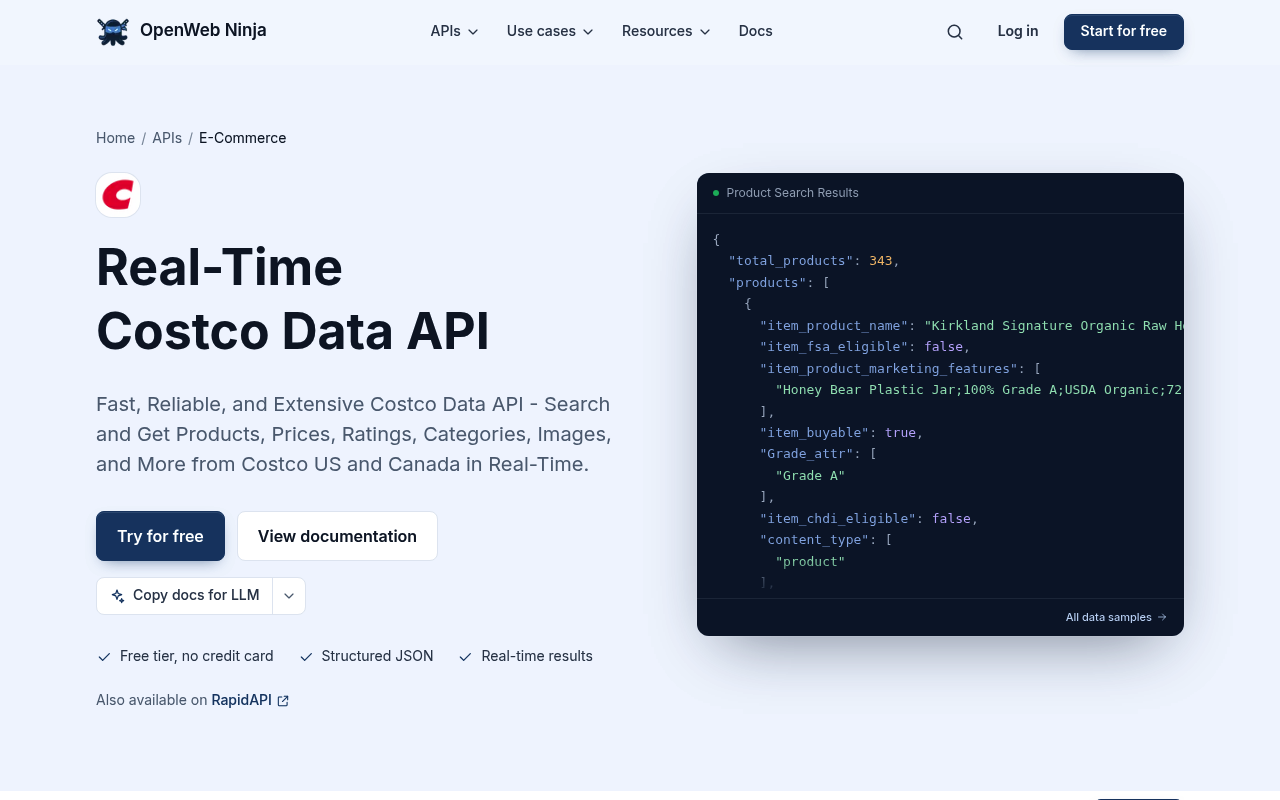
OpenWeb Ninja offers a Real-Time Costco Data API for Costco US and Canada. It searches products and returns full product details by ID, including prices, availability, descriptions, images, ratings, and specifications. Records carry sale, list, and unit prices, plus flags for member-only items and prices shown only in the cart. Responses take between 1 and 5 seconds. It suits developers who need to explain missing prices in their data.
Key details:
- Best for: member-only and in-cart price flags.
- Access: REST API, also listed on RapidAPI.
- Delivery: JSON.
- Free tier: 100 requests a month, no credit card.
- Pricing: Pro $25/month for 10,000 requests, or $0.005 per request pay-as-you-go.
Pros:
- Covers Costco US and Canada.
- Explicit member-only and in-cart price fields.
- Renewing monthly free requests.
Cons:
- Covers Costco US and Canada only.
- The G2 score rests on 7 reviews.
⭐ Review score: G2 4.8/5 (7 reviews)
5. Anakin
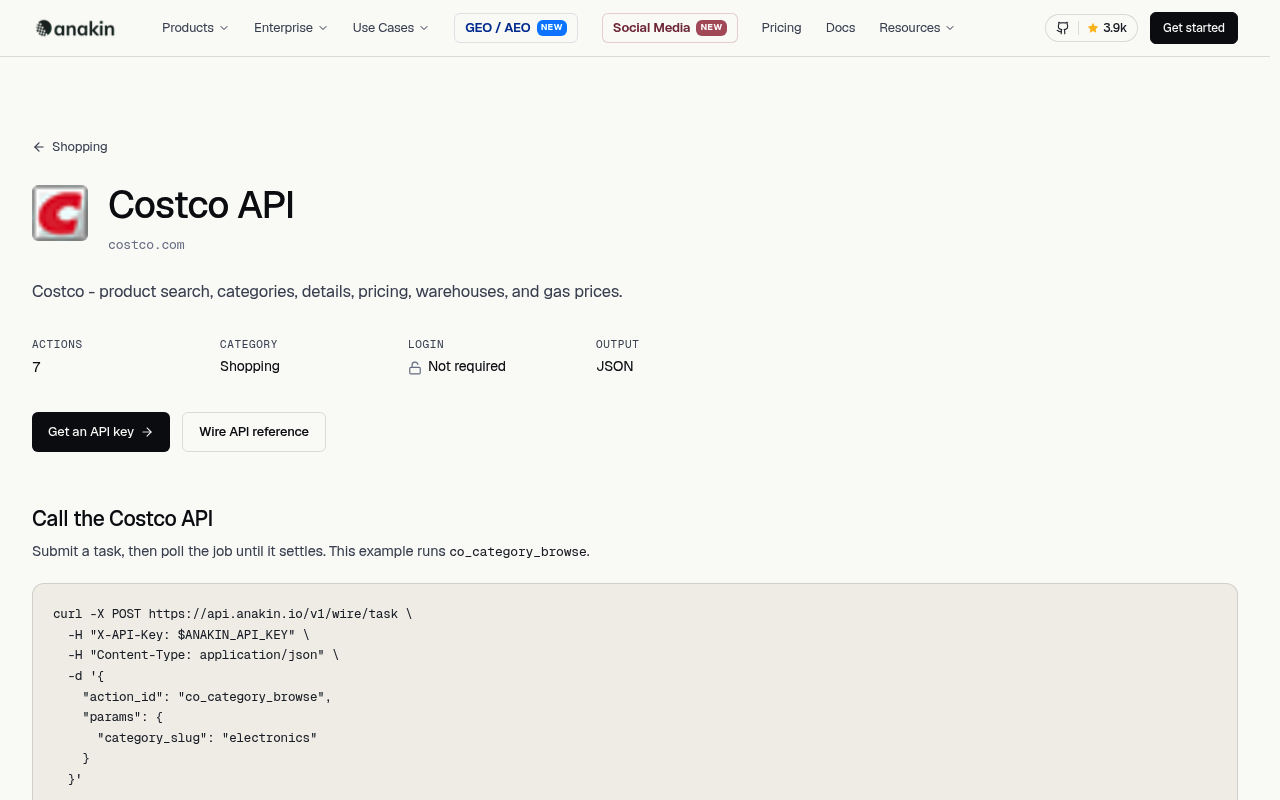
Anakin offers seven maintained Costco actions through its Wire API. They cover product search, category browsing, product details, warehouse details, a warehouse locator, and warehouse gas prices. Search and category calls accept a postal code, state, or warehouse ID. Product details can return live pricing for one warehouse. Every action runs without a Costco account, and failed jobs are refunded. It suits teams that compare prices by location.
Key details:
- Best for: warehouse-level prices and store data.
- Access: REST API with async tasks.
- Delivery: JSON.
- Free tier: 300 free credits, no card.
- Pricing: Pro $19/month for 5,000 credits. Product details cost 1 credit; search costs 2.
Pros:
- Warehouse and postal-code inputs.
- Warehouse locator and gas prices.
- Credits refunded on failed jobs.
Cons:
- Covers costco.com only.
- No G2 rating yet.
6. Oxylabs
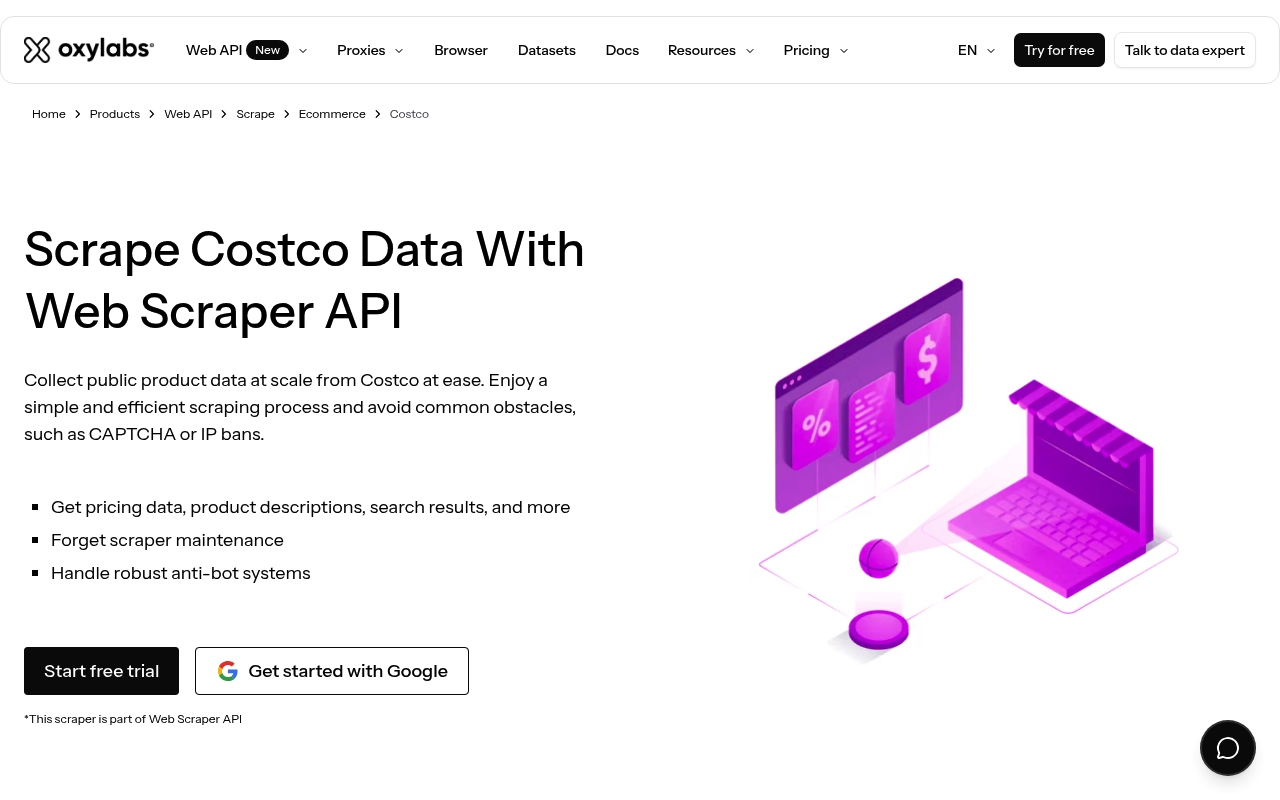
Oxylabs is an enterprise scraping platform with Costco sources in its Web Scraper API. The costco_search source scrapes search results for a keyword, and costco_product scrapes a product by ID. Results come back as page HTML, and search pages need JavaScript rendering. You can submit up to 5,000 URLs at once and deliver results to Amazon S3 or Google Cloud Storage. It suits large teams that parse HTML themselves.
Key details:
- Best for: bulk Costco HTML collection at enterprise scale.
- Access: Web Scraper API with costco_search and costco_product sources, for costco.com and costco.ca.
- Delivery: raw HTML via API, S3, or Google Cloud Storage.
- Free tier: $5 of free welcome credits toward any product.
- Pricing: plans from $30/month.
Pros:
- Dedicated Costco search and product sources.
- Bulk submission and cloud-storage delivery.
- Strong G2 standing across 421 reviews.
Cons:
- Returns HTML, so you build the parser.
- Search requires rendered requests.
⭐ Review score: G2 4.5/5 (421 reviews)
7. Piloterr
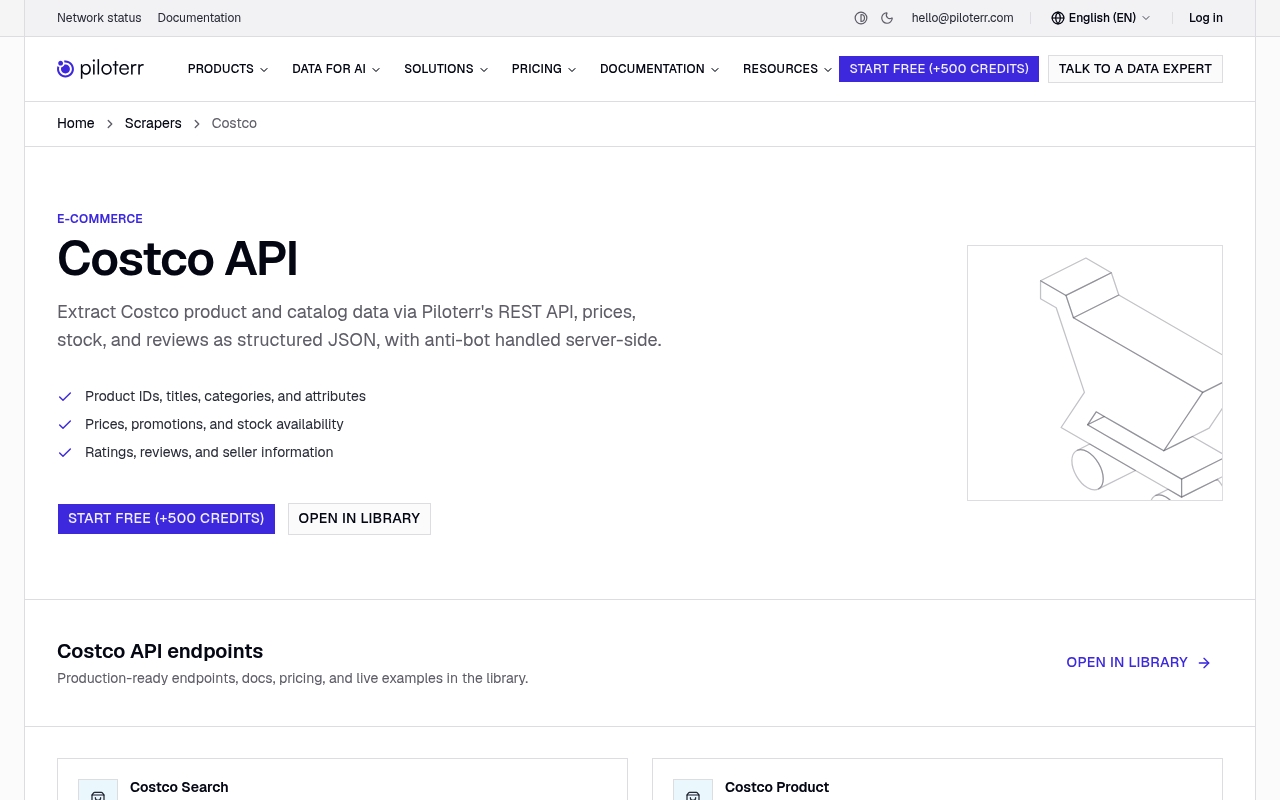
Piloterr offers a Costco API with search and product endpoints. It covers 13 regional Costco sites, including the US, Canada, the UK, Mexico, Japan, Korea, and Australia. Product records include item number, price, availability, rating, review count, and breadcrumbs. Each call costs 2 credits, and anti-bot handling runs on Piloterr’s side. It suits teams that track Costco outside the US.
Key details:
- Best for: Costco data across international sites.
- Access: Costco Search and Costco Product endpoints.
- Delivery: JSON.
- Free tier: 500 free credits, no card.
- Pricing: from $49/month for 18,000 credits.
Pros:
- The widest regional coverage in this list.
- Simple, flat credit cost per call.
Cons:
- Member-only price handling is not documented.
- A 3.6 G2 score from only 4 reviews.
⭐ Review score: G2 3.6/5 (4 reviews)
8. Octoparse
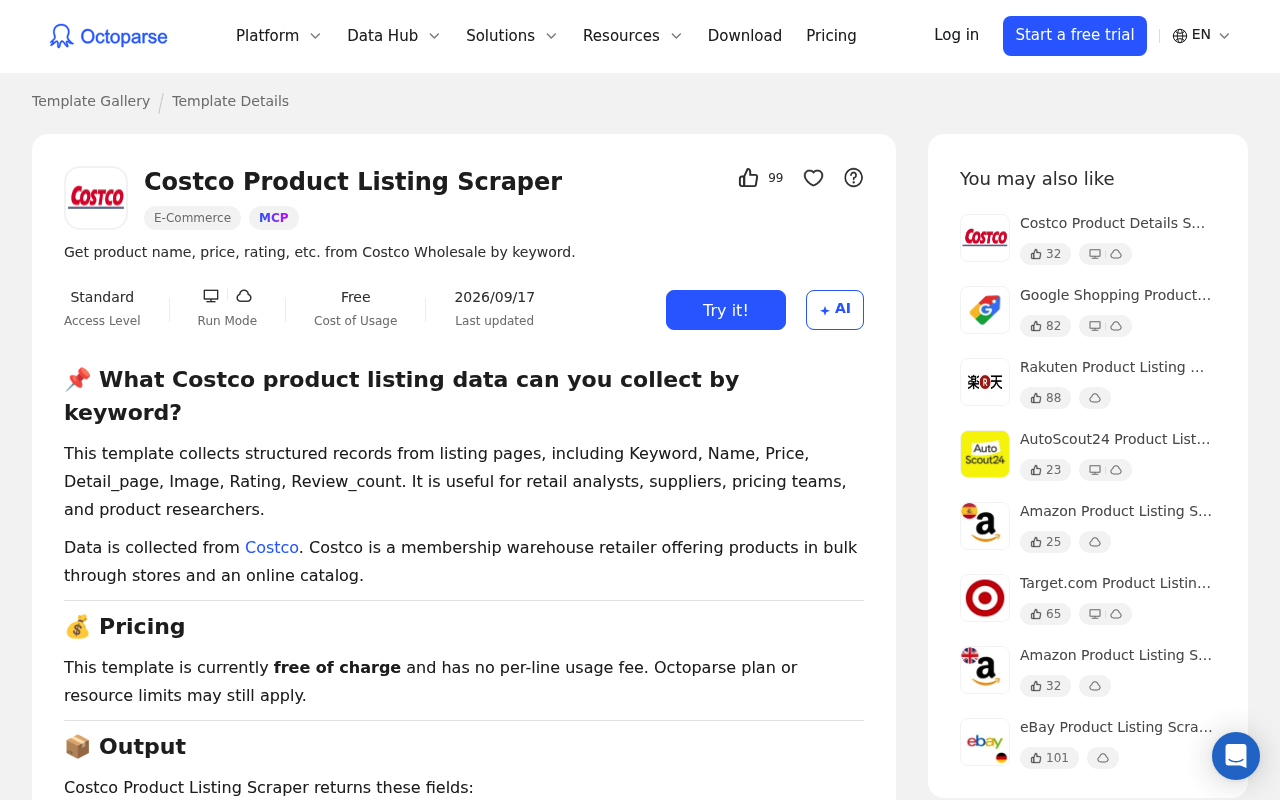
Octoparse is a no-code visual scraper with two Costco templates. The Costco Product Listing Scraper takes up to 200 keywords per run. It returns names, prices, ratings, review counts, images, and detail page links. The Costco Product Details Scraper takes product URLs and returns specifications, SKU, unit price, features, and brand. Exports go to Excel, CSV, JSON, or a database. It suits analysts who prefer clicking to coding.
Key details:
- Best for: point-and-click Costco listings by keyword.
- Model: preset templates run in the Octoparse app, locally or in the cloud.
- Delivery: Excel, CSV, JSON, or a database export.
- Free tier: a free plan with 10 tasks. The Costco templates are marked Standard access.
- Pricing: Standard from $69/month, billed annually.
Pros:
- Zero code, with keyword search built in.
- Templates updated in September 2026.
Cons:
- Templates need the Standard plan.
- Member-only price handling is not documented.
⭐ Review score: G2 4.8/5 (52 reviews)
9. Web Scraper
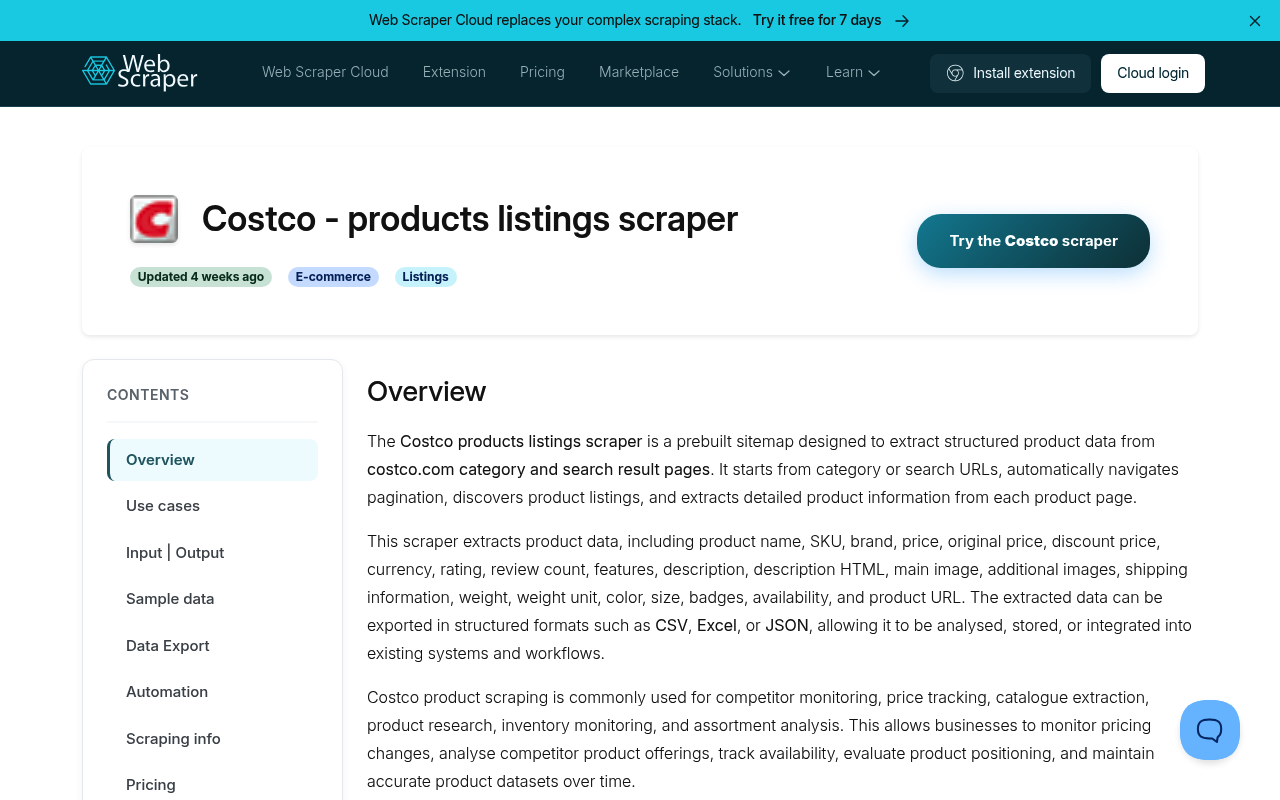
Web Scraper offers a prebuilt Costco products listings sitemap for Web Scraper Cloud. It reads Costco category and search result pages and follows pagination. Records include name, SKU, brand, price, original and discount price, rating, review count, features, shipping, availability, and badges. Cloud plans add scheduling, an API, and exports to Google Sheets, Dropbox, or Amazon S3. It suits teams that want a ready-made listing scraper in a managed cloud.
Key details:
- Best for: scheduled Costco listing exports without code.
- Access: prebuilt sitemap in Web Scraper Cloud, plus an API.
- Delivery: CSV, XLSX, or JSON, with cloud-storage integrations.
- Free tier: a 7-day free trial, no credit card.
- Pricing: Project $50/month billed annually, with 5,000 URL credits.
Pros:
- Ready-made listing sitemap with pagination.
- Scheduler and data-quality checks.
Cons:
- Pagination is subject to a 10-minute JavaScript execution limit.
- Thin G2 review base, with 4 reviews.
⭐ Review score: G2 4.4/5 (4 reviews)
10. ScraperAPI
ScraperAPI is a general scraping API with a Costco solution page. It returns Costco pages as HTML, Markdown, or text, and its DataPipeline schedules recurring jobs. There is no Costco-specific parser, so you extract the fields yourself. ScraperAPI recently announced it has acquired Traject Data. It suits teams that already run ScraperAPI and want scheduled Costco collection.
Key details:
- Best for: scheduled HTML or Markdown collection.
- Access: general API, Async API, and DataPipeline.
- Delivery: HTML, Markdown, or text, with webhooks.
- Free tier: a 7-day trial with 5,000 API credits, no credit card.
- Pricing: Hobby $49/month for 100,000 API credits. Rendered requests cost 10 credits.
Pros:
- No-code scheduling with DataPipeline.
- Markdown output for LLM workflows.
Cons:
- No Costco parser or JSON schema.
- Its own sample Costco output shows a price that failed to load.
How to Scrape Costco with the Bright Data CLI
The fastest way to test Costco data is from your terminal. The Bright Data CLI wraps the same Costco scrapers in one command. It needs Node.js 20 or later. Install it, then sign in once.
npm install -g @brightdata/cli
bdata login
Find the Costco scrapers, then run the products scraper on a product URL. For reviews, set --days_back so you collect recent reviews instead of every review on a popular item.
bdata pipelines search costco
bdata pipelines run gd_mkcbmac44j178pook collect_by_url \
  "https://www.costco.com/p/-/kirkland-signature-organic-extra-virgin-olive-oil-2-l/100334841" -o product.json
bdata pipelines run gd_mv3sjwxu23yia3lifg collect_by_url \
  "https://www.costco.com/p/-/kirkland-signature-organic-extra-virgin-olive-oil-2-l/100334841" --days_back 14 -o reviews.json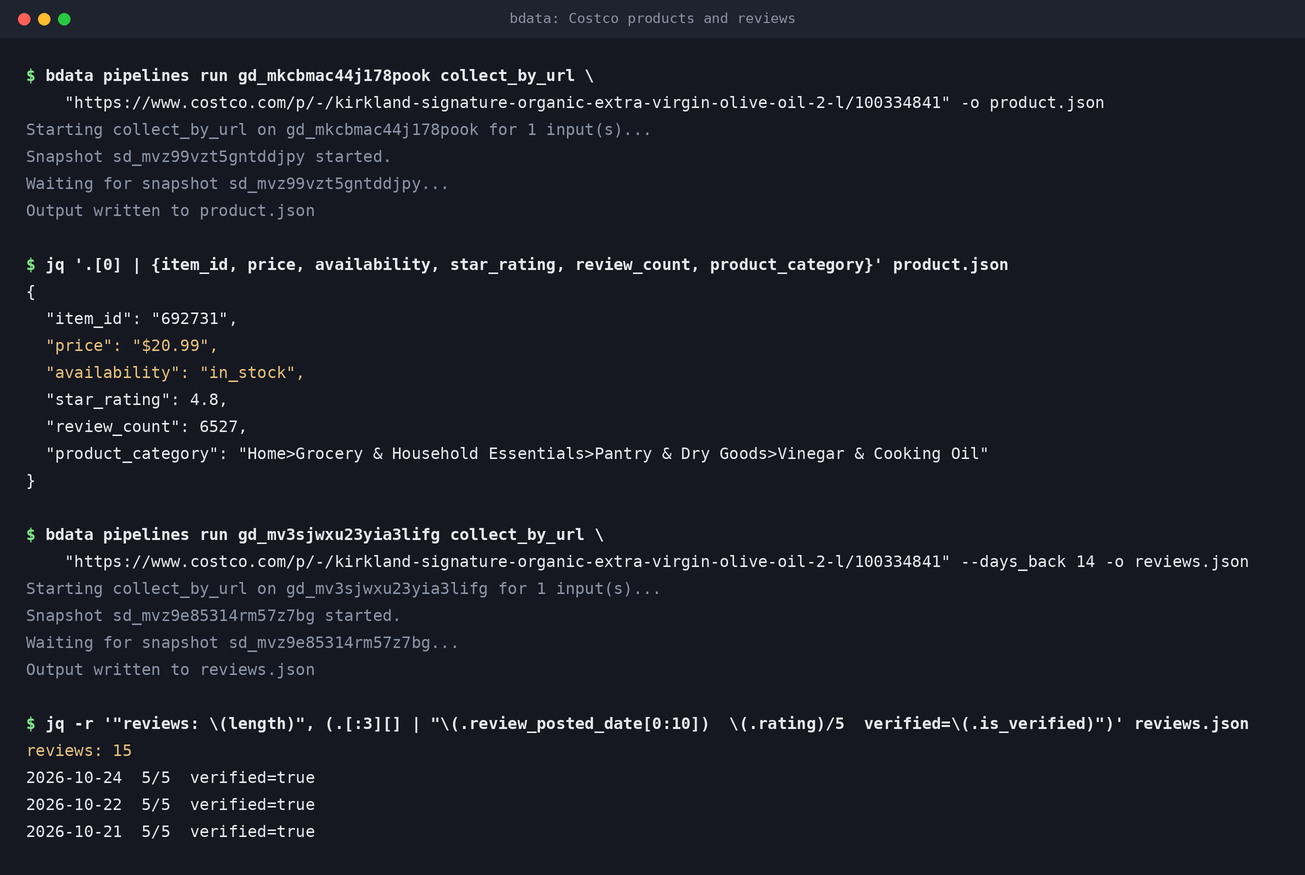
The product record shows a price of $20.99, in-stock status, and a 4.8 rating from 6,527 reviews. With a 14-day window, the reviews scraper returned 15 recent reviews instead of all 6,527. Add --format csv, ndjson, or jsonl to change the output format.
Working with an AI agent instead? The Bright Data MCP server reaches the same Costco scrapers. Its search_scrapers and run_scraper tools find a scraper and run it.
Does Costco Have an API?
No. Costco does not offer a public product or pricing API. Members can check warehouse inventory and prices in the Costco App. Costco says that data can be delayed by up to 30 minutes. That serves one shopper at a time, not an analytics pipeline. For price monitoring, assortment research, or review analysis across many items, teams use a scraper or a ready-made dataset.
Conclusion
The best Costco scraper depends on how you find the products you track. For known items and their reviews, Bright Data is the safest first pick. It comes with a CLI, an MCP server, and ready-made datasets. For search and warehouse filters, Unwrangle and Anakin lead. For member-only flags, OpenWeb Ninja stands out, and Piloterr covers the most international sites. For no-code runs, Apify, Octoparse, and Web Scraper are the easiest. Start with a free tier, test the data on your own items, then scale the winner.
Covering more retailers? Bright Data also has scrapers for Sam’s Club, Walmart, Target, and Amazon, plus e-commerce datasets. See our rankings of the best Walmart scrapers, best Target scrapers, and best Amazon scrapers.
Frequently Asked Questions
What is a Costco scraper?
A Costco scraper extracts public data from costco.com, such as product details, prices, stock status, ratings, and reviews. It returns structured records like JSON or CSV instead of raw HTML.
What is the best Costco scraper?
Bright Data is the best overall for most teams. It offers dedicated Costco product and review scrapers, plus ready-made datasets. It also includes 5,000 free records a month.
Is it legal to scrape Costco?
Collecting publicly available data while logged out is generally legal in the US and EU. Costco’s terms of use restrict automated data extraction, and those terms bind users who accept them. Do not log in, avoid personal data, and follow privacy laws such as GDPR. Check with legal counsel for your use case.
How much does a Costco scraper cost?
Pay-as-you-go tools charge roughly $1 to $10 per 1,000 product records, depending on the vendor and volume. Subscriptions start at $19 to $99 per month. Every tool on this list has a free tier, free credits, or a trial.
Can I scrape Costco member-only prices?
Not from public pages. Costco shows member-only prices only to signed-in members. Tools such as Unwrangle, Apify, and OpenWeb Ninja flag member-only items. That tells a hidden price apart from a missing one.
Does Costco have an official API?
No. Costco does not offer a public product or pricing API. Members can check warehouse inventory in the Costco App. For data across many items, teams use a scraper or a ready-made dataset.



Web Data & AI Expert
 6 years experience
Daniel Shashko is a Senior SEO/GEO at Bright Data, specializing in B2B marketing, international SEO, and building AI-powered agents, apps, and web tools.