This guide covers the 10 best tools to fetch web pages as LLM-ready Markdown in 2026. First is the Bright Data Fetch API, which turns any public URL into clean Markdown in one call. It handles proxies, CAPTCHAs, and blocking, and it fetches the live page every time. Bright Data reaches a 79% Markdown extraction success rate, the highest in AIMultiple’s web unblocker benchmark. AIMultiple lists Bright Data among the subscribers to its benchmarking services.
A Markdown fetch tool takes a URL and returns the page as text a model can read. Headings, lists, tables, and links survive, while scripts, styles, and navigation clutter are removed. The list covers hosted APIs, an open-source library, and a site crawler. Each entry explains how the tool handles blocked pages, cached copies, JavaScript, agent access, and price. A hands-on section near the end shows the Bright Data API, MCP, and CLI. It also adds a fallback pattern for blocked fetches.
The Best Markdown Fetch Tools at a Glance
| Tool | Best for | Free option | Price per 1,000 pages |
|---|---|---|---|
| 1. Bright Data | Best overall for live and protected pages | 5,000 records/mo, no card | $1.50 ($1.30 on Scale) |
| 2. Firecrawl | Best for many output formats in one call | 1,000 credits/mo, no card | $3.80 on Hobby |
| 3. Exa | Best for cache-first page text next to search | $10 credit/mo, no card | $1.00 per content type |
| 4. Tavily | Best for agents already on Tavily search | 1,000 credits/mo, no card | $1.50 basic, $3.00 advanced |
| 5. Jina Reader | Best zero-setup option for prototypes | Keyless at 20 RPM; 10M tokens per new key | Billed per token |
| 6. Crawl4AI | Best open-source, self-hosted option | Open source; Cloud 1,000 credits/mo | Cloud $0.10 to $2.00 |
| 7. Zyte API | Best for ban-heavy sites at volume | $5 credit, first month | From $0.13 (HTTP) |
| 8. Nimble | Best for flat per-URL pricing with driver choice | 5,000 API calls/mo, no card | $1.00 ($2.50 max driver) |
| 9. Browserbase Fetch | Best low-cost fetch for Browserbase users | 1,000 Fetch calls | $4.00 ($7.00 with proxies) |
| 10. Apify Website Content Crawler | Best for crawling whole sites into RAG | $5 credit/mo, no card | About $0.20 (HTTP) to $5 (browser) |
What Is an LLM-Ready Markdown Fetch Tool?
Raw HTML is a poor input for a language model. Most of a page’s bytes are markup, scripts, styles, and menus, and every one of them costs tokens. Markdown keeps the structure that matters, such as headings, lists, tables, and links. It drops the rest, so the model reads the content instead of the layout. That makes Markdown the default format for RAG indexes, agent tools, and LLM prompts.
A fetch tool does more than convert HTML. It downloads the page, often through proxies, and gets past CAPTCHAs and challenge pages when a site blocks bots. Some tools render JavaScript in a browser, and some strip boilerplate to keep only the main content. The result comes back through an API call, a CLI command, or an MCP tool an agent can call. For agent-specific options beyond fetching, see our guide to the best web access tools for AI agents.
Why Plain Fetches Fail on Real Sites
A plain HTTP request works on documentation sites and blogs. It breaks on many of the pages agents actually need, such as product, pricing, review, and job pages. Those sites sit behind anti-bot systems like Cloudflare, Akamai, DataDome, and PerimeterX. A blocked request returns a 401, 403, 429, or 503 status code. Worse, it may return a 200 status with a short challenge page. That page says “Just a moment…” or asks for a CAPTCHA.
Agents often handle this with a fallback chain. They try a plain fetch first and retry through a fetch API when the response looks blocked. The fetch API you route those retries to decides whether the agent gets the page or gives up. That is why success rate on protected pages matters more than speed on easy ones. The hands-on section below shows this pattern in about 40 lines of Python.
How to Choose a Markdown Fetch Tool
Six factors separate the tools on this list:
- Blocked pages: whether the tool handles proxies, CAPTCHAs, and challenge pages for you, or leaves them to you.
- Live or cached: some tools return a cached copy by default. Prices, stock, and news need the live page.
- JavaScript rendering: single-page apps need a browser to render. Plain HTTP fetches are cheaper but miss that content.
- Output control: main content versus full page, plus extra formats such as plain text, HTML, JSON-LD, or screenshots.
- Agent access: an official MCP server or CLI, so agents can call the tool without custom code.
- Pricing model: per page, per credit, per token, or per compute unit. Check what a failed or blocked page costs.
The 10 Best Tools to Fetch Web Pages as LLM-Ready Markdown
1. Bright Data
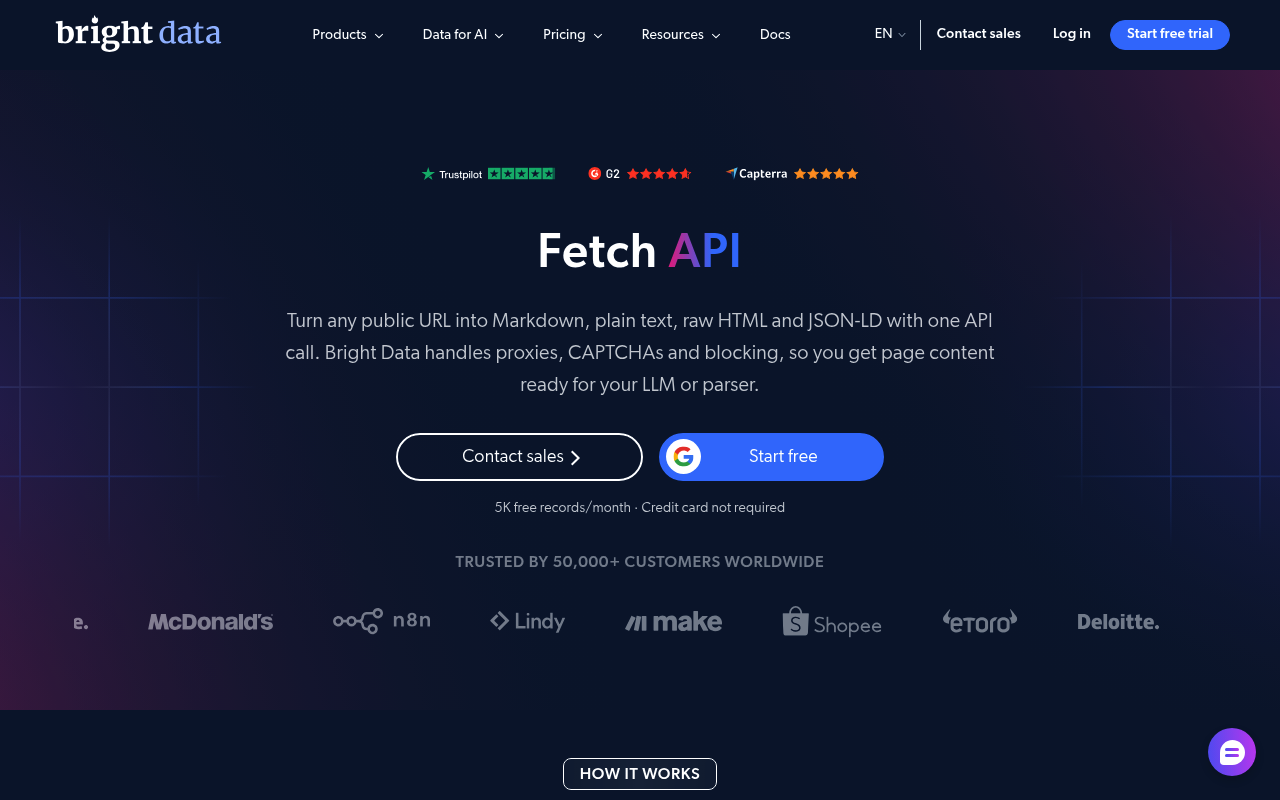
The Bright Data Fetch API turns any public URL into Markdown, plain text, raw HTML, and JSON-LD in one record. It handles proxies, CAPTCHAs, and blocking for you, so you never manage them yourself. Every request fetches the live page, with no cached copy in between. You pay only for records that are delivered, so failed fetches cost nothing. The custom_output_fields parameter trims the response to the Markdown and URL alone.
Bright Data reaches a 79% Markdown extraction success rate across 10,000 URLs in AIMultiple’s web unblocker benchmark. That is the highest rate among the providers in the test. AIMultiple lists Bright Data among the subscribers to its benchmarking services. Bright Data also scores 98.87%, the highest of 16 APIs in Scrape.do’s 2026 benchmark.
The same Fetch API powers the scraping tools in the Bright Data MCP. Agents call scrape_as_markdown for one page or scrape_batch for up to five. Developers can call it from Python or Node.js, from the bdata CLI, or as async batch jobs. Batch jobs accept unlimited URLs per request and deliver to a webhook, Amazon S3, Snowflake, Azure, or GCS. For pages that need clicks or heavy JavaScript, the Browser API runs a full remote browser.
Key details:
- Formats: Markdown, plain text, raw HTML, and JSON-LD in one record, plus title and final URL
- Freshness: live fetch on every request, no cache
- Agent access: the Bright Data MCP (30 tools, OAuth 2.1 or API key) and the
bdataCLI - Scale: sync for one URL; async jobs with unlimited URLs per request (up to 1 GB of input)
- Open source: fetch-api-scraper clients for Python and Node.js (Apache 2.0)
- Pricing: 5,000 free records a month with no credit card. Pay as you go is $1.50 per 1,000 records; Scale is $499 a month with 384,000 records, then $1.30 per 1,000
Pros:
- Highest Markdown extraction success rate in AIMultiple’s benchmark
- Live page on every request, and you pay only for delivered records
- One API behind code, CLI, and MCP, with unlimited-size async batches
Cons:
- The MCP scrape tools do not render JavaScript, so interactive pages need the Browser API
- Slow pages take longer than one minute and switch a sync call to async polling
2. Firecrawl
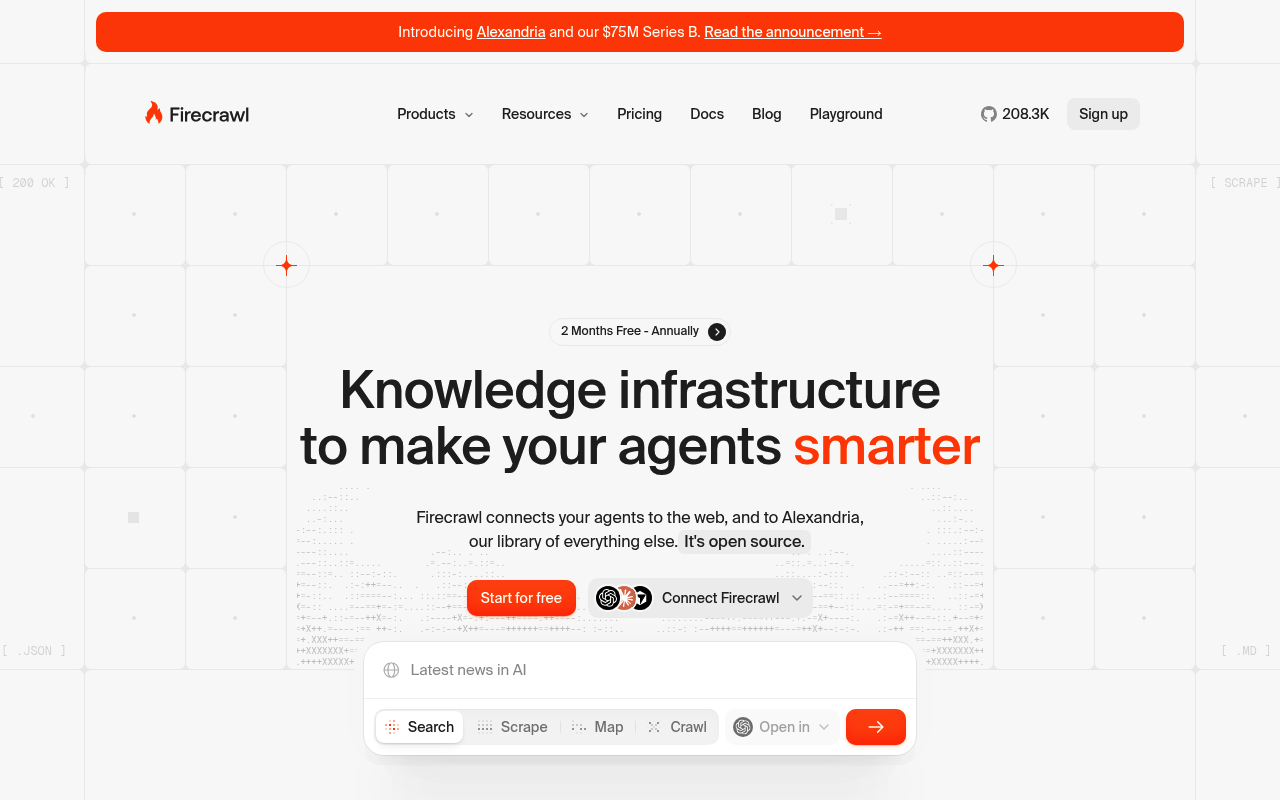
Firecrawl’s /scrape endpoint turns a URL into Markdown and can return many other formats in the same call. Options include cleaned HTML, links, screenshots, summaries, and JSON extracted against a schema. Firecrawl routes all requests through proxies by default and offers an enhanced proxy mode for advanced anti-bot systems. It also renders JavaScript-heavy pages and dynamic apps.
Freshness needs attention. Firecrawl serves a cached copy by default when it is newer than maxAge, which defaults to two days. Setting maxAge to 0 forces a live fetch, and cached results still cost a credit. Extra formats also cost more, since JSON extraction adds four credits per page. The Bright Data vs Firecrawl comparison covers both tools in depth.
Key details:
- Call:
POST /v2/scrapewithformats: ["markdown"] - MCP: official server; the keyless hosted endpoint exposes scrape, search, and parse
- Open source: AGPL-3.0, 208K GitHub stars; the hosted service adds a proprietary engine
- Limits: 10 requests a minute on the free plan, 100 on Hobby
- Pricing: free plan with 1,000 credits a month and no card. Hobby is $19 a month for 5,000 pages ($3.80 per 1,000)
Pros:
- Wide choice of output formats from one endpoint
- Proxies on by default, with an enhanced mode for harder sites
- Keyless access to try it
Cons:
- Returns cached pages up to two days old unless you set maxAge to 0
- JSON and other add-on formats multiply the credit cost per page
3. Exa
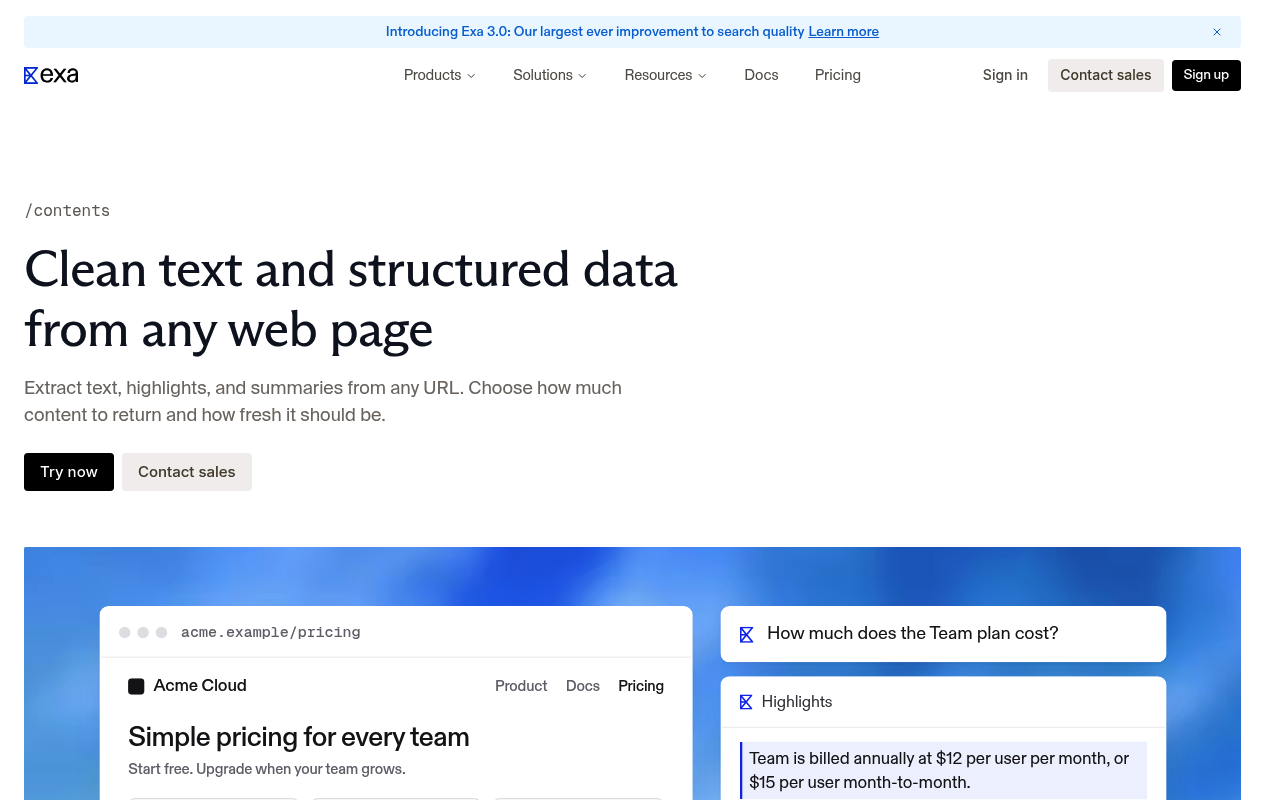
Exa’s Contents API returns the clean page body as Markdown when you set text to true. It accepts up to 100 URLs per request and handles JavaScript-rendered pages and PDFs automatically. Query-focused highlights and summaries are available as separate content types. It fits best when you already use Exa search and want page text for the same results.
Exa is cache-first by design. It returns instant results from its cache and crawls live only when a page is not cached. Setting maxAgeHours to 0 forces a live fetch, and a failed fetch may return the latest cached copy. Exa’s pages do not describe proxy or anti-bot handling.
Key details:
- Call:
POST /contentswithtext: true - MCP: hosted server with a
web_fetch_exatool, usable without a key at a free rate limit - Limits: 1 to 100 URLs per request, 100 queries per second
- Pricing: $10 in free credit a month plus a one-time $10 bonus, no card. Contents cost $1 per 1,000 pages per content type
Pros:
- Low flat price per page for text
- Batches up to 100 URLs per request
- Highlights and summaries cut token use further
Cons:
- Cache-first by default, so pages may not be current
- No published detail on proxies or anti-bot handling
4. Tavily
Tavily Extract returns page content as Markdown by default, for up to 20 URLs per call. The extract_depth parameter switches to advanced mode for dynamic, JavaScript-rendered pages. Advanced mode also pulls tables and embedded content, at twice the credit cost. Failed extractions are not charged, and keyless access lets you try it without an account. Tavily now brands itself as Tavily by Nebius.
Key details:
- Call:
POST /extract; Markdown is the default format - MCP: remote server with
tavily_extract, plus search, crawl, map, and research tools - Limits: up to 20 URLs per request; 100 requests a minute on the free plan
- Pricing: 1,000 free credits a month, no card. On the $30 Project plan, basic extraction works out to $1.50 per 1,000 pages and advanced to $3.00
Pros:
- Markdown by default with batch extraction
- No charge for failed URLs
- One account for search and extraction
Cons:
- No published detail on proxies, anti-bot handling, or caching for Extract
- JavaScript pages need advanced mode at double the cost
5. Jina Reader
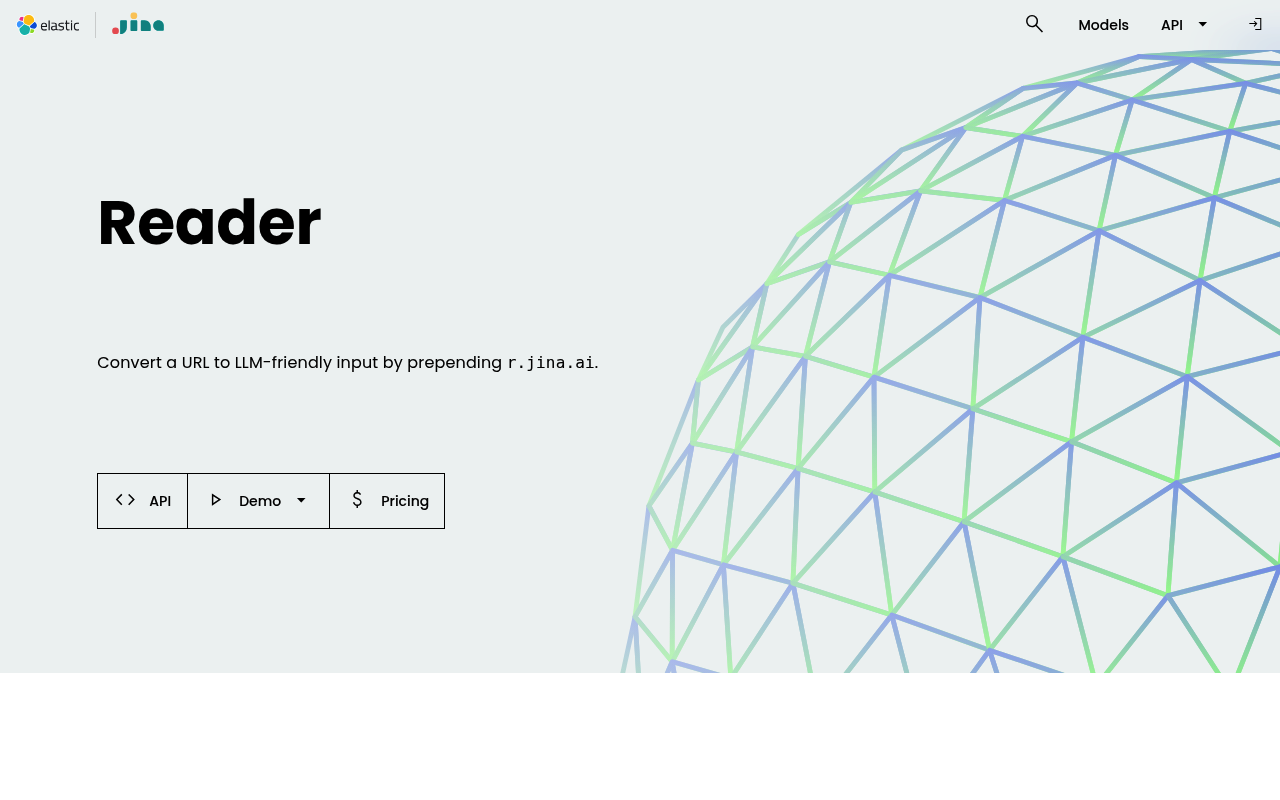
Jina Reader is the fastest way to try URL-to-Markdown. You prepend r.jina.ai/ to any URL and get Markdown back, with no key at 20 requests a minute. Headers tune the engine, wait conditions, CSS selectors, and output format. Billing is per output token rather than per page, and each new API key includes 10M free tokens. Jina AI is now part of Elastic.
Reader is not built for protected sites. Its FAQ states that Reader does not bypass anti-bot protection. A paid key does not unlock sites that block it either. It can also return a cached copy of a recent request unless you send the x-no-cache header.
Key details:
- Call:
GET https://r.jina.ai/<url> - MCP: hosted server with a
read_urltool; the key is optional at lower rate limits - Open source: Reader code under Apache-2.0, 12.3K GitHub stars
- Limits: 20 requests a minute without a key; an API key raises the limit
- Pricing: free for basic keyless use; paid use is billed per token by content length
Pros:
- Zero setup: no account or key to start
- Simple header-based options
- Free tokens with every new key
Cons:
- Does not bypass anti-bot protection
- Token billing makes cost per page hard to predict
6. Crawl4AI
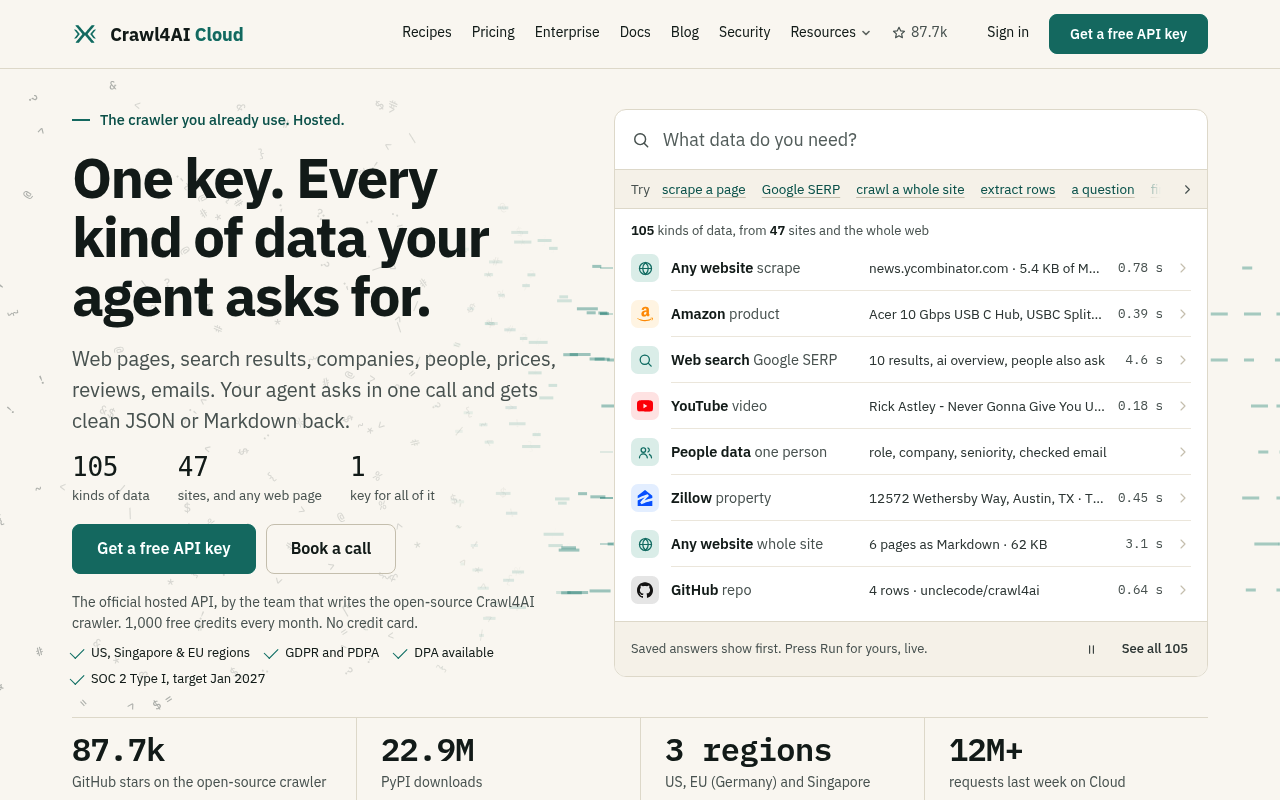
Crawl4AI is an open-source Python crawler that runs a real browser through Playwright. It returns Markdown by default, and its fit_markdown output filters a page down to its most relevant content. For harder sites, it offers a stealth mode, an undetected-browser adapter, and proxy rotation with your own proxies. You control every setting, and you run the browsers yourself. Our Crawl4AI vs Firecrawl comparison covers when self-hosting pays off.
Crawl4AI Cloud offers the same output as a hosted API. Credits depend on the page: plain pages cost less than browser pages, and hard sites cost the most. Failed calls are free.
Key details:
- Call:
AsyncWebCrawler().arun(url=...), then readresult.markdown - MCP: hosted server for Crawl4AI Cloud
- Open source: Apache-2.0, 87.7K GitHub stars
- Pricing: the library is free. Cloud has 1,000 free credits a month with no card; Starter is $10 a month, or $0.10 to $2.00 per 1,000 pages by page type
Pros:
- Free and fully self-hostable
- Content filters produce compact Markdown
- Low-cost hosted option when you stop self-hosting
Cons:
- Self-hosting means running browsers and sourcing proxies yourself
- Hard sites cost 20 times a plain page on Cloud
7. Zyte API
Zyte API adds Markdown output to its web scraping API with markdown: true. By default the Markdown covers the main content, and a full-page scope is available. It can build the Markdown from the raw HTTP response or from browser-rendered HTML. Zyte handles bans automatically, rotates residential, datacenter, and mobile IPs, and solves common CAPTCHAs. It suits teams that already scrape ban-heavy sites with Zyte at volume.
Key details:
- Call:
POST /v1/extractwith"markdown": true - MCP: hosted Zyte MCP server with OAuth sign-in
- Limits: 3,000 requests a minute on standard plans
- Pricing: $5 of free credit for the first month. Pay as you go runs from $0.13 to $1.27 per 1,000 HTTP requests and $1.01 to $16.08 for browser requests, by site difficulty
Pros:
- Built-in ban handling, IP rotation, and CAPTCHA solving
- Choice of main-content or full-page Markdown
- Optional browser rendering in the same API
Cons:
- Price per page depends on a site’s difficulty tier, which makes budgets harder to predict
- The free credit lasts only one month
8. Nimble
Nimble’s Extract API returns Markdown when you add it to formats, since HTML is the default. You pick a driver per request, from a plain HTTP fetch to stealth headful browsers. An auto mode escalates for you, and a max driver runs every option for the hardest pages. Nimble charges only for successful requests and retries failures automatically before returning an error.
Key details:
- Call:
POST /v2/extractwithformats: ["markdown"] - MCP: hosted server with search, extract, map, and crawl tools
- Limits: 83 queries per second on paid plans
- Pricing: 5,000 free API calls a month with no card, but proxies are not included on the free plan. Pay as you go is $1.00 per 1,000 URLs, or $2.50 with the max driver
Pros:
- Flat per-URL price for the default driver
- Driver choice from plain HTTP to stealth browsers
- Charges only for successful requests
Cons:
- Markdown is not the default output
- Nimble’s own docs warn that MCP results can consume tokens quickly
9. Browserbase Fetch
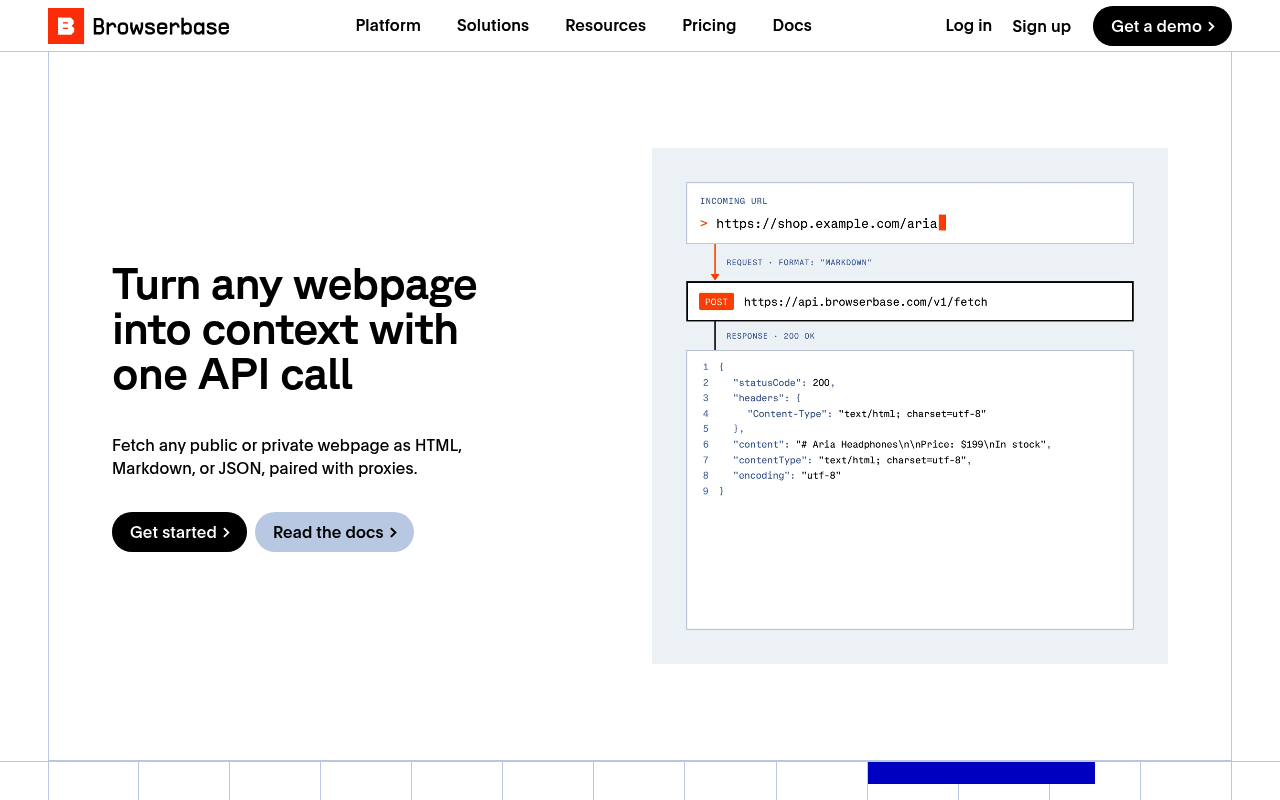
Browserbase Fetch is a lightweight fetch endpoint next to Browserbase’s cloud browsers. Setting format to Markdown returns the page as Markdown, billed as Fetch Extract. Fetch does not execute JavaScript and has a 5 MB content limit. When a site blocks a request, you set proxies: true and pay a higher rate. For JavaScript pages, Browserbase points you to a full browser session. Our Browserbase alternatives guide covers related options.
Key details:
- Call:
POST /v1/fetchwith"format": "markdown" - MCP: the official server exposes browser-session tools, not Fetch, and its GitHub repo is archived
- Limits: 5 requests per second per project; no PDF-to-Markdown
- Pricing: free plan with 1,000 Fetch calls. Developer is $20 a month; Markdown costs $4 per 1,000 calls, or $7 with proxies
Pros:
- Simple endpoint with an upgrade path to full browsers
- Optional geotargeted proxies
Cons:
- No JavaScript rendering
- Proxies are off by default and raise the price
10. Apify Website Content Crawler
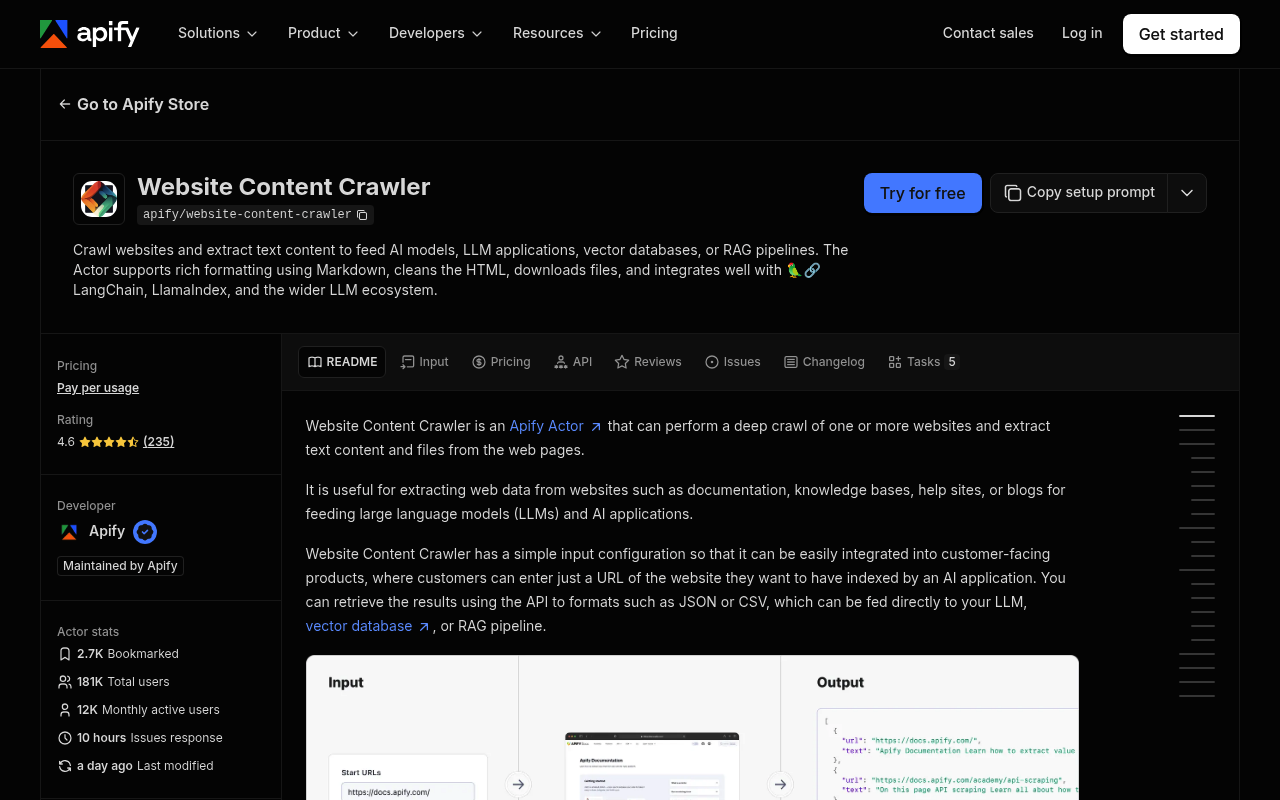
Apify’s Website Content Crawler crawls one or more sites and saves each page as Markdown by default. An adaptive mode switches between a headless browser and raw HTTP per page. It uses browser fingerprinting and proxies, and it retries blocked requests through new sessions. Output plugs into LangChain, LlamaIndex, and vector databases for RAG pipelines. For single URLs, Apify itself recommends its RAG Web Browser Actor instead.
Key details:
- Call: run the Actor through the Apify API or SDK, then read its dataset
- MCP: hosted Apify MCP server; add the crawler through the tools parameter
- Adoption: 181K total users, 4.6 rating in the Apify Store
- Pricing: the Actor is free; you pay platform usage. Apify estimates $0.20 per 1,000 pages over raw HTTP and $0.50 to $5 with a headless browser. The free plan includes $5 a month
Pros:
- Built for crawling whole sites and docs
- Adaptive switching between browser and HTTP
- Ready integrations for RAG tooling
Cons:
- Compute-based pricing makes per-page cost vary
- Heavier than a single-URL fetch API
How to Fetch Web Pages as Markdown with Bright Data
You can reach the Fetch API three ways: a direct API call, the Bright Data MCP, or the CLI. All three use the same account and the same 5,000 free records a month. Pick the API for pipelines, the MCP for agents, and the CLI for quick checks in a terminal. The last example adds a fallback that only calls Bright Data when a plain fetch is blocked.
Option 1: Call the Fetch API
A sync request fetches one URL and returns the record in the response. The custom_output_fields parameter keeps only the Markdown and URL. Full parameters are in the Fetch API docs.
  import requests

response = requests.post(
    "https://api.brightdata.com/datasets/v3/scrape",
    params={
        "dataset_id": "gd_m6gjtfmeh43we6cqc",
        "format": "json",
        "custom_output_fields": "markdown|url",
    },
    headers={"Authorization": "Bearer YOUR_API_KEY"},
    json=[{"url": "https://example.com"}],
)

print(response.json()[0]["markdown"])
Option 2: Give your agent the Bright Data MCP
The hosted Bright Data MCP runs the same Fetch API behind its scraping tools. In Claude Code, add the server and run /mcp to sign in through OAuth. No API key sits in a config file. The agent can then call scrape_as_markdown or scrape_batch on any URL. Our list of the best MCP servers for web scraping covers other clients.
claude mcp add --transport http brightdata https://mcp.brightdata.com/mcp
Option 3: Use the CLI
The Bright Data CLI prints any page as clean Markdown in the terminal. It is handy for checking a page before you wire it into a pipeline.
bdata scrape https://example.com
Add a fallback for blocked fetches
Many agents already write a two-step fetch: try a plain request, then retry through a fetch API if blocked. The function below does the same, with Bright Data as the retry. It treats 401, 403, 429, and 503 responses, and short challenge pages, as blocked. Slow pages can take longer than a minute, so it polls the snapshot when the API answers with HTTP 202. It needs only requests and markdownify.
  import os
import time

import requests
from markdownify import markdownify

API = "https://api.brightdata.com/datasets/v3"
HEADERS = {"Authorization": f"Bearer {os.environ['BRIGHTDATA_API_KEY']}"}
BLOCK_CODES = {401, 403, 429, 503}
CHALLENGE_SIGNS = ("just a moment", "captcha", "access denied")


def fetch_direct(url: str) -> str | None:
    """Plain HTTP fetch. Returns Markdown, or None if the page looks blocked."""
    r = requests.get(url, timeout=15, headers={"User-Agent": "Mozilla/5.0"})
    if r.status_code in BLOCK_CODES:
        return None
    if len(r.text) < 5000 and any(s in r.text.lower() for s in CHALLENGE_SIGNS):
        return None
    return markdownify(r.text)


def fetch_bright_data(url: str) -> str:
    """Fetch the live page as Markdown through the Bright Data Fetch API."""
    r = requests.post(
        f"{API}/scrape",
        params={"dataset_id": "gd_m6gjtfmeh43we6cqc", "format": "json",
                "custom_output_fields": "markdown|url"},
        headers=HEADERS, json=[{"url": url}], timeout=90,
    )
    r.raise_for_status()
    if r.status_code == 202:  # still running after 1 minute: poll the snapshot
        snapshot = r.json()["snapshot_id"]
        while requests.get(f"{API}/progress/{snapshot}", headers=HEADERS).json()["status"] == "running":
            time.sleep(10)
        r = requests.get(f"{API}/snapshot/{snapshot}", params={"format": "json"}, headers=HEADERS)
    return r.json()[0].get("markdown", "")


def fetch_markdown(url: str) -> str:
    return fetch_direct(url) or fetch_bright_data(url)


if __name__ == "__main__":
    print(fetch_markdown("https://www.crunchbase.com/organization/openai")[:500])
The plain fetch stays free for easy pages, and protected pages go to an API built for them. Because the Fetch API bills only delivered records, a retry that fails costs nothing. For interactive flows such as logins or infinite scroll, swap the retry for the scraping_browser tools in the MCP.
Markdown Fetch Tools Compared
| Tool | Markdown output | Default freshness | Anti-bot handling | Official MCP |
|---|---|---|---|---|
| Bright Data | Yes, with text, HTML, and JSON-LD | Live on every request | Built in: proxies, CAPTCHAs, blocking | Yes, 30 tools |
| Firecrawl | Yes, via formats | Cache up to 2 days by default | Proxies by default, enhanced mode | Yes |
| Exa | Yes, via text: true | Cache first, live fallback | Not stated | Yes |
| Tavily | Yes, by default | Not stated | Not stated | Yes |
| Jina Reader | Yes, by default | May return a recent cached copy | Does not bypass anti-bot | Yes |
| Crawl4AI | Yes, by default | Configurable (self-hosted) | Stealth mode, your own proxies | Yes (Cloud) |
| Zyte API | Yes, via markdown: true | Not stated | Built in: bans, IP rotation, CAPTCHAs | Yes |
| Nimble | Yes, via formats | Not stated | Stealth drivers, auto escalation | Yes |
| Browserbase Fetch | Yes, via format | Not stated | Optional proxies | No Fetch tool |
| Apify Website Content Crawler | Yes, by default | Not stated | Fingerprinting, proxies, retries | Yes |
Conclusion
The Bright Data Fetch API is the best tool for fetching web pages as LLM-ready Markdown in 2026. It fetches the live page, handles blocking, bills only delivered records, and reaches agents through the MCP and CLI. Firecrawl suits teams that want many output formats in one call. Exa and Tavily fit teams already on their search APIs, and Jina Reader is the quickest way to prototype. Crawl4AI is the pick for full control on your own servers.
If your agents still hit 403s and challenge pages, route those fetches to Bright Data. Every account includes 5,000 free records a month, and our Firecrawl alternatives guide covers more options.
Frequently Asked Questions
What is LLM-ready Markdown?
LLM-ready Markdown is a web page converted into clean Markdown for a language model. It keeps headings, lists, tables, and links, and it removes scripts, styles, and page clutter. The model reads the content with far fewer tokens than raw HTML.
What is the best tool to fetch web pages as Markdown for LLMs?
The Bright Data Fetch API is the best overall choice. Bright Data reaches a 79% Markdown extraction success rate across 10,000 URLs, the highest in AIMultiple’s web unblocker benchmark. AIMultiple lists Bright Data among its benchmarking subscribers. Firecrawl, Exa, Tavily, and Jina Reader are strong alternatives for specific needs.
Is there a free way to convert a URL to Markdown?
Yes. Jina Reader works without a key at 20 requests a minute, and Crawl4AI is free to self-host. Bright Data includes 5,000 free records a month with no credit card. Firecrawl, Tavily, Exa, and Nimble also offer free monthly allowances.
Why does my agent get 403 errors or “Just a moment” pages?
The site’s anti-bot system blocked the request. It returns a 401, 403, 429, or 503 code, or a short challenge page instead of the content. Route those fetches through a tool that handles proxies and CAPTCHAs, such as the Bright Data Fetch API.
Do Markdown fetch tools return live or cached pages?
It depends on the tool. The Bright Data Fetch API fetches the live page on every request. Firecrawl returns cached copies up to two days old by default, and Exa serves from its cache first. Check the default before you rely on prices, stock, or news.
Can AI agents use these tools through MCP?
Yes. Most tools on this list have an official MCP server. The Bright Data MCP exposes scrape_as_markdown and scrape_batch, which run on the Fetch API. Browserbase’s MCP server offers browser-session tools but no Fetch tool.


Growth Marketing Manager
Dvir Sharon is in charge of growth marketing here at Bright Data. He is interested in creating viral content that provides value for businesses looking to leverage web data.