Twitter/X generates over 500 million tweets per day, making it one of the richest real-time data sources for brand monitoring, competitive intelligence, and AI research. Since the official API eliminated its free tier in 2023, demand for web-based Twitter scrapers has surged. This guide ranks the 8 best Twitter scrapers in 2026 by success rate, anti-bot handling, pricing, and ease of use. Bright Data ranks first. It posted the highest average success rate, 98.87%, of the 16 scraping APIs in Scrape.do’s 2026 benchmark. On X, it scored 96.70%.
TL;DR: Best Twitter Scrapers at a Glance
| Tool | Type | Reliability | Free Tier | Starting Price | Best For |
|---|---|---|---|---|---|
| Bright Data’s Twitter Scraper | Enterprise platform (API + proxy + datasets) | 96.70% on X (Scrape.do 2026 benchmark) | 5,000 records/mo free, no CC | $0.75 with code APIS25 | Best overall: enterprise-scale Twitter data |
| Apify | Actor marketplace | Community-dependent | $5 credits/month | $29/month | Developers needing pre-built, community-maintained Twitter actors |
| PhantomBuster | No-code automation | Moderate | 14-day trial only | $69/month ($56/month billed annually) | Marketing teams and growth hackers needing lead generation |
| Octoparse | No-code visual scraper | Moderate | Free plan (local only) | $83/month | Non-technical users wanting point-and-click Twitter extraction |
| ScraperAPI | API proxy wrapper | Moderate | 1,000 credits/month | $49/month | Developers wanting a simple API that handles proxy rotation |
| ZenRows | Anti-bot scraping API | Moderate | 1,000 credits/month | $69/month | Developers needing residential proxy bypass with minimal configuration |
| Social Searcher | Social media monitoring platform | High (monitoring) | 100 searches/day free | $8.49/month | Marketers needing real-time Twitter monitoring and sentiment tracking |
| Tweet Harvest | Open-source CLI | Self-managed | Fully free (self-hosted) | Free | Researchers and data scientists needing a zero-cost local scraping solution |
What Is a Twitter Scraper?
A Twitter scraper is a tool that programmatically extracts publicly visible data from Twitter/X without using the official API. It relies on HTTP requests, proxy rotation, headless browsers, and HTML or JSON parsing. The goal is to replicate what a human browser sees on the platform.
How Do Twitter Scrapers Work Without the Official API?
Twitter serves all its content through a JavaScript-rendered single-page application. Scrapers must execute that JavaScript to access actual tweet data. They rotate IP addresses across large residential proxy pools to avoid rate limits. This simulates human browsing behavior to defeat layered bot detection systems.
What Types of Twitter Data Can You Collect?
Modern Twitter scrapers can extract a wide range of publicly visible data:
- Tweets: text content, timestamps, likes, retweets, replies, views, bookmarks, and media URLs
- User profiles: bio, follower and following counts, verified status, location, and account creation date
- Hashtag trends and keyword search results
- Follower and following network graphs
- Trending topics segmented by geography
Why Does Twitter Data Matter for Businesses?
X has approximately 611 million monthly active users generating over 500 million tweets per day. That volume makes Twitter one of the world’s largest real-time public opinion databases. Businesses use Twitter data for brand monitoring, sentiment analysis, and competitive intelligence. Influencer research, financial signal extraction, and AI training data also drive demand.
The Best Twitter Scrapers, Ranked
The tools below are ranked on four criteria for production Twitter data workflows: anti-bot bypass, data coverage, pricing at scale, and ease of integration.
1. Bright Data: Best Overall Twitter Scraper
Bright Data is the most complete Twitter option on this list in 2026. It posted the highest average success rate, 98.87%, of the 16 scraping APIs in Scrape.do’s 2026 benchmark. On X itself, it scored 96.70% in the same test. Bright Data covers posts, user profiles, follower graphs, and hashtag extraction through a maintained API. Output is consistent JSON across all endpoint types.
Bright Data operates as a full-stack web data platform. For Twitter, it provides pre-built scrapers and a residential proxy network optimized for X.com. It also includes a managed cloud browser for JavaScript rendering and ready-to-use Twitter datasets.
Key features:
- Pre-built Twitter scrapers for posts, profiles, followers, and hashtags, part of the 437+ scraper library in the Web Scraping API
- Pay-per-success pricing at $1.5 per 1,000 requests ($0.75 with code APIS25 for 3 months); no charge for failed or blocked requests
- 400M+ ethically-sourced residential IPs across 195 countries
- Browser API for JavaScript-heavy Twitter pages with automatic CAPTCHA solving and fingerprint evasion
- Twitter Datasets covering bulk tweets, hashtag snapshots, user profiles, follower network graphs, and sentiment-labeled tweet collections
- Twitter Proxy Network optimized for bypassing X.com IP-based bot detection and rate limits
- Twitter MCP Server enabling AI agents and LLMs to access Twitter data programmatically via Bright Data infrastructure
- Automatic handling of Cloudflare, DataDome, PerimeterX, Akamai, and Imperva anti-bot systems
Pricing:
Bright Data offers a free tier of 5,000 records per month with no credit card required. Pay-as-you-go billing runs at $1.5 per 1,000 successful records, with unlimited concurrency and configurable monthly spend limits. Use code APIS25 at checkout to get 25% off for the first 3 months, bringing the rate down to $0.75 per 1,000 records. The Scale plan costs $499/month and includes 384,000 records; additional records are billed at $1.30 per 1,000. Enterprise pricing is custom, with volume discounts, a dedicated account manager, and a premium SLA. New accounts receive a first-deposit match of up to $500. Twitter Datasets are priced separately based on dataset size and update frequency.
Best for: Engineering teams and data professionals running production-scale Twitter data pipelines that require a high, benchmarked success rate, pay-per-success billing, and full data infrastructure in one platform.
Pros:
- ✅ Highest average success rate (98.87%) of 16 APIs in Scrape.do’s 2026 benchmark, with 96.70% on X
- ✅ Pay-per-success model eliminates spend on failed requests at any extraction volume
- ✅ Full-stack platform covers proxies, pre-built scrapers, browser automation, and ready-made datasets in one solution
Cons:
- ❌ Full platform capabilities require some technical setup and are not a one-click no-code solution
2. Apify: Best for Developer Actor Workflows
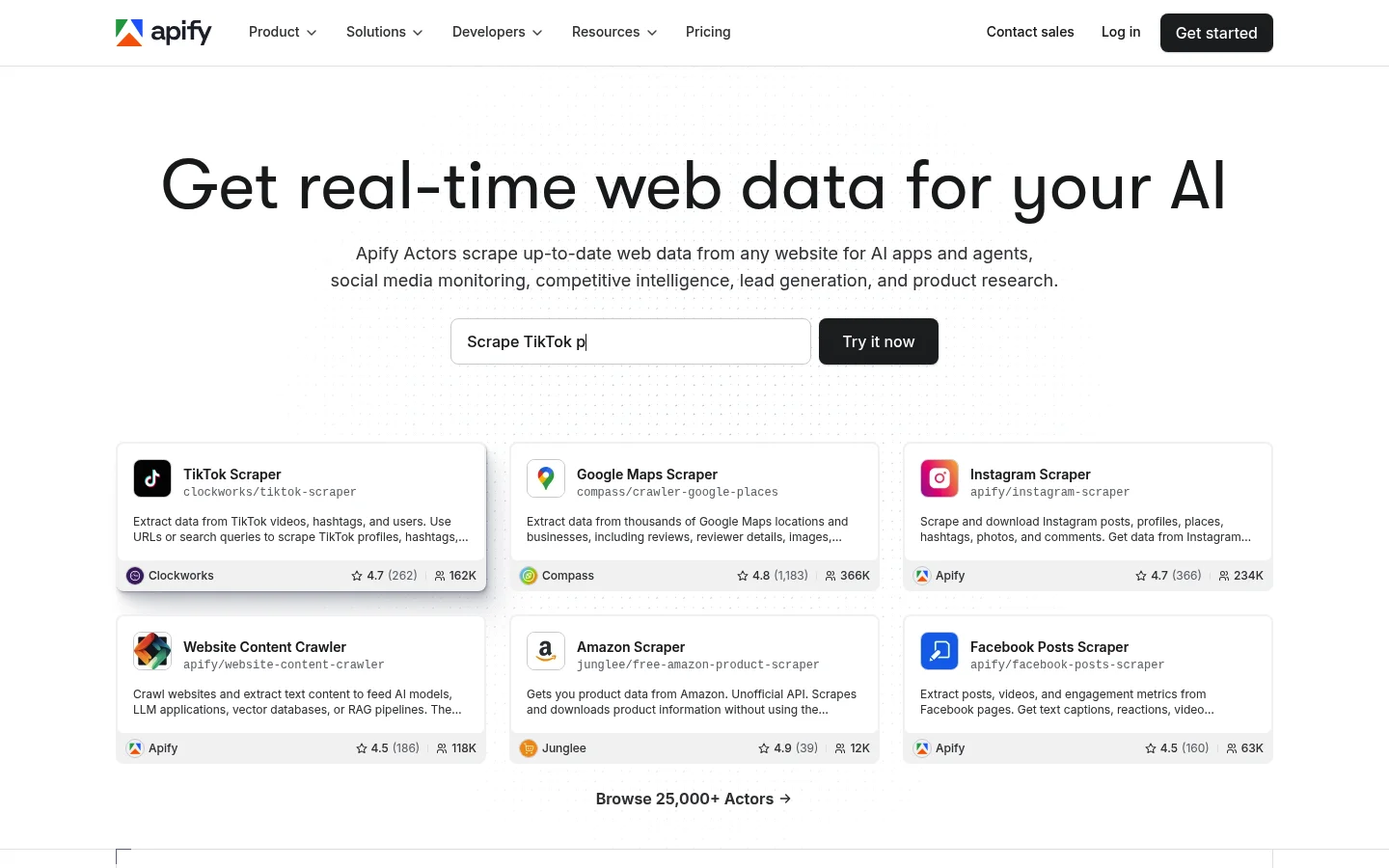
Apify is a cloud platform with a marketplace of pre-built scraping actors maintained by its developer community. The Apify Store contains more than 10 Twitter-specific actors. These include Twitter Scraper by vdrmota and Quacker. They cover tweet search, timeline extraction, and follower collection workflows.
Key features:
- Multiple Twitter actors in the Apify Store covering keyword, hashtag, timeline, and trending data collection
- Returns tweet text, engagement counts, media URLs, timestamps, and full user profile data
- Built-in proxy rotation and headless browser rendering via Playwright and Puppeteer
- Scheduling for recurring Twitter data collection from hourly to weekly intervals
- Output to JSON, CSV, Excel, XML, or direct export to Google Sheets and external databases
- Webhook and REST API integrations for automated pipeline triggers and notifications
Pricing: Free plan includes $5/month in compute credits. Starter: $29/month. Scale: $199/month. Business: $999/month. Actor usage is billed on top of the platform subscription fee. Twitter scraper actors typically cost $0.50 to $5 per 1,000 tweets depending on actor complexity and data type.
Best for: Developers who want a managed actor marketplace with scheduling and webhook integrations and can tolerate occasional maintenance gaps from community-maintained actors.
Pros:
- ✅ Large marketplace of community-built Twitter actors covering diverse data extraction patterns
- ✅ Built-in scheduling and webhook triggers simplify automated pipeline configuration
- ✅ Flexible output formats including direct export to Google Sheets and external databases
Cons:
- ❌ Actor quality varies significantly; community actors may break without notice after Twitter front-end updates
- ❌ No guaranteed SLA on community actors; maintenance depends on individual third-party developers
- ❌ Total costs can escalate for large runs due to per-compute billing layered on top of the subscription fee
For production workloads requiring guaranteed uptime and schema-consistent output, the Twitter Posts Scraper from Bright Data provides maintained extraction with predictable JSON structure across all tweet types.
3. PhantomBuster: Best for No-Code Twitter Automation
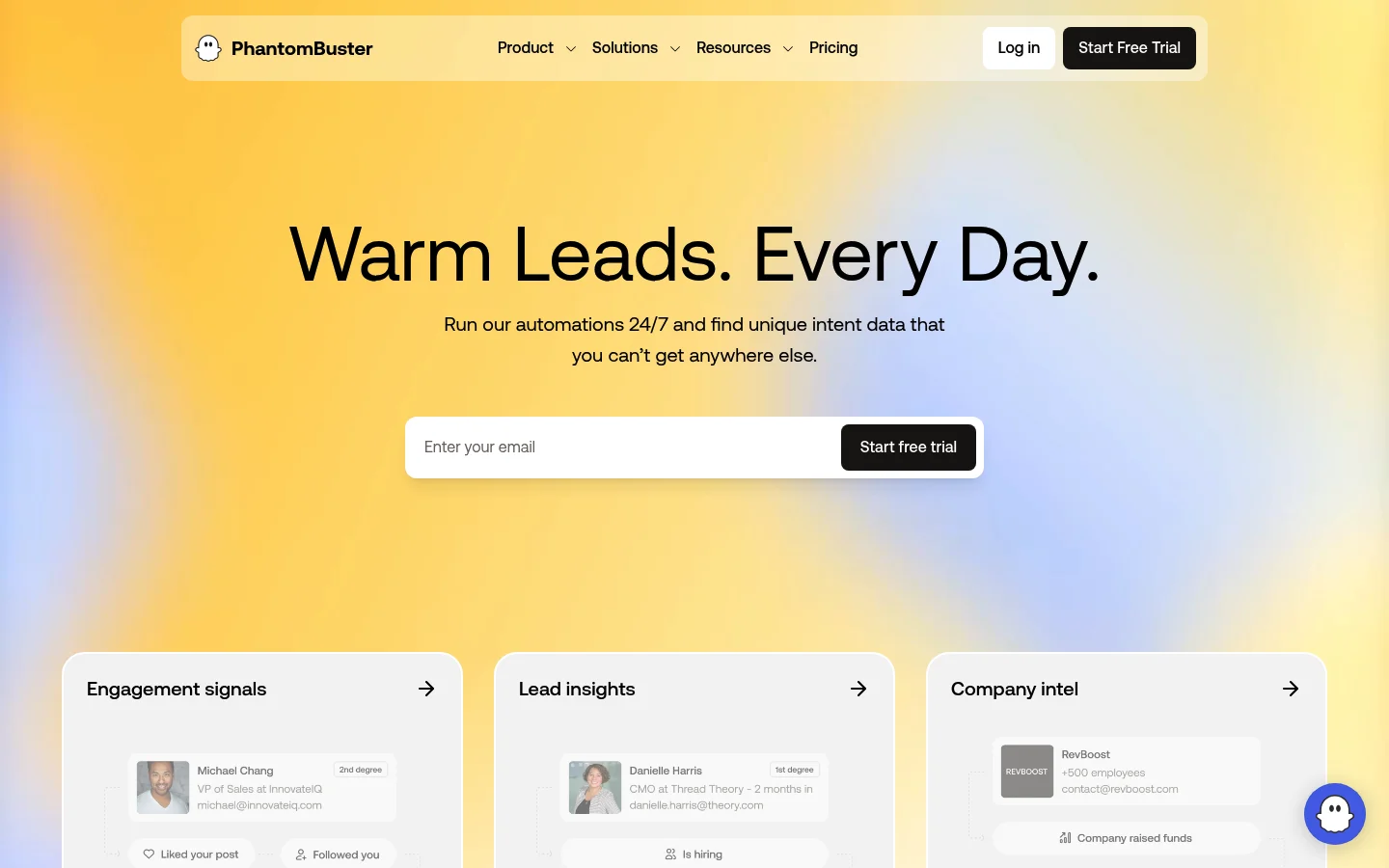
PhantomBuster targets marketing teams and growth hackers who need Twitter automation without any programming. Its pre-built Phantoms cover the most common Twitter data extraction and lead generation workflows through a visual configuration interface that requires no code.
Key features:
- Pre-built Twitter Phantoms: Twitter Search Export, Profile Scraper, Follower Collector, Following Scraper, and Mention Monitor
- No-code setup via visual UI; connect a Twitter account and configure run parameters without coding
- Cloud-based execution running 24/7 without the user’s machine being on
- Direct CRM integrations with HubSpot, Salesforce, Google Sheets, and Airtable
- Built-in rate limit management with configurable delays to reduce account suspension risk
Pricing: No permanent free tier. 14-day free trial. Start: $69/month ($56/month billed annually; 20 hours/month execution, 5 slots). Grow: $159/month ($128/month billed annually; 80 hours/month, 15 slots). Scale: $439/month ($352/month billed annually; 300 hours/month, 50 slots).
Best for: Marketing teams that need Twitter follower extraction, social media lead generation, and account monitoring without engineering resources.
Pros:
- ✅ Genuinely no-code configuration through a visual UI with no programming knowledge required
- ✅ CRM integrations reduce manual export steps for marketing and sales workflows
- ✅ Cloud execution runs continuously without requiring local infrastructure
Cons:
- ❌ Requires connecting your own Twitter account, creating real account suspension risk under automation
- ❌ Twitter’s strengthened bot detection since 2023 has reduced the consistency of certain Phantom workflows
- ❌ Not suitable for anonymous or large-scale scraping without exposing a personal or business account
4. Octoparse: Best No-Code Visual Scraper
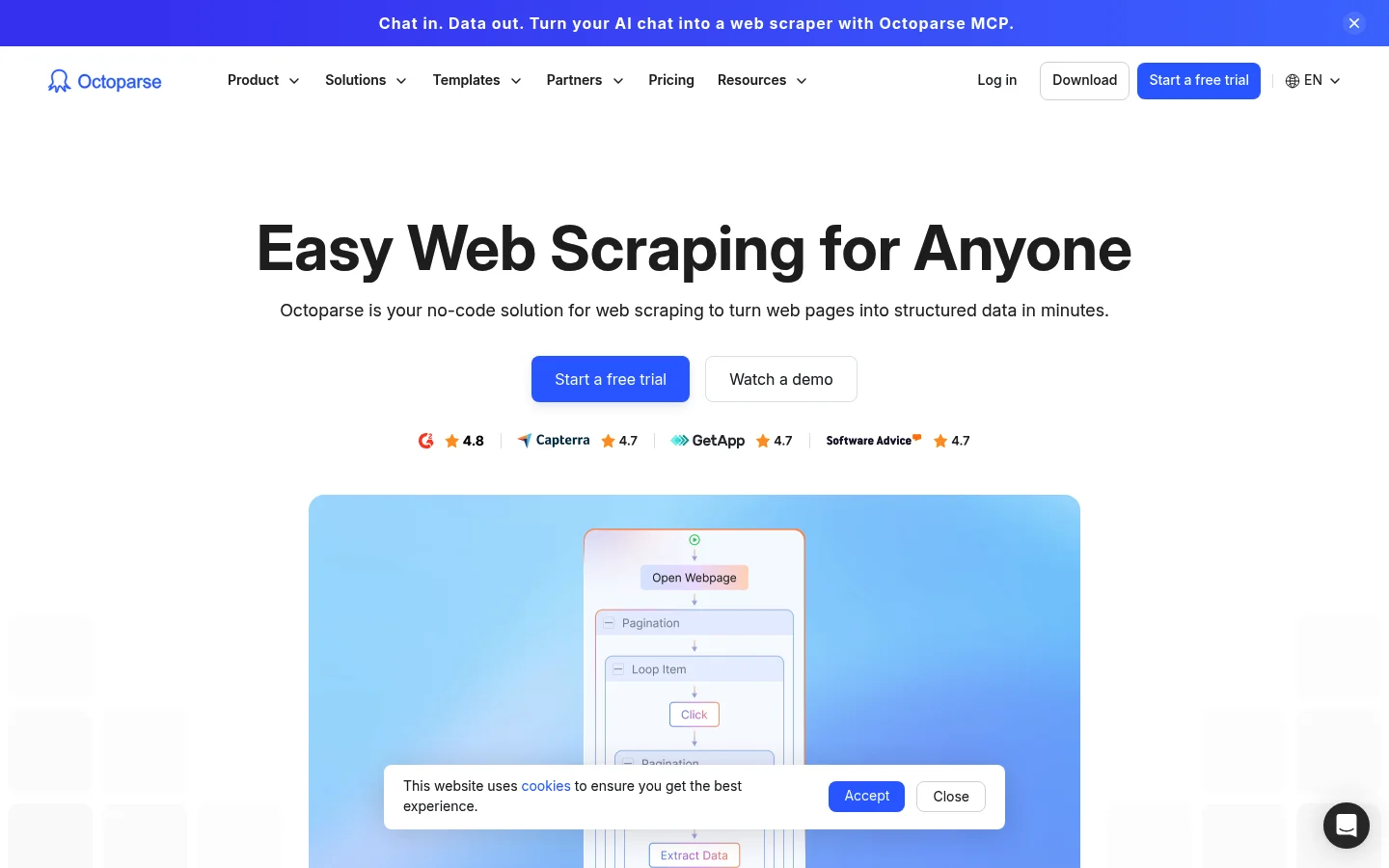
Octoparse is a visual, point-and-click scraper builder aimed at non-technical users. It ships with pre-built Twitter templates for tweet search, user profile extraction, and hashtag tracking that require no programming to configure or deploy.
Key features:
- Point-and-click scraper builder requiring no coding knowledge
- Pre-built Twitter templates for tweet search, user profiles, and hashtag tracking
- Cloud-based extraction running 24/7 on Octoparse servers
- Built-in IP rotation to distribute requests and reduce rate limit exposure
- Export to CSV, Excel, JSON, Google Sheets, MySQL, and SQL Server
- Free desktop app for local scraping at no cloud cost
Pricing: Free plan: local extraction only. Standard: $83/month (cloud, 100 tasks, up to 3 concurrent cloud runs). Professional: $299/month (cloud, 250 tasks, up to 20 concurrent cloud runs). Enterprise: custom pricing. Annual billing saves approximately 16%.
Best for: Non-technical users and small businesses that need a visual interface for basic Twitter data extraction without writing any code.
Pros:
- ✅ Point-and-click interface requires zero programming knowledge to start
- ✅ Free desktop plan allows local extraction at no monthly cost
- ✅ Wide export options including direct export to MySQL and SQL Server for database workflows
Cons:
- ❌ Free plan restricted to local extraction only; cloud features require a paid subscription
- ❌ Visual scraper configurations break when Twitter updates its front-end HTML or JavaScript structure
- ❌ Anti-bot bypass capability is significantly weaker than proxy-based enterprise tools
5. ScraperAPI: Best Simple API-Based Scraper
ScraperAPI provides a minimal-configuration HTTP API wrapper for web scraping. Developers send any Twitter URL to the ScraperAPI endpoint and receive rendered HTML back, with proxy rotation and basic anti-bot bypass applied automatically on every request.
Key features:
- Simple HTTP API: send any Twitter URL and receive rendered HTML with proxy rotation applied automatically
- JavaScript rendering via headless Chrome for Twitter’s dynamic single-page application
- Structured Data Endpoints for Twitter returning parsed JSON for tweets and user profiles
- Geotargeting to request Twitter content as seen from specific countries or regions
- SDK support for Python, Node.js, PHP, Ruby, and Java
Pricing: Free plan: 1,000 API credits/month, no credit card required. Hobby: $49/month for 100,000 credits. Startup: $149/month for 1 million credits. Business: $299/month for 3 million credits. Enterprise: custom. JavaScript rendering costs 5 credits per request instead of 1, reducing effective monthly extraction volume significantly on lower-tier plans.
Best for: Developers who want a minimal-configuration proxy wrapper that handles rendering without managing infrastructure and are comfortable writing their own HTML parsing code.
Pros:
- ✅ Single API endpoint handles proxy rotation and JavaScript rendering with no infrastructure setup
- ✅ SDK support across five programming languages reduces integration time
- ✅ Generous free tier of 1,000 credits with no credit card required
Cons:
- ❌ No pre-built Twitter-specific scrapers; all HTML parsing and data transformation must be written by the developer
- ❌ JavaScript rendering burns credits at 5x the standard rate, reducing effective monthly volume on lower-tier plans
- ❌ Returned no X (Twitter) results in Scrape.do’s 2026 benchmark, because X is on ScraperAPI’s terms-of-service denylist
6. ZenRows: Best Anti-Bot Bypass API

ZenRows is a scraping API that includes residential proxy rotation and anti-bot bypass on all pricing tiers. It handles Cloudflare, DataDome, and Imperva bot management systems automatically without requiring separate proxy purchases or additional configuration.
Key features:
- Universal scraping API with built-in residential proxy rotation and anti-bot bypass on all plans
- JavaScript rendering via Chromium for Twitter’s React front end
- Handles Cloudflare, DataDome, and Imperva bot management systems automatically
- Custom request headers, cookies, and session management for stateful Twitter scraping workflows
- Concurrent request support for high-throughput extraction pipelines
- Geotargeting for location-specific Twitter content retrieval
Pricing: Free 14-day trial: 1,000 basic results, no credit card required. Developer: $69/month for 250,000 basic results (10,000 protected results). Startup: $129/month for 1 million basic results (40,000 protected results). Business: $299/month for 3 million basic results (120,000 protected results). Enterprise: custom. Annual billing discounts available.
Best for: Developers who need reliable access to anti-bot-protected pages with residential proxies included on every plan, without purchasing proxy infrastructure separately.
Pros:
- ✅ Residential proxy rotation included on all plans, including the free tier
- ✅ Handles Cloudflare and DataDome automatically without additional configuration steps
- ✅ Clean API design with minimal setup time to first successful extraction
Cons:
- ❌ No pre-built Twitter-specific scrapers; all data parsing and output normalization must be written by the developer
- ❌ Premium proxy usage reduces effective credit volume faster than standard request billing
- ❌ Documentation covering Twitter-specific configurations and edge cases is limited
7. Social Searcher: Best for Real-Time Monitoring

Social Searcher is a social media monitoring platform rather than a programmatic scraper. It provides real-time Twitter keyword tracking, built-in sentiment analysis, and a monitoring dashboard with no technical configuration required.
Key features:
- Real-time Twitter/X search monitoring for keywords, hashtags, mentions, and brand names
- Built-in sentiment analysis classifying posts as positive, negative, or neutral automatically
- Social analytics dashboard with engagement trends, post frequency charts, and top user identification
- Email alerts for keyword mentions and brand monitoring triggers
- Multi-platform monitoring covering Twitter, Instagram, Facebook, YouTube, and Reddit from one dashboard
- Historical data access up to 90 days on the top plan
- CSV export for offline reporting and further analysis
Pricing: Free plan: 100 real-time searches per day with limited export. Standard: $8.49/month. Business: $29.99/month. Premium: $49.99/month. Flat monthly fee model with no per-call billing. This is the cheapest paid plan in this guide.
Best for: Marketers and researchers who need real-time Twitter keyword monitoring and built-in sentiment analysis with no technical setup required.
Pros:
- ✅ Cheapest paid plan in this guide at $8.49/month
- ✅ Built-in sentiment classification removes the need for a separate NLP pipeline
- ✅ Multi-platform monitoring consolidates social listening across five networks in one dashboard
Cons:
- ❌ Not a programmatic bulk scraper; primarily UI-driven and unsuitable for automated high-volume data pipelines
- ❌ Free tier caps at 100 searches per day; meaningful ongoing monitoring requires a paid plan
- ❌ Historical data depth capped at 90 days on the highest tier
8. Tweet Harvest: Best Free Open-Source Scraper

Tweet Harvest is a fully free, open-source Python CLI tool for Twitter data collection. It is MIT-licensed with full source code available on GitHub, making it the only zero-cost option in this guide.
Key features:
- 100% free and open source under the MIT license; full source available on GitHub
- Scrapes tweets by keyword, hashtag, username, and date range using Twitter’s internal GraphQL API
- Returns tweet text, engagement counts, timestamps, author data, and media URLs
- Python CLI that is scriptable and automatable in data science research pipelines
- CSV output for direct import into pandas, Excel, or R
- No official API key required; uses browser session-based authentication
- Active open-source community with regular maintenance updates
Pricing: Completely free and self-hosted. Server costs are near zero for small projects and can run on a personal laptop or an inexpensive VPS. No SaaS version, no support contract, and no uptime SLA.
Best for: Developers and academic researchers who need a zero-cost, self-hosted Twitter scraping solution for small-to-medium research and data science projects.
Pros:
- ✅ Zero cost for any volume of local data collection
- ✅ MIT license permits full customization and integration into any research or production workflow
- ✅ No official API key required; works through browser session-based authentication
Cons:
- ❌ Requires Python and command-line proficiency; inaccessible to non-technical users
- ❌ Requires a valid Twitter account for session authentication, creating account suspension risk under heavy use
- ❌ No built-in proxy rotation; Twitter may block the scraping IP on high-volume runs without external mitigation
For research projects that outgrow local extraction limits, the ready-to-use Twitter datasets from Bright Data provide pre-collected bulk tweet data without the infrastructure overhead of running your own scraper.
How to Choose the Right Twitter Scraper
The right tool depends on four variables: data volume, technical expertise, budget, and data freshness requirements.
Which Tool Fits Your Data Volume?
Under 10,000 tweets per month suits Tweet Harvest or Social Searcher. Between 10,000 and 1 million tweets per month suits ScraperAPI, ZenRows, or Apify. Above 1 million tweets per month, production pipelines need Bright Data. Pay-per-success pricing eliminates wasted spend on failed requests at high extraction volume.
Which Tool Matches Your Technical Level?
Non-technical users should choose Octoparse or PhantomBuster for their visual, no-code interfaces. Developers who prefer a simple API wrapper should choose ScraperAPI or ZenRows. Developers who want a pre-built actor marketplace with scheduling should choose Apify. Engineering teams building production pipelines with strict reliability requirements should choose Bright Data.
Which Tool Fits Your Budget?
Zero budget means Tweet Harvest. The lowest monthly entry price is Social Searcher at $8.49/month. For cost per successful extraction at scale, Bright Data’s pay-per-success model at $1.5 per 1,000 records (or $0.75 with code APIS25) delivers the best unit economics at high volume. You pay only for data that is actually delivered. For a broader view of Twitter data sourcing options, see the best Twitter data providers comparison.
Which Tool Handles Real-Time Data?
Real-time feed monitoring suits Social Searcher or Bright Data’s Twitter API. Bulk historical collection suits Bright Data Datasets or Apify scheduled actors with configurable run intervals. For teams that need labeled historical tweet data ready for immediate NLP use, a Twitter sentiment analysis dataset from Bright Data removes the manual labeling step entirely.
Common Use Cases for Twitter Scrapers
Brand Monitoring and Reputation Management
Brand monitoring tracks mentions, product reviews, and customer complaints in real time. Early detection gives teams time to respond before a PR issue escalates. Bright Data’s Twitter scrapers return fresh posts on demand or on a schedule for live monitoring at enterprise scale, while historical Datasets support trend benchmarking across longer timeframes.
Competitive Intelligence and Market Research
Competitive intelligence teams monitor competitor product launches, pricing announcements, executive commentary, and customer feedback threads at scale. Structured tweet extraction makes this systematic rather than manual. The Twitter Posts Scraper handles bulk extraction by keyword or competitor handle with consistent JSON output across all tweet types.
Influencer Discovery and Audience Analysis
Influencer vetting at scale requires bulk extraction of follower counts, engagement rates, audience location data, and posting frequency. Bright Data’s Twitter Profile Scraper and Followers Scraper handle this programmatically without manual effort. Social Searcher covers basic influencer identification for smaller marketing teams operating without engineering support.
Financial Signal Extraction and Trading Intelligence
Financial analysts extract stock ticker mentions, earnings commentary, crypto project sentiment, and analyst opinion threads from Twitter in real time. Raw tweet data paired with an NLP classification pipeline generates quantifiable trading signals. Low extraction latency and high-volume throughput are requirements for this use case.
AI Training Data and NLP Research Pipelines
Bulk tweet collection for sentiment classification, named entity recognition, topic modeling, and LLM fine-tuning requires consistent, schema-stable extraction at scale. Bright Data’s Twitter sentiment analysis datasets include pre-collected, labeled tweet sets ready for immediate use in classification pipelines. This removes the annotation overhead for teams building text classification models from scratch. Bright Data’s Twitter MCP Server also enables AI agents to query Twitter data programmatically through Bright Data infrastructure.
What Are the Key Technical Challenges?
Twitter is among the most aggressively protected sites for automated data collection.
Anti-Bot Detection Requires Residential Proxies
Twitter’s detection stack includes Cloudflare WAF, TLS fingerprinting, behavioral analysis, and IP reputation scoring. Datacenter IPs are blocked almost immediately under standard scraping patterns. Residential proxies with browser-level fingerprint spoofing are the minimum requirement for consistent access at any meaningful volume. Bright Data’s residential proxy network provides 400M+ ethically-sourced IPs across 195 countries.
JavaScript Rendering Is Non-Negotiable
Twitter is a fully JavaScript-rendered React single-page application. HTTP-only scrapers return empty page shells with no tweet content. A headless Chromium instance is required to execute Twitter’s JavaScript bundle and access real content. Bright Data’s Browser API handles rendering, CAPTCHA solving, and fingerprint evasion as a fully managed cloud service. It removes all browser infrastructure management from the developer team.
Rate Limiting and Session Management
Twitter enforces per-IP and per-session rate limits on timelines, search endpoints, and follower graph queries. Rotating residential IPs with sticky session support is required for paginated data collection. This handles large result sets without triggering rate limits. Concurrent request management prevents triggering rate limit responses during large-scale extraction runs. Tools without built-in session management require manual workarounds for high-volume, multi-page pagination workflows.
Data Structuring and Output Normalization
Twitter’s front end reads from an internal GraphQL API with deeply nested JSON responses. Field names and response formats change without notice after front-end updates. This breaks parsers built directly on raw response structure. Pre-built scrapers from Bright Data abstract this complexity entirely. They return normalized JSON with consistent schemas across all tweet and profile types. Teams that build their own parsers on raw GraphQL responses face recurring maintenance work. Every Twitter front-end update can break their extraction schemas.
If collecting Twitter data at scale is the next step for your team, start for free with Bright Data and access the most reliable scraping infrastructure available, with 5,000 free records per month and no credit card required.
Frequently Asked Questions
Q: What data can you scrape from Twitter/X?
All publicly visible data including tweets (text, engagement metrics, media URLs), user profiles (bio, follower counts, verification status), hashtag trends, search results, and follower/following network lists. No login or API key is required to access public data using a web-based scraper.
Q: Do Twitter scrapers still work after X.com’s API changes in 2023?
Yes. Web-based scrapers access the same data visible in any browser and are unaffected by official API pricing changes. The 2023 removal of Twitter’s free API tier actually accelerated adoption of web scrapers as cost-effective alternatives for developers and researchers who previously relied on the official API.
Q: How do enterprise Twitter scrapers bypass rate limits and bot detection?
By rotating requests across millions of residential IP addresses, using session management to mimic human browsing patterns, and implementing retry logic with exponential backoff. Bright Data operates a pool of 400M+ ethically-sourced IPs. That network helped it reach a 96.70% success rate on X in Scrape.do’s 2026 benchmark.
Q: What is the difference between a Twitter scraper and a social listening tool?
Social listening tools like Social Searcher focus on UI-based monitoring and alerting with built-in dashboards. Twitter scrapers are programmatic tools that extract raw data at scale for custom storage, transformation, and analysis pipelines. Production workflows often benefit from using both in combination, depending on data volume and use case.
Q: Can I scrape Twitter data in real time?
Yes. Bright Data’s Twitter scrapers return live post data on each request, so frequent schedules keep keyword or hashtag monitoring fresh. Social Searcher specializes in real-time alerting and monitoring dashboards. Dataset products are better suited for bulk historical collection with scheduled refresh intervals rather than live stream access.
Q: What output formats do Twitter scrapers support?
Most tools return JSON for programmatic pipelines and CSV for spreadsheet analysis. Some offer direct export to Google Sheets, MySQL, PostgreSQL, or BigQuery. Bright Data pre-built scrapers return clean, normalized JSON with all tweet metadata fields including nested entities, engagement counts, and media attachment URLs.
Q: How much does scraping 1 million tweets cost with these tools?
At Bright Data’s pay-per-success rate of $1.5 per 1,000 requests, 1 million tweet records costs approximately $1,500 with zero charge for failed or blocked requests. With code APIS25, the rate drops to $0.75 per 1,000 requests for the first 3 months, reducing that cost to $750. ScraperAPI on its Business plan costs roughly $299 per 3 million credits, though JavaScript rendering at 5x the credit rate reduces effective volume. Tweet Harvest has no direct cost but requires server infrastructure and carries reliability trade-offs for high-volume runs without proxy mitigation.



Web Data & AI Expert
 6 years experience
Daniel Shashko is a Senior SEO/GEO at Bright Data, specializing in B2B marketing, international SEO, and building AI-powered agents, apps, and web tools.