YouTube is the world’s largest video platform. It has over 2.5 billion monthly users. More than 500 hours of video are uploaded every minute. That is a firehose of public data on creators, trends, and audiences. A YouTube scraper turns those pages into clean, structured data. You skip the manual copy-paste and get spreadsheets or JSON instead.
But YouTube fights scrapers hard. It hides data behind private APIs, bot detection, and rate limits. The right tool handles the blocking for you. You get videos, channels, comments, and transcripts without the maintenance.
This guide ranks the 10 best YouTube scrapers of 2026. It covers scraper APIs and no-code tools, not raw data providers.
TL;DR: Best YouTube Scrapers at a Glance
| Tool | Best For | Type | Free Tier | Starting Price | Rating |
|---|---|---|---|---|---|
| Bright Data | overall | Scraper API + AI builder | 5K records/mo | From $1/1K records | G2 4.7/5 (348 reviews) |
| Apify | marketplace of YouTube actors | Actor marketplace | $5 credit/mo | From $2.40/1K videos | G2 4.7/5 (669 reviews) |
| Oxylabs | for enterprise video data | Scraper API | Free trial (5K results) | From $49/mo | Trustpilot 4.0/5 (770 reviews) |
| Scrapingdog | budget YouTube API | Scraper API | 200 credits | From $40/mo | Trustpilot 4.6/5 (587 reviews) |
| ScrapingBee | simple YouTube API | Scraper API | 1,000 credits | From $49/mo | G2 4.8/5 (33 reviews) |
| Decodo | value proxy-backed API | Scraper API | Free trial | From $19/mo | Trustpilot 4.2/5 (2,113 reviews) |
| Octoparse | no-code visual scraper | No-code visual | Free forever plan | From $69/mo | Capterra 4.7/5 (107 reviews) |
| EnsembleData | social-data API | Social API | 50 units/day free | From $100/mo | Trustpilot 4.4/5 (11 reviews) |
| Supadata | for YouTube transcripts | Transcript API | 100 req/mo | From $5/mo | N/A |
| ScrapeCreators | for developers | Developer API | 100 credits | From $47 | N/A |
What Is a YouTube Scraper?
A YouTube scraper is a tool that extracts public data from YouTube. It pulls video titles, views, likes, descriptions, channel stats, comments, and transcripts. Some scrapers are developer APIs you call from code. Others are no-code tools you point and click. Either way, you get structured records instead of raw HTML.
Teams use this data for many jobs. Marketers track competitors and find creators for campaigns. Analysts study trends, sentiment, and audience behavior. Researchers pull transcripts to train and test AI models. For more inspiration, see our list of web scraping project ideas. You can also scrape YouTube yourself in Python, but a managed tool saves the upkeep.
How to Choose a YouTube Scraper
Weigh every tool against these six factors.
- Data coverage: does it pull videos, channels, comments, and transcripts?
- Unblocking: can it handle hidden APIs, CAPTCHAs, and rate limits?
- Ease of use: a developer API, or a no-code visual builder?
- Delivery: JSON, CSV, Excel, or a direct push to your stack.
- Scale and reliability: high success rates when YouTube blocks hard.
- Pricing model: match per-result, subscription, or credits to your volume.
The 10 Best YouTube Scrapers in 2026
1. Bright Data
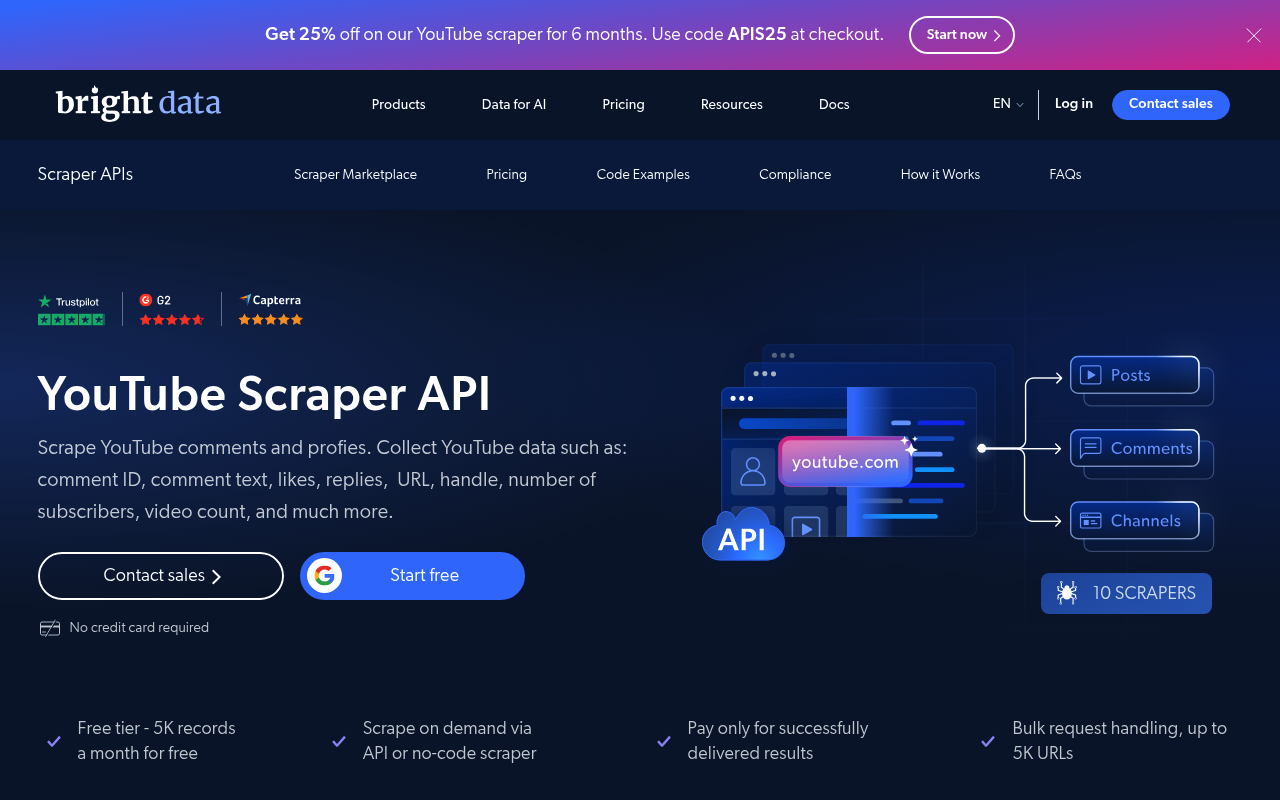
Bright Data is the best YouTube scraper overall. It combines dedicated endpoints with an AI-powered builder. The YouTube Scraper API extracts videos, channels, views, likes, and transcripts. You send a URL and get clean, structured JSON back. It handles proxies, CAPTCHAs, and parsing for you. A dedicated comment scraper pulls comment text, likes, and replies for sentiment analysis. Its Scraper Studio goes further. You describe any site in plain English, and it builds a ready-to-run scraper. You can shape the output with custom functions. The broader Web Scraper API covers 120+ other sites too. Delivery is flexible, in JSON, CSV, or Parquet, via API, webhook, or cloud storage. Bright Data serves 50,000+ customers and is fully GDPR and CCPA compliant. It suits teams that need reliable, large-scale YouTube data across videos, channels, and comments.
Key details:
- Best for: reliable, large-scale YouTube data across videos, channels, and comments.
- Data types: videos, channels, views, likes, comments, and transcripts.
- Build any site: Scraper Studio turns a plain-English prompt into a ready-to-run scraper.
- Delivery: JSON, CSV, or Parquet via API, webhook, S3, GCS, Snowflake, or Azure.
- Free tier: 5,000 records per month, no card required.
- Pricing: pay-as-you-go from $1 per 1,000 records; volume discounts at scale.
Pros:
- Broadest YouTube coverage: videos, channels, comments, and transcripts.
- Build-any-site Scraper Studio plus flexible delivery.
- Enterprise scale with full GDPR and CCPA compliance.
Cons:
- Not the cheapest option for tiny, one-off jobs.
⭐ Review score: G2 4.7/5 (348 reviews)
2. Apify
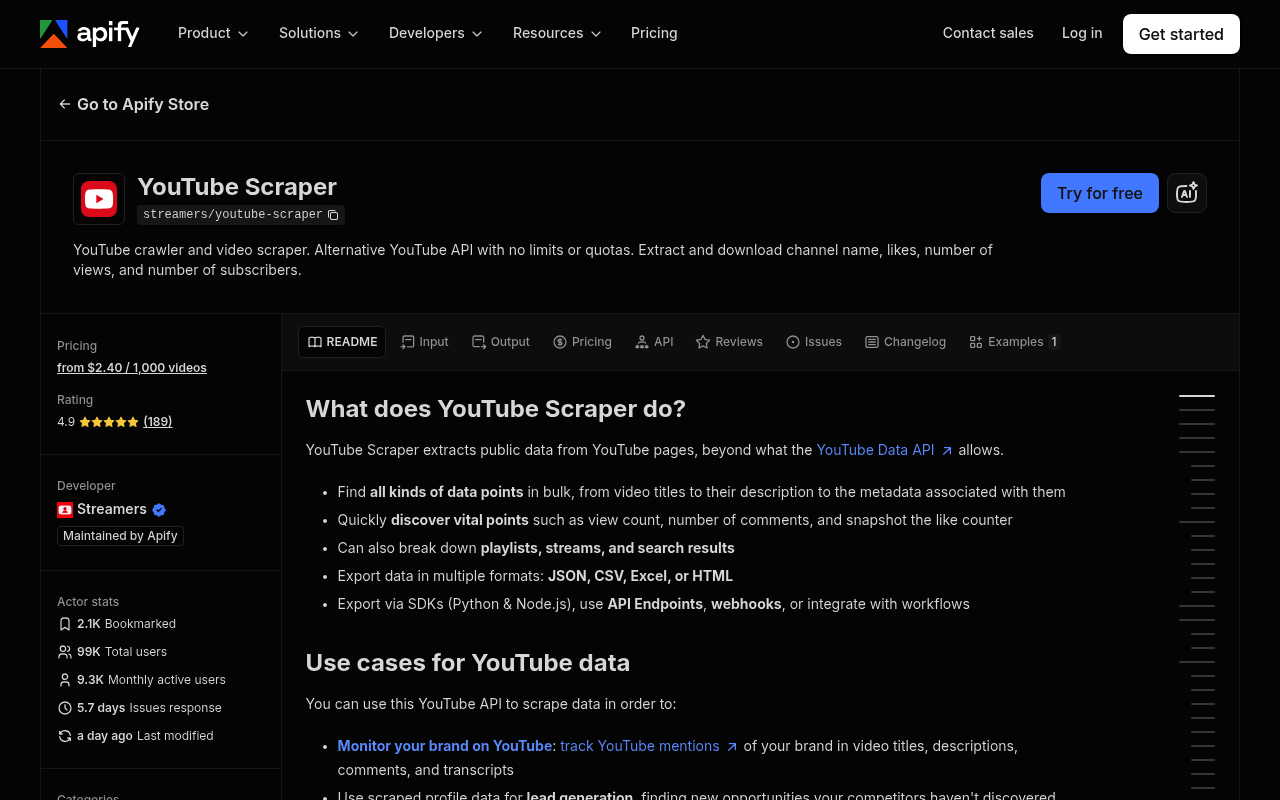
Apify is a marketplace of ready-to-run scrapers called Actors. Several target YouTube directly. You find actors for videos, channels, playlists, comments, Shorts, and transcripts. You run one, pass a search query or URL, and get structured JSON back. Pricing is pay-per-result, so you only pay for data you keep. Scheduling, storage, and webhooks keep the data fresh. It suits teams that want purpose-built YouTube actors they can automate.
Key details:
- Best for: purpose-built YouTube actors with scheduling.
- Coverage: videos, channels, playlists, comments, Shorts, and transcripts.
- Delivery: JSON, CSV, and Excel via API, webhooks, and integrations.
- Free tier: $5 in monthly platform credit, no card.
- Pricing: from $2.40 per 1,000 videos; other actors from $0.50 per 1,000.
Pros:
- Multiple purpose-built YouTube actors, not one rigid endpoint.
- Transparent pay-per-result pricing with free items per query.
- Full platform with scheduling, storage, and 6,000+ actors.
Cons:
- Per-actor pricing plus compute can be hard to forecast.
- Community actors vary in quality and upkeep.
⭐ Review score: G2 4.7/5 (669 reviews)
3. Oxylabs
Oxylabs is an enterprise-grade scraping platform. Its Video Scraper API is purpose-built for YouTube video data and subtitles. The general Web Scraper API renders and returns YouTube pages as structured data. A 175M+ proxy pool keeps success rates high under load. An AI-powered parser structures the output for you. It suits large teams with strict reliability needs.
Key details:
- Best for: enterprise YouTube video and subtitle data.
- Access: a dedicated Video Scraper API plus a general Web Scraper API.
- Reliability: a 175M+ proxy pool with high success rates.
- Free tier: a free trial with 5,000 results.
- Pricing: Web Scraper API from $49/month, from $0.50 per 1,000 results.
Pros:
- Dedicated Video Scraper API for YouTube data and subtitles.
- Huge proxy network for high success on hard targets.
- Structured JSON with AI parsing and 24/7 support.
Cons:
- Enterprise pricing sits above budget pay-go APIs.
- Feature-based billing can raise the effective cost.
⭐ Review score: Trustpilot 4.0/5 (770 reviews)
4. Scrapingdog
Scrapingdog is a budget-friendly scraping API with dedicated YouTube endpoints. Its YouTube Scraper API returns video data, titles, views, and channel details. A separate YouTube Transcripts API pulls captions at scale. You send one request URL and get structured JSON back. It handles proxy rotation and rendering behind the scenes. It suits price-sensitive teams scraping YouTube at volume.
Key details:
- Best for: budget YouTube scraping with transcripts.
- Access: dedicated YouTube Scraper and Transcripts APIs.
- Features: proxy rotation, rendering, and high concurrency.
- Free tier: 200 free credits, free forever.
- Pricing: Lite from $40/month.
Pros:
- Two dedicated YouTube endpoints, video data and transcripts.
- Low $40 entry with high concurrency.
- Strong Trustpilot standing, 4.6 over 587 reviews.
Cons:
- API-only, with no no-code interface.
- Credit cost rises with harder anti-bot targets.
⭐ Review score: Trustpilot 4.6/5 (587 reviews)
5. ScrapingBee
ScrapingBee is a simple scraping API for developers. It offers a dedicated YouTube endpoint that returns structured video and search data. It handles headless browsers, proxies, and CAPTCHAs automatically. You call one endpoint and skip the unblocking work. That makes it a clean fit for scraping YouTube in code. It suits developers who want minimal setup.
Key details:
- Best for: a simple, developer-friendly YouTube API.
- Access: a dedicated YouTube endpoint with JavaScript rendering.
- Features: proxy rotation and CAPTCHA handling.
- Free tier: 1,000 free API credits, no card.
- Pricing: Freelance from $49/month; YouTube search costs 5 credits per call.
Pros:
- Dedicated YouTube endpoint that manages rendering and proxies.
- Simple flat credit pricing and 1,000 free credits.
- Strong G2 rating, 4.8 out of 5.
Cons:
- No free-forever tier after trial credits.
- API-only, with costs rising on heavy pages.
⭐ Review score: G2 4.8/5 (33 reviews)
6. Decodo
Decodo is a proxy-backed scraping API, formerly Smartproxy. Its Web Scraping API extracts YouTube search, video, and audio data. A 115M+ IP pool with geo-targeting keeps requests unblocked. You send a URL and get rendered, structured results back. Pricing starts low and drops sharply at scale. It suits teams that want cheap, reliable requests at volume.
Key details:
- Best for: value proxy-backed YouTube scraping.
- Access: a Web Scraping API plus a Social Media Scraper API.
- Features: a 115M+ IP pool, rendering, and geo-targeting.
- Free tier: a free trial.
- Pricing: from $19/month; from $0.50 per 1,000 requests, dropping at scale.
Pros:
- Low $19 entry with cheap per-1K pricing at scale.
- Supports YouTube video, audio, and search data.
- Large 115M+ residential IP pool.
Cons:
- YouTube runs through the general API, not a dedicated endpoint.
- Rendering and premium proxies raise the base rate.
⭐ Review score: Trustpilot 4.2/5 (2,113 reviews)
7. Octoparse
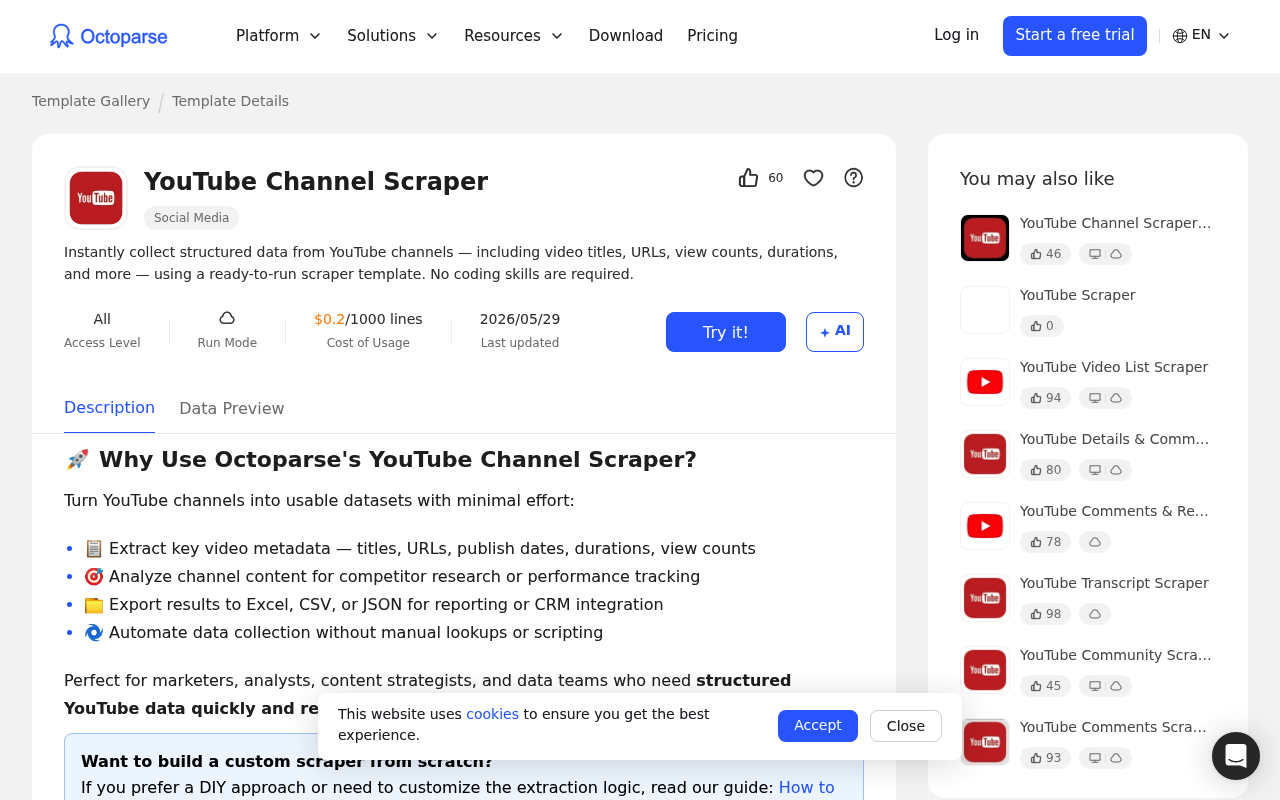
Octoparse is a no-code visual scraper for non-developers. It ships ready-made YouTube templates for channels, video lists, details, comments, and transcripts. You point and click, and it structures the data for you. Cloud runs, scheduling, and CAPTCHA solving come on paid tiers. A free-forever plan lets you test without a card. It suits analysts who prefer a visual builder over code.
Key details:
- Best for: no-code, visual YouTube workflows.
- Coverage: templates for channels, videos, comments, and transcripts.
- Model: a point-and-click workflow builder.
- Free tier: a free-forever plan with 50,000 rows per month.
- Pricing: Standard from $69/month.
Pros:
- No-code, prebuilt YouTube templates need zero code.
- Genuine free-forever plan with 50K rows monthly.
- Cloud runs, scheduling, and CAPTCHA solving on paid tiers.
Cons:
- Less flexible than a raw API for developers.
- Cloud scale is gated behind higher tiers.
⭐ Review score: Capterra 4.7/5 (107 reviews)
8. EnsembleData
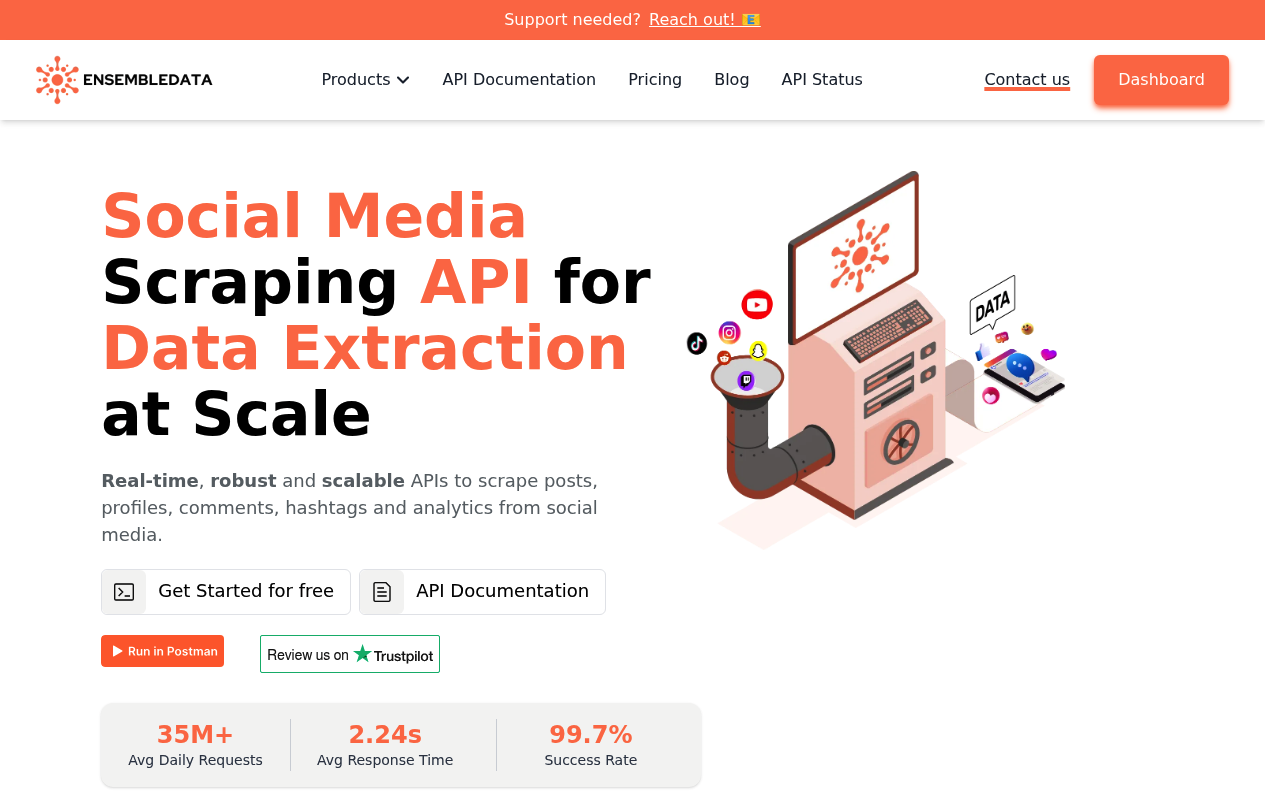
EnsembleData is a social-media data API with dedicated YouTube endpoints. It covers channels, videos, search, comments, and hashtags. Responses are real-time and structured for analytics. Usage is metered in daily units shared across platforms. Failed requests from internal errors are not charged. It suits teams already pulling data from several social networks.
Key details:
- Best for: multi-platform social data with YouTube endpoints.
- Access: dedicated channel, video, search, and comment endpoints.
- Model: daily-unit metering across platforms.
- Free tier: 50 units per day, no card.
- Pricing: Bronze from $100/month.
Pros:
- Purpose-built YouTube and social endpoints, real-time.
- Free no-card tier with daily-unit allowances.
- No charge for failed internal-error requests.
Cons:
- Daily unit caps constrain bursty, high-volume jobs.
- Entry tier is pricier, with a thin review base.
⭐ Review score: Trustpilot 4.4/5 (11 reviews)
9. Supadata
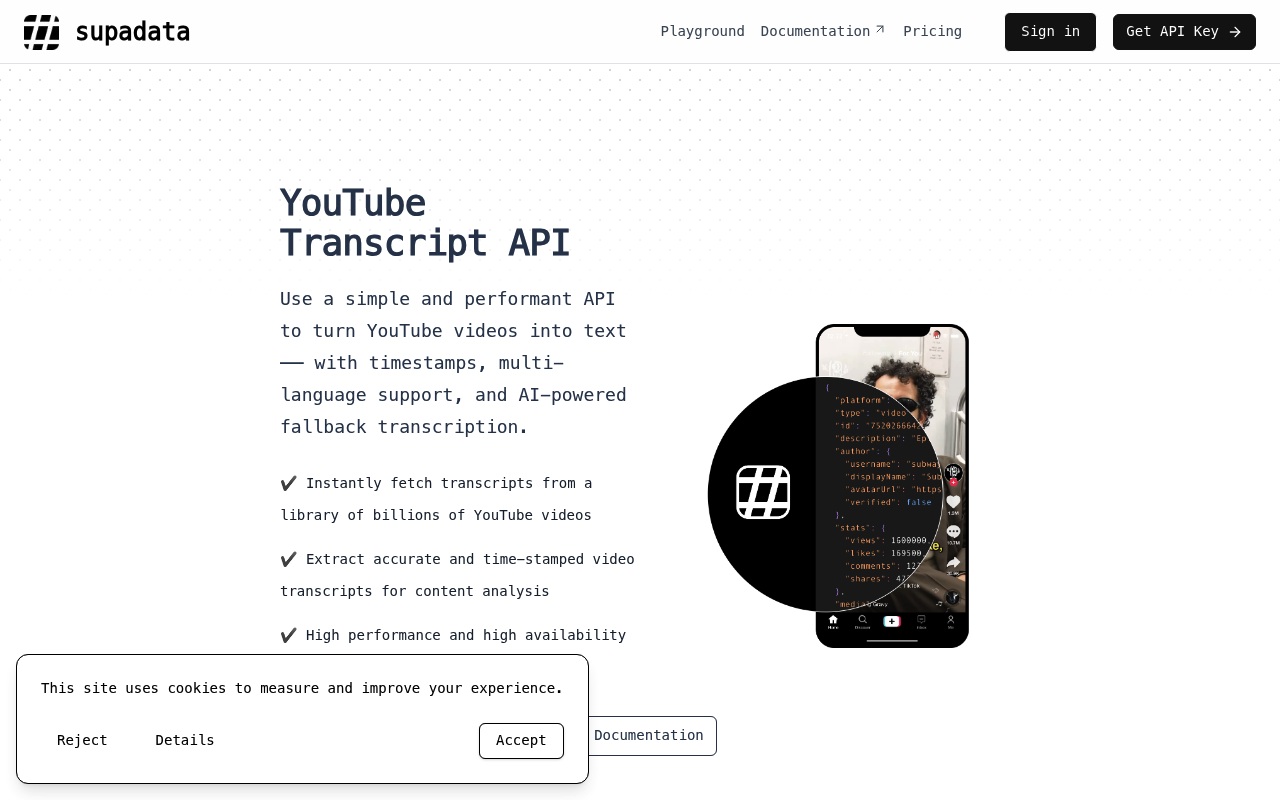
Supadata is an API built for YouTube-to-text workflows. It returns transcripts plus video and channel metadata. Python and JS SDKs and a batch endpoint speed up integration. It targets AI pipelines that need captions at scale. Pricing is the lowest here, with a free-forever tier. It suits developers feeding transcripts into LLMs.
Key details:
- Best for: YouTube transcripts for AI pipelines.
- Access: a transcript API with video and channel metadata.
- Tools: Python and JS SDKs plus a batch endpoint.
- Free tier: 100 free requests per month, no card.
- Pricing: Basic from $5/month.
Pros:
- Lowest paid entry, $5, plus a free-forever tier.
- Specialized transcript output with official SDKs.
- Predictable per-request pricing, no per-character billing.
Cons:
- Focused on transcripts, not full-scale comment scraping.
- No third-party review score yet.
10. ScrapeCreators
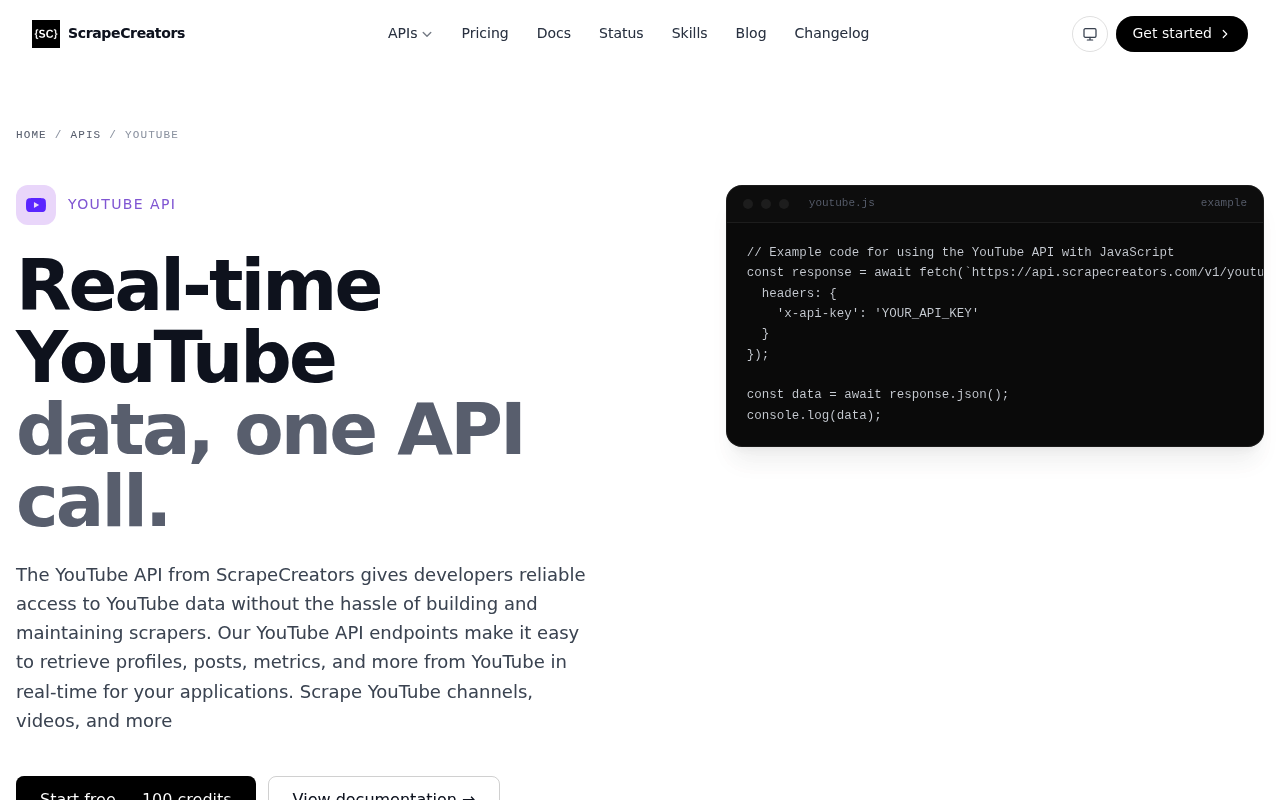
ScrapeCreators is a developer API for social data. It exposes 16 dedicated YouTube endpoints for channels, videos, comments, transcripts, and search. You authenticate with a single header and get real-time JSON. Credits never expire, and there are no rate limits. Cached results are free, which lowers repeat costs. It suits developers who want broad endpoint coverage without commitments.
Key details:
- Best for: developers who want broad YouTube endpoint coverage.
- Access: 16 dedicated YouTube endpoints under one key.
- Features: MCP and CLI integrations, with no rate limits.
- Free tier: 100 free credits that never expire.
- Pricing: Freelance from $47; $1.88 per 1,000 requests.
Pros:
- 16 dedicated YouTube endpoints in one API.
- Pay-as-you-go credits never expire, no rate limits.
- Cached results are free and setup is one header.
Cons:
- No third-party review score yet.
- Small team, with higher per-request cost than bulk APIs.
Conclusion
The best YouTube scraper depends on your skills and scale. Bright Data is the best pick for most teams. It pairs dedicated YouTube endpoints with an AI builder for any site. For transcripts on a budget, Supadata is a strong, cheap option. Start with a free tier, test the data on your use case, then scale the winner.
Prefer ready-made data or an AI workflow? Bright Data also offers YouTube datasets, a YouTube MCP server, and a SERP API for search data.
Frequently Asked Questions
What is a YouTube scraper?
A YouTube scraper is a tool that extracts public data from YouTube, such as videos, channels, comments, and transcripts. It returns structured records instead of raw HTML.
What is the best YouTube scraper?
Bright Data is the best overall for most teams. It offers dedicated endpoints for videos, channels, and comments. Scraper Studio also builds a scraper for any site from a prompt.
Is it legal to scrape YouTube?
Scraping public YouTube data is generally legal in the US and EU. Avoid private or logged-in data, respect copyright, and follow YouTube’s terms of service.
How much do YouTube scrapers cost?
Prices vary by model. Transcript APIs start near $5 per month. Scraper APIs start around $19 to $49 per month, or a few dollars per 1,000 results on pay-as-you-go.
Can I scrape YouTube comments and transcripts?
Yes. Bright Data, Scrapingdog, Octoparse, and ScrapeCreators all extract comments and transcripts. Supadata specializes in transcripts for AI pipelines.
What is the difference between a YouTube scraper API and the official YouTube Data API?
The official YouTube Data API has strict daily quotas and limited fields. A third-party scraper API returns more data at scale, without those quota caps.



Web Data & AI Expert
 6 years experience
Daniel Shashko is a Senior SEO/GEO at Bright Data, specializing in B2B marketing, international SEO, and building AI-powered agents, apps, and web tools.