The global web scraping software market is projected to grow from USD 501.9 million in 2025 to USD 2.03 billion by 2035, a 15.0% CAGR, per Future Market Insights. In 2026, free scraping tools span managed APIs, open-source libraries, and no-code tools. This article ranks the 9 best by free-tier quality, anti-bot capability, and setup speed.
TL;DR: Best Free Web Scrapers at a Glance
| Tool | Type | Free Tier | Starting Price | Best For |
|---|---|---|---|---|
| Bright Data | Managed API | 5,000 credits/month recurring, no card | $1.50/1K records | Anti-bot scraping, enterprise scale |
| ScrapingBee | Managed API | ~1,000 credits (one-time trial) | $49/month | REST API with JS rendering |
| ScraperAPI | Managed API | 1,000 calls/month recurring | $49/month | Simple HTML at low volume |
| Apify | Managed Platform | $5/month platform credits | $29/month | Pre-built Actors and automation |
| Scrapy | Open-Source Framework | Free forever (BSD license) | Free (self-hosted) | High-volume Python pipelines |
| BeautifulSoup + Requests | Open-Source Library | Free forever | Free (self-hosted) | Beginner HTML parsing |
| Playwright | Open-Source Browser | Free forever (Apache 2.0) | Free (self-hosted) | JS-rendered page automation |
| Octoparse | No-Code Tool | 10 tasks, local runs only | $69/month | Point-and-click scraping |
| ParseHub | No-Code Tool | 5 projects, 200 pages/run | Paid plans available | Multi-page structured extraction |
What Is a Free Web Scraper?
A free web scraper is any tool that collects data from websites without requiring upfront payment. The word “free” means different things across tool types, and that difference drives total cost of ownership.
What Are the Three Main Scraper Categories?
Managed API free tiers provide anti-bot infrastructure out of the box. You call an API, pass a URL, and receive structured data. Cloudflare bypass, proxy rotation, and CAPTCHA handling are included. The free allowance is a capped number of credits or API calls per month.
Open-source libraries and frameworks carry a zero license fee. You install a package, write the scraping logic, and run it on your own machine or cloud server. The license costs nothing. The proxy service, CAPTCHA solver, and cloud compute may cost money. This category is “free forever” on the license but not necessarily on total infrastructure spend.
No-code tools offer a visual, point-and-click interface. Free plans cap the number of tasks, page views per run, or execution environment to local-only. Cloud scheduling requires a paid subscription.
The Best Free Web Scrapers, Ranked
Nine tools made this ranking, spanning managed APIs, open-source frameworks and libraries, and no-code tools. The ranking weighs four criteria: whether the free tier recurs or expires, built-in anti-bot handling, time to first result, and how paid plans scale. Each section leads with free-tier details before covering features.
1. Bright Data: Best Free Tier Overall
Bright Data is the strongest managed free tier on this list, with a recurring monthly credit pool, no credit card requirement, and benchmark-leading anti-bot performance.
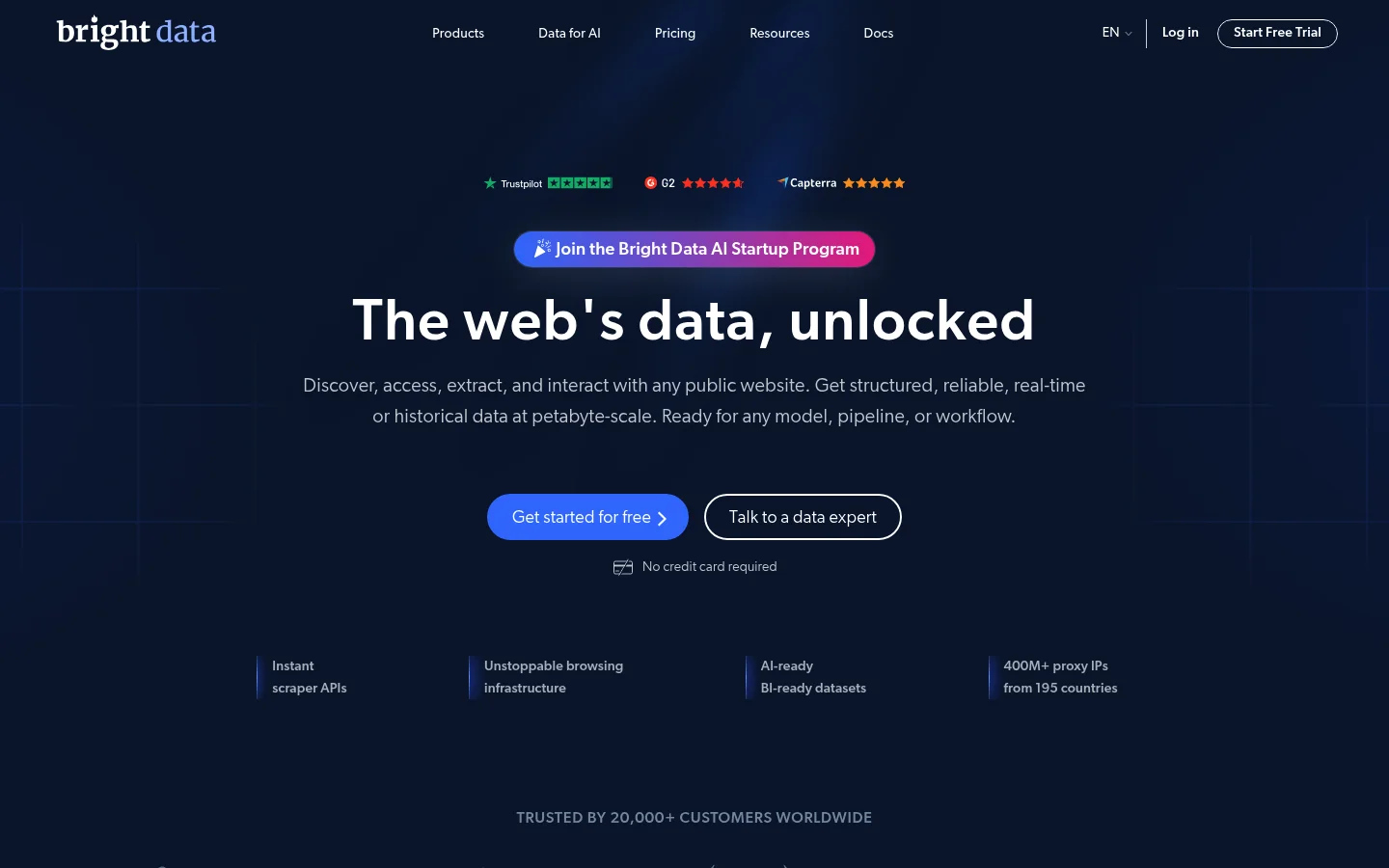
The free tier provides 5,000 credits per month, renewed on the 1st of each month, with no credit card required. That pool is shared across five products: the Web Scraping API, the SERP API, the Unlocker API, Scraper Studio, and the Browser API. The Web Scraping API uses one credit per record, and the SERP and Unlocker APIs use one per request. Scraper Studio uses one per page load, and the Browser API uses 5 credits per MB. Unused credits reset to 5,000 at the start of each month and do not roll over.
Bright Data posted the highest average success rate, 98.87%, of the 16 scraping APIs in Scrape.do’s 2026 benchmark.
What the 5,000 free credits unlock:
The Web Scraping API provides access to 437+ pre-built scrapers covering major websites. Each scraper handles the full extraction pipeline: CAPTCHA solving, fingerprint evasion, proxy rotation, and structured JSON output. Failed requests do not consume credits. You pay only for delivered data.
The SERP API returns real-time structured data from Google and Bing. It draws from the same monthly credit pool. For SEO rank tracking or competitor research, this is the most direct application of the free allowance.
The Unlocker API accepts any URL and returns rendered HTML. It bypasses Cloudflare, DataDome, Akamai, Imperva, and PerimeterX on every request with no per-site configuration. The IP network behind it spans 400M+ ethically-sourced addresses across 195 countries.
Scraper Studio is a cloud IDE for building custom scrapers visually. It is billed at 1 credit per page load rather than per record. For low-volume custom extraction, it is the most credit-efficient option in the pool.
The Browser API is a managed cloud browser for JavaScript-heavy targets. It handles rendering, fingerprint evasion, and CAPTCHA solving on Bright Data’s infrastructure. It draws on the same monthly pool at 5 credits per MB.
Billing model:
The account uses a pre-paid wallet with a hard stop. When credits run out and no funds are deposited, requests stop. There is no surprise bill. Adding a payment method is a verification step only. Free credits are spent before any deposited funds.
What is not included:
Proxy products (residential, datacenter, ISP) are not covered by the 5,000-credit pool. They are available via a separate one-time $2 trial valid for 7 days, plus a $5 bonus when a payment method is added.
Performance and compliance:
Bright Data is trusted by 20,000+ customers including Fortune 500 companies. The platform holds GDPR, CCPA, and ISO 27001 certification. The proxy network is ethically sourced, which addresses compliance requirements in regulated industries.
Pricing:
The free tier provides 5,000 credits per month with no credit card and no commitment. Pay-as-you-go pricing is $1.50 per 1,000 successful records. The Scale plan is $499/month and includes 384,000 records; additional records cost $1.30 per 1,000. Enterprise pricing is custom with volume discounts and a dedicated account manager.
Active promotions: 25% off the Scraper API for 3 months with code APIS25. First deposit matched dollar-for-dollar up to $500.
Best for: Teams that need production-grade anti-bot infrastructure and want a genuine recurring free tier to test and prototype without a credit card.
Pros:
- ✅ 5,000 credits/month recurring, no credit card required
- ✅ Highest average success rate (98.87%) of 16 APIs in Scrape.do’s 2026 benchmark
- ✅ 437+ pre-built scrapers covering major websites
- ✅ Built-in bypass for Cloudflare, DataDome, PerimeterX, Akamai, and Imperva
- ✅ Pay-per-success: failed requests do not consume credits
- ✅ GDPR, CCPA, and ISO 27001 compliant with an ethically-sourced network
Cons:
- ❌ Not the cheapest option for simple, unprotected HTML pages
- ❌ Proxy products require a separate trial outside the free credit pool
2. ScrapingBee: Best Free Trial for API-First Developers
ScrapingBee is a well-designed REST API scraper with a clean developer experience and approximately 1,000 free API credits offered as a one-time trial with no credit card required.
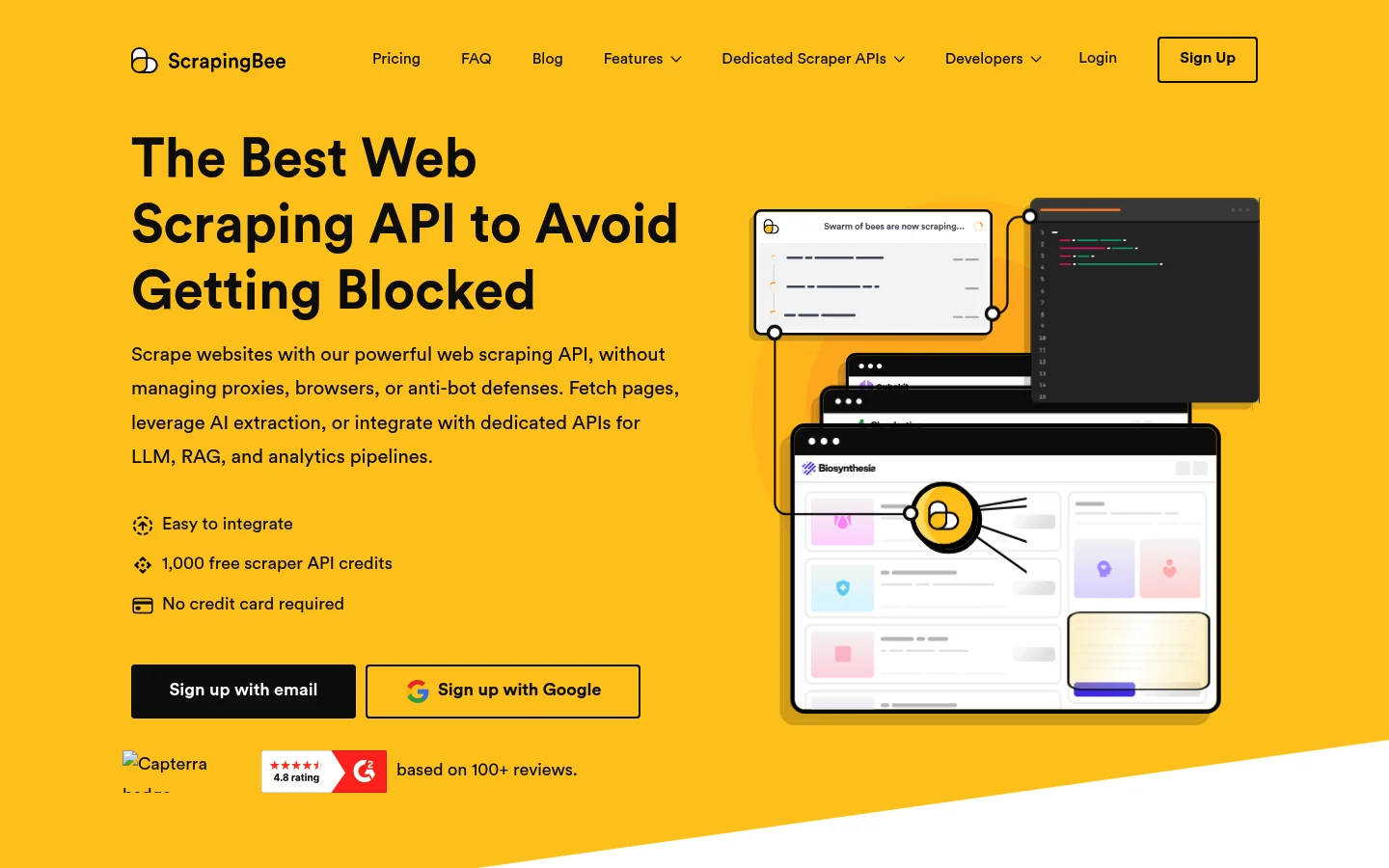
That trial is the key caveat. The free credits are a one-time allowance. Once consumed, there is no recurring free tier to return to. For developers evaluating the API before committing to paid, the trial is useful. For ongoing free access, it is not equivalent to a monthly-renewing pool.
The core product is a REST API wrapping headless Chrome. Send a URL and receive rendered HTML. JavaScript execution is automatic. The API supports rotating proxies, screenshot capture, and basic CAPTCHA bypass. SDKs cover Python, Node.js, PHP, and Ruby.
ScrapingBee also offers a Google Search API for SERP data extraction. It suits developers who need basic search results but not the full infrastructure of a dedicated managed SERP solution.
Pricing: Paid plans start at $49/month, with tiers at $99/month, $249/month, $599/month, and custom enterprise above that.
Best for: Developers who want a simple REST API with JavaScript rendering and a clean SDK for evaluating the product before committing to a paid plan.
Pros:
- ✅ Simple REST API with no infrastructure to manage
- ✅ JavaScript rendering via headless Chrome on all plans
- ✅ SDKs for Python, Node.js, PHP, and Ruby
- ✅ No credit card required for the trial
Cons:
- ❌ One-time trial only; no recurring free tier
- ❌ No independently published benchmark for anti-bot success rate
- ❌ CAPTCHA handling is basic compared to enterprise-grade managed APIs
3. ScraperAPI: Best for Low-Volume Simple HTML Extraction
ScraperAPI is the most accessible recurring-free managed API on this list after Bright Data. Its free plan provides 1,000 API calls per month on a recurring basis.
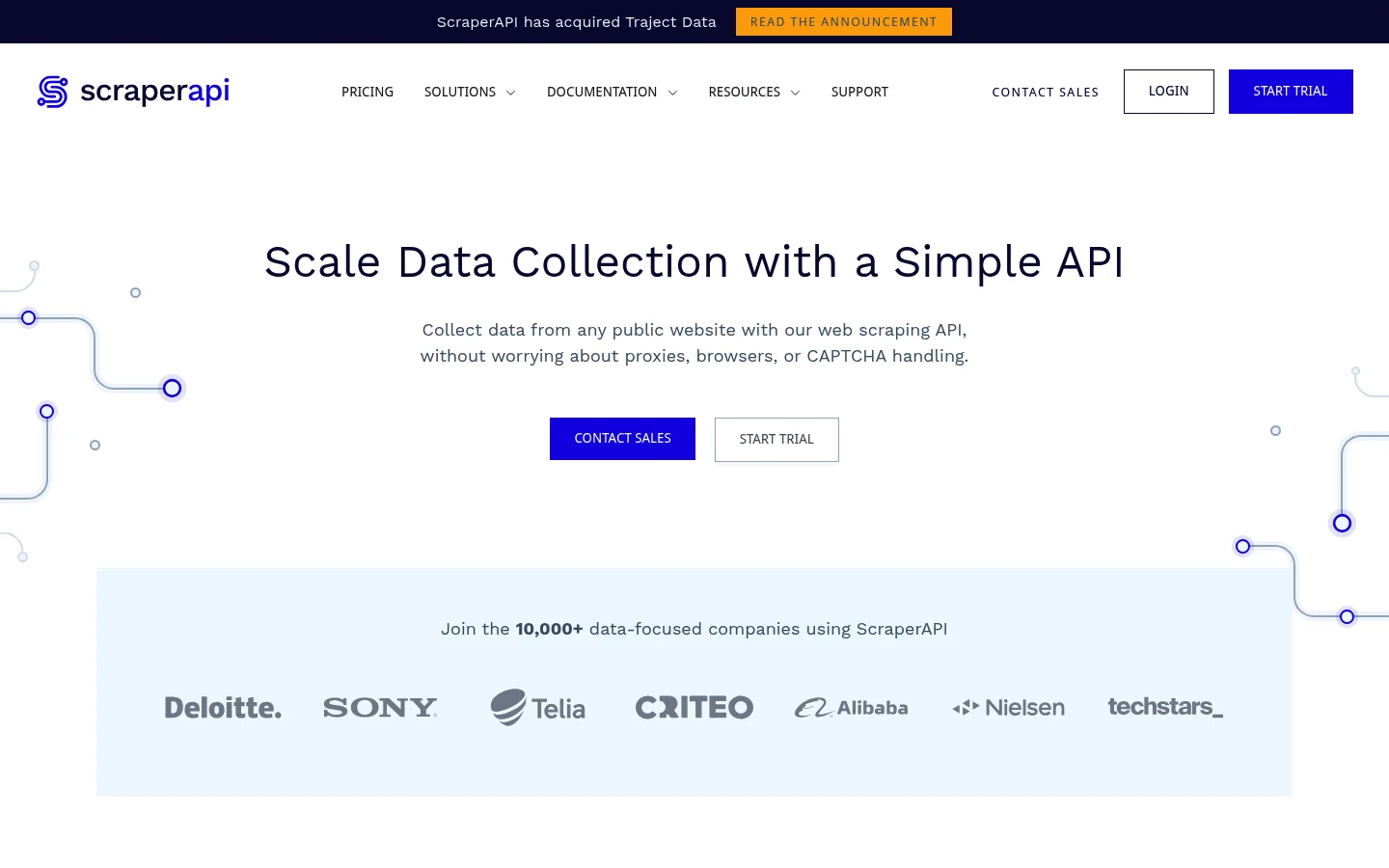
The recurring nature sets it apart from ScrapingBee’s one-time trial. For developers running low-volume periodic jobs against static HTML pages, 1,000 calls per month is a workable allowance.
The core function is straightforward: pass any URL and receive rendered HTML back. Proxy rotation and basic CAPTCHA solving are included. Geotargeting covers 12+ countries. The single-call API design minimizes integration overhead.
The main free-plan limitation is JavaScript rendering. It is not available on the free tier. Developers targeting React, Angular, or Vue applications need a paid plan. For static HTML targets, the free tier handles prototyping and low-volume recurring jobs.
Pricing: The free plan provides 1,000 API calls/month recurring. Paid plans start at $49/month. Annual pricing reduces the entry tier to $44.10/month. Higher tiers: $149/month, $299/month, $475/month, $975/month, $1,975/month, and custom above that.
Best for: Developers running low-volume recurring jobs against simple, unprotected HTML pages who need a free plan that renews monthly.
Pros:
- ✅ 1,000 calls/month recurring on the free plan
- ✅ Automatic proxy rotation and CAPTCHA solving included
- ✅ Geotargeting for 12+ countries
- ✅ Simple single-call API with minimal integration overhead
Cons:
- ❌ JavaScript rendering requires a paid plan
- ❌ 1,000 calls/month is a tight ceiling for anything beyond basic prototyping
- ❌ Anti-bot capability on heavily protected targets is limited
4. Apify: Best for Pre-Built Actors and Automation
Apify is a managed cloud platform for web scraping and browser automation. Its free plan provides $5 per month in platform credits, renewed monthly.
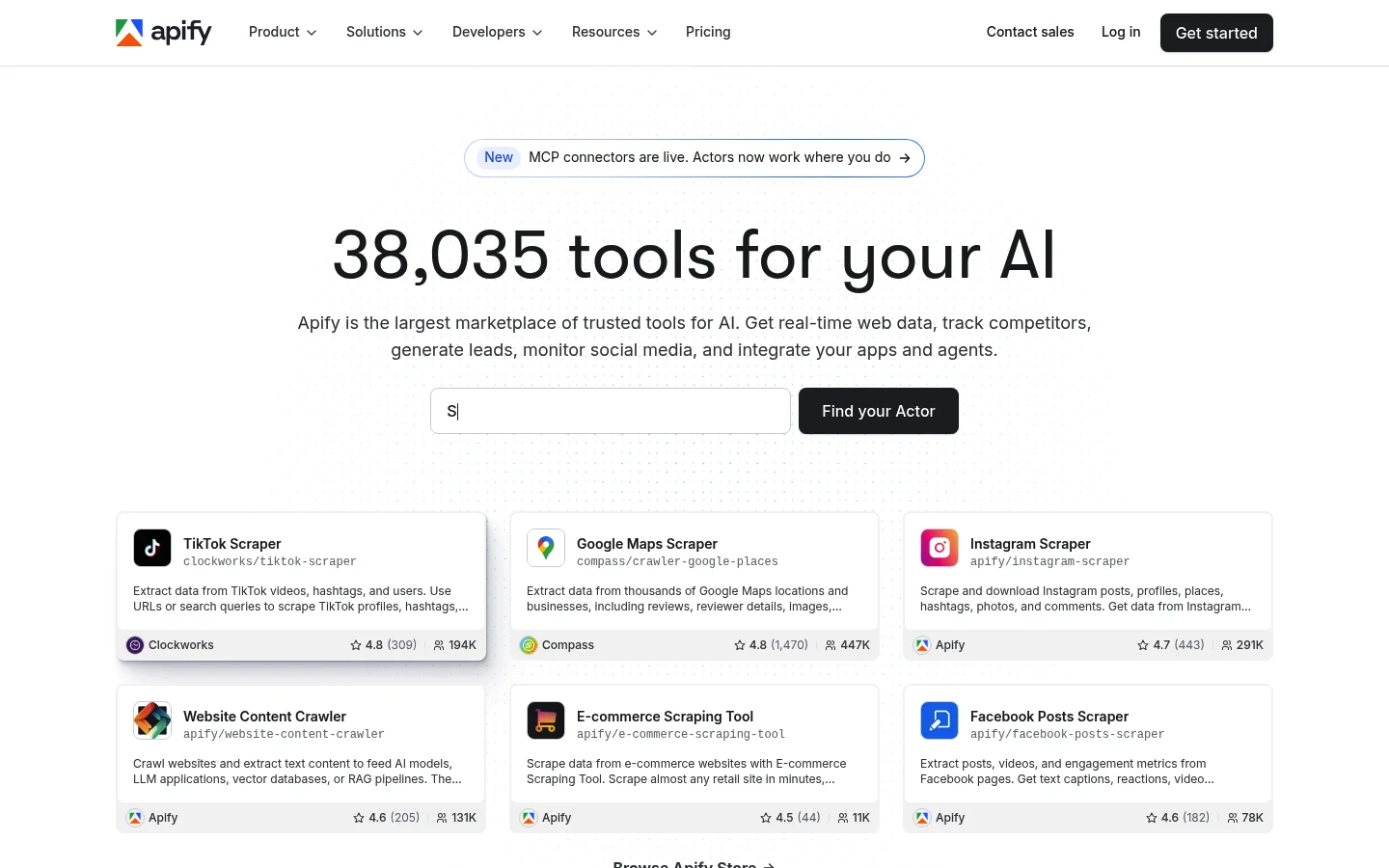
The main differentiator is the Apify Store: 1,000+ community-built Actors covering a wide range of scraping targets. If a pre-built Actor exists for your target, you can scrape without writing any code. The $5 monthly allowance covers a selection of Actors at no cost.
Platform credits translate to compute time at $0.20 per compute unit on the free plan. Lightweight HTTP-based Actors stay well within the $5 budget. Headless browser Actors that render JavaScript consume significantly more compute per run and can exhaust the free allowance quickly.
Apify’s Crawlee library is a separate open-source Node.js/TypeScript framework under the MIT license. It is free forever independently of the platform, making it a solid choice for developers who want Apify tooling without the platform dependency.
Pricing: Free plan: $0/month with $5 in store credit ($0.20 per compute unit). Starter: $29/month with $29 in store credit. Scale: $199/month ($0.16 per compute unit). Business: $999/month ($0.13 per compute unit).
Best for: Developers who want a managed cloud platform with pre-built Actors for automation and are comfortable managing within a monthly compute budget.
Pros:
- ✅ $5/month recurring free allowance with 1,000+ Actors available
- ✅ Crawlee is MIT-licensed and free forever as a standalone library
- ✅ Cloud scheduling, datasets, and webhooks on the free plan
- ✅ Native Playwright and Puppeteer support via Actor templates
Cons:
- ❌ $5/month depletes quickly on compute-heavy headless browser Actors
- ❌ Community-maintained Actors can break when target site structures change
- ❌ Steeper learning curve than a simple REST API wrapper
5. Scrapy: Best Open-Source Python Framework
Scrapy is the most widely adopted open-source Python scraping framework. It has over 62,000 GitHub stars and 11,000 forks, according to the Scrapy GitHub repository, with active maintenance since 2008.
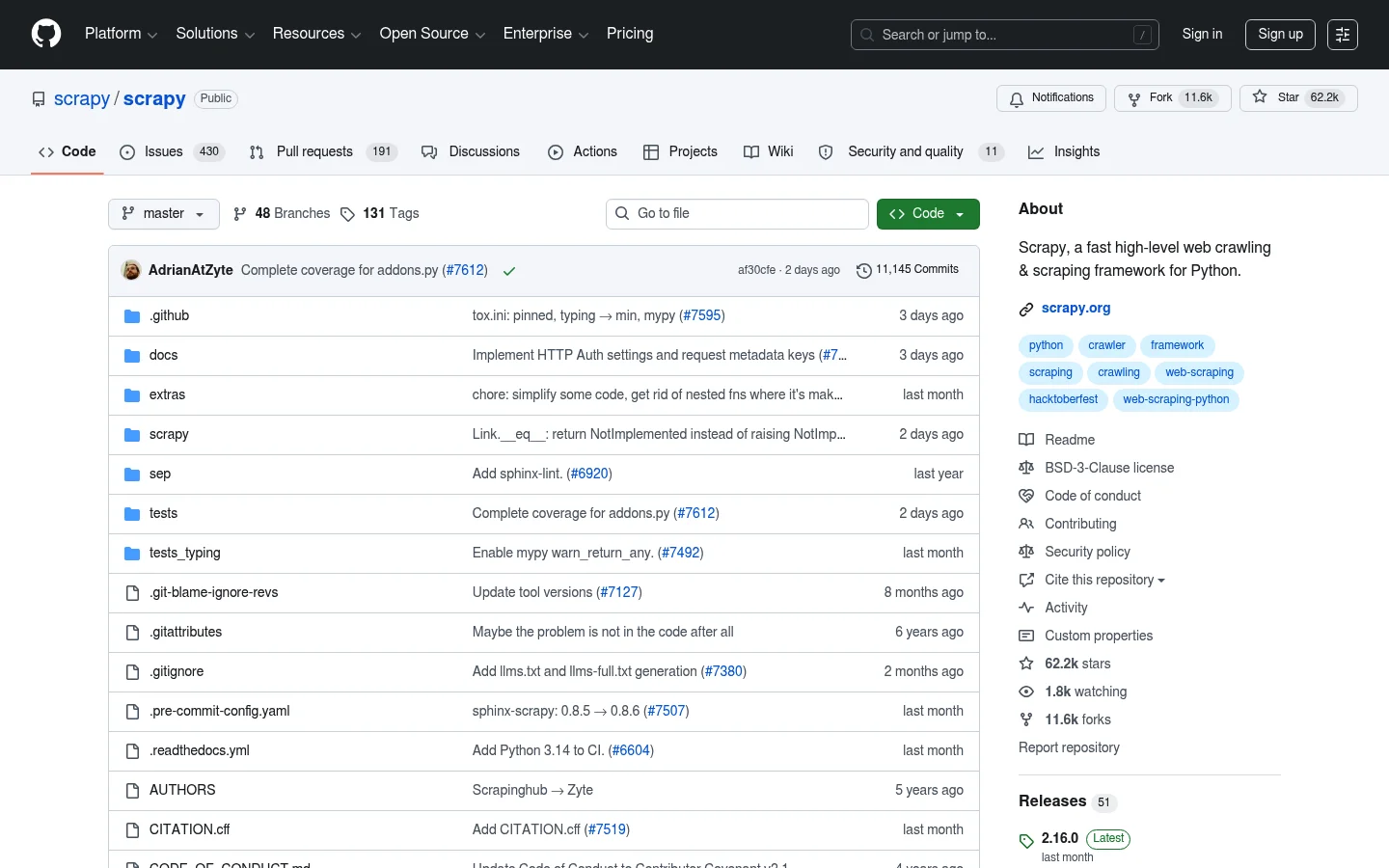
It is free forever under a BSD license, built by 500+ contributors. The core strength is throughput. Scrapy processes requests asynchronously, enabling hundreds of concurrent requests without threading overhead. Built-in XPath and CSS selectors handle structured data extraction. The middleware system manages proxy rotation, retry logic, and custom request pipelines.
The real cost of Scrapy is not the license: it is the engineering time required to build the anti-bot and proxy stack that Scrapy does not provide. Developers targeting Cloudflare or DataDome-protected sites must integrate a separate proxy service and often add scrapy-splash or Playwright middleware for JavaScript rendering. Each layer adds setup time and maintenance overhead.
For high-throughput scraping of static HTML targets without heavy anti-bot protections, Scrapy is the best open-source option. For complex protected targets, the engineering investment often exceeds the cost of a managed API.
Pricing: Free forever. Self-hosted. Infrastructure costs (cloud compute, proxy services, CAPTCHA solvers) are the developer’s responsibility.
Best for: Python developers building high-throughput, asynchronous scraping pipelines against targets without heavy anti-bot protections.
Pros:
- ✅ Free forever under BSD license; 62,000+ GitHub stars
- ✅ Asynchronous request handling for high-concurrency crawls
- ✅ Large plugin ecosystem including scrapy-redis for distributed crawls
- ✅ XPath and CSS selectors built in with configurable pipelines
Cons:
- ❌ No built-in anti-bot handling: proxy and bypass integration is manual
- ❌ JavaScript rendering requires adding Splash or Playwright middleware
- ❌ Requires Python and DevOps experience to run reliably at scale
6. BeautifulSoup + Requests: Best Lightweight Parser for Beginners
BeautifulSoup paired with the Requests library is the standard Python entry point for web scraping beginners. Both are free under permissive open-source licenses.
BeautifulSoup parses HTML and XML documents. It supports CSS selectors, tag navigation, and regular expression search. The API is simple and intuitive. A developer new to scraping can extract data from a static page in under 20 lines of Python.
Requests handles the HTTP layer. Together, the two libraries cover the complete workflow for static HTML scraping: fetch the page, parse the content, extract the target fields.
The production limitations are significant. Neither library renders JavaScript. Developers must add Selenium or Playwright for dynamic, client-side-rendered pages. Neither library manages proxies or solves CAPTCHAs. For one-off tasks on static, unprotected sites, this combination is the fastest path to a working scraper.
Pricing: Free forever. No paid tier.
Best for: Python beginners and developers building one-off scraping scripts against static HTML pages with no anti-bot measures.
Pros:
- ✅ Free forever with minimal dependencies
- ✅ Simple, intuitive API with a shallow learning curve
- ✅ Compatible with any Python HTTP client including httpx and aiohttp
- ✅ Widely documented with extensive community resources
Cons:
- ❌ Cannot render JavaScript-generated content without adding Selenium or Playwright
- ❌ No built-in proxy management or CAPTCHA solving
- ❌ Not designed for large-scale or distributed scraping
7. Playwright: Best Open-Source Browser Automation Tool
Playwright is an open-source browser automation library maintained by Microsoft under the Apache 2.0 license. It is free and actively developed.
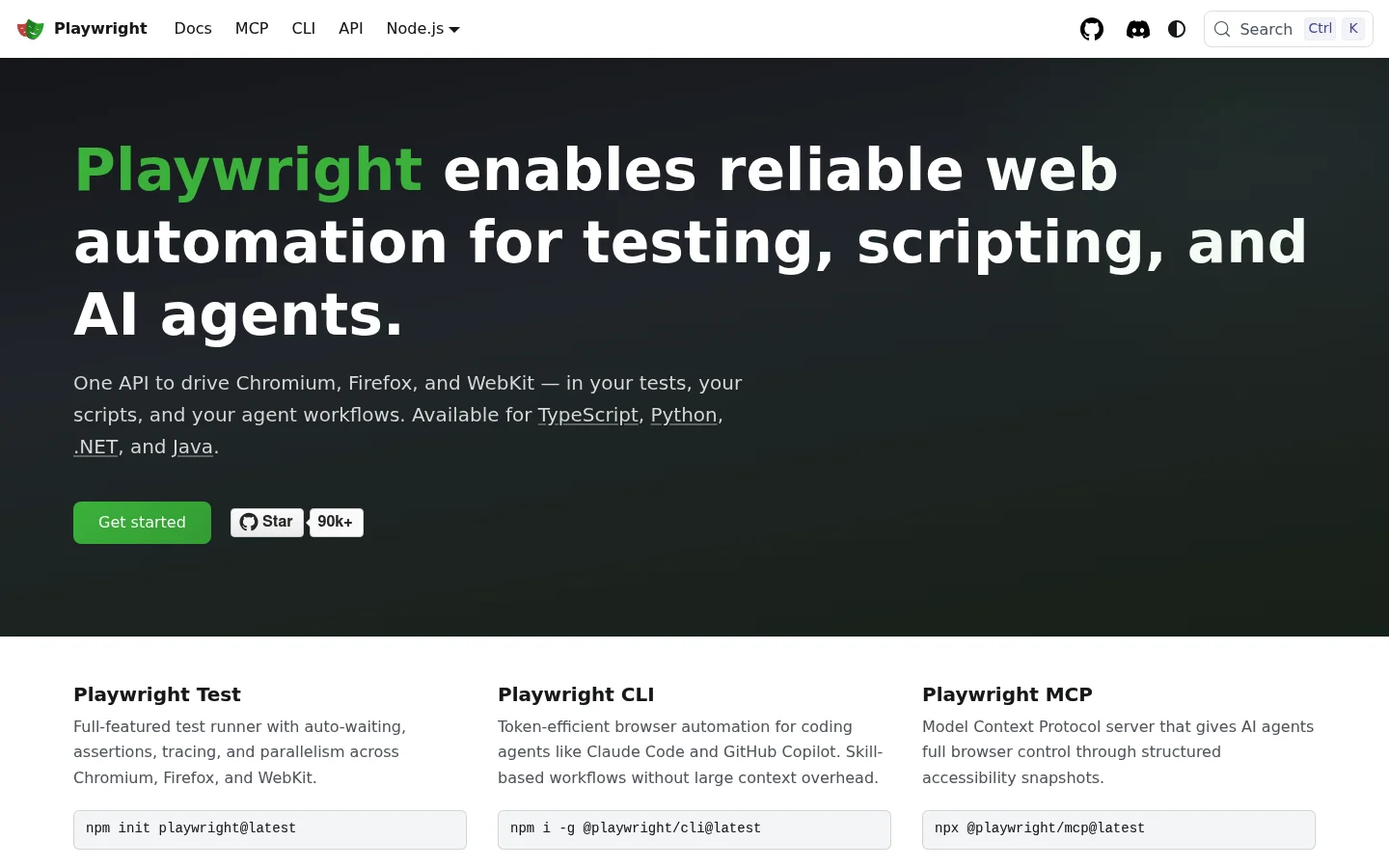
It controls Chromium, Firefox, and WebKit with a single async API. Language bindings are available in Python, Node.js, Java, and .NET. Playwright handles the full JavaScript rendering cycle: page load, script execution, dynamic content insertion, and complex user interactions including paginated flows and login forms.
For scraping JavaScript-heavy sites, Playwright is the most capable open-source option. It captures screenshots, intercepts network requests, and handles multi-step page sequences without additional dependencies.
The production-scale limitation is resource consumption. Each browser instance consumes significant RAM. High-concurrency Playwright deployments require substantial cloud infrastructure. There is no built-in proxy rotation or anti-bot fingerprint evasion. Headless Chromium is detectable by most enterprise anti-bot systems. Developers who need Playwright at production scale with anti-bot bypass can connect existing scripts to Bright Data’s managed Playwright browser, which handles fingerprinting, IP rotation, and Cloudflare bypass without changing the core scraping logic.
Pricing: Free forever. Self-hosted. Infrastructure and proxy costs are the developer’s responsibility.
Best for: Developers who need full browser automation for JavaScript-rendered pages at low concurrency or local development.
Pros:
- ✅ Free forever under Apache 2.0 license, maintained by Microsoft
- ✅ Full browser control across Chromium, Firefox, and WebKit
- ✅ Async API in Python, Node.js, Java, and .NET
- ✅ Built-in screenshot capture and network request interception
Cons:
- ❌ High RAM usage per browser instance makes scale expensive
- ❌ No built-in proxy rotation or anti-bot fingerprint evasion
- ❌ Headless Chrome is detectable by enterprise-grade anti-bot systems
8. Octoparse: Best No-Code Point-and-Click Scraper
Octoparse is a no-code scraping tool with a visual point-and-click interface. Its free plan supports 10 scraping tasks with unlimited local runs and up to 10,000 records per task.
The free plan runs locally on Windows only. Cloud scheduling, automated export, and cloud task execution require a paid subscription. For non-technical users who need to extract data from a limited number of sites on an ad-hoc basis, the free plan is functional.
Octoparse handles pagination, infinite scroll, and login forms through its visual workflow builder. A template library with pre-configured scrapers covers popular websites and reduces setup time. For a deeper comparison of no-code scraping tools, see our guide to best no-code web scrapers.
Pricing: Free plan available (10 tasks, local runs, Windows only). Cloud plans start at $69/month, with higher tiers at $399 and $599 per month.
Best for: Non-technical Windows users who need a free desktop tool for point-and-click data extraction from a small number of sites.
Pros:
- ✅ Free local plan with 10 tasks and up to 10,000 records per task
- ✅ Visual interface requires no coding
- ✅ Template library for popular websites included
- ✅ Handles pagination, infinite scroll, and login forms
Cons:
- ❌ Cloud scheduling and automated export require a paid plan
- ❌ Free plan is Windows-only
- ❌ Limited anti-bot handling on the free local tier
9. ParseHub: Best No-Code Tool for Multi-Page Extraction
ParseHub is a no-code web scraper with a visual interface that supports JavaScript, AJAX, and multi-page crawling. Its free plan offers 5 public projects with 200 pages per run, running locally.
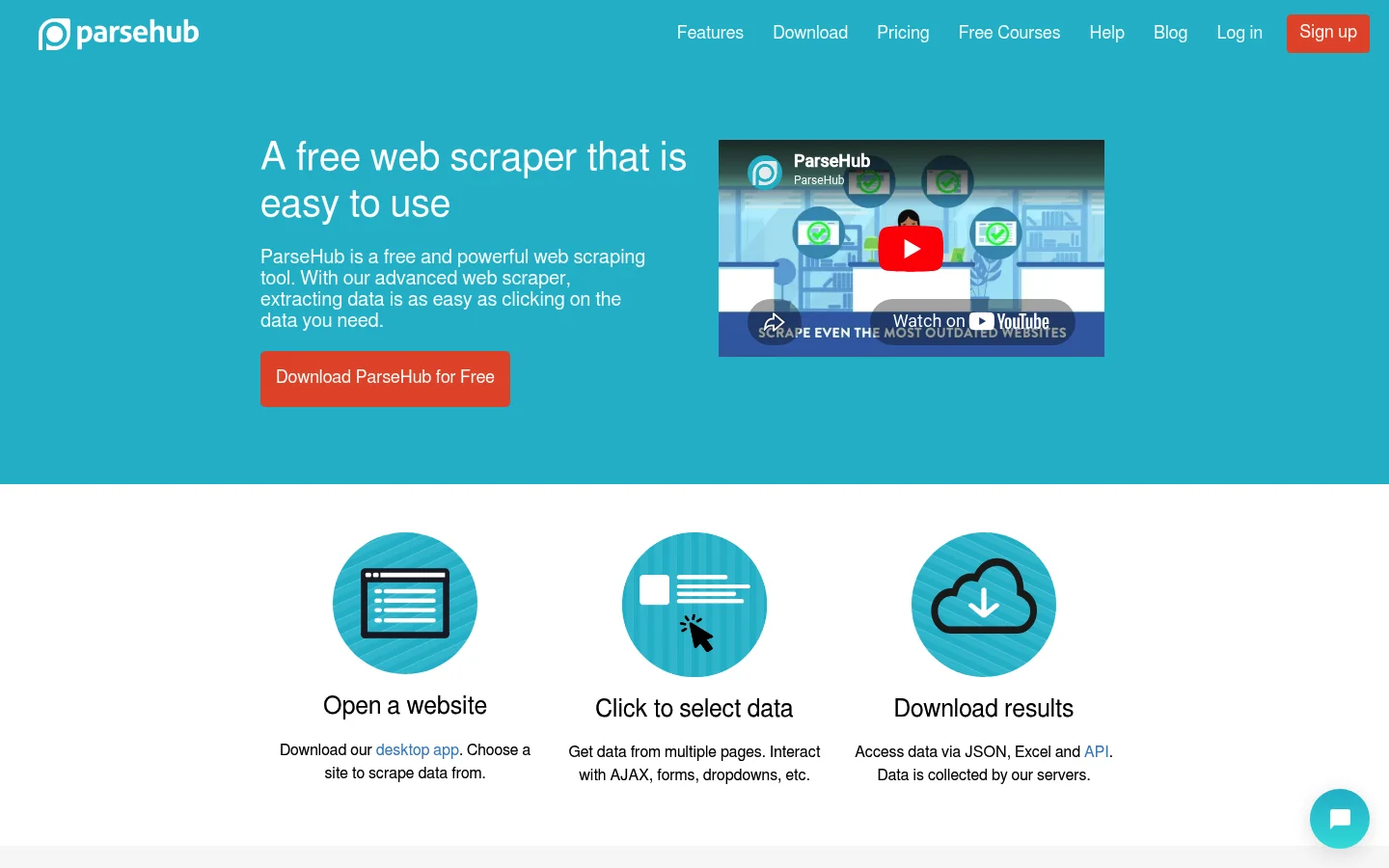
The 200-page cap per run is the main constraint of the free tier. For small, bounded datasets this is workable. For full catalog crawls or deeply paginated targets, it is restrictive. Cloud scheduling and automated execution require a paid plan. ParseHub’s desktop app runs on Mac, Windows, and Linux, making it more accessible than Octoparse’s Windows-only free plan.
Results export as CSV or JSON. For use cases that require fast, real-time data rather than batch scraping, see real-time web scraping tools for a dedicated comparison.
Pricing: Free plan: 5 projects, 200 pages/run, local execution only. Premium paid plans available for cloud scheduling and larger volumes.
Best for: Non-technical users on Mac, Windows, or Linux who need to extract structured data from multi-page sites at low volume.
Pros:
- ✅ Free plan with no credit card required
- ✅ Supports AJAX, JavaScript, and multi-page crawling
- ✅ Cross-platform: Mac, Windows, and Linux
- ✅ CSV and JSON export included on the free plan
Cons:
- ❌ 200-page cap per run limits usefulness for large crawls
- ❌ No cloud scheduling or automated runs on the free plan
- ❌ Slower than API-based tools for high-volume data collection
Which Free Web Scraper Should You Choose?
The right tool depends on four factors: target site complexity, your team’s coding ability, expected monthly volume, and whether compliance documentation is required.
Should You Use a Managed API?
If your target site runs Cloudflare, DataDome, or a similar anti-bot system, a managed API is the practical path. Open-source tools require a proxy service, a CAPTCHA solver, and often a headless browser layer on top of the core scraping logic. Managed APIs build all of this into the product. Bright Data’s 5,000 monthly free credits let you confirm anti-bot handling on your own targets before committing a dollar.
Is Open-Source the Right Choice for You?
Open-source frameworks like Scrapy and libraries like BeautifulSoup give you complete control. They suit teams with Python experience that are scraping static HTML pages without meaningful anti-bot measures. The license is free. The real cost is engineering time for setup, proxy integration, and maintenance as target sites change.
Does Your Team Need a No-Code Option?
Octoparse and ParseHub work without any code. They suit business analysts and operations teams who need to collect data but lack developer resources. The free plans cap task count and page volume, making them practical for one-off research projects. Bright Data’s Scraper Studio is an alternative: a visual builder backed by the full anti-bot infrastructure of a managed API.
When Should You Upgrade from the Free Tier?
Three signals indicate a free plan is no longer sufficient. Monthly volume consistently exceeds the free credit or call limit. Concurrent scraping requirements exceed what a single local process can handle. An enterprise SLA or compliance audit requires documented infrastructure guarantees.
Common Free Web Scraper Use Cases
The five most common use cases each map naturally to one of the three tool categories.
Price Monitoring and Competitive Intelligence
Price monitoring requires recurring scheduled scrapes against product pages. The number of SKUs and update frequency determine volume requirements. Managed APIs with recurring free tiers handle low-volume price monitoring without infrastructure cost. Bright Data’s pre-built scrapers cover major e-commerce targets within the free credit pool. At higher volumes, pay-per-success pricing at $1.50 per 1,000 records keeps cost proportional to data delivered. Public web data also enables teams to overcome supply chain challenges by monitoring supplier pricing and availability at scale.
Lead Generation and B2B Contact Data Collection
Lead generation scraping targets business directories and company websites. Volume varies widely by team size and target segment. For low-volume B2B research, Apify’s pre-built Actors or Bright Data’s free Unlocker API credits cover the initial need. At scale, reliable B2B data collection requires a robust proxy network and consistent JavaScript rendering. Bright Data’s 400M+ IP network and built-in unblocking make it the production choice for this workload.
Academic and Market Research Datasets
Academic researchers typically scrape a large number of sources once rather than running recurring jobs against a small set. Open-source tools like Scrapy suit this pattern: a one-time crawl of a news archive or product catalog runs locally without recurring cost. For protected sources, a managed API is necessary. Bright Data’s pre-collected datasets cover 100+ popular sites and are available for immediate download, removing the need to build any scraping pipeline.
News Aggregation and Content Monitoring
News aggregation runs on a recurring schedule. Pipelines detect new articles, extract structured content, and handle RSS feed variations and JavaScript-rendered sites. At small scale (under 100 sources), Scrapy or BeautifulSoup with a scheduler covers the use case. At larger scale, managed APIs handle concurrency and JavaScript rendering without per-developer infrastructure management.
SEO and SERP Rank Tracking
SERP rank tracking requires access to Google and Bing search results at scale. Direct scraping of Google is blocked by sophisticated anti-bot defenses. A managed SERP API is the only reliable solution at meaningful volume. Bright Data’s SERP API returns structured JSON from Google and Bing, drawing from the same 5,000 monthly free credits. It is the most cost-efficient entry point for SERP monitoring before committing to a paid plan. For AI-powered search tools, the Bright Data MCP server draws on the same 5,000 monthly free credits, so agents can pull SERP data directly.
What Technical Challenges Do Scrapers Face?
Four challenges determine whether a scraping setup succeeds in production. Understanding which require managed infrastructure and which can be addressed with open-source tooling informs the build-vs-buy decision.
How Do Anti-Bot Systems Block Your Scrapers?
Enterprise anti-bot systems combine browser fingerprinting, IP reputation scoring, behavioral analysis, and CAPTCHA challenges. Each technique operates simultaneously. Bypassing one while failing another results in a block. Cloudflare, DataDome, PerimeterX, Akamai, and Imperva each implement their own combination. Open-source tools can integrate individual bypass solutions, but each adds a dependency and maintenance overhead. Bright Data handles all five systems natively on every free-tier request with no per-site configuration required.
Does Your Target Use JavaScript Rendering?
Single-page applications built on React, Vue, or Angular do not return usable content in a plain HTTP response. JavaScript fetches data and renders it into the DOM after the initial page load. Capturing this content requires a full browser engine. Playwright handles this locally but consumes significant RAM at concurrency. Bright Data’s Browser API is a managed cloud browser alternative. It handles rendering, fingerprint evasion, and CAPTCHA bypass at the infrastructure level. It draws on the same 5,000 monthly free credits, at 5 credits per MB.
How Do You Handle Rate Limits at Scale?
Most websites enforce rate limits at the IP level. A scraper sending many requests per minute from a single IP triggers a block quickly. IP rotation distributes requests across a large address pool, keeping per-IP request rates below detection thresholds. Building a production-grade rotation system requires access to a large, diverse proxy network. Bright Data’s residential proxy network spans 400M+ ethically-sourced IPs across 195 countries. Open-source scrapers connect to a third-party proxy provider separately, adding cost and a new dependency.
How Do You Parse and Structure Scraped Data?
Even after successfully fetching a page, data extraction introduces challenges. HTML structure changes without warning. XPath selectors break when a site redesigns. Duplicate records appear across paginated results. Output inconsistencies require normalization before data is usable downstream. Bright Data’s 437+ pre-built scrapers handle the parsing layer for covered websites and deliver normalized JSON on every successful request. Open-source tools leave parsing and deduplication logic to the developer, requiring maintenance as target sites evolve.
Choosing a free web scraper comes down to where you want to spend: money or engineering time. Managed free tiers cost nothing at low volume and per-record at scale, eliminating engineering overhead. Open-source tools require engineering time in exchange for a zero license cost. No-code tools avoid both but impose volume ceilings.
For developers who need reliable data from protected targets, start for free with Bright Data and use all five products in the shared credit pool before committing a dollar.
Frequently Asked Questions
Q: What is the best free web scraper overall?
Bright Data offers the best managed free tier in 2026. It provides 5,000 credits per month on a recurring basis with no credit card required. The credit pool covers the Web Scraping API, SERP API, Unlocker API, Scraper Studio, and the Browser API. Bright Data also posted the highest average success rate, 98.87%, of the 16 scraping APIs in Scrape.do’s 2026 benchmark.
Q: What is the difference between a managed API free tier and an open-source scraper?
A managed API free tier includes anti-bot infrastructure (proxy rotation, CAPTCHA solving, fingerprint evasion) as part of the service. You call an API and receive structured data back. An open-source scraper is a library or framework you install and run yourself. The license is free, but you are responsible for building and maintaining the proxy, CAPTCHA, and bypass layers separately. Managed APIs cost money at scale; open-source tools cost engineering time.
Q: Does Bright Data require a credit card for its free plan?
No. Bright Data’s free plan does not require a credit card. New accounts receive 5,000 credits per month automatically, covering the Web Scraping API, SERP API, Unlocker API, Scraper Studio, and the Browser API. Credits renew on the 1st of each month. The account uses a hard-stop pre-paid wallet model: requests stop when credits are exhausted and no funds are deposited, so there is no surprise billing.
Q: Can free web scrapers handle JavaScript-rendered pages?
It depends on the tool category. Bright Data renders JavaScript natively on its managed infrastructure, with unblocking built in. Open-source browser automation tools like Playwright handle JavaScript rendering locally but require your own compute resources and do not include anti-bot bypass. Open-source HTTP libraries like BeautifulSoup and Scrapy cannot render JavaScript without adding a separate headless browser middleware.
Q: What happens when I use all 5,000 Bright Data free credits in a month?
When the 5,000 free credits are exhausted, requests stop. The account uses a hard-stop pre-paid wallet model. If no funds are deposited, no additional requests are processed and no charges are incurred. Credits reset to 5,000 on the 1st of the following month. Unused credits do not roll over.
Q: Which free scraper has the best anti-bot bypass capability?
Bright Data has the strongest benchmark record among the free-tier options on this list. It posted the highest average success rate, 98.87%, of the 16 scraping APIs in Scrape.do’s 2026 benchmark. Its free tier also covers Cloudflare, DataDome, PerimeterX, Akamai, and Imperva with no per-site configuration.
Q: What is the best free web scraper for a developer with no prior experience?
BeautifulSoup paired with the Requests library is the best starting point for Python developers with no prior scraping experience. The API is intuitive, the documentation is extensive, and a working scraper for a static HTML page takes under 20 lines of code. For targets that require anti-bot bypass or JavaScript rendering, Bright Data’s free tier provides a managed alternative that works out of the box without infrastructure setup.


Growth Marketing Manager
Dvir Sharon is in charge of growth marketing here at Bright Data. He is interested in creating viral content that provides value for businesses looking to leverage web data.