Sometimes you just need data off a page, fast. You do not want to write a scraper or spin up a server. That is what web scraping browser extensions are for. You click a button and get a clean spreadsheet.
These tools have gone mainstream. Instant Data Scraper alone passed 1,000,000 users on the Chrome Web Store. Demand keeps climbing too. The web scraping market is worth $1.56 billion in 2026, on track for $3.49 billion by 2031.
This guide ranks the 6 best web scraping browser extensions and shows how to pick one. It also covers when to move from an extension to a full Web Scraper API.
TL;DR: Best Web Scraping Extensions at a Glance
| Extension | Best For | Free Tier | Starting Price | Chrome Web Store Rating |
|---|---|---|---|---|
| Instant Data Scraper | free one-click scraper | Unlimited (free) | Free | 4.9/5 (7,800 ratings, 1,000,000 users) |
| Web Scraper | for structured multi-page jobs | Unlimited local | $50/mo (cloud) | 4.7/5 (1,100 ratings, 900,000 users) |
| Data Miner | for prebuilt recipes | 500 pages/mo | $19.99/mo | 3.5/5 (705 ratings, 300,000 users) |
| Bardeen | for automation workflows | 100 credits/mo | $10/mo | 4.2/5 (452 ratings, 200,000 users) |
| Simplescraper | for scraping to an API | 100 credits/mo | $39/mo | 4.0/5 (365 ratings, 60,000 users) |
| Easy Scraper | for one-click pagination | Yes | $9/mo | 5.0/5 (1,300 ratings, 100,000 users) |
What Is a Web Scraping Browser Extension?
A web scraping browser extension pulls structured data from a page you are viewing. It runs inside Chrome or Edge. You click the extension on a live page, and it detects tables, lists, or fields and exports them. Most need no code, and some use AI to pick the right columns for you.
These tools shine for small, quick jobs. Think a product list, a directory, or a single search result page. The trade-off is scale. Extensions run in your browser, so big or blocked jobs are hard.
How to Choose a Web Scraping Extension
Weigh each extension against these six factors.
- Ease of use: one-click auto-detect, or a manual selector builder?
- AI features: does it pick fields for you, or must you map them?
- Pagination: can it follow next pages and infinite scroll?
- Exports: CSV, Excel, Google Sheets, or a direct API.
- Cloud and scheduling: can jobs run without your browser open?
- Price: match the free tier and paid limits to your volume.
The 6 Best Web Scraping Browser Extensions in 2026
1. Instant Data Scraper
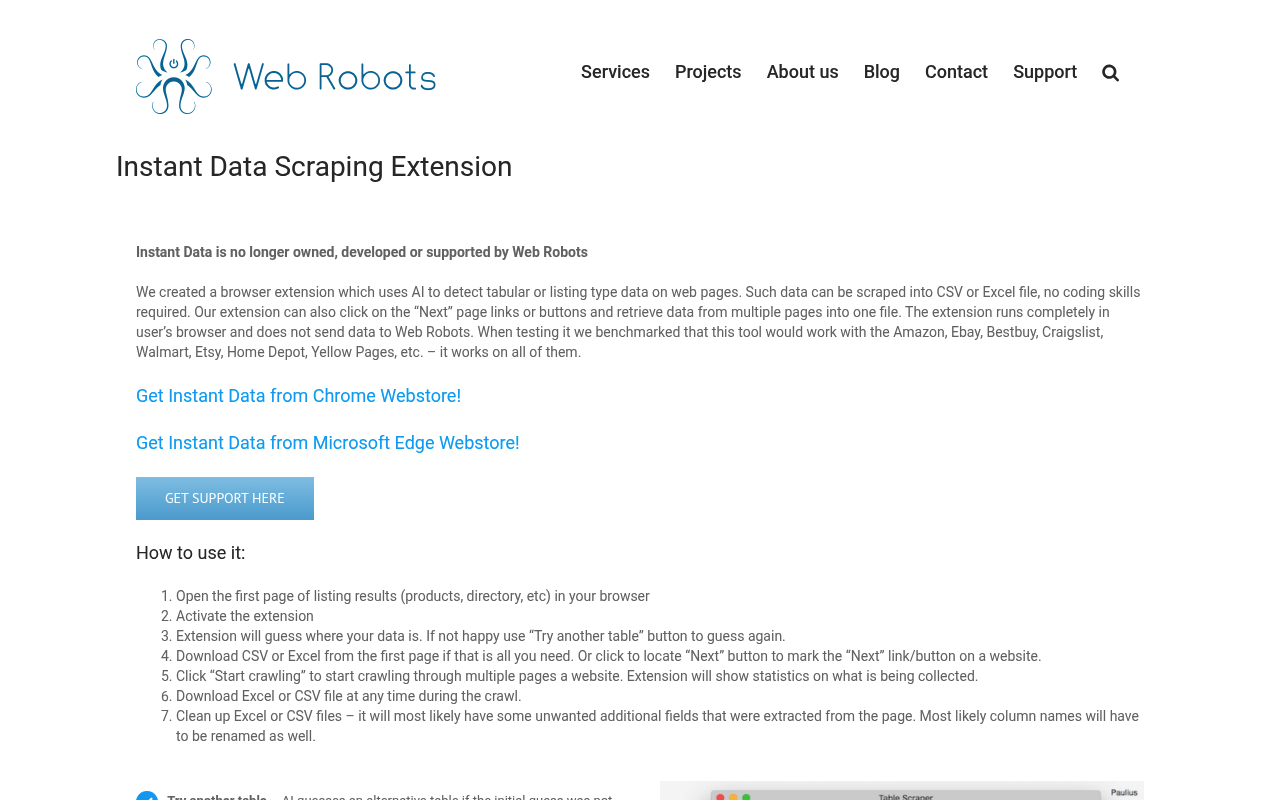
Instant Data Scraper is the fastest way to grab a table. It auto-detects structured data with one click. It uses heuristics to find tables and lists. You click the icon and it highlights the data instantly. No account or setup is required. The extension is completely free with no usage caps. Pagination is built in. It can click next and scroll to load more rows automatically. Exports go to Excel or CSV. It suits quick, one-off extractions from any page.
Key details:
- Best for: fast, free, one-off table and list extraction.
- Detection: automatic heuristic and AI-assisted field detection.
- Exports: Excel and CSV.
- Free tier: fully free, with no usage limits.
- Pricing: free.
Pros:
- Genuinely free with no caps.
- Zero setup and instant auto-detect.
- Handles pagination out of the box.
Cons:
- No cloud runs or scheduling.
- Struggles on complex custom layouts.
⭐ Chrome Web Store 4.9/5 (7,800 ratings, 1,000,000 users)
2. Web Scraper
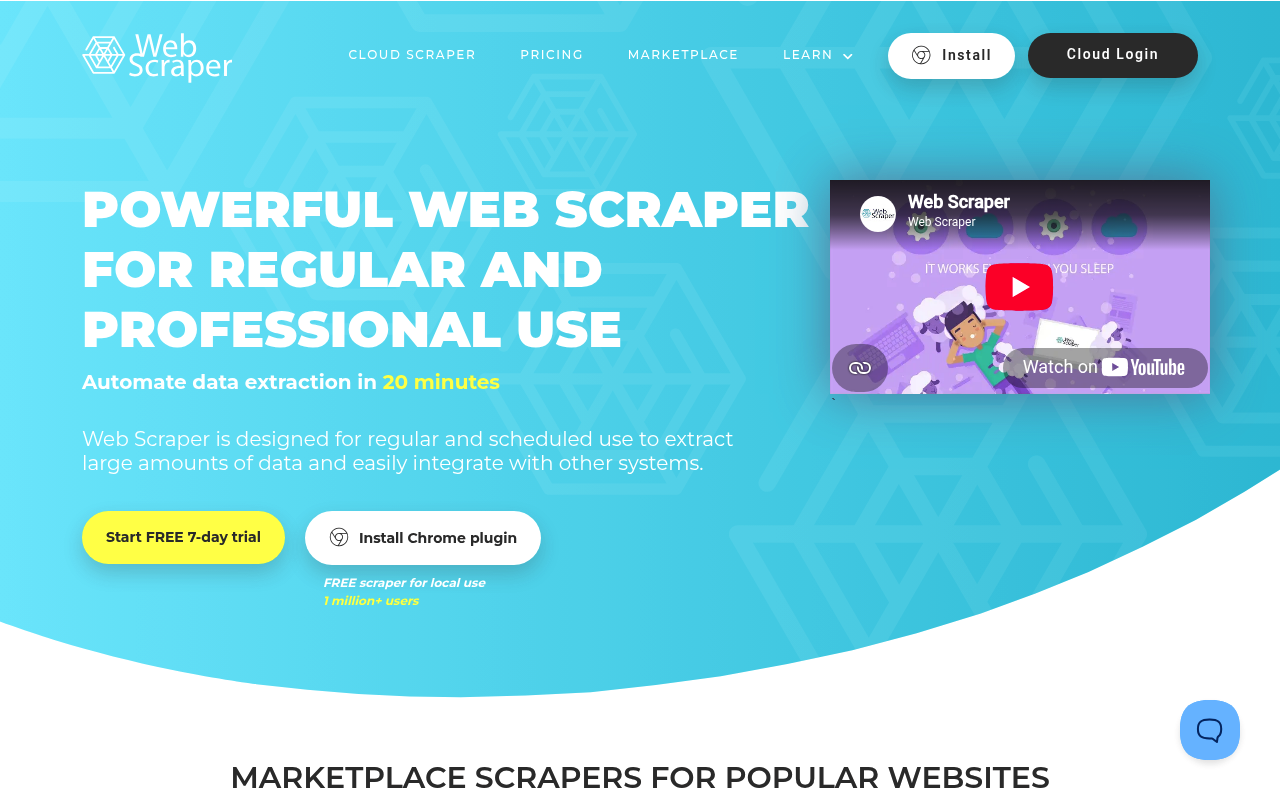
Web Scraper is the power user’s choice. Its sitemap system defines multi-level scraping flows. You build a sitemap of selectors. It then navigates categories, lists, and detail pages in order. The extension runs locally for free. A paid cloud tier runs jobs without your browser open. It handles complex sites well. Nested navigation and pagination are core features. Exports go to CSV, XLSX, or the cloud. It fits repeatable, structured scraping projects.
Key details:
- Best for: structured, multi-page scraping projects.
- Model: a visual sitemap and selector builder.
- Cloud: scheduled runs, with a dedicated IP on higher tiers.
- Free tier: unlimited local scraping in the browser.
- Pricing: Cloud plans from $50/month.
Pros:
- Powerful sitemap model for complex sites.
- Free for unlimited local scraping.
- Established, stable, and well documented.
Cons:
- Steeper learning curve than one-click tools.
- Cloud pricing is bandwidth-based.
⭐ Chrome Web Store 4.7/5 (1,100 ratings, 900,000 users)
3. Data Miner
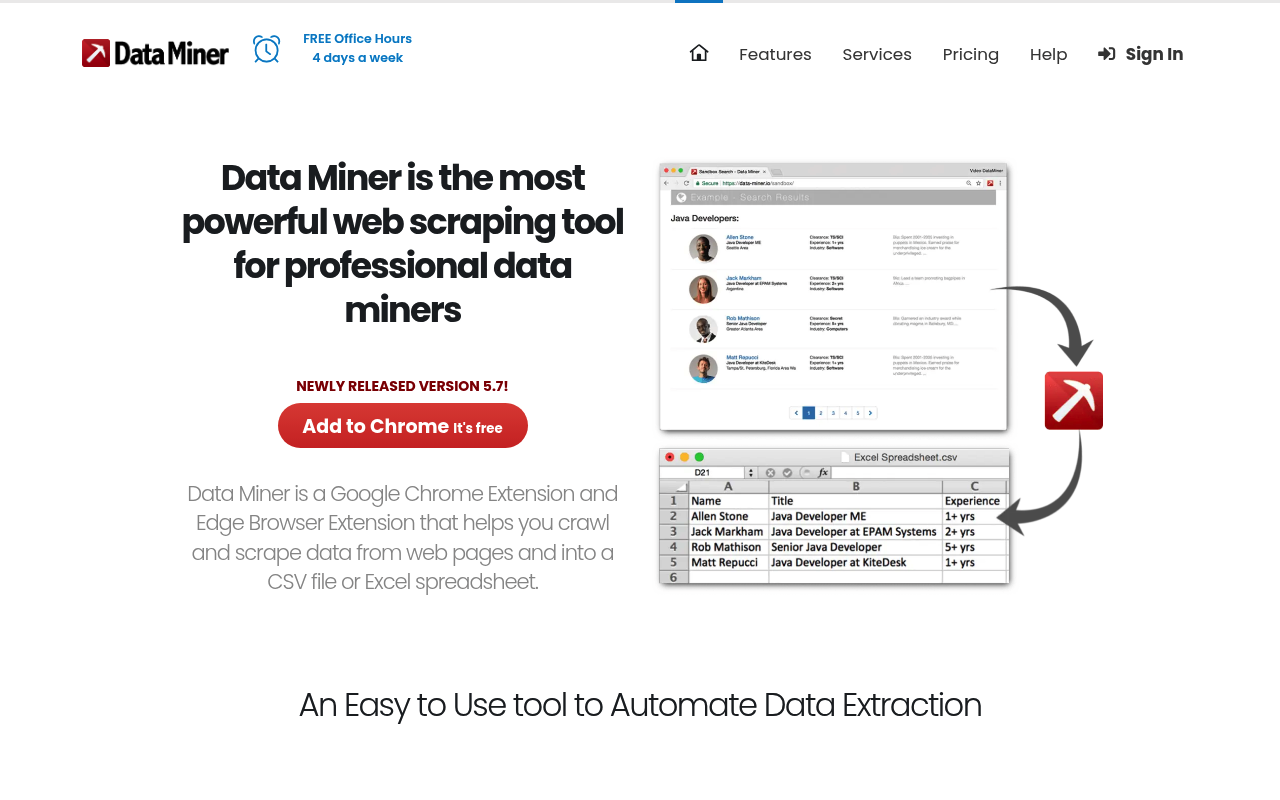
Data Miner scrapes pages using recipes. A recipe is a saved rule set for a specific site. It ships more than 60,000 public recipes. Many popular sites work with no configuration. You can also build custom recipes. A point-and-click editor maps the fields visually. Exports go to Excel, CSV, and Google Sheets. Paid plans add automation and scheduling. It targets business and research users. The recipe library is its biggest draw.
Key details:
- Best for: prebuilt, site-specific scraping recipes.
- Library: 60,000+ community recipes.
- Exports: Excel, CSV, and Google Sheets.
- Free tier: 500 pages per month.
- Pricing: Solo from $19.99/month, up to $200/month for 9,000 pages.
Pros:
- Huge library of ready-made recipes.
- Flexible custom recipe editor.
- Reliable exports to Sheets and Excel.
Cons:
- Interface feels dated.
- Free page cap is fairly low.
⭐ Chrome Web Store 3.5/5 (705 ratings, 300,000 users)
4. Bardeen
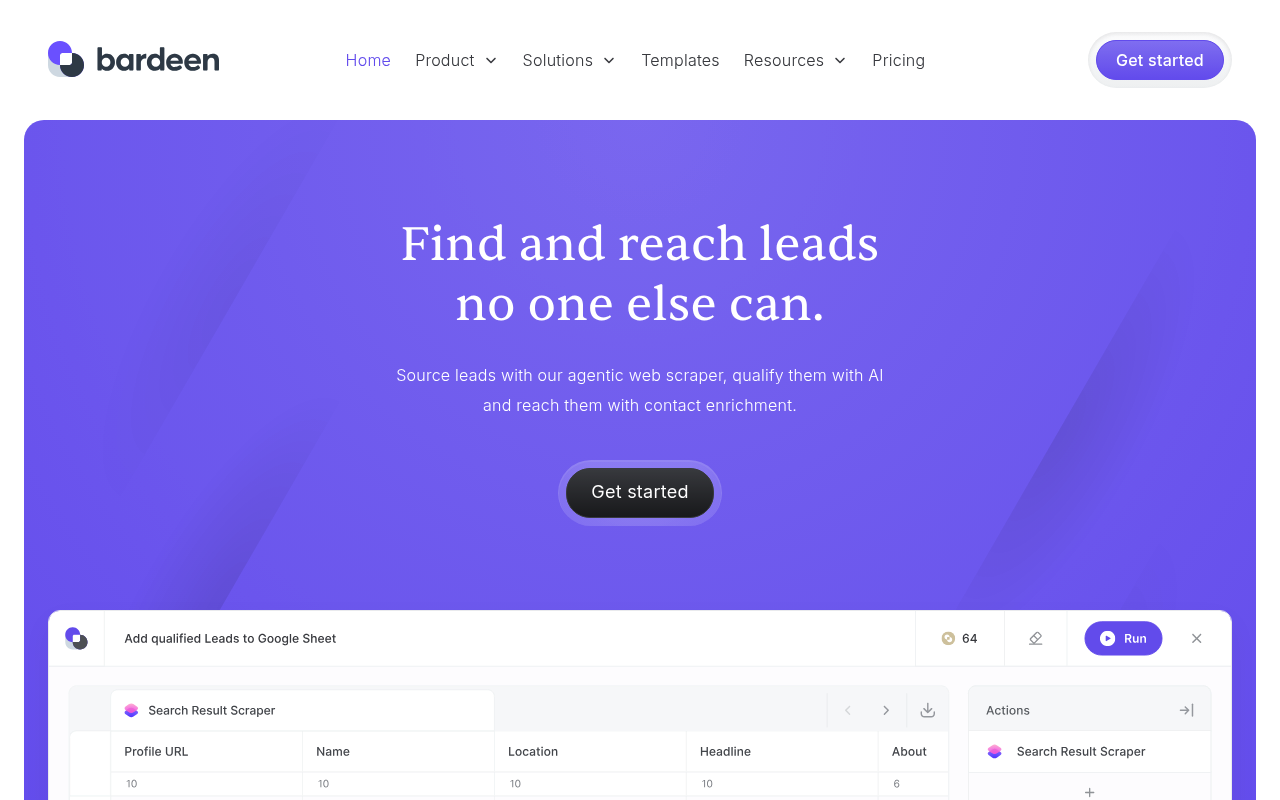
Bardeen pairs scraping with workflow automation. It extracts data, then acts on it. Scraped rows can flow into other apps. Push results to Google Sheets, Notion, or Slack automatically. It runs on a credit model. Each result-producing step costs credits. Playbooks chain steps together. You can scrape, enrich, and deliver in one automation. It leans toward sales and GTM teams. Prospecting and enrichment are common use cases.
Key details:
- Best for: scraping tied to automation workflows.
- Integrations: Google Sheets, Notion, Slack, and 100+ apps.
- Model: credit-based playbooks.
- Free tier: 100 credits per month.
- Pricing: paid plans from $10/month.
Pros:
- Combines scraping with automation.
- Wide app integrations and playbooks.
- Solid free tier for light use.
Cons:
- Credits deplete fast on big jobs.
- Focus has shifted toward sales use cases.
⭐ Chrome Web Store 4.2/5 (452 ratings, 200,000 users)
5. Simplescraper
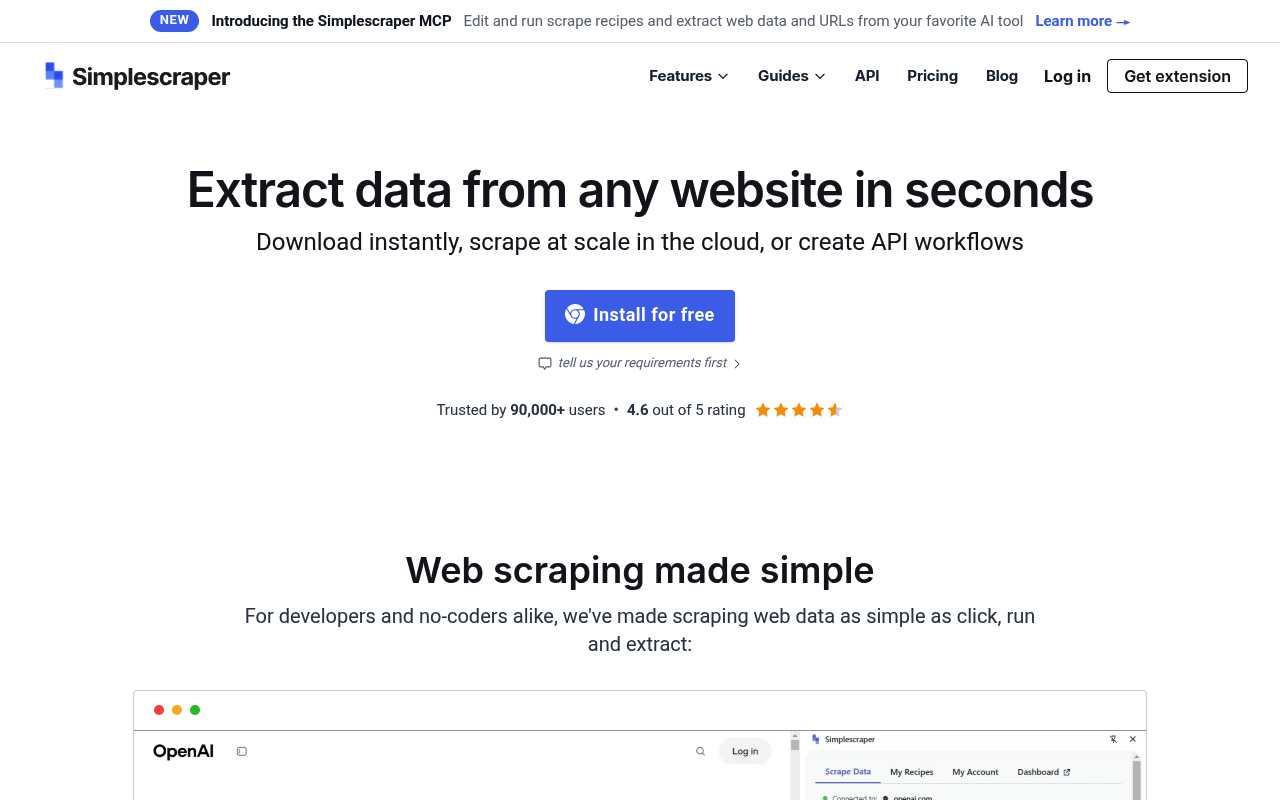
Simplescraper turns any site into an API. You point, click, and get a data endpoint. Local browser scraping is unlimited and free. Cloud runs and API access use credits. It exports to Sheets, JSON, and webhooks. Developers can pull data straight into apps. Cloud scraping runs without your browser. Higher tiers add proxy rotation. It suits developers who want data on tap. The API output is its standout feature.
Key details:
- Best for: turning websites into a data API.
- Output: Google Sheets, JSON, API, and webhooks.
- Cloud: scheduled runs, with proxy rotation on Premium.
- Free tier: 100 cloud credits per month, unlimited local scraping.
- Pricing: Plus from $39/month.
Pros:
- Clean scrape-to-API workflow.
- Unlimited local scraping on every plan.
- Developer-friendly JSON and webhooks.
Cons:
- Cloud credits add up on large jobs.
- Advanced features need a paid plan.
⭐ Chrome Web Store 4.0/5 (365 ratings, 60,000 users)
6. Easy Scraper
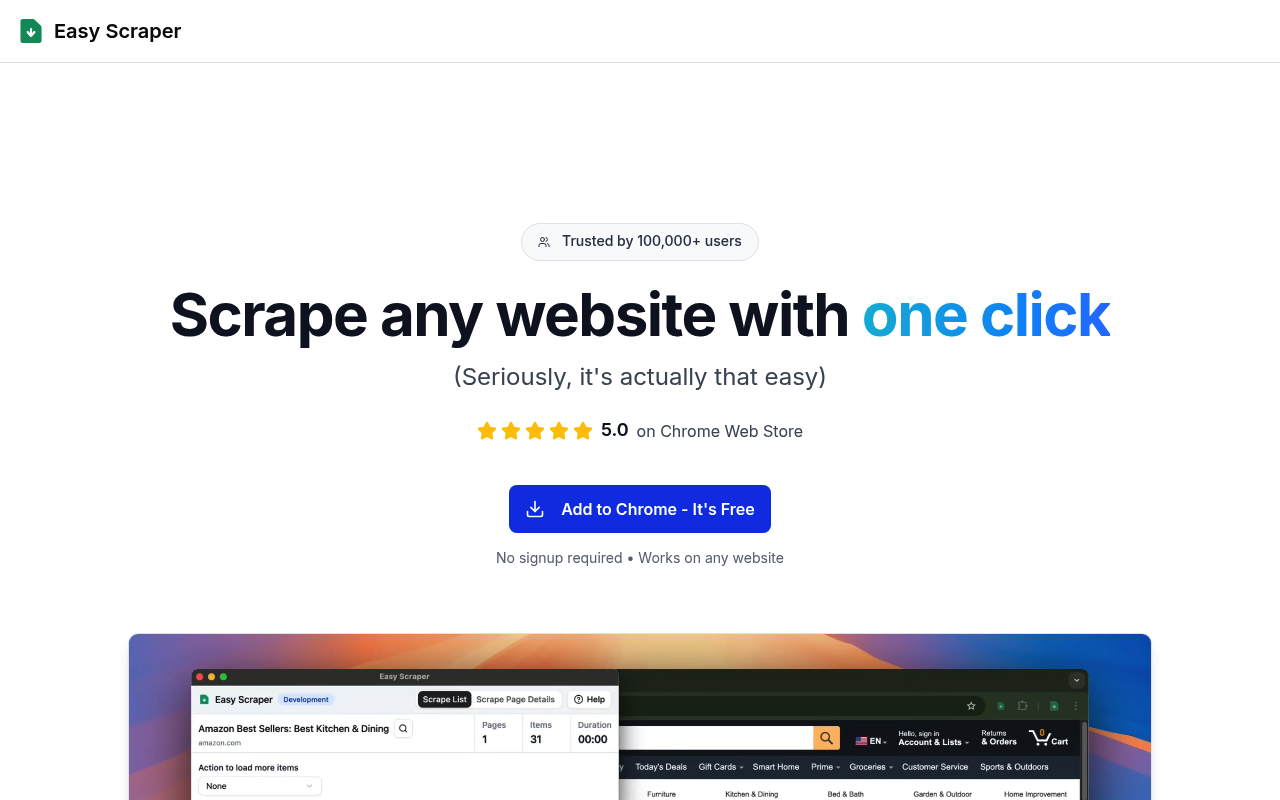
Easy Scraper is a no-setup, one-click scraper. It reads the current page and extracts structured data. It handles pagination and infinite scroll. The tool loads more rows and collects them automatically. The free tier covers casual use. Paid plans raise limits and add cloud runs. Exports go to CSV and Excel. It focuses on speed and simplicity. It holds a near-perfect store rating. Users praise how little it asks of them.
Key details:
- Best for: quick, one-click scraping with pagination.
- Detection: automatic structured-data detection.
- Exports: CSV and Excel.
- Free tier: yes, for casual use.
- Pricing: Starter from $9/month; Pro at $29/month.
Pros:
- Dead simple, with no setup.
- Strong pagination and scroll handling.
- Excellent Chrome Web Store rating.
Cons:
- Fewer advanced features than older tools.
- Smaller ecosystem and template library.
⭐ Chrome Web Store 5.0/5 (1,300 ratings, 100,000 users)
When to Graduate From Extensions to a Scraping API
Browser extensions are perfect for small, manual jobs, but they struggle once you need scale. Extensions run inside your browser. That means blocks, CAPTCHAs, and no built-in proxies. Large jobs need real infrastructure, with proxy rotation, anti-bot handling, and cloud runs.
That is where Bright Data picks up, because its tools start where extensions stop. The Web Scraper API returns structured JSON at scale, and it handles proxies, CAPTCHAs, and parsing for you. The Browser API runs headless sessions with built-in unblocking, and it plugs into Playwright, Puppeteer, and Selenium. Prefer ready-made data? The datasets marketplace sells pre-collected records outright. For a deeper look, read our guides to the best instant data scrapers and AI web scraping.
Conclusion
The best web scraping extension depends on the job, so match the tool to your data and skill level. For quick free grabs, Instant Data Scraper is hard to beat. When jobs outgrow the browser, move to a scraping API. That is the point to bring in Bright Data.
Frequently Asked Questions
What is a web scraping browser extension?
It is a Chrome or Edge add-on that extracts structured data from a page you are viewing. You click it on a live page and export the results to a spreadsheet.
What is the best web scraping extension?
Instant Data Scraper is the best overall for quick, free table grabs. It auto-detects structured data in one click and has no usage caps.
Are web scraping extensions free?
Many are. Instant Data Scraper is fully free, and most others offer a free tier. Paid plans add cloud runs, scheduling, and higher limits.
Are web scraping browser extensions legal?
Collecting public data is generally legal in the US and EU. Avoid private or logged-in data, and follow each site’s terms of service.
What are the limits of scraping extensions?
They run in your browser, so they lack proxies and anti-bot handling. Large or blocked jobs are slow, and the browser must usually stay open.
When should I use a scraping API instead of an extension?
Use an API once you need scale, reliability, or blocked sites. A scraping API adds proxies, anti-bot handling, and cloud runs that extensions cannot match.


Growth Marketing Manager
Dvir Sharon is in charge of growth marketing here at Bright Data. He is interested in creating viral content that provides value for businesses looking to leverage web data.